Compress PDF 2.0.0
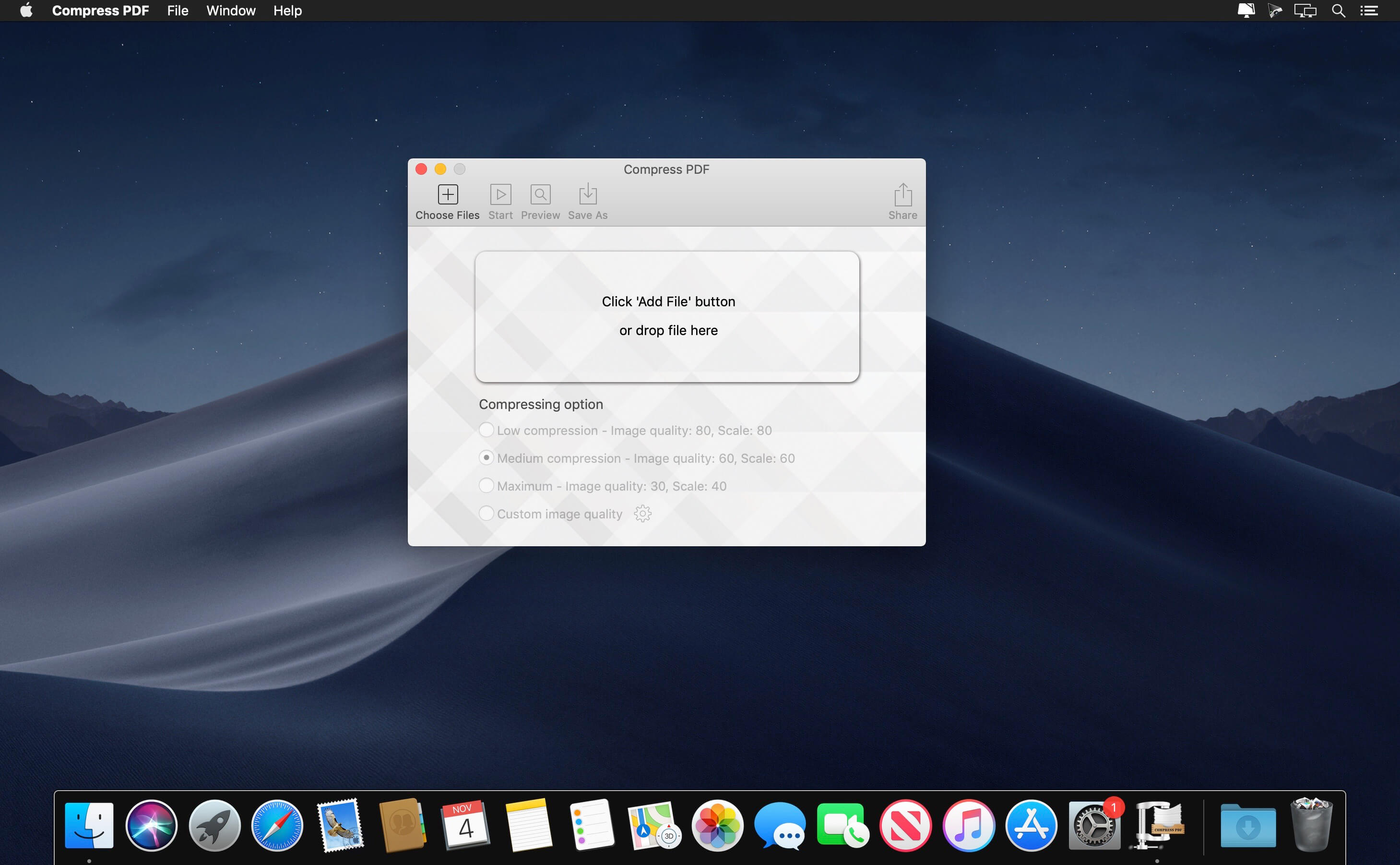
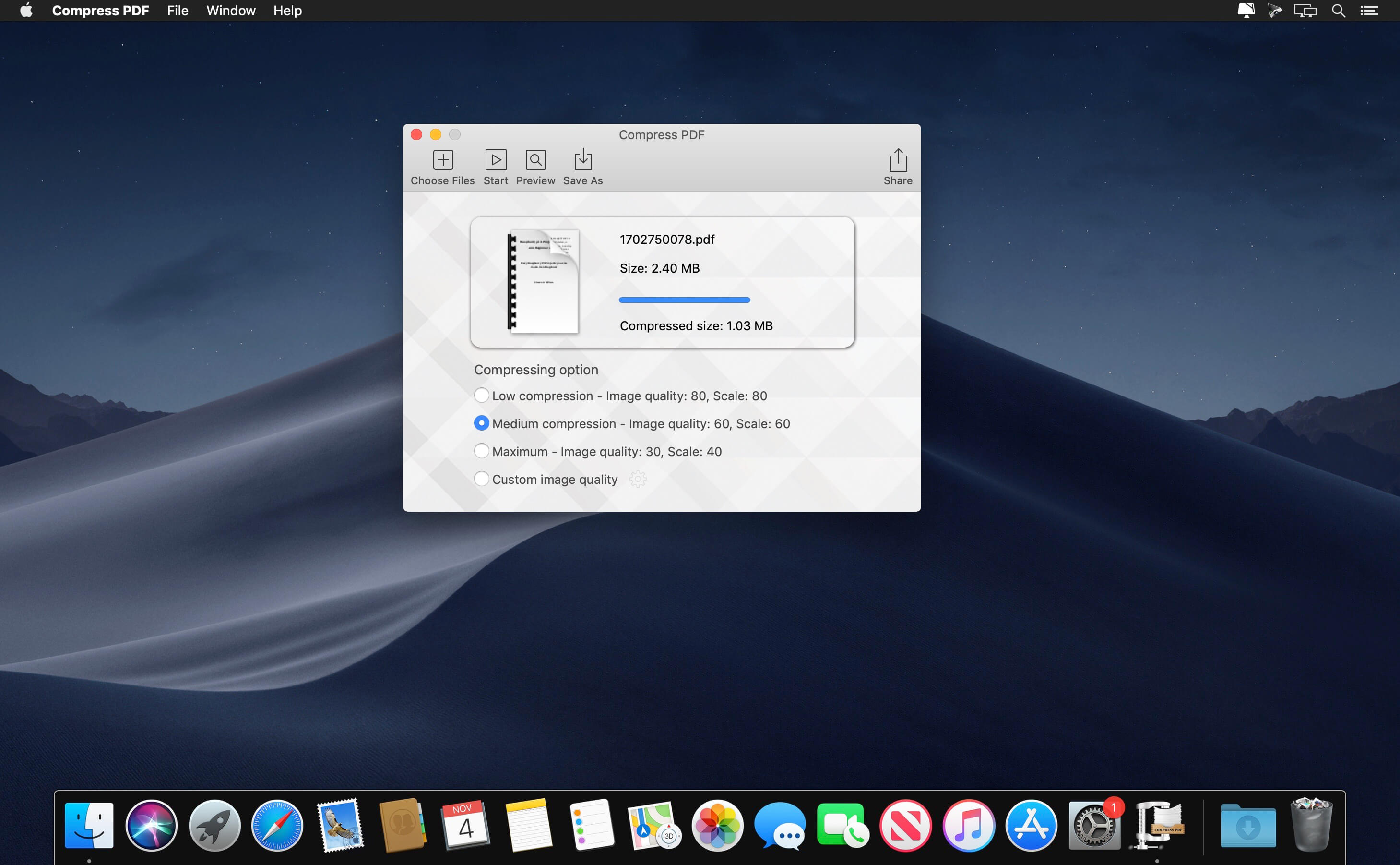
Many PDF printer or creator won’t compress PDF file during the creation, PDF file can be very large if it contains lots of images in original quality. We would love to save documents such as product brochure, user manual, reports, proposal or others as PDF file for distribution. But you don’t want to host a 50MB user guide in PDF format on your website, or email a product brochure to your client in PDF, which is larger than 30MB, right? In this case, you need a PDF compressor!
Compress PDF for Mac is a simple utility app that helps you quickly shrink PDF files, especially useful for those PDF files with many graphics and photos. It reduces PDF file size mainly by reducing the dpi of image and the graphic quality, and removing unnecessary data.
After PDF compression, you can send smaller and faster emails, save your storage space, decrease file upload or download times.
Version 2.0.0:
- Release notes were unavailable when this listing was updated.
Frequently asked questions
How do I install the app?
Mount the image, drag the app into the "Applications" folder and launch it. If the system blocks the launch, allow it in "System Settings → Privacy & Security".
The app is damaged or won't launch
Reinstalling from a fresh image usually helps. Make sure your macOS version matches the one listed in the compatibility specs.
How do I update?
Download the new version from the site and install it over the current one — your settings will be preserved.
The download link doesn't work
Try a mirror or a download manager. For large files the browser often drops the connection.
How do I completely remove the app?
Use an uninstaller utility — it cleans up the service files that remain after moving the app to the trash.


Choose a download source
Compress PDF 2.0.0 · 5.8 MB