
Fig Player - play mp4 mkv mp3 1.3.37
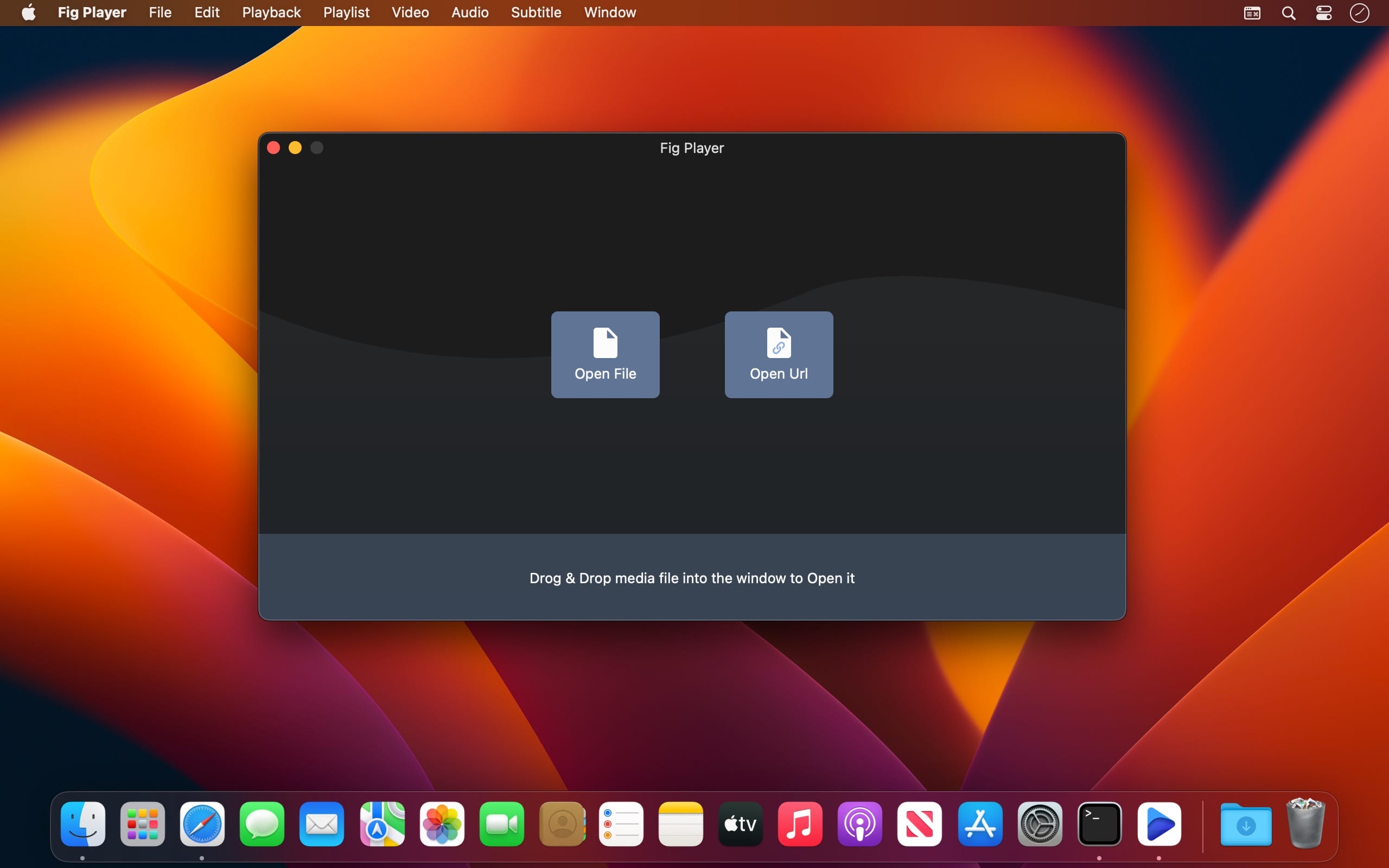
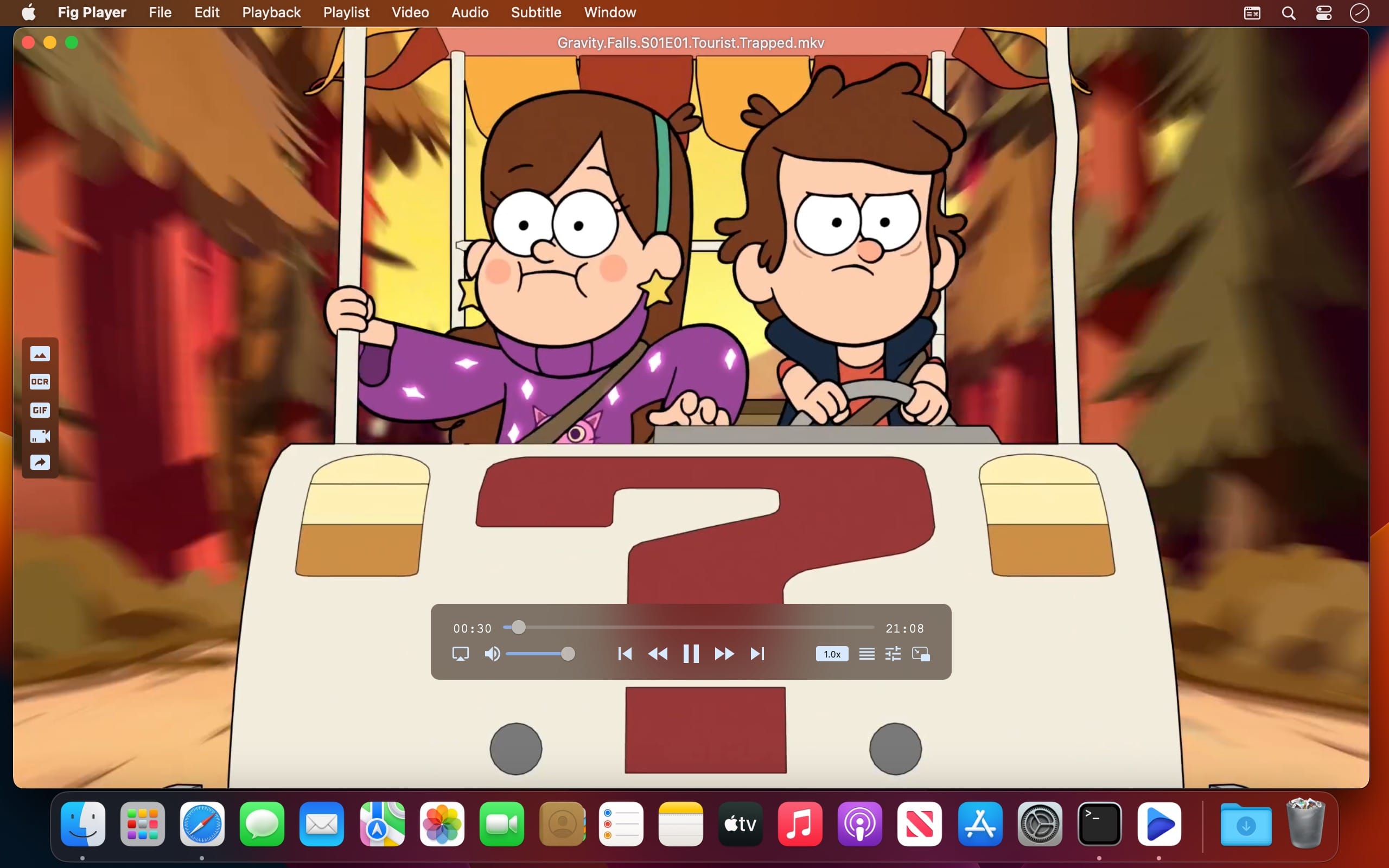
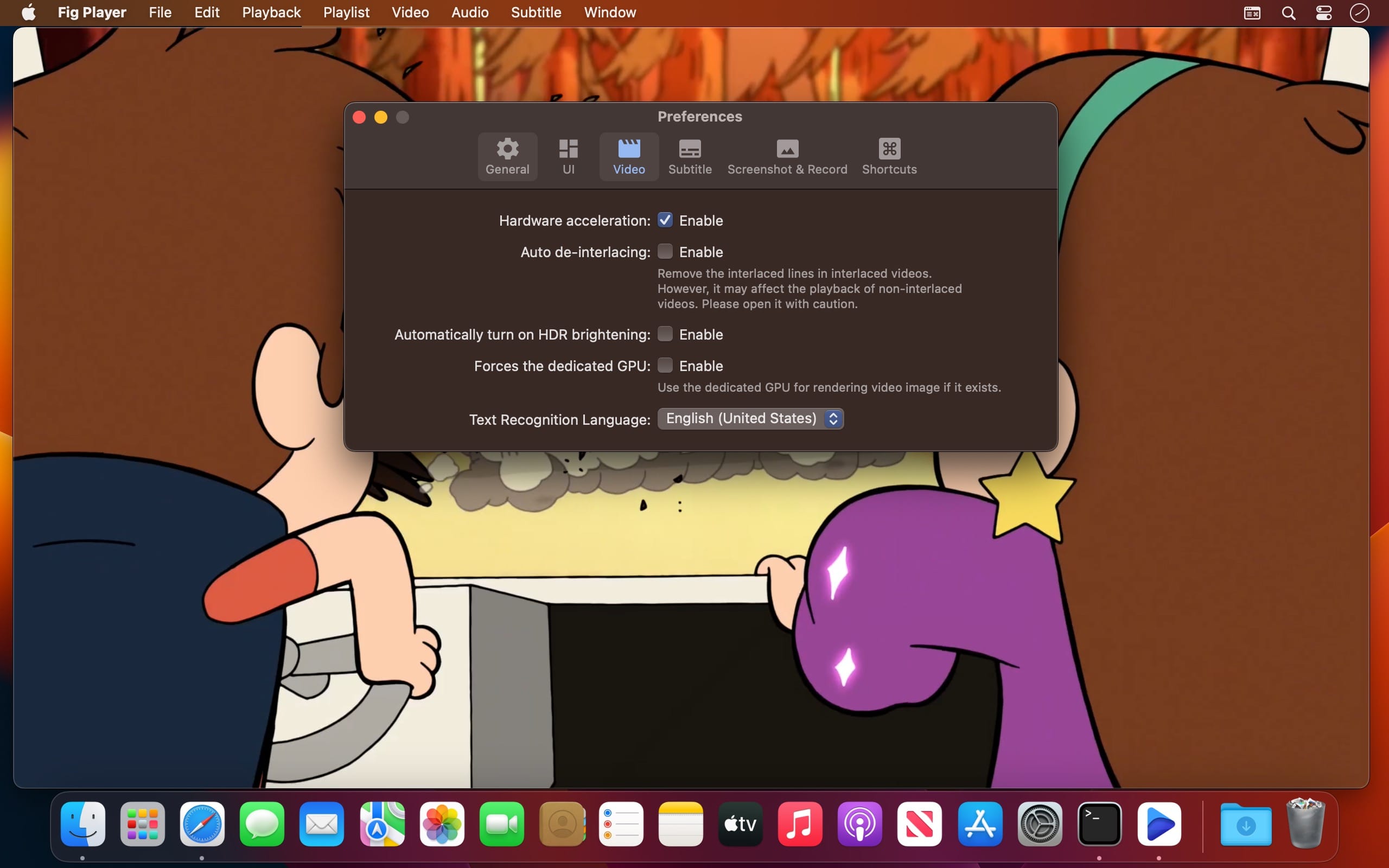
Fig Player, is a media player for Mac that supports a wide variety of media files and allows you to listen to music, watch videos and movies.
If you have an extensive media library but don’t have a good media player for Mac, here’s a good solution. Fig Player. It’s free to use and comes with a friendly interface. On the screen, you’ll be able to see all of the buttons that give you control over your experience, such as the play and stop button, playback options, volume slider, preview section, screenshot, and recording.
More Advanced Features
- Smooth, seamless video play, support 4K.
- Auto deinterlacing.
- H/W-acceleration.
- A-B loop.
- Frame by Frame playback.
- PIP mode.
- Support various Subtitle formats(Text subtitles(SRT), Vobsub
- and ASS/SSA, etc.).
- AI subtitle generation
- Choose which one when you have multiple sound output devices.
- Create the scene poster with snapshots.
- Playlist with upper-level folder name.
- Support multiple windows and play multiple videos at the same time.
- Support Wireless display to DLNA, Chromecast, Roku devices.
- OCR Text Recognition(macOS 12+)
Supported Formats:
- Videos: mkv, rmvb, rm, avi, mov, wmv, flv, f4v, f4p, f4a, f4b, swf, mpg, mpeg, mpeg1, mpeg2, m1v, m2v, mpv, mp4, mpeg4, m4v, 3gp, 3gpp, 3g2, 3gp2, m2p, ps, ts, m2ts, mts, mt2s, ogm, ogv, divx, dv, asf, wtv, webm, etc.
- Audios: flac, ape, m2a, mp1, mp2, mpa, mp3, mpg3, m4a, m4b, wma, wav, wv, xm, aiff, aif, ac3, a52, aac, opus, ogg, oga, mid, midi, mka, etc.
- Subtitles: ASS, SSA, SRT, IDX&SUB
Fig Player for Mac offers the following options for upgrading to VIP service. With VIP service have access to all advanced services.
VIP features:
OCR Text Recognition
- One-click recognize various language, free copy
Screencasting
- Various formats, multiple devices, cast screen as you like
Video clip recording
- Any video, on-demand clips, automatic recording
Version 1.3.37
- Fix Bug
Frequently asked questions
How do I install the app?
Mount the image, drag the app into the "Applications" folder and launch it. If the system blocks the launch, allow it in "System Settings → Privacy & Security".
The app is damaged or won't launch
Reinstalling from a fresh image usually helps. Make sure your macOS version matches the one listed in the compatibility specs.
How do I update?
Download the new version from the site and install it over the current one — your settings will be preserved.
The download link doesn't work
Try a mirror or a download manager. For large files the browser often drops the connection.
How do I completely remove the app?
Use an uninstaller utility — it cleans up the service files that remain after moving the app to the trash.




Choose a download source
Fig Player - play mp4 mkv mp3 1.3.37 · 74.26 MB