
Video Converter X2 1.3.9
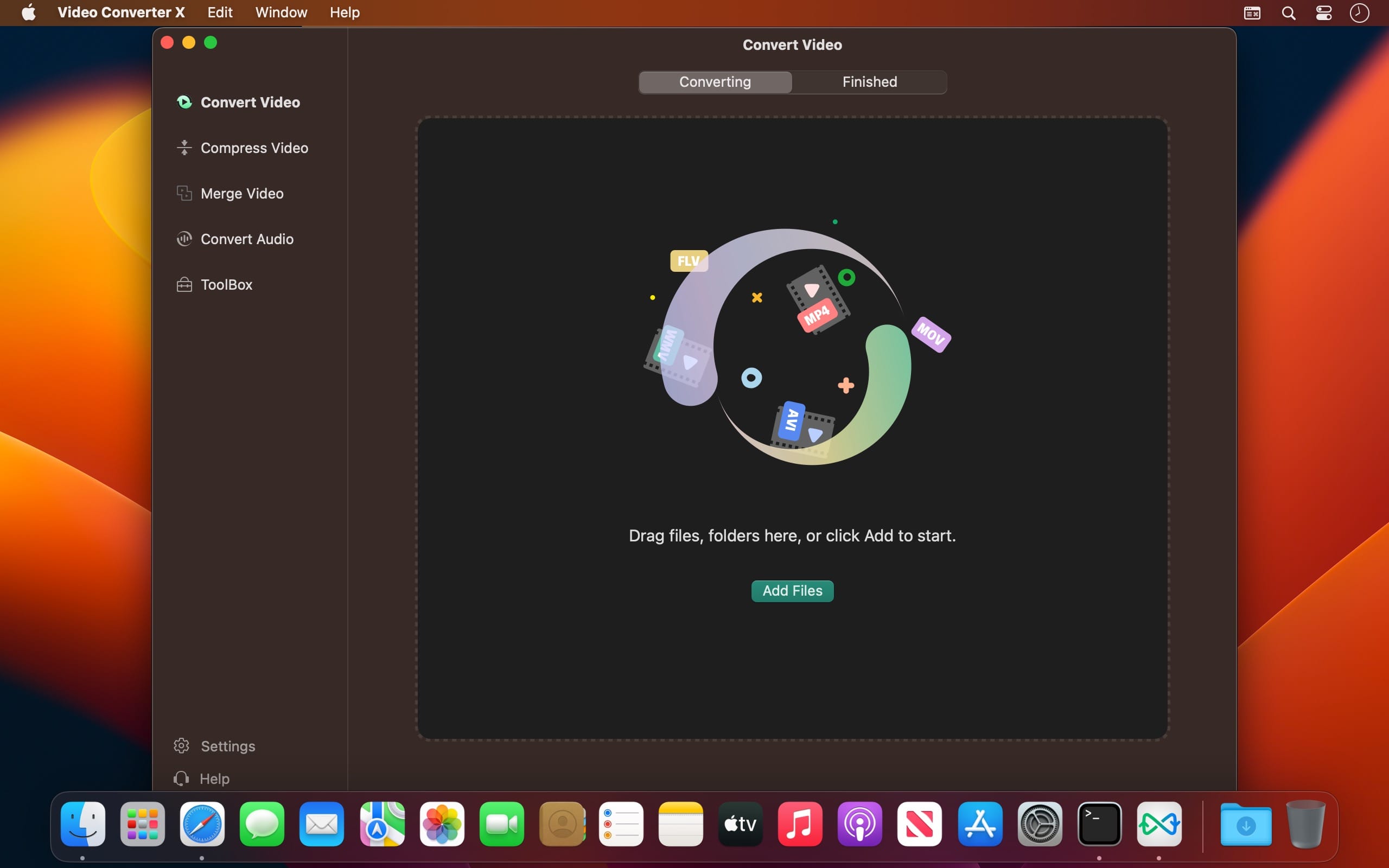
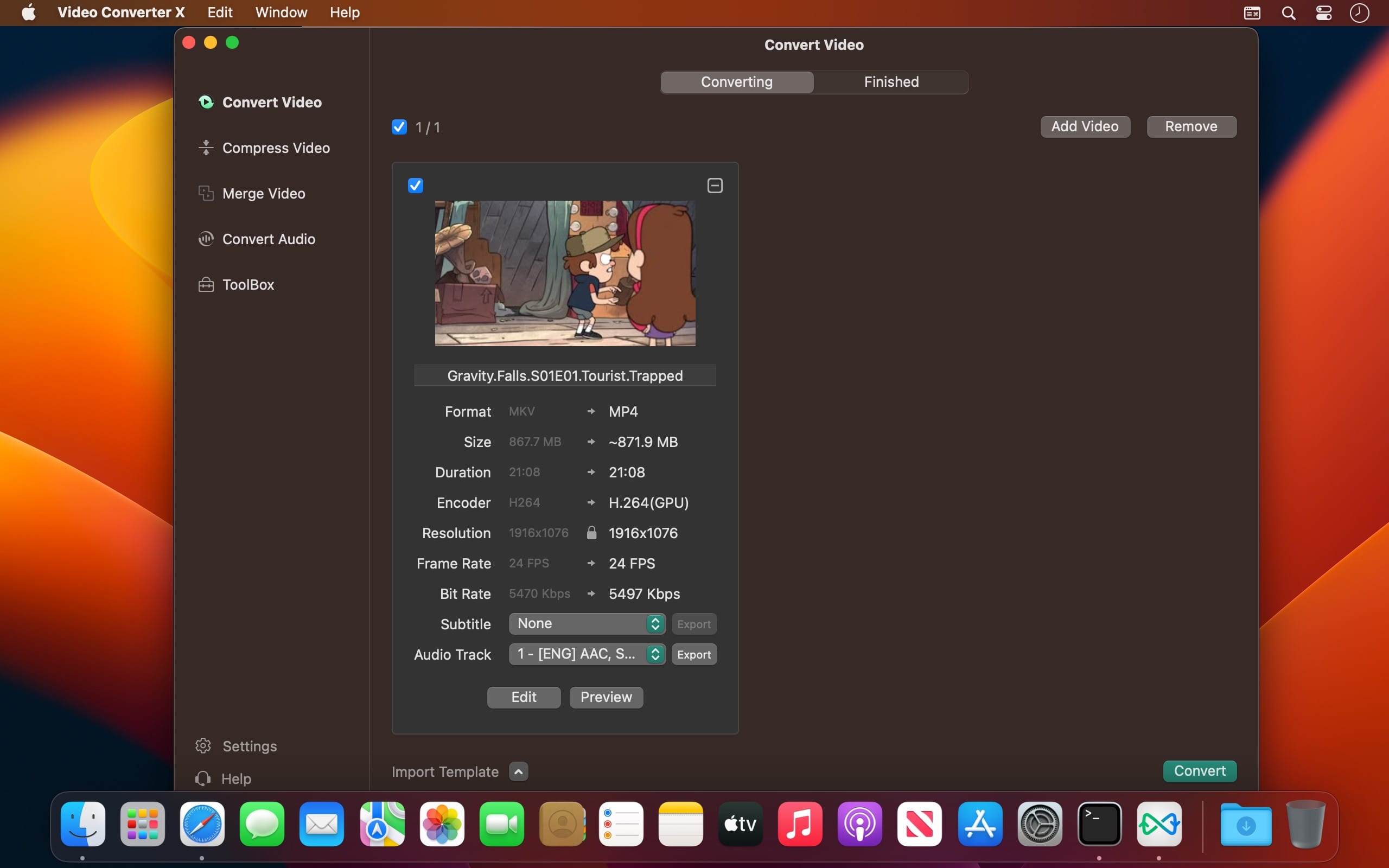
Video Converter X2 is a full-featured format conversion software that supports converting almost all multimedia file formats, including video MP4, AVI, 3GP, WMV, MKV, VOB, MOV, FLV; audio MP3, AC3, FLAC, AAC, M4A, AIFF, WAV, etc.
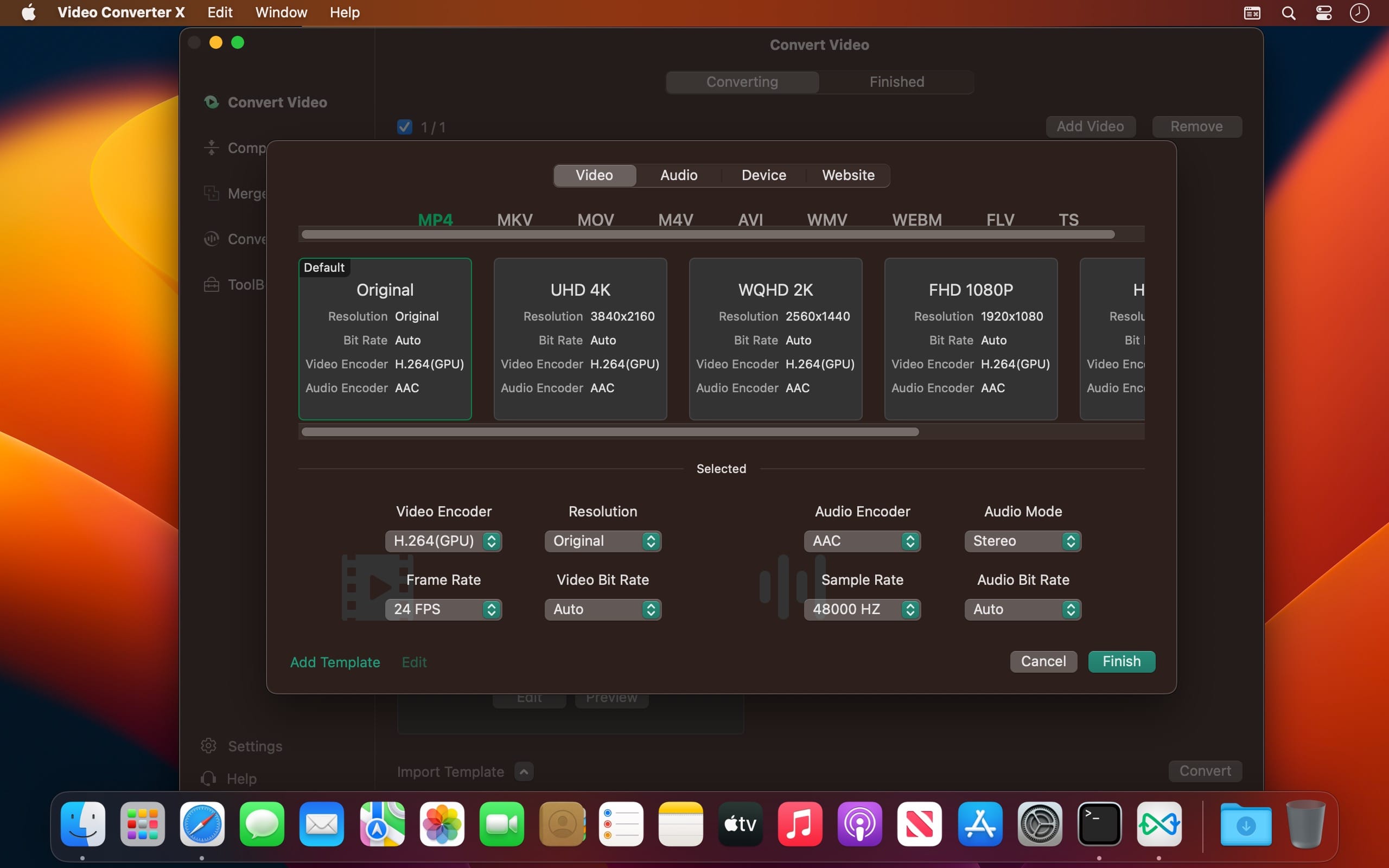
Video Converter X2 has built-in format templates optimized for different devices, such as Mac, iPhone, iPod, Android, Windows, TV, etc., so you don't need to worry about what formats correspond to different devices, but just select the device type you need from the template list of Video Converter X2, and start converting easily.
Features
- Support almost all types of multimedia formats and easily convert them to the format you want.
- Support choose built-in subtitle or load from external SRT, SSA file.
- Support choose from multiple audio tracks.
- Video File Compression helps you to reduce your video file size, It saves space on your hard drive.
- Support templates for Mac, iPhone, iPod, Android, Windows, TV and other devices in specified formats.
- Support common website and application formats Built-in video format templates optimized for WeChat, Bilibili, Facebook, Instagram, Youtube, so the conversion operation can be done in one click.
- Fast video merging support merging multiple video files. Even if the original formats are different, they can be perfectly combined into a new file.
Version 1.3.9
- Bug fixes
Frequently asked questions
How do I install the app?
Mount the image, drag the app into the "Applications" folder and launch it. If the system blocks the launch, allow it in "System Settings → Privacy & Security".
The app is damaged or won't launch
Reinstalling from a fresh image usually helps. Make sure your macOS version matches the one listed in the compatibility specs.
How do I update?
Download the new version from the site and install it over the current one — your settings will be preserved.
The download link doesn't work
Try a mirror or a download manager. For large files the browser often drops the connection.
How do I completely remove the app?
Use an uninstaller utility — it cleans up the service files that remain after moving the app to the trash.





Choose a download source
Video Converter X2 1.3.9 · 59.98 MB