Polarr Photo Editor 1.4.0
Polarr is a lightweight, professional photo editor with a small footprint, yet offering advanced features.
Filters
- 12 hand-crafted quality presets as base filters for adjustments
- See the parameters used in filters to make more improvements
- Create custom filters based on your editing history
Performance
- At 10MB, Polarr is the smallest and most efficient photo editor for OSX.
- Exceptional memory/CPU management and low power consumption using Webkit.
- Support JPEG, and most RAW images upto 42MP.
- Support transparent PNG and exports transparent PNG
Design
- Drop images directly into the app from other apps
- Designed for mouse, keyboard and touch
- Proprietary control slider for speed and precision
- Interactive in-app guide to photo editing
- Expandable and collapsible workspace
- Responsive window size to fit your screen
Adjustments
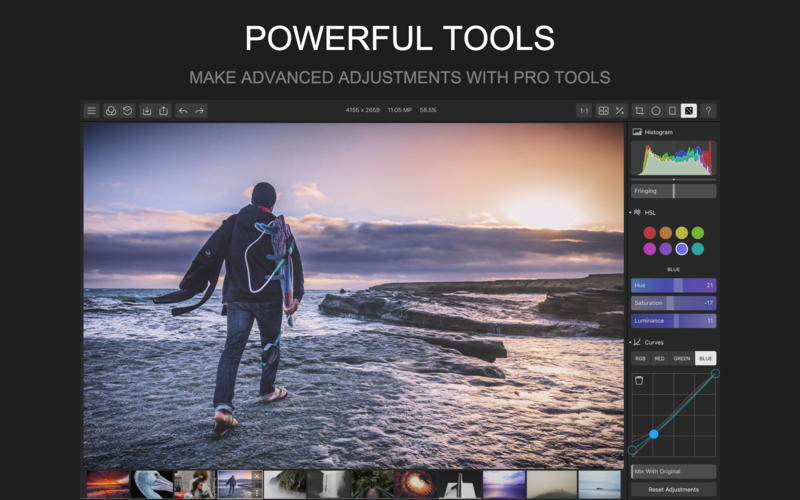
- Color: Temperature, Tint, Contrast, Saturation, Vibrance
- Light: Exposure, Highlights and Shadows
- Detail: Clarity, Sharpen, Denoise (color and luminance), Diffuse and Dehaze
- Optics: Distortions, Vignette, Fringing
- Eight channel HSL adjustments
- Three channel curve adjustments
- Highlights/shadows toning
- Filter blending and mixing
- Highlights/shadows toning tools
- Grain simulation
Local Adjustments
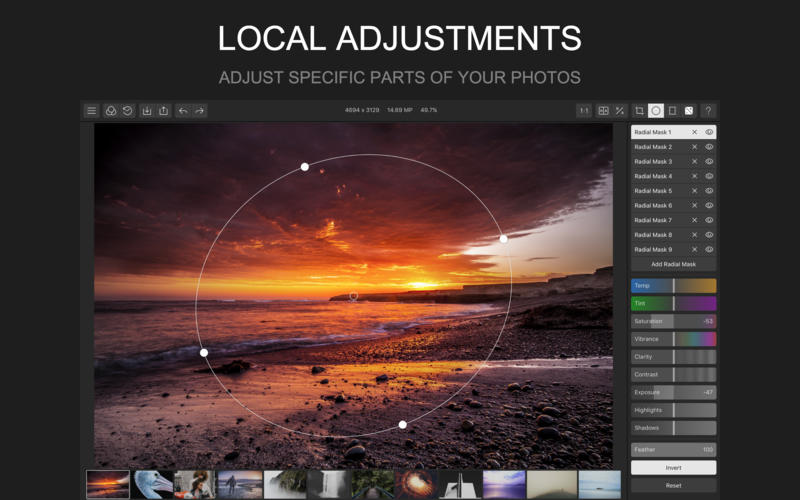
- Multiple circular and gradient local adjustments
- Flexible 4 point controls to position adjustments and feathering
- Adjusting basic color, highlights/shadows, clarity in local adjustments
Cropping and Tilting
- Precise tilting with automatic zooming to fill the frame
- Horizontal and verticle mirroring and rotations
- 10 default crop ratios with custom cropping controls
Import and Export
- Import multiple JPEG, PNG and most RAW image formats
- Export photos in batch with custom JPEG quality and size
- Add and save custom watermark during export
- Custom filters can also be imported and exported
History Management
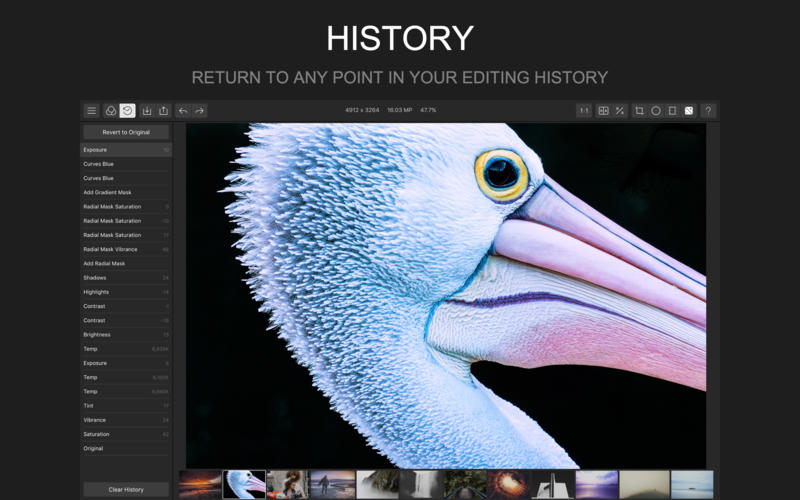
- Infinite undo and redo on your photos
- Easy navigations to jump to any point in previous edits
- Persist editing histories across different editing sessions
WHAT’S NEW
Version 1.4.0:
- Fixed viewport stretching issue for iMac 5K
- Fixed watermark rotation issue
- Improved app rendering frame rate
- Added video tutorials for Chinese translations
- Use .jpg as default export file type now
Screenshots
Frequently asked questions
How do I install the app?
Mount the image, drag the app into the "Applications" folder and launch it. If the system blocks the launch, allow it in "System Settings → Privacy & Security".
The app is damaged or won't launch
Reinstalling from a fresh image usually helps. Make sure your macOS version matches the one listed in the compatibility specs.
How do I update?
Download the new version from the site and install it over the current one — your settings will be preserved.
The download link doesn't work
Try a mirror or a download manager. For large files the browser often drops the connection.
How do I completely remove the app?
Use an uninstaller utility — it cleans up the service files that remain after moving the app to the trash.
VersionPolarr Photo Editor 1.4.0
DeveloperPolarr Inc
CompatibilityOS X 10.10 or later, 64-bit processor
LanguageMultilanguage
IncludesPre-K'ed



Information
Visitors in the group Guests cannot leave comments on this publication.
Choose a download source
Polarr Photo Editor 1.4.0 · 6.51 MB