CameraBag Photo 3.1.00
CameraBag Photo: Ultra Intuitive Photo Editing and Filtering
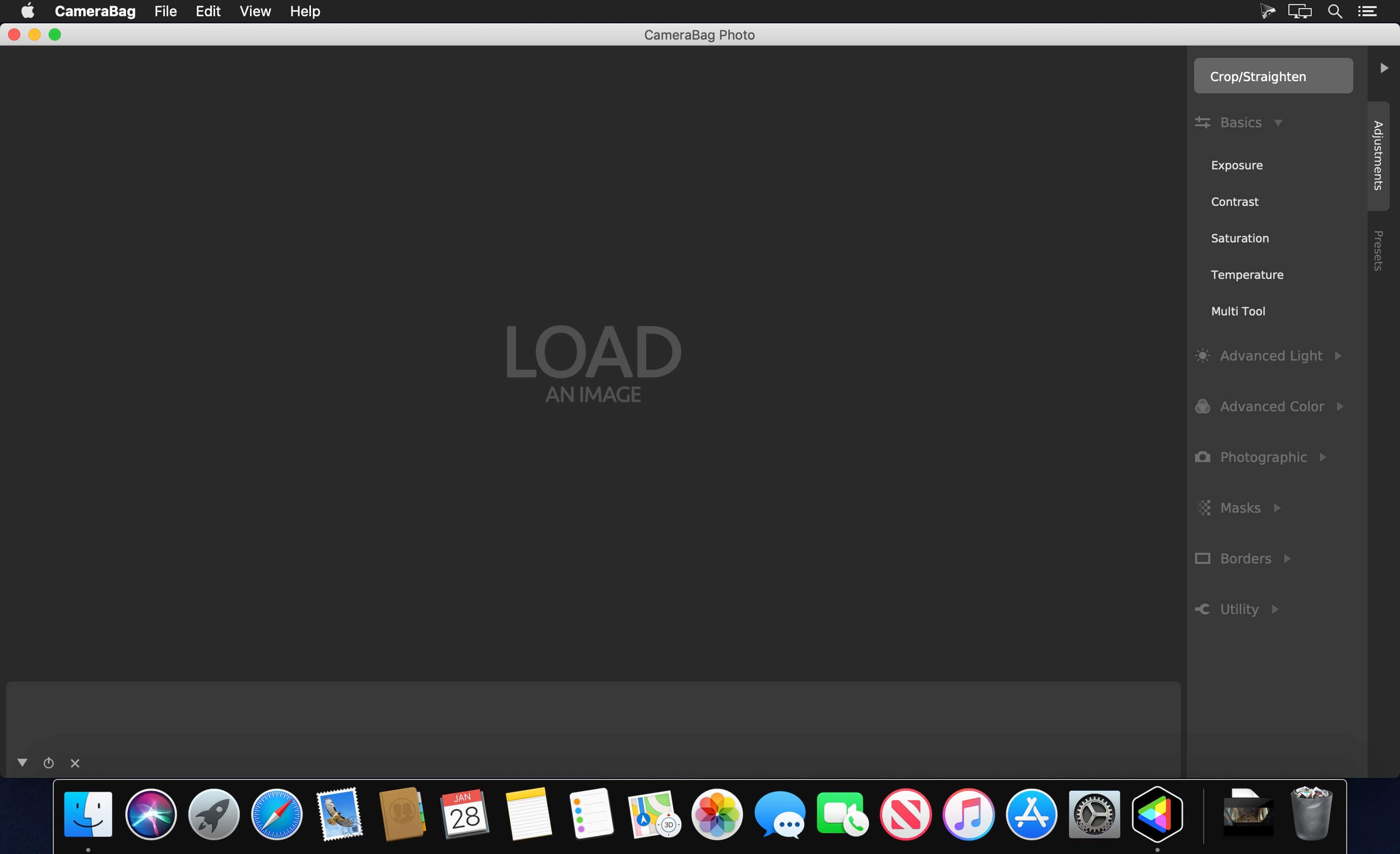
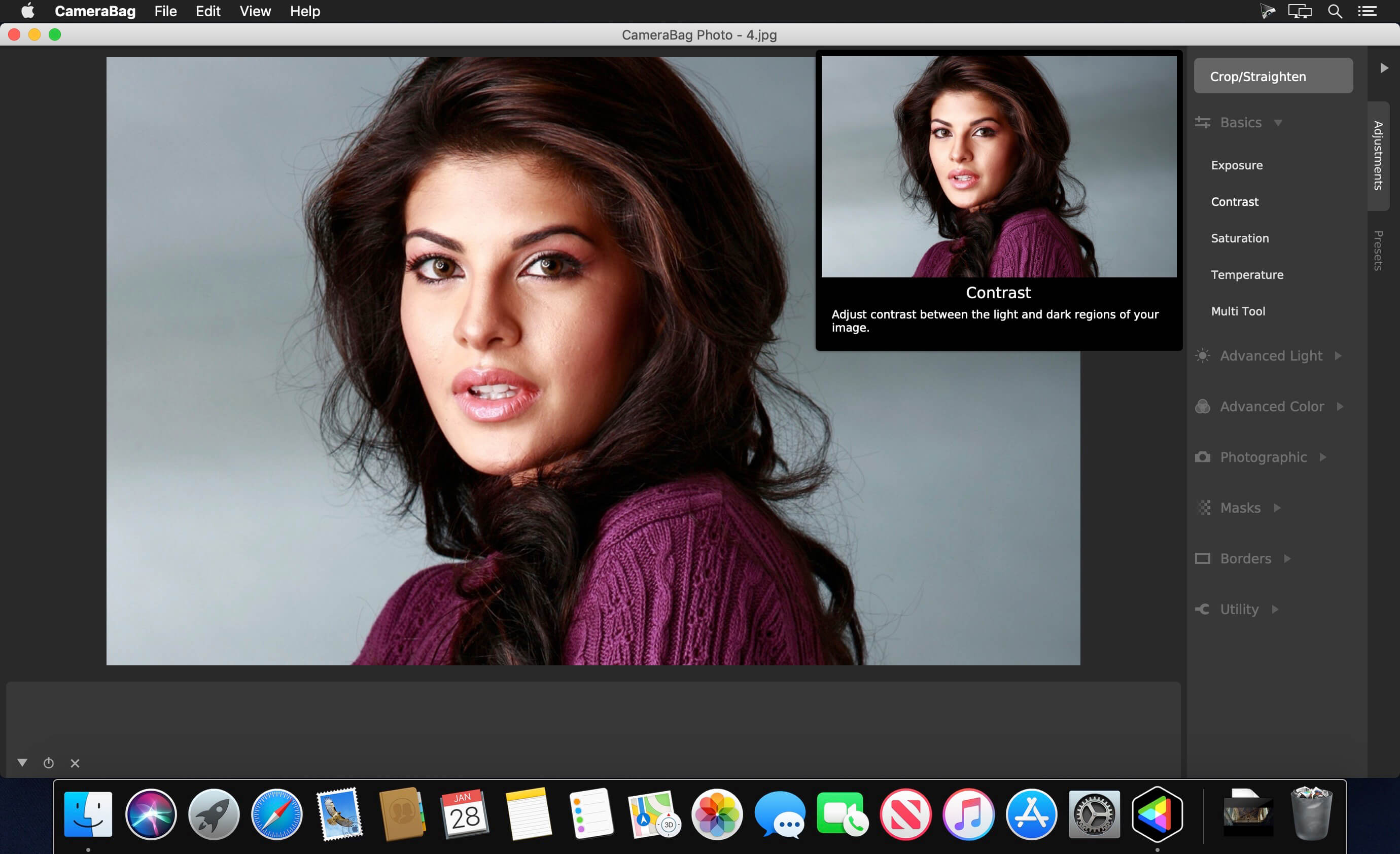
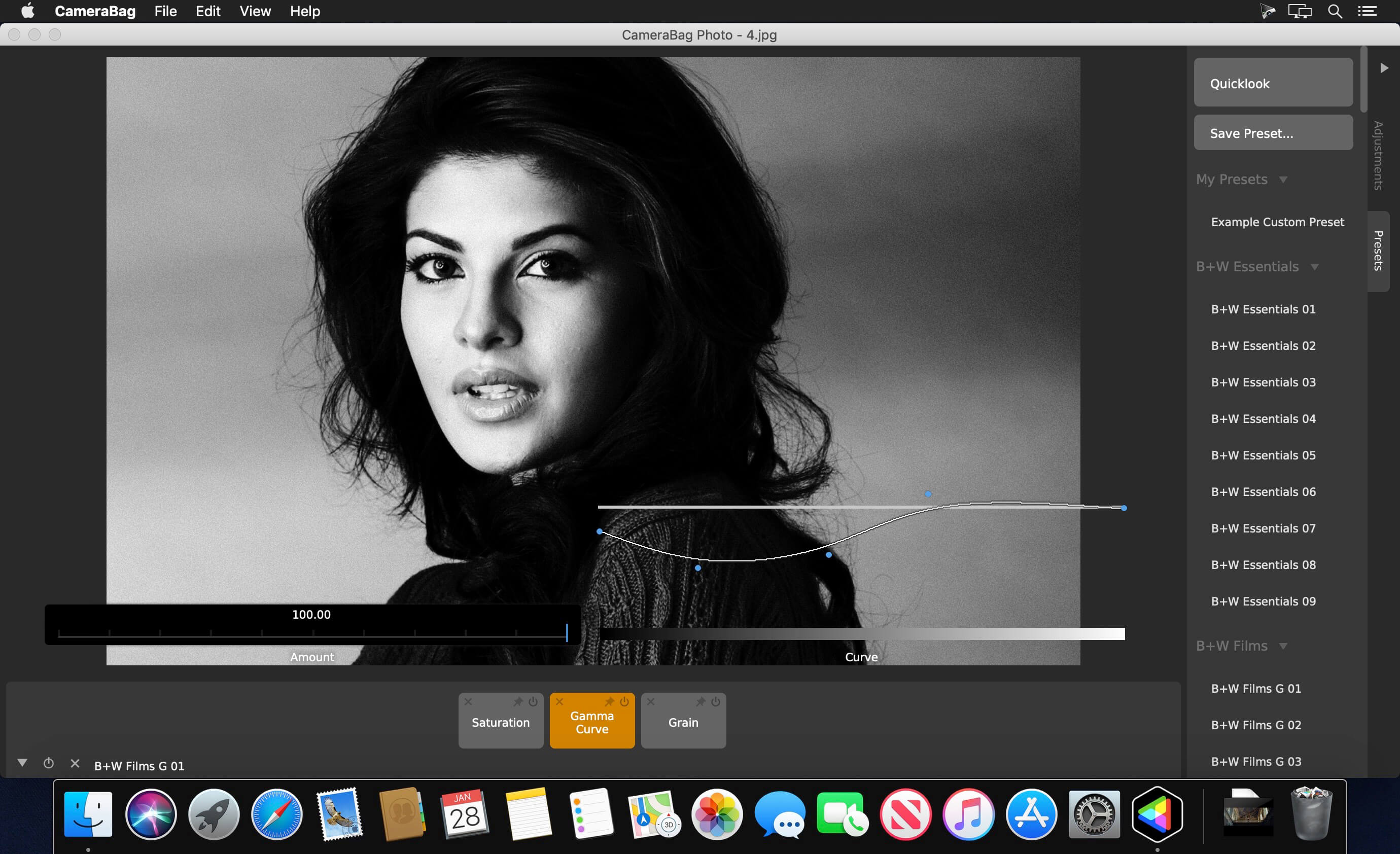
CameraBag Photo is the ultimate tool for bringing both advanced adjustments and over 200 one-click filters to your photos. It’s a photographer’s dream - much more powerful than cheesy “one-click” filter apps, but also much lighter, quicker, and more intuitive than bloated, decades-old legacy software packages.
Highlights:
- Over 200 included fully-adjustable presets
- Dozens of professional layerable adjustments
- Save any set of adjustments as your own reusable preset
- Advanced film and lens emulation effects
- 32-bits-per-channel processing offers unparalleled image quality
- Intuitive award-winning interface
- Batch filtering and cropping/resizing
- Watermarking
- Dead pixel correction
- RAW photo support
Award-winning interface:
- Extra-large curves and sliders hover over your image to give more precise control
- Tile-based system for layering and nesting adjustments
- Animated adjustment previews
- Full-screen preset chooser
- Quickly navigate media and presets with keyboard arrow keys
- Copy and paste adjustments and individual curves
- Histograms, waveforms, and chrominance chart
- Multi-document tabs
- Side-by-side image editing
Perfect for:
- Social media accounts: easily resize and filter all your media in batches to create a consistent style
- Wedding photographers: process hundreds of photos at once with your unique filtering, border, and watermark
- Professional photography: use innovative, advanced, and precise curve tools found nowhere else
- Film emulation: ultra realistic film grain and camera effects can be layered and adjusted to match any physical film stock/camera
Some of the many included filter sets:
- B+W Essentials
- Classic Photography
- Color Essentials
- Color Correction
- Film Grain
- Film Stock
- Filtered B+W
- Mattes
- Monocolor
- Vintage
- And More...
- Exposure
- Contrast
- Saturation
- Temperature
- Tone Curve (RGB, Luminance, Value, and Lightness)
- Gamma Curve
- Advanced Contrast
- Shadows/Midtones/Highlights
- Coloring Curve
- Color Wheels
- Component Curve
- Hue Shift Curve
- Hue Exposure Curve
- Hue Saturation Curve
- Filtered B+W
- Vignette
- Grain
- Sharpen
- Circular Blur
- Watermark
- Dead Pixel Correction
- Aspect Ratio
- Maximum Size
- And More...
Version 3.1.000
- Added the ability to zoom in as far as you like and also much further out! Great for inspecting pixels.
- Added Lightleak adjustment to the Photographic adjustments section.
Frequently asked questions
How do I install the app?
Mount the image, drag the app into the "Applications" folder and launch it. If the system blocks the launch, allow it in "System Settings → Privacy & Security".
The app is damaged or won't launch
Reinstalling from a fresh image usually helps. Make sure your macOS version matches the one listed in the compatibility specs.
How do I update?
Download the new version from the site and install it over the current one — your settings will be preserved.
The download link doesn't work
Try a mirror or a download manager. For large files the browser often drops the connection.
How do I completely remove the app?
Use an uninstaller utility — it cleans up the service files that remain after moving the app to the trash.
VersionCameraBag Photo 3.1.00
DeveloperNevercenter Ltd. Co.
CompatibilityOS X 10.7 or later, 64-bit processor
LanguageEnglish
IncludesK'ed by TNT
Information
Visitors in the group Guests cannot leave comments on this publication.
Choose a download source
CameraBag Photo 3.1.00 · 31.43 MB