Polarr Photo Editor Pro 5.10.8
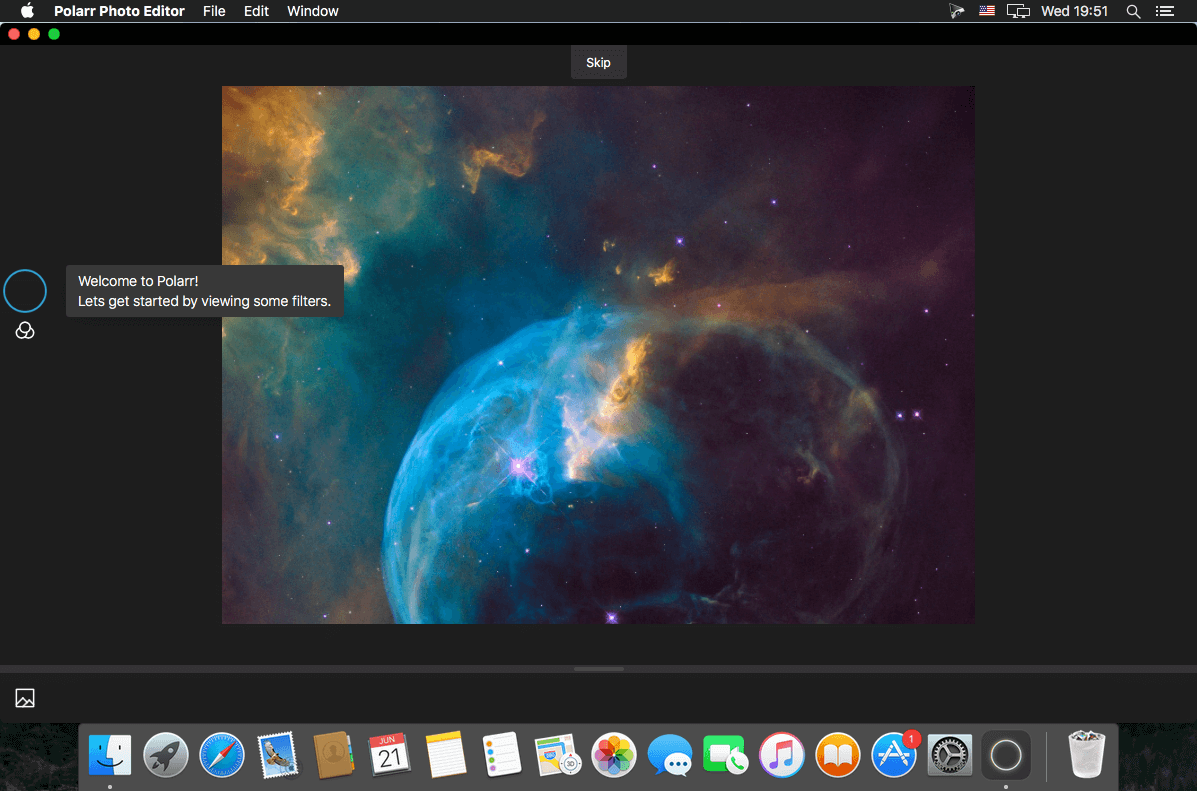
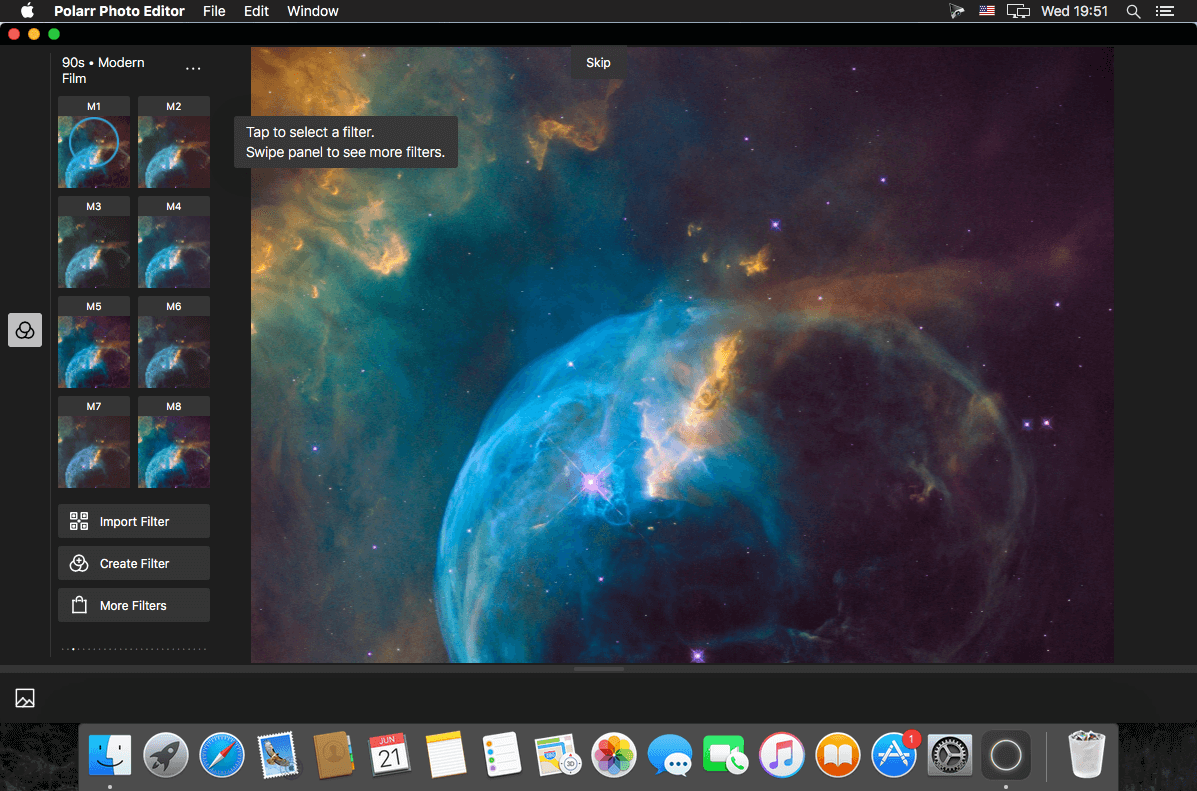

Polarr offers a set of advanced, AI-enabled face editing tools and global and local adjustments, as well as 100+ filters made by the world's best photographers.
Highlights:
- Photos extension
- Advanced suite of face-editing tools
- Multi-face detection and auto-detection of facial features
- State-of-art auto global lighting enhancement
- Color masking, brushing, gradient and circular masking
- Batch export with batch auto-enhancement option
- Create, customize, and share your own filters
- Ability to edit in DNG & Popular RAW formats
- TIFF Export
- Customizable workspace
Adjustments include:
- Skin: Smooth, Detail, Whiten, Tone
- Face: Lips, Eyes, Teeth, Reshape, Contour
- Color: Temperature, Tint, Vibrance, Saturation
- Light: Dehaze, Exposure, Brightness, Contrast, Highlights, Shadows, Whites, Blacks, Diffuse
- Detail: Clarity, Sharpen, Denoise (Color and Luminance)
- Vignette: Amount, Highlights, Roundness
- Lens: Distortion, Horizontal and vertical Perspective
- Effect: Fringing, Pixelate, Noise amount and size
- HSL: Hue, Saturation, Luminance for eight color channels
- Curves: Master, blue, red, green channels
- Toning: Highlight and shadow tone, Tone balancing
- Additional local tools: Lens blur, feathering, invert
The face-editing adjustment suite includes:
- A powerful auto-enhance face-editing button
- Skin smoothing, texture, hue and tone adjustments
- Teeth whitening and brightening adjustments
- Eye-brightening adjustments
- Lip brightness and saturation adjustments
- Face reshaping and contouring tools
Not to mention Polarr's redesigned selection of powerful tools:
- New Batch Auto-Enhance ability with Batch Export
- New Denoise tool for greater enhancement and clarity
- One-click automatic global enhancement for saturation, highlight, shadows, contrast and exposure levels
- New navigation bar system and workspace with drag-to-rearrange tools.
- New Curves, HSL, Toning, Distortion tools
- New Lens blur tool for radial and gradient masks
- Color masking tools
- TIFF export
- New advanced brush tools
- Step-by-step interactive photo editing tutorials.
Version 5.10.8
We’re getting a jump on our New Year’s resolutions by shedding some winter weight. The app is now smaller!
We’re getting a jump on our New Year’s resolutions by shedding some winter weight. The app is now smaller!
- New: We made the app take up less space on your device by making overlay assets downloadable!
- Fixed: Various bugs and performance improvements
Frequently asked questions
How do I install the app?
Mount the image, drag the app into the "Applications" folder and launch it. If the system blocks the launch, allow it in "System Settings → Privacy & Security".
The app is damaged or won't launch
Reinstalling from a fresh image usually helps. Make sure your macOS version matches the one listed in the compatibility specs.
How do I update?
Download the new version from the site and install it over the current one — your settings will be preserved.
The download link doesn't work
Try a mirror or a download manager. For large files the browser often drops the connection.
How do I completely remove the app?
Use an uninstaller utility — it cleans up the service files that remain after moving the app to the trash.
VersionPolarr Photo Editor Pro 5.10.8
DeveloperPolarr Inc
CompatibilitymacOS 10.10 or later, 64-bit processor
LanguageMultilangual
IncludesK'ed by TNT


Information
Visitors in the group Guests cannot leave comments on this publication.
Choose a download source
Polarr Photo Editor Pro 5.10.8 · 41.92 MB
Previous versions
Polarr Photo Editor Pro 5.10.8
Previous versions are available to registered users.