
OnyX 4.4.4 for macOS Ventura 13
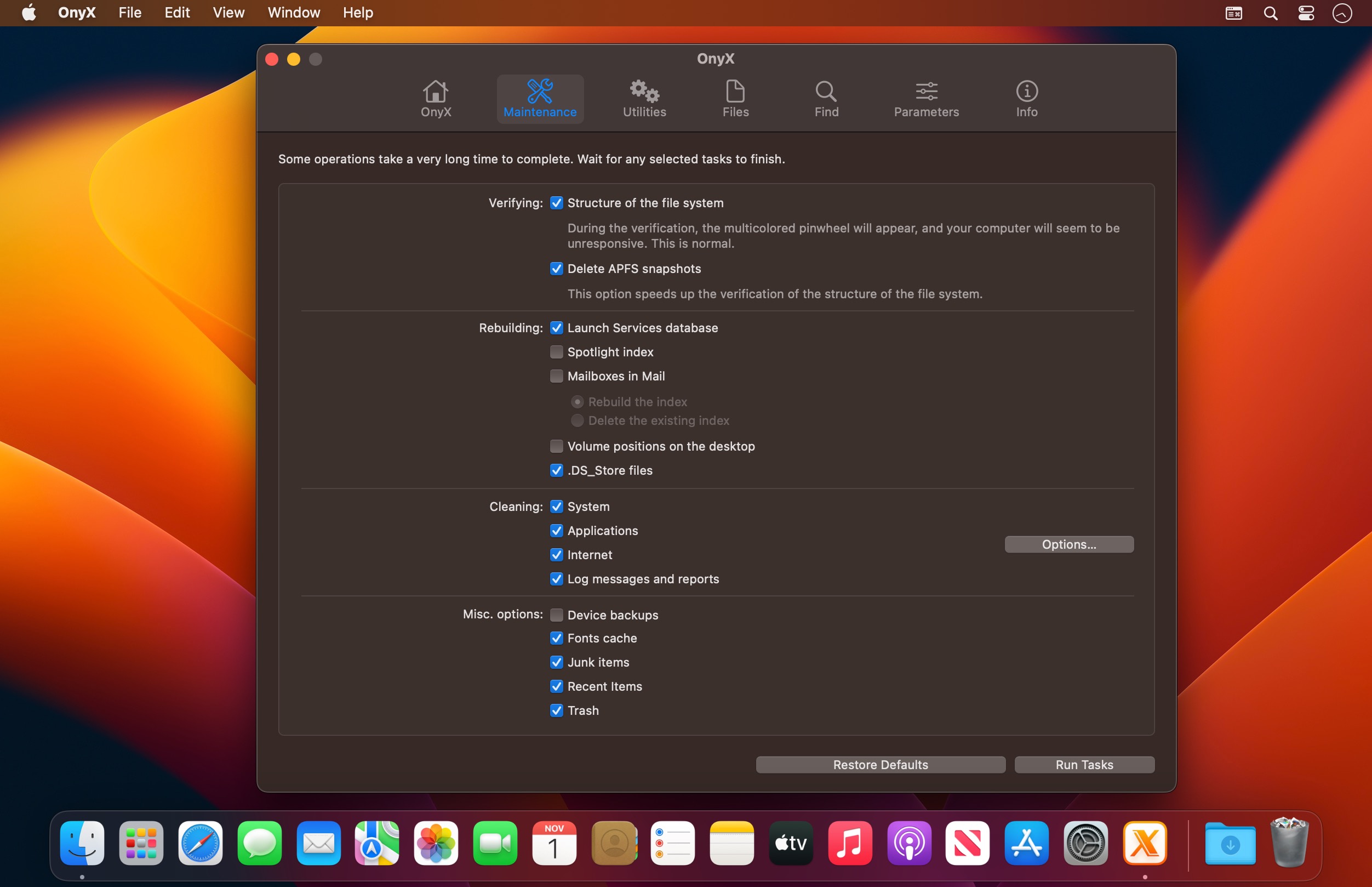
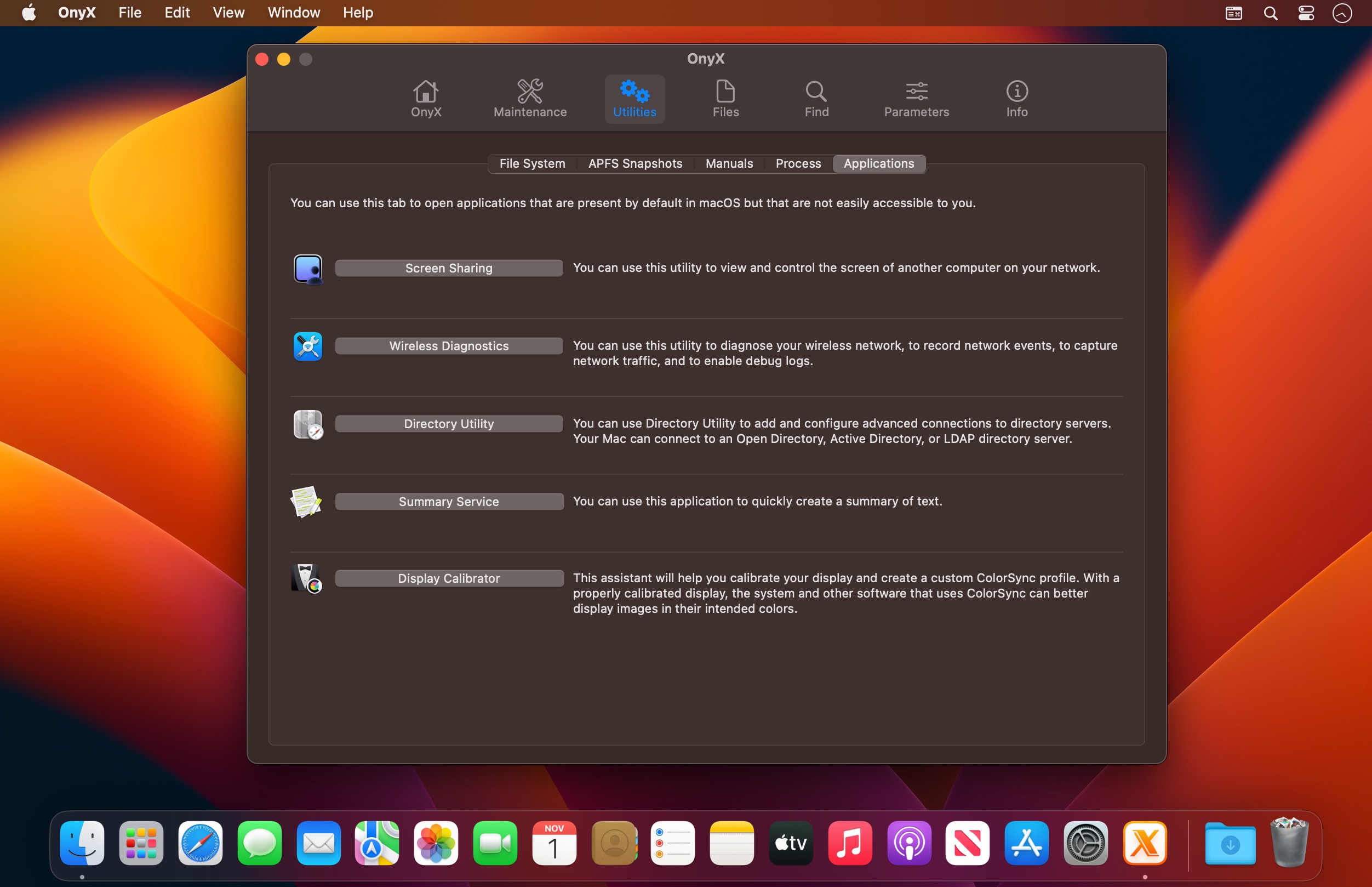

OnyX is a multifunction utility that you can use to verify the structure of the system files; run miscellaneous maintenance and cleaning tasks; configure parameters in the Finder, Dock, Safari, and some Apple applications; delete caches; remove certain problematic folders and files; rebuild various databases and indexes; and more.
OnyX is a reliable application which provides a clean interface to many tasks that would otherwise require complex commands to be typed using a command-line interface.
IMPORTANT:
There is a specific version of OnyX for each major version of the operating system.
Use the correct version, and don't try to use a version intended for an earlier operating system.
OnyX 4.4.4
- Miscellaneous corrections and improvements made
Frequently asked questions
How do I install the app?
Mount the image, drag the app into the "Applications" folder and launch it. If the system blocks the launch, allow it in "System Settings → Privacy & Security".
The app is damaged or won't launch
Reinstalling from a fresh image usually helps. Make sure your macOS version matches the one listed in the compatibility specs.
How do I update?
Download the new version from the site and install it over the current one — your settings will be preserved.
The download link doesn't work
Try a mirror or a download manager. For large files the browser often drops the connection.
How do I completely remove the app?
Use an uninstaller utility — it cleans up the service files that remain after moving the app to the trash.





Choose a download source
OnyX 4.4.4 for macOS Ventura 13 · 6.88 MB