Mach Desktop 4K 3.1.1

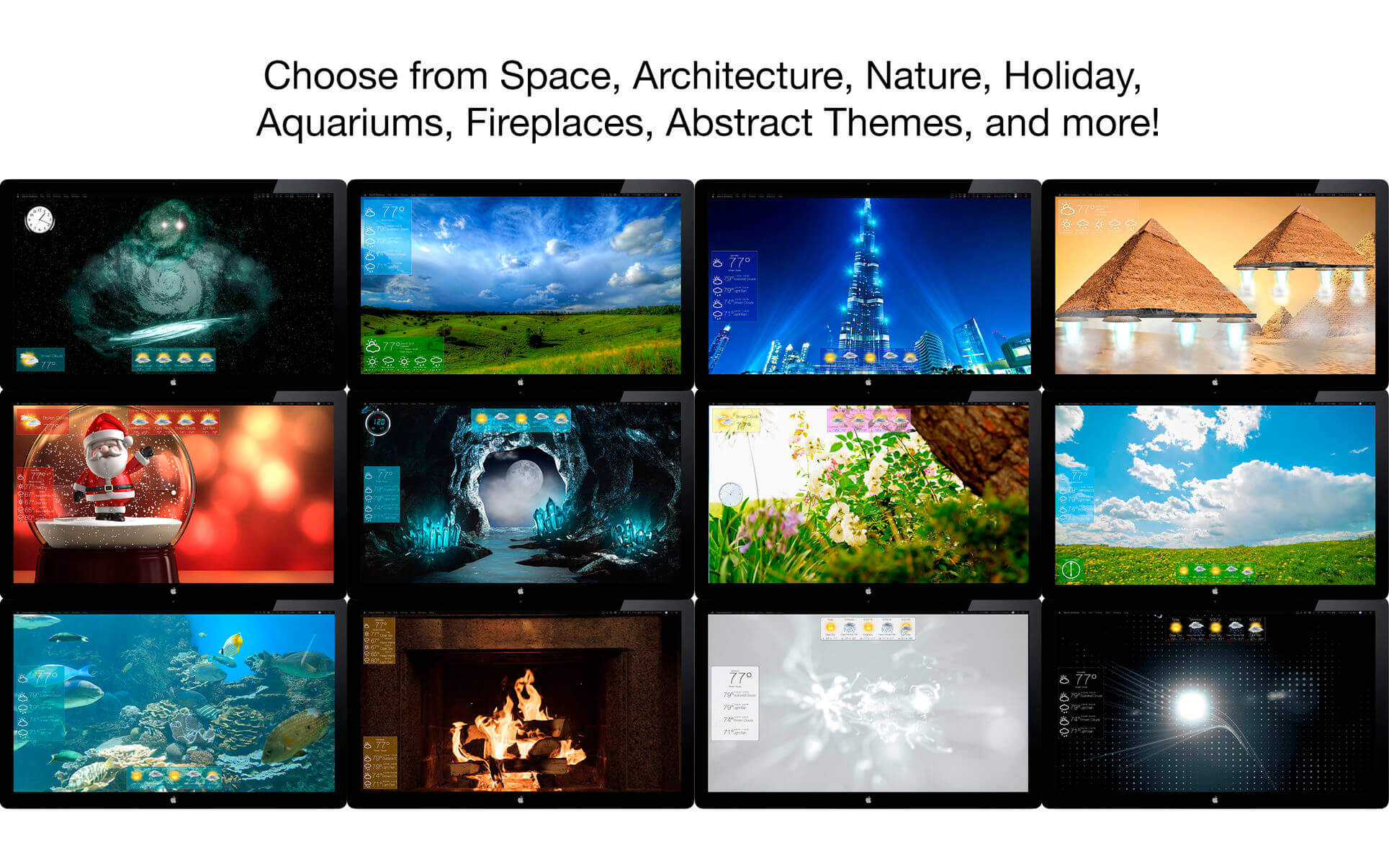
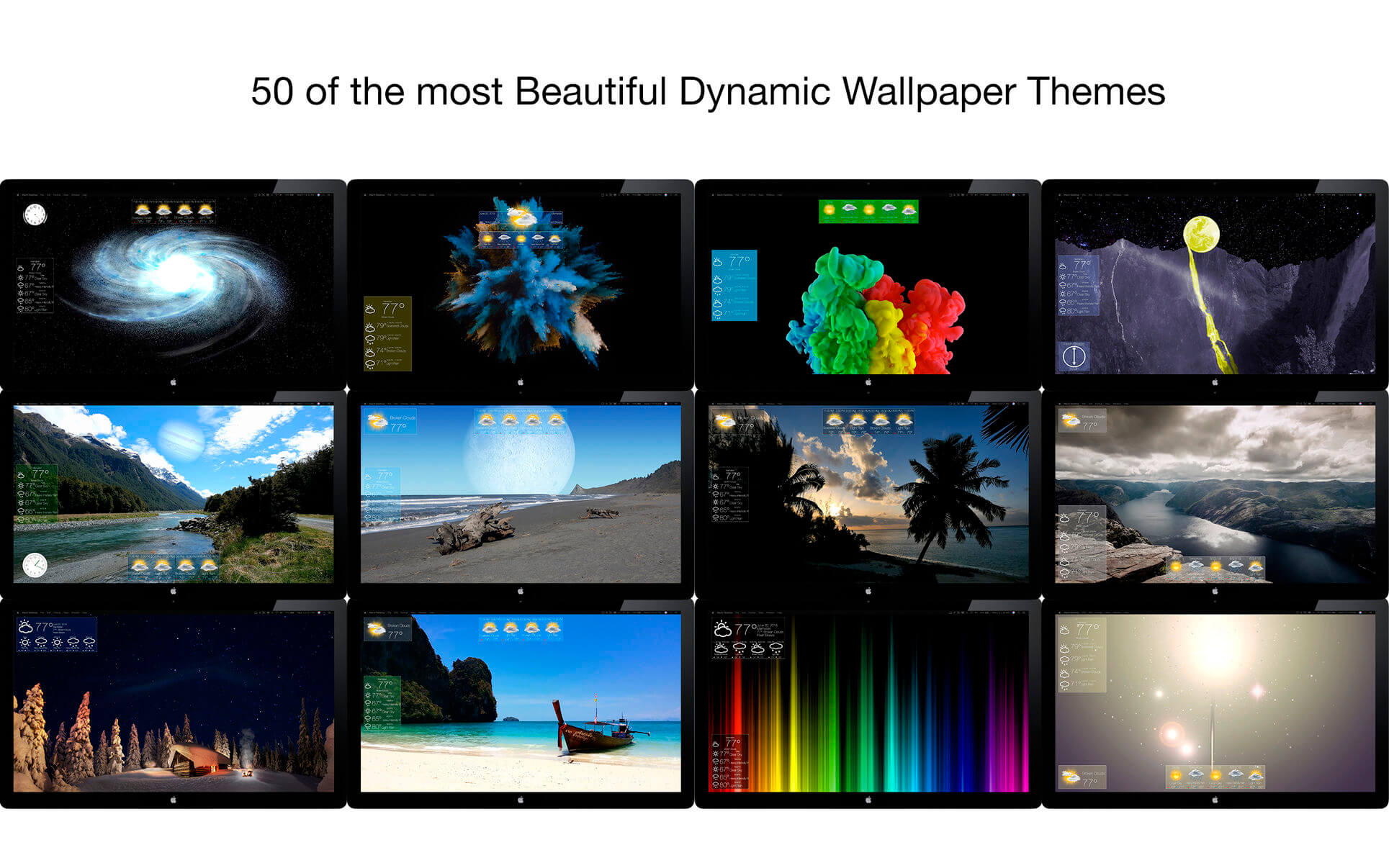
Introducing Mach Desktop 4K version 3.0: The most advanced and beautiful wallpaper application ever conceived for a personal computer! Mach Desktop 4K features 50 stunning dynamic Themes; allows you to load your own Videos, GIFs, or Quartz Compositions as Wallpaper, and allows you to add over 30 different Widgets to your Desktop. Choose from a huge variety of meticulously crafted dynamic Themes from categories including: Space, Fantasy, Architecture, Fields, Nature, Holiday, Aquariums, Fireplaces, Abstract Themes, and much more! Mach Desktop 4K also features GPU-acceleration support so Themes use little-to-no CPU — freeing up your computer for other tasks.
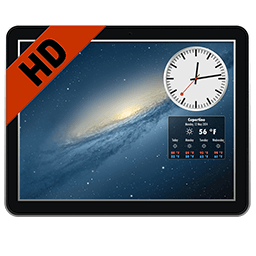
If that still wasn’t enough, with the Widget Manager you can add Widgets to your Desktop with a single click! Select a Widget and set its size, font, foreground color, and background color — and easily position a Widget anywhere you want. Choose from over 30 different Widgets including Time, Date, Current Weather, 12 hour Weather forecast, 5 day Weather forecast, a variety of Clocks, and much much more. You can even add Web pages to your Desktop with the Web Page Widget, or add your own Custom Text Widgets (including Emojis) to your Desktop super easily. Don’t feel like adding and customizing Widgets on your own? No problem! Mach Desktop 4K can automatically add Widgets positioned, colored, and tailored for each individual Theme. With all these features, Mach Desktop 4K has no equal and is the only application of its kind!
Version 3.1.1
- Updated for macOS 26
- New Liquid Glass Icon
- Fixed various bugs throughout the application
Frequently asked questions
How do I install the app?
Mount the image, drag the app into the "Applications" folder and launch it. If the system blocks the launch, allow it in "System Settings → Privacy & Security".
The app is damaged or won't launch
Reinstalling from a fresh image usually helps. Make sure your macOS version matches the one listed in the compatibility specs.
How do I update?
Download the new version from the site and install it over the current one — your settings will be preserved.
The download link doesn't work
Try a mirror or a download manager. For large files the browser often drops the connection.
How do I completely remove the app?
Use an uninstaller utility — it cleans up the service files that remain after moving the app to the trash.


Choose a download source
Mach Desktop 4K 3.1.1 · 1.57 GB