
iReview Pro 3.70
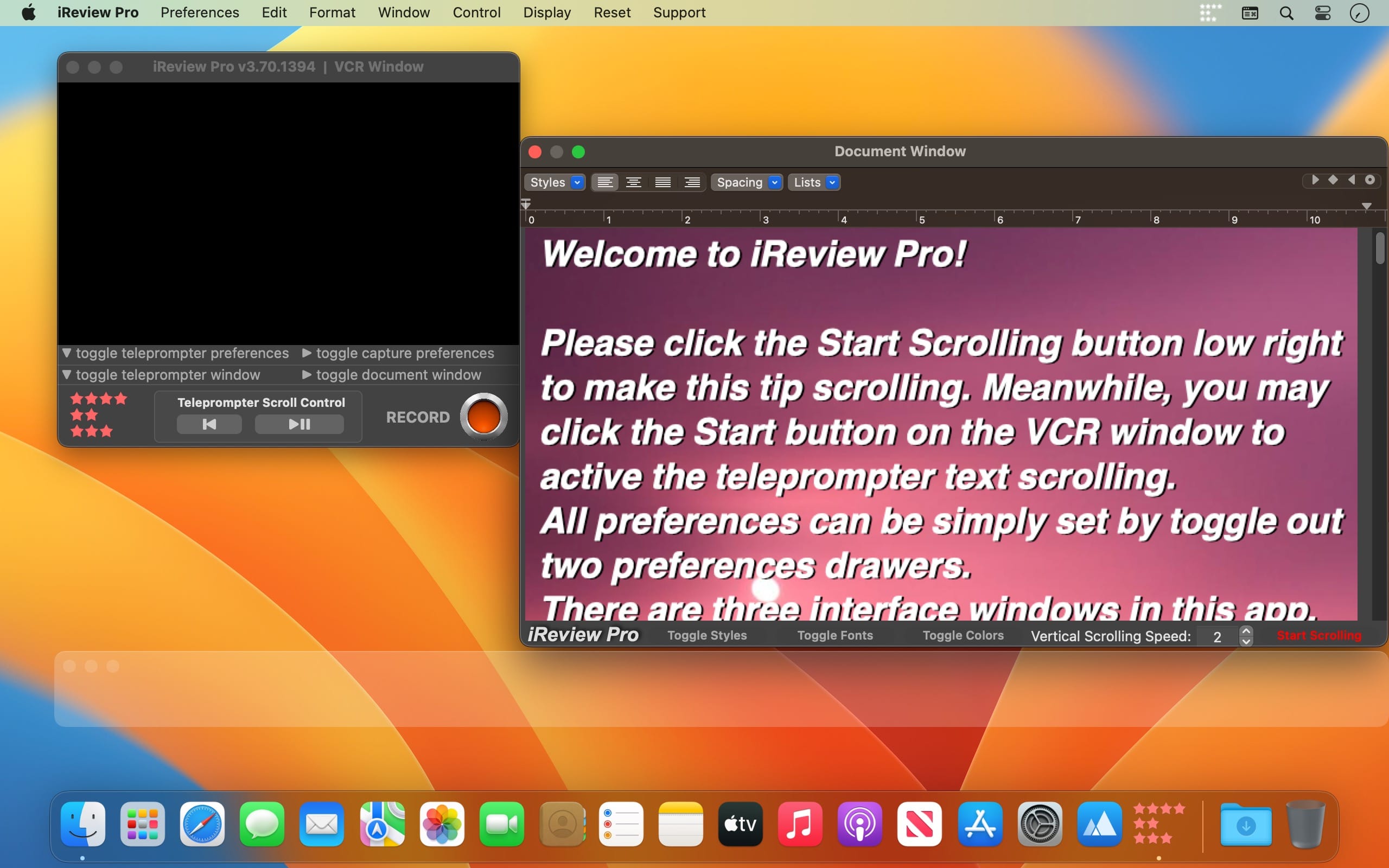
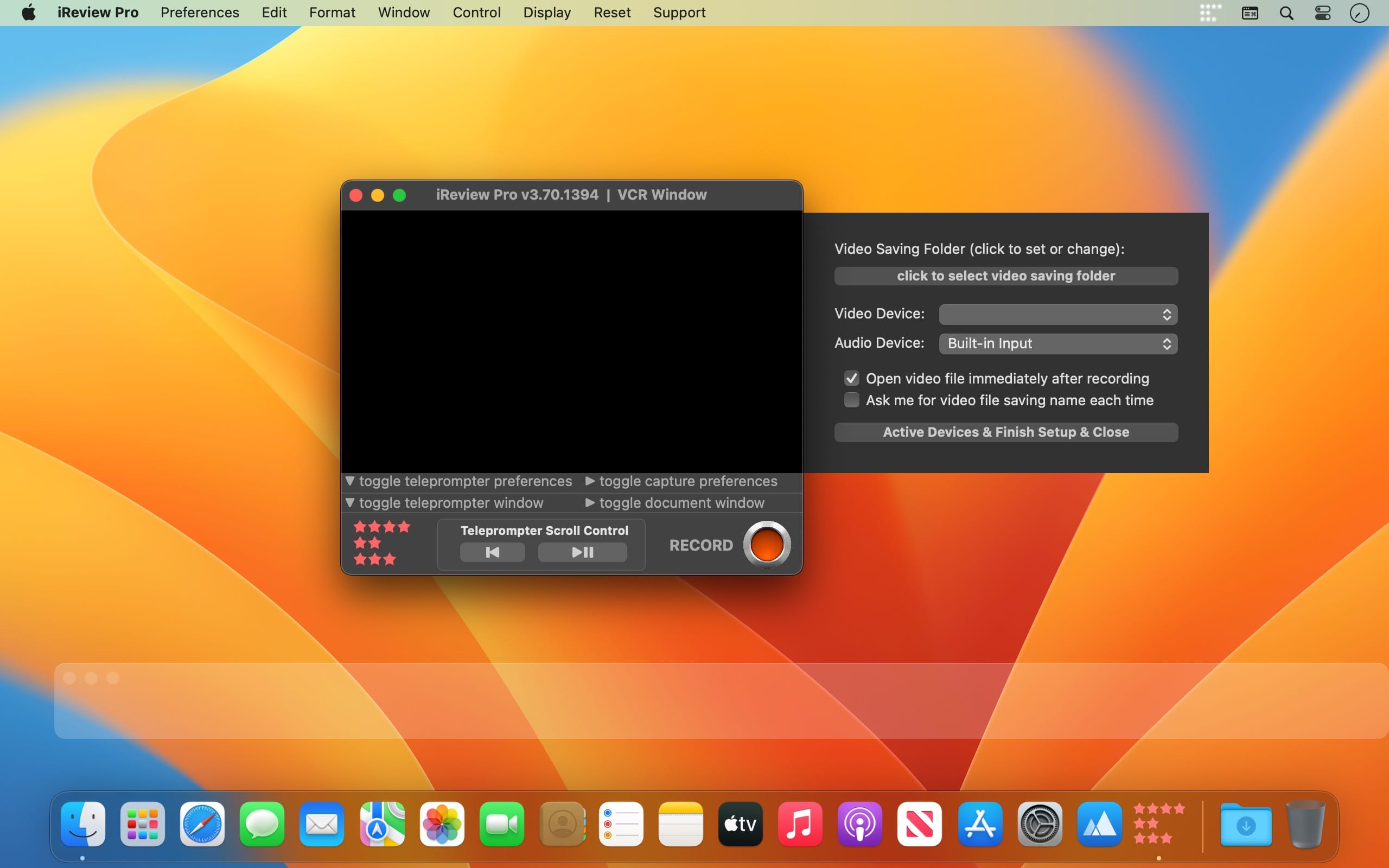
iReview is an easy-to-use App that combines an auto-scroll teleprompter and a video recorder. iReview is ideal for making video reviews, YouTube videos, presentations, lectures, and even video messages.
A video recorder equipped with dual professional teleprompters! Not only the horizontal teleprompter text scrolling but also vertical document, picture scrolling!
Everything is customizable for horizontal text scrolling, e.g. speed size font color background blurring, Both text, PDF pages, and even pictures can be scrolled on a vertical document scrolling window.
Meanwhile, two teleprompters and a video recorder can be switched on/off separately to make the app meet the request of all your applications...
With iReview, shooting videos using an iSight camera has never been easier and more efficient. Reading from the teleprompter, you can be just like a TV anchor, reading your script. You will appear much more confident, fluent, and professional in your videos, eliminating all those annoying and embarrassing "uh"s and "um"s.
Features
- Independent, movable, and re-sizable windows for both the Teleprompter and the Recorder;
- The teleprompter can display pictures and PDF's in addition to rich text;
- Saved video files are perfectly balanced in size and quality;
Version v3.70
v3.53 -> v3.70
- starting from macOS13, you can use a connected iPhone as a camera, both wired and WiFi
- device setting panel modified with unsaved color warring
- the teleprompter scrolling is fully re-written for fewer system resources use
- font shadow added to the scrolling text for sharper display
- teleprompter window modified and bug fixed for the font height not changed correctly
- bug fixed: restart teleprompter scrolling does not start correctly after a pause
- status menu bar icon matches not only macOS dark mode but also the wallpaper light/dark setting
- new version alert added
- all deprecated code re-written
- a short 'demo' added for the first-hand users
- interface modified
- More by dragonBTV menu updated
Frequently asked questions
How do I install the app?
Mount the image, drag the app into the "Applications" folder and launch it. If the system blocks the launch, allow it in "System Settings → Privacy & Security".
The app is damaged or won't launch
Reinstalling from a fresh image usually helps. Make sure your macOS version matches the one listed in the compatibility specs.
How do I update?
Download the new version from the site and install it over the current one — your settings will be preserved.
The download link doesn't work
Try a mirror or a download manager. For large files the browser often drops the connection.
How do I completely remove the app?
Use an uninstaller utility — it cleans up the service files that remain after moving the app to the trash.





Choose a download source
iReview Pro 3.70 · 5.64 MB