
ScreenSaver Now 1.75
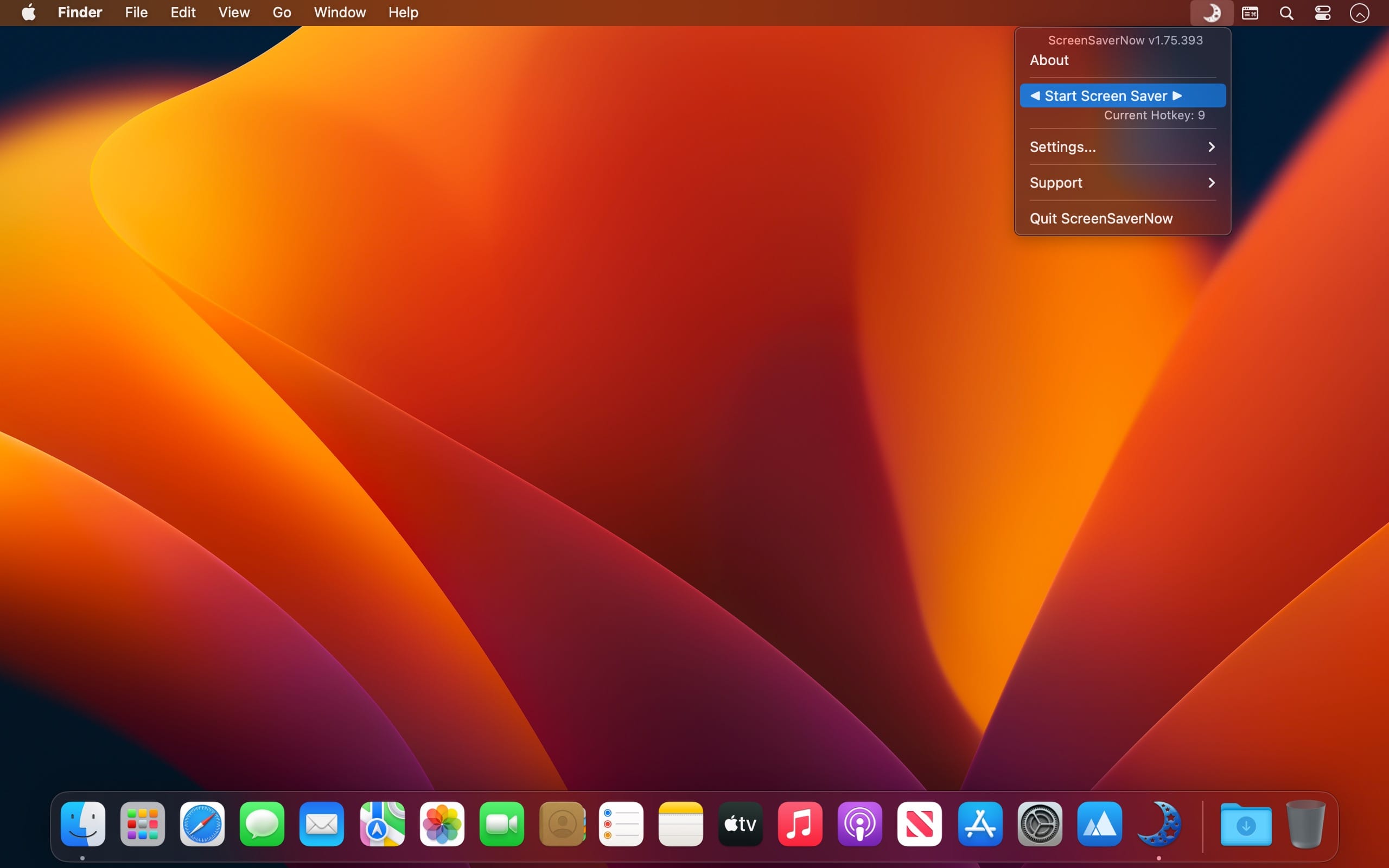
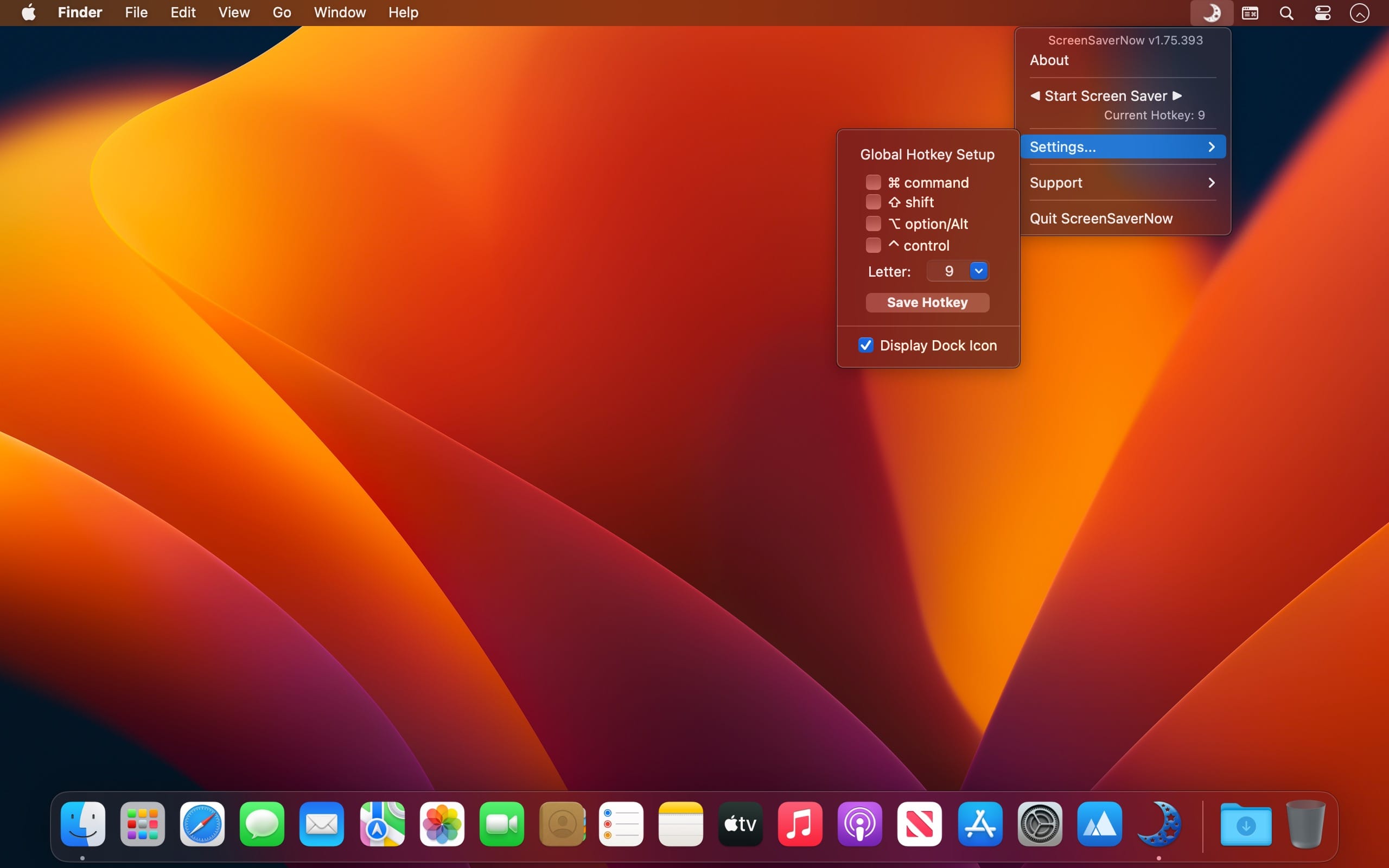
ScreenSaverNow provides an easy way for you to activate your screensaver. Just click the app's button in the status bar, or dock icon menu, or press a hotkey of your choice, and your screensaver will be instantly activated!
A Customizable Global Hotkey or a mouse click to activate your screensaver instantly.
Using a screensaver is still the most effective way of protecting your privacy while you are away from your Mac (even in this day and age).
A screensaver in conjunction with a password may very well be the only way of protecting your information from others when you are away from your Mac and still need to keep it working….
Features
- Fully customizable global hotkey trigger
- Simple mouse click to trigger
- Dock icon can be set to hidden
- More stabilized action avoiding miss-trigger by the user's mouse shaking after a click
- Sandbox-compatible option of auto-start at login.
Version v1.75
- all deprecated functions rewritten
- 'display control panel' added to dock menu and main menu
- status menu bar icon not only matches macOS dark mode but also the wallpaper light/dark setting
- status menu bar icon dark mode switching supported
- More by dragonBTV menu updated
Frequently asked questions
How do I install the app?
Mount the image, drag the app into the "Applications" folder and launch it. If the system blocks the launch, allow it in "System Settings → Privacy & Security".
The app is damaged or won't launch
Reinstalling from a fresh image usually helps. Make sure your macOS version matches the one listed in the compatibility specs.
How do I update?
Download the new version from the site and install it over the current one — your settings will be preserved.
The download link doesn't work
Try a mirror or a download manager. For large files the browser often drops the connection.
How do I completely remove the app?
Use an uninstaller utility — it cleans up the service files that remain after moving the app to the trash.





Choose a download source
ScreenSaver Now 1.75 · 2.81 MB