
Easy Screen Recorder 4.7.0
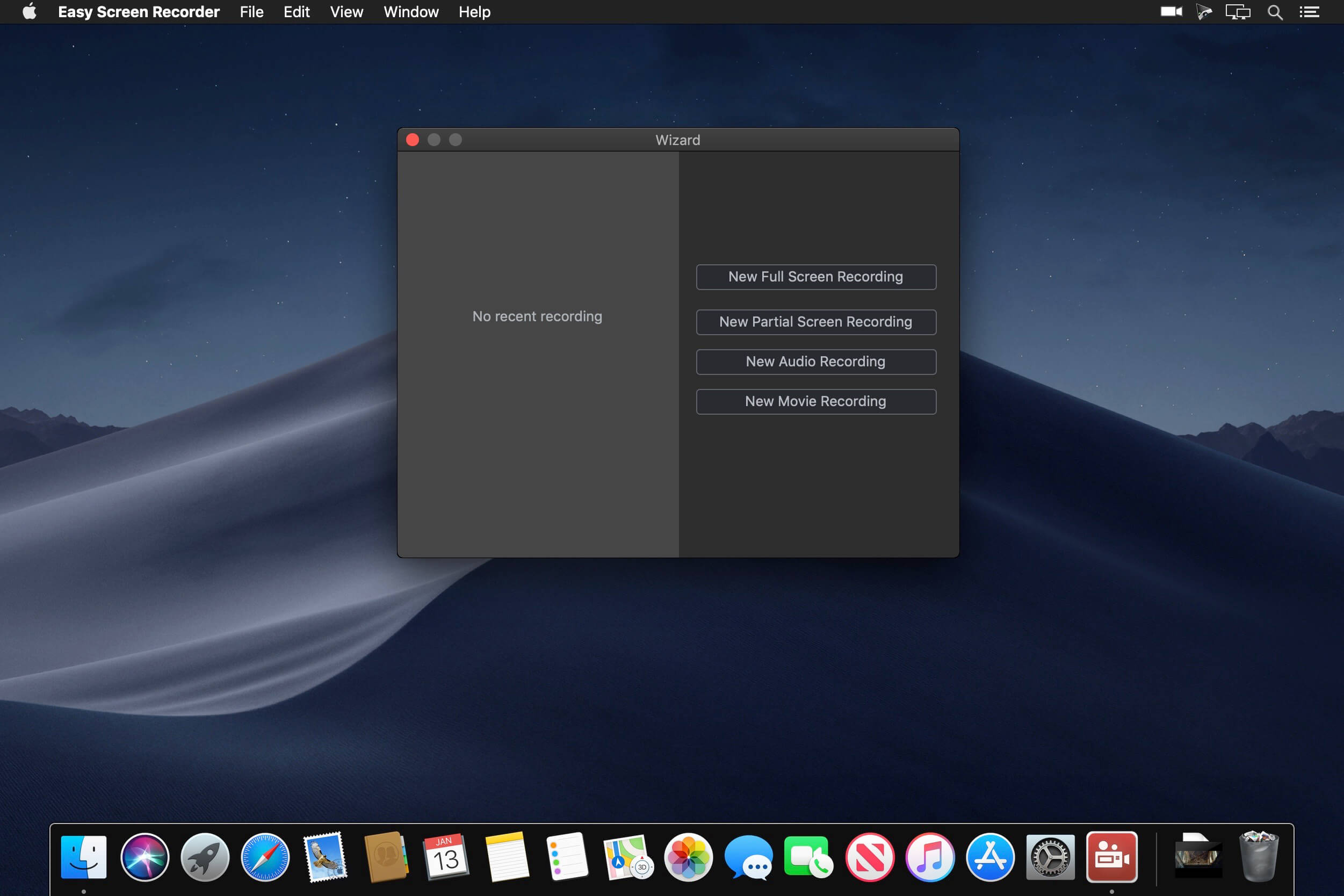
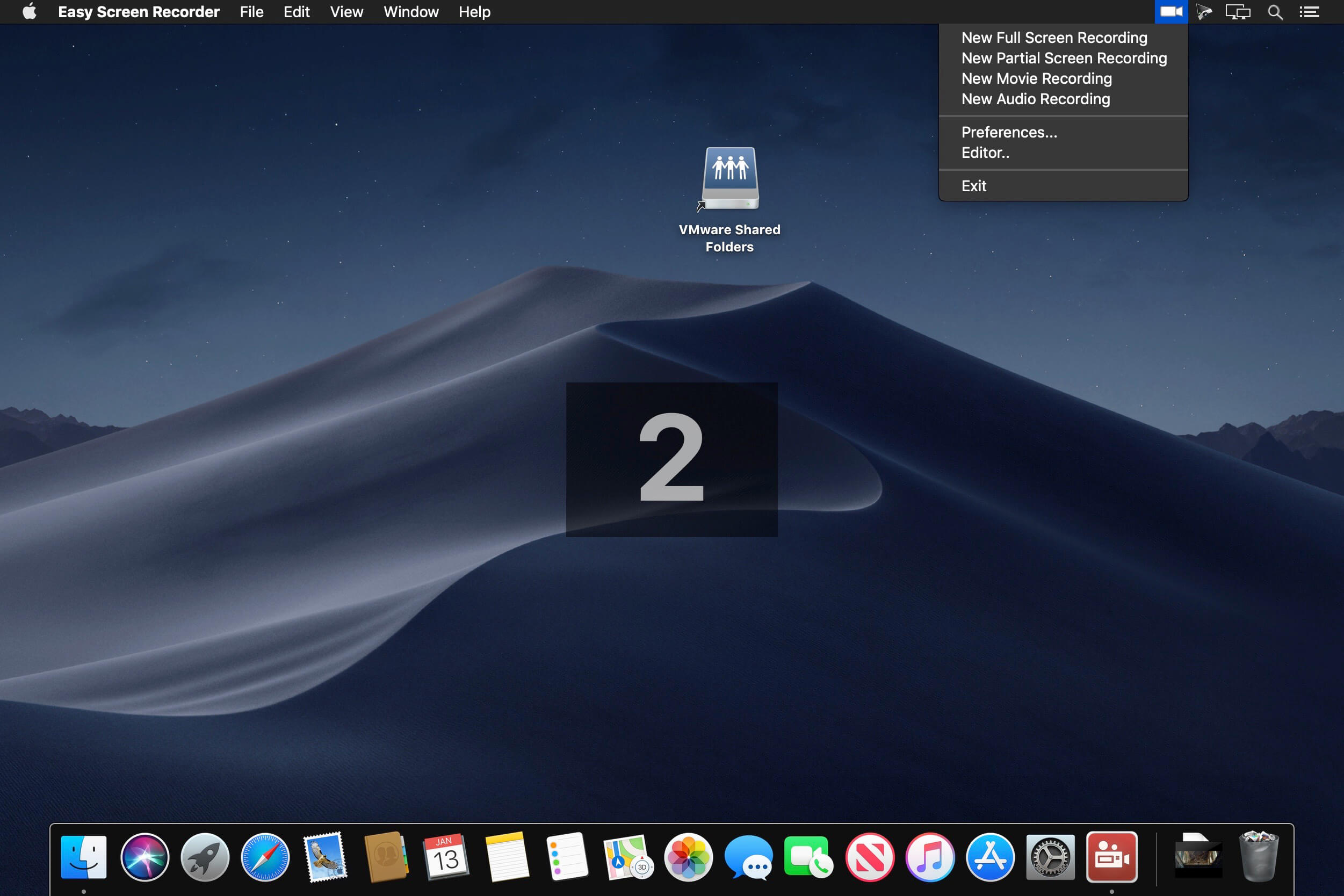
Easy Screen Recorder is a simple yet powerful screen recording and editing application that creates demos, tutorials and guides faster and easier.
Instantly record your screen, cameras, edit, comment and export to mp4 videos that you can share on Youtube, Facebook, etc.
Efficient, high quality full or partial screen recording
Easy Screen Recorder can record any part of your screen, or the entire screen, while also recording your cameras, microphone or multi-channel audio interface. Recording runs in the background while you make tutorial videos, It's very efficient and high quality, making your tutorial videos more interactive.
Powerful instant video editing
Rich editing tools to make tutorial videos more imaginative. The editor instantly loads your recorded video and audio, allowing you to quickly, creatively split, cut, animate and repeat. Additional text, images, photos, music, recordings, shape, clips to create awesome-looking tutorial videos. Built-in rich animation effects make the guide video more imaginative.Instant editing, previewing makes your work easier and faster.
Simple exporting
With built-in HEVC efficient coding, you can export high quality yet low size MP4 directly. You can also export MP4 using the more popular AVC encoding.
Frequently asked questions
How do I install the app?
Mount the image, drag the app into the "Applications" folder and launch it. If the system blocks the launch, allow it in "System Settings → Privacy & Security".
The app is damaged or won't launch
Reinstalling from a fresh image usually helps. Make sure your macOS version matches the one listed in the compatibility specs.
How do I update?
Download the new version from the site and install it over the current one — your settings will be preserved.
The download link doesn't work
Try a mirror or a download manager. For large files the browser often drops the connection.
How do I completely remove the app?
Use an uninstaller utility — it cleans up the service files that remain after moving the app to the trash.





Choose a download source
Easy Screen Recorder 4.7.0 · 23.75 MB