
Transparent Teleprompter 2.02

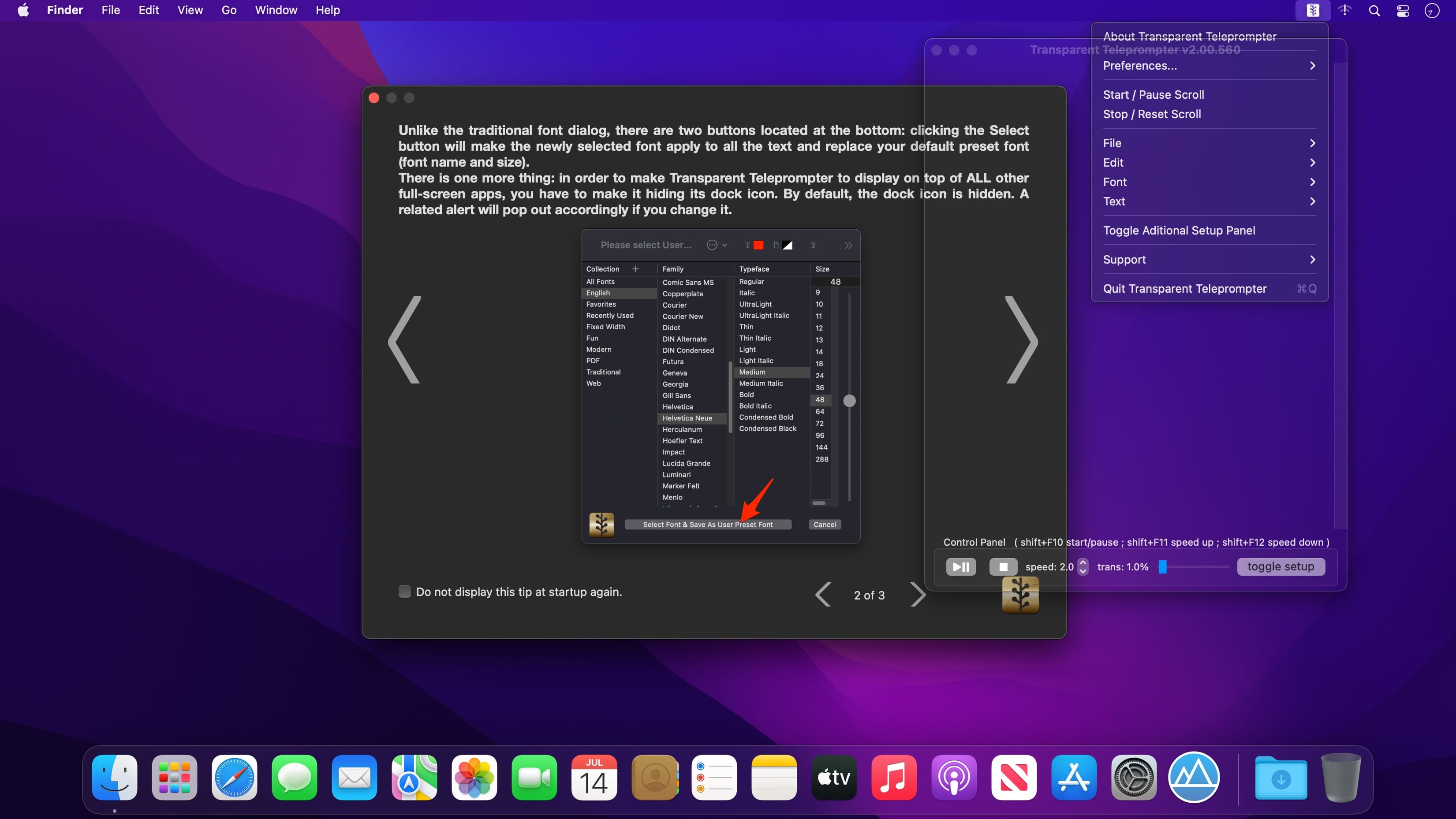
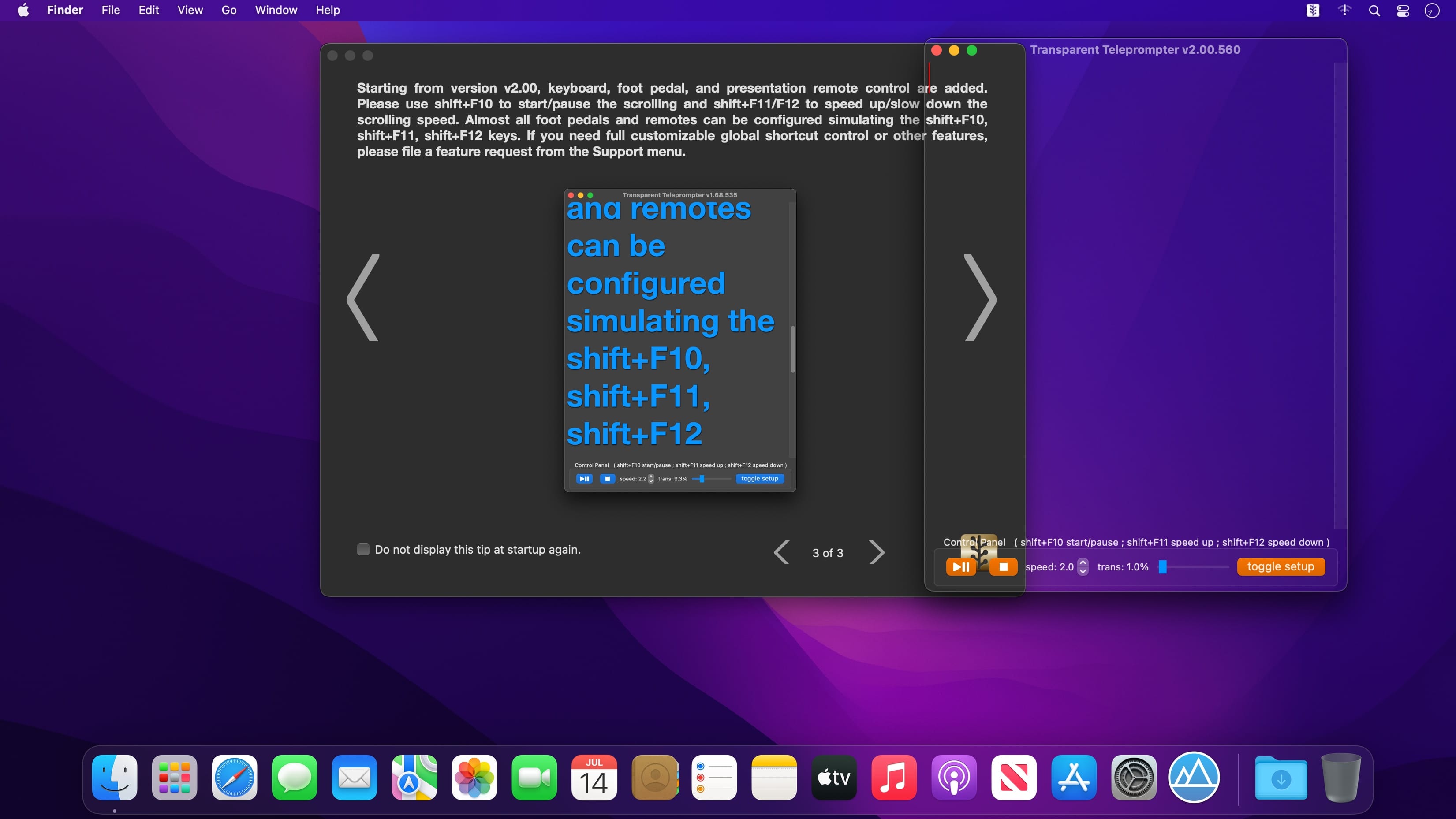
A translucent professional scrolling teleprompter overlay that can even show up on top of all your full-screen apps!
This full-function automatic teleprompter is the perfect accompaniment for your video calls, Zoom meetings, virtual interviews, and any other remote work situations that might come your way.
Features:
- transparent overlay, top of other apps and windows, will not affect the operation of other apps
- full function horizontal teleprompter displaying, the window size can be adjusted
- font size, font color, font shadow color, and text alignment can be fully customized
- teleprompter scrolling start, stop, pause, and speed can be freely controlled
- for a long document, you can simply drag the slider bar to change or reset the displaying text position during scrolling
- the transparency of the overlay mask can be freely set from 1% to 40%
- very convenient configuration: you can save your default font and style
- you can simply edit and paste text on the fly with format matched at any time
Version v2.00
new option added according to user's feature request:
- keyboard function key added for start/pause and speed up/down control
- foot control pedal and presentation remote supported
- bug fixed: setup panel is visible during app start
- tip alert and menu item added for the new feature of v2.00
Frequently asked questions
How do I install the app?
Mount the image, drag the app into the "Applications" folder and launch it. If the system blocks the launch, allow it in "System Settings → Privacy & Security".
The app is damaged or won't launch
Reinstalling from a fresh image usually helps. Make sure your macOS version matches the one listed in the compatibility specs.
How do I update?
Download the new version from the site and install it over the current one — your settings will be preserved.
The download link doesn't work
Try a mirror or a download manager. For large files the browser often drops the connection.
How do I completely remove the app?
Use an uninstaller utility — it cleans up the service files that remain after moving the app to the trash.


Choose a download source
Transparent Teleprompter 2.02 · 4.49 MB