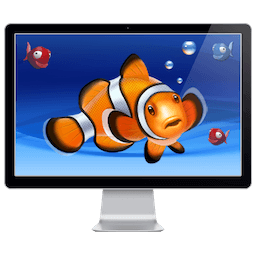
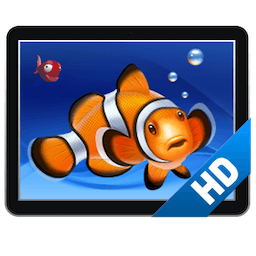
Aquarium HD Screensaver 3.3.0
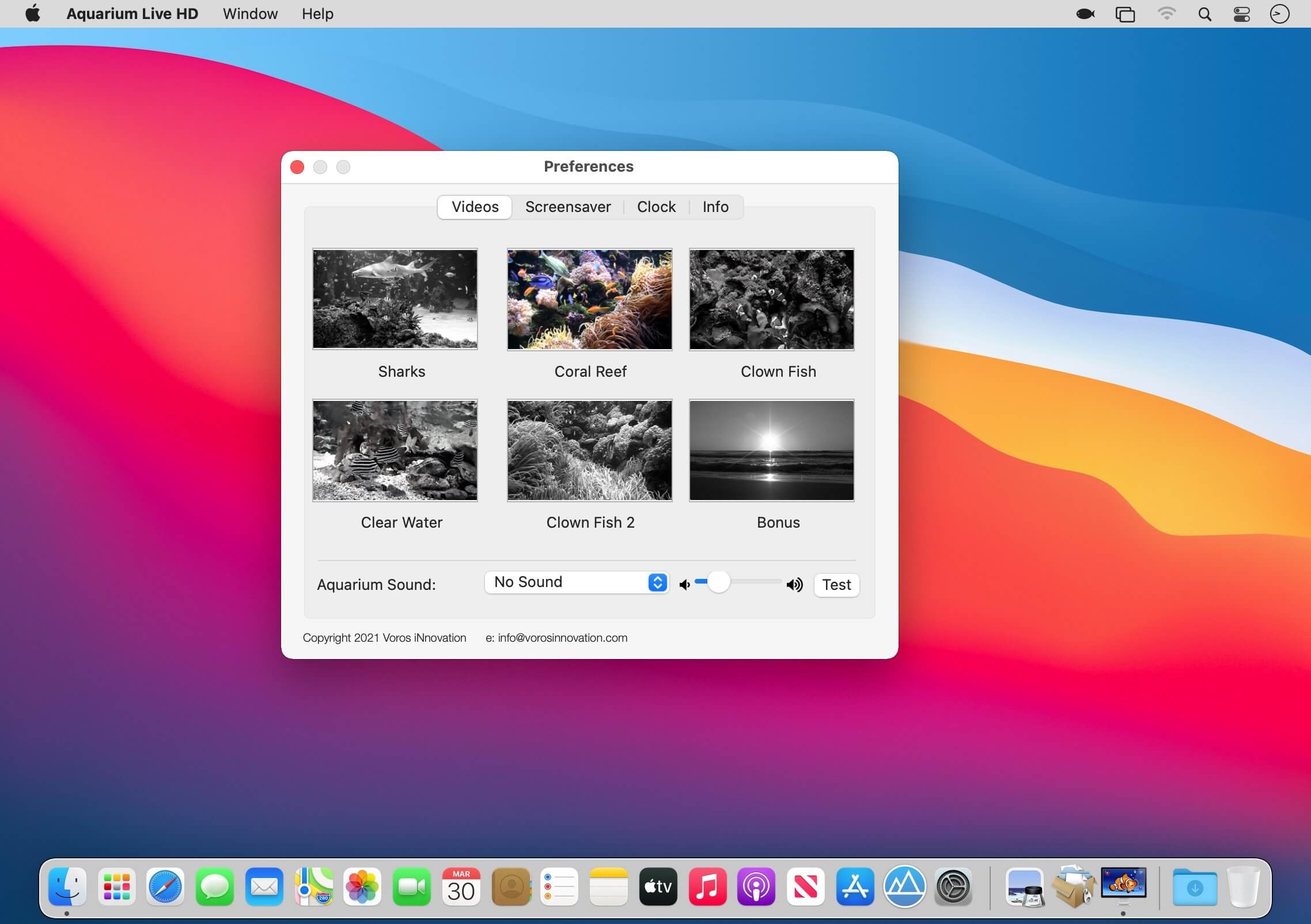
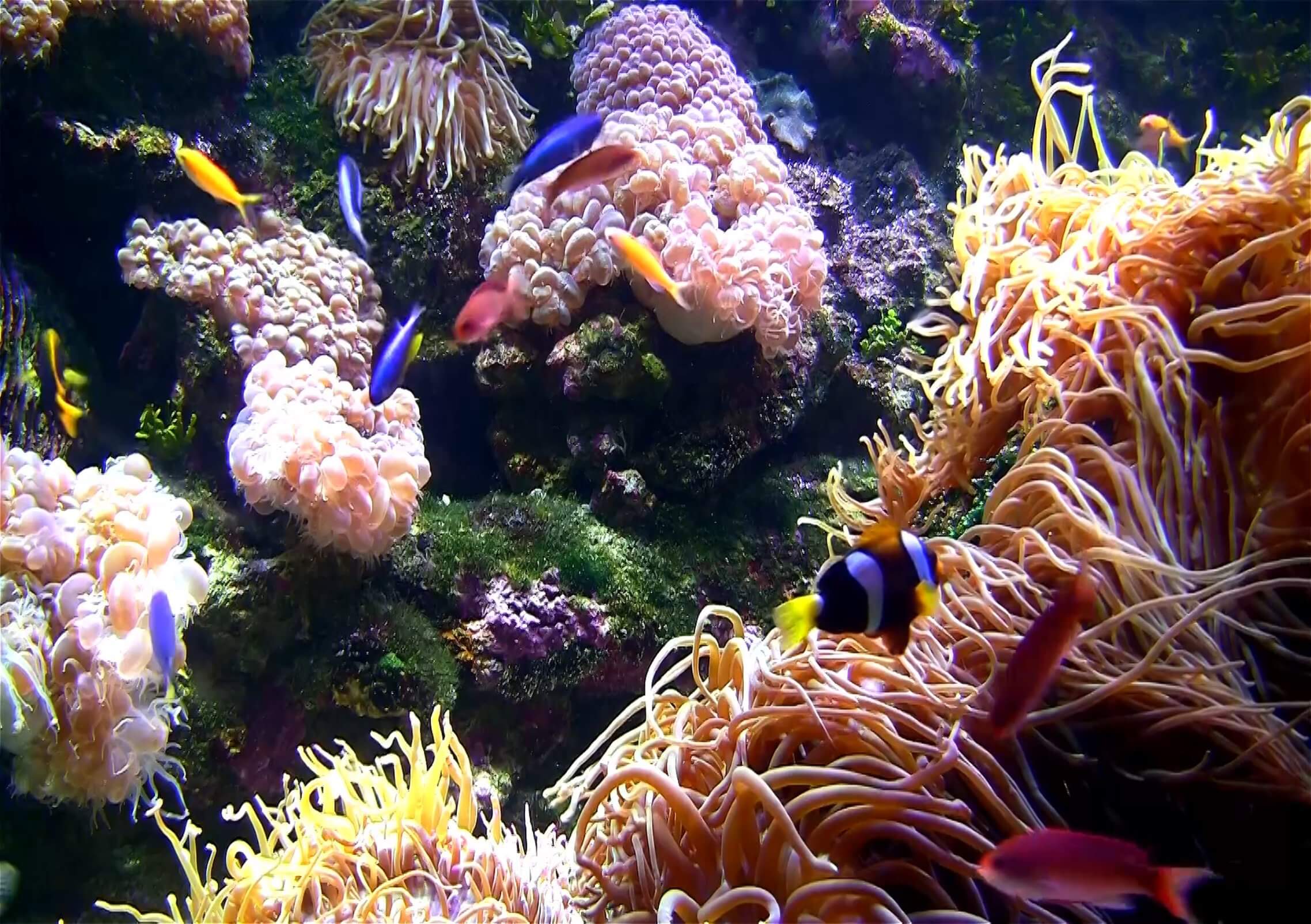
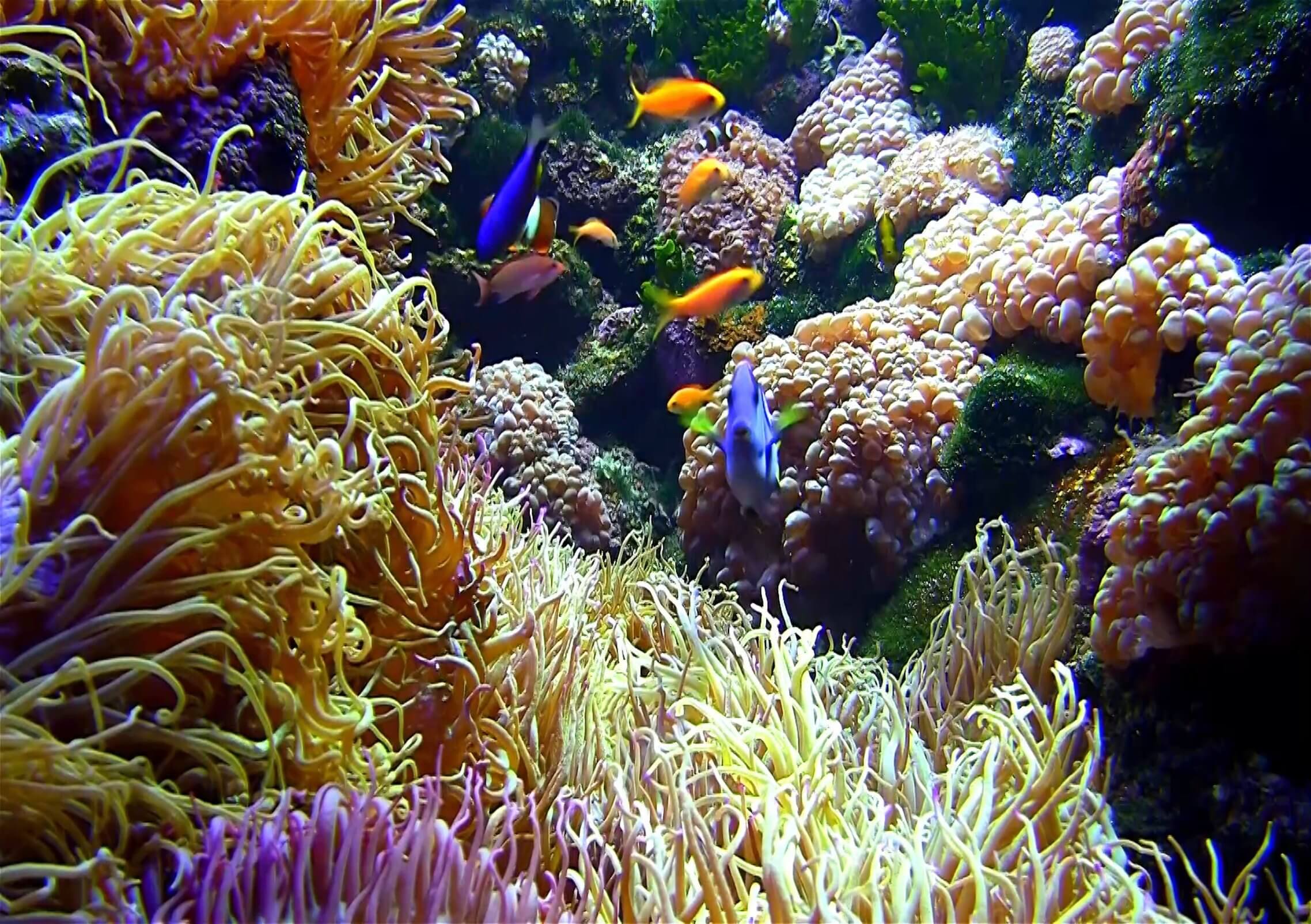
Turn your screen into a beautiful Aquarium!
Run Aquarium scenes manually or as a screensaver.
The most popular Aquarium app on Mac, iPhone and iPad. Over a million downloads worldwide!
- A selection of beautiful, long HD Videos to choose from
- Featuring Sharks, Clownfish (Nemo), Blue Tang (Dory) and many other colourful fish
- Optional sounds to choose from: Relaxing Music, Bubbles, Ocean waves and Underwater
- Run aquarium scenes manually (Select “Start” in App Menu or Menubar icon (little fish icon)
- Full screensaver support (replaces the system screensaver by default, or in-app screensaver timer can be set)
- Optional clock overlays: Text, Flip-Clock or Analog clock
- Looped playback with smooth, almost unnoticeable transitions
Version 3.3.0
- Bug fixes and performance improvements
Frequently asked questions
How do I install the app?
Mount the image, drag the app into the "Applications" folder and launch it. If the system blocks the launch, allow it in "System Settings → Privacy & Security".
The app is damaged or won't launch
Reinstalling from a fresh image usually helps. Make sure your macOS version matches the one listed in the compatibility specs.
How do I update?
Download the new version from the site and install it over the current one — your settings will be preserved.
The download link doesn't work
Try a mirror or a download manager. For large files the browser often drops the connection.
How do I completely remove the app?
Use an uninstaller utility — it cleans up the service files that remain after moving the app to the trash.


Choose a download source
Aquarium HD Screensaver 3.3.0 · 2.01 GB
Previous versions
Aquarium HD Screensaver 3.3.0
Previous versions are available to registered users.