
Total Video Converter 5.0.0
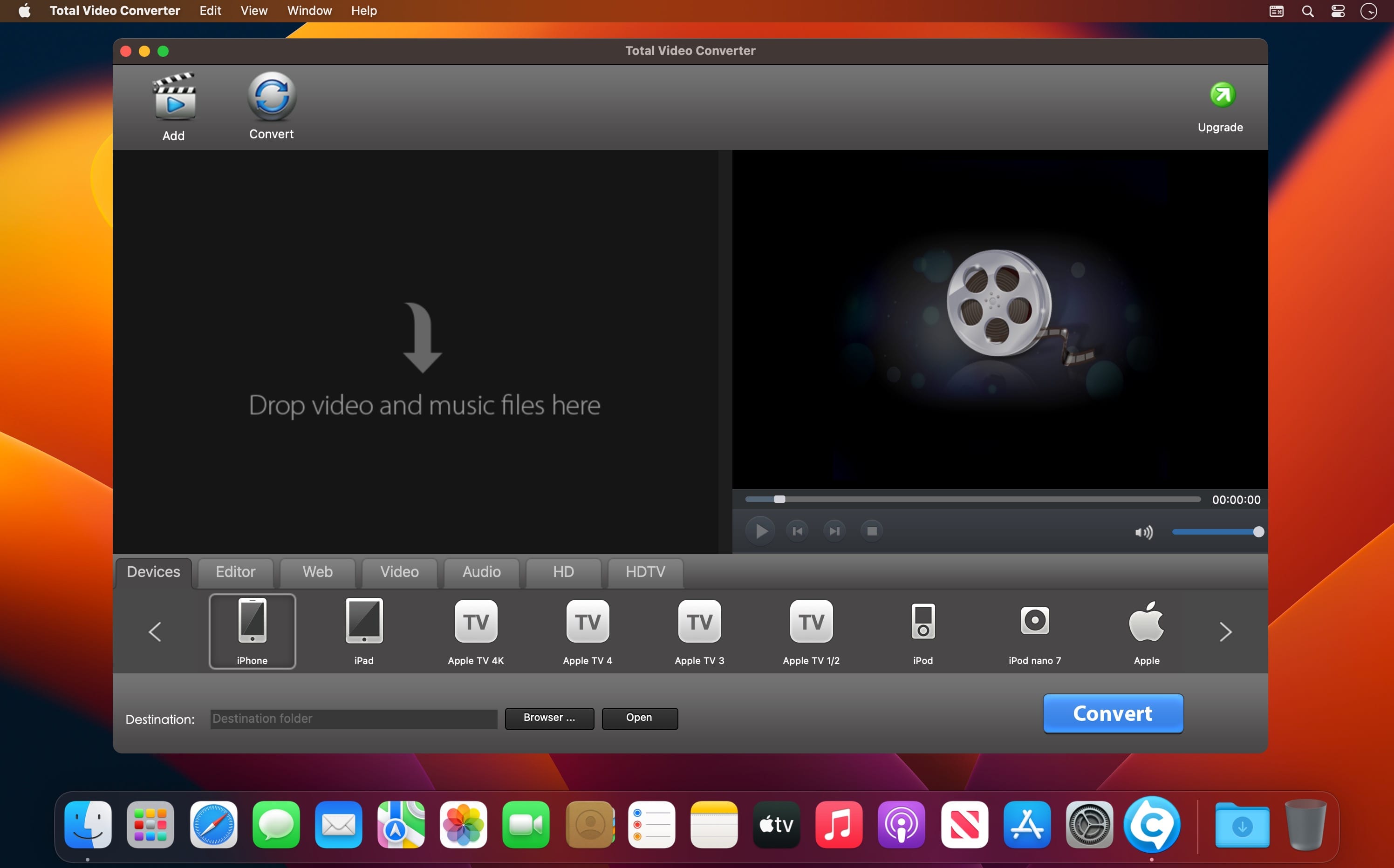
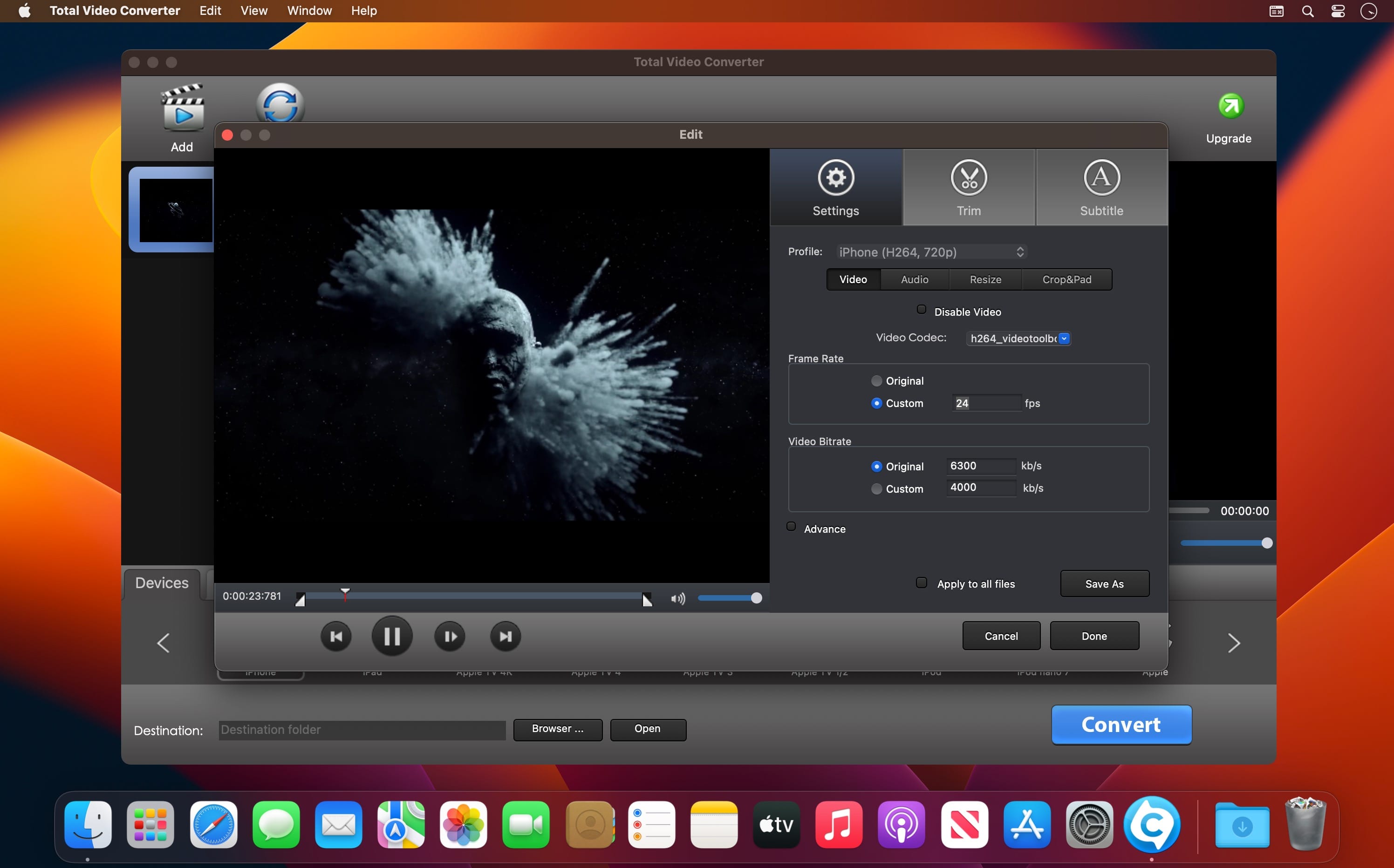
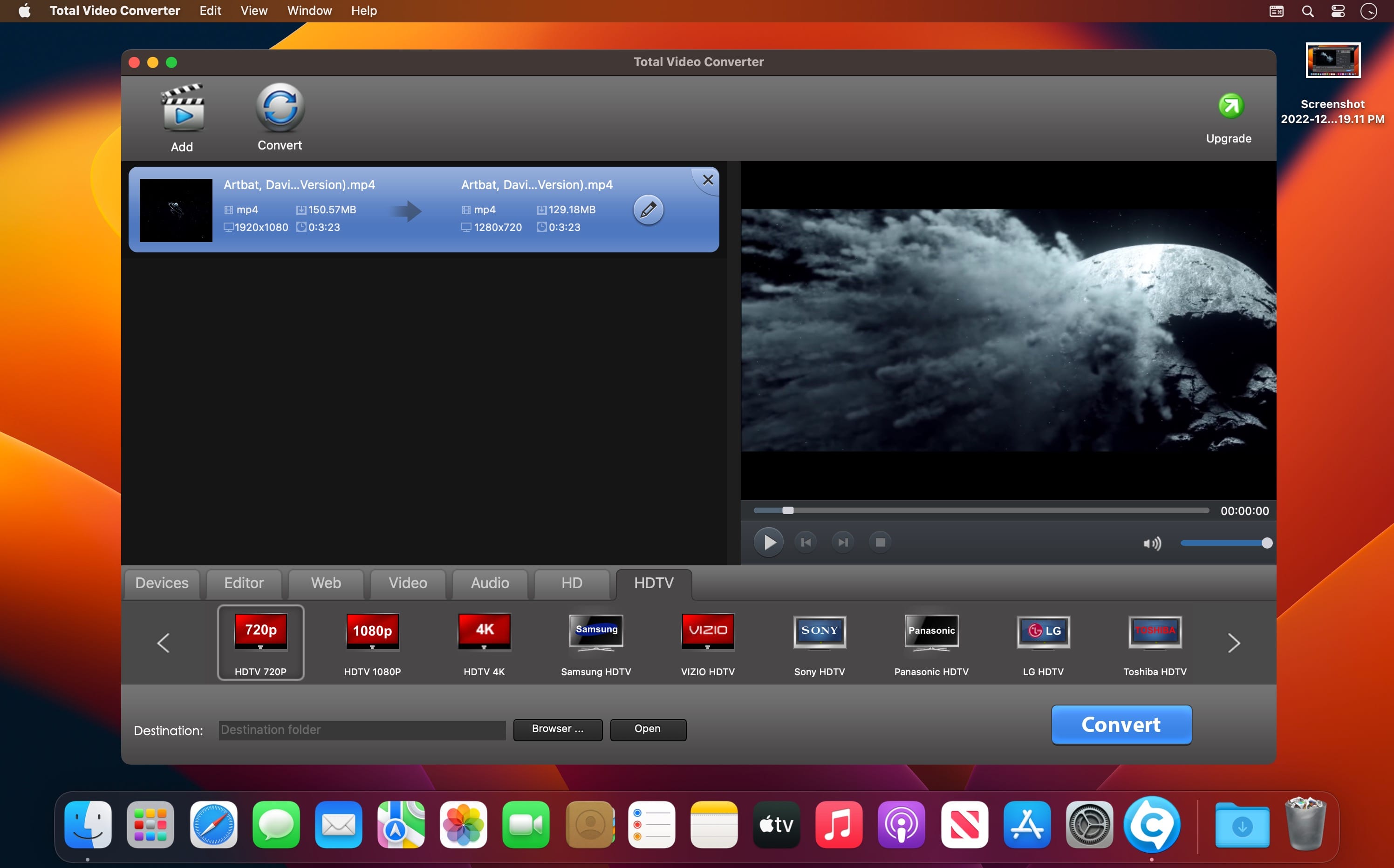
Total Video Converter is a piece of powerful video and audio converter to convert almost all video and audio formats. It is the best Mac Video Converter to convert videos for Apple TV, iPad, iPhone, iPod, Xbox 360, PlayStation 3, PSP, mobile phone: Blackberry, Nokia, Samsung and many others !
Total Video Converter for Mac Key features:
- CONVERT batch of videos and audios to iPhone, iPad, iTunes, iMovie, FCP.
- AUTO import DV(AVCHD/TOD/MOD) videos and easily convert to iMovie, FCP and other mobile devices.
- TRIM video/audio to desired clip with setting customized "start" and "end" time point.
Supported formats:
- Perfect supported output Devices: iPad, iPhone, iPod, HDV, DV, Xbox 360, PS3, PSP, Blackberry, Nokia, Samsung, Android, Zune, Creative Zen, etc.
- Highly compatible HDV, DV video formats: *.mod, *.tod, *.m2ts, *.evo, *.vro, *.mts, etc
- Input video formats: WMV, MKV, AVI, DivX, XviD, MPEG, MP4, QT, RM, RMVB, M2TS, M2T, MTS, FLV, MPEG, MPEG2 TS, ASF, 3GP, 3G2, GIF, H.264/MPEG-4 AVC, H.264/PSP AVC Video, TiVo (.ty, .ty+), etc.
- Input audio formats: MOV, FLV, WAV, MP3, MP2, AAC, M4A, WMA, FLAC, AMR, AWB, OGG, MMF, AC3, AU.
- Output video formats: OGG, WebM, WMV, MKV, AVI, DivX, XviD, MPEG, MP4, MOV, M2TS, FLV, MPEG, MPEG2 TS, ASF, 3GP, 3G2, GIF, SWF, H.264/MPEG-4 AVC, H.264/PSP AVC Video, H.264 TS, WMV-HD, MKV-HD, DivX-HD, Divx-HD, MOV-HD, FLV-HD
- Output audio formats: WAV, MP3, MP2, AAC, M4A, WMA, FLAC, AMR, AWB, OGG, AC3, AU, Apple Lossless.
Version 5.0.0
- Support TiVo files conversion (ty, ty+).
- Support AV1 video conversion.
- Player support fullscreen.
- Improve conversion speed.
- Fix bugs.
Frequently asked questions
How do I install the app?
Mount the image, drag the app into the "Applications" folder and launch it. If the system blocks the launch, allow it in "System Settings → Privacy & Security".
The app is damaged or won't launch
Reinstalling from a fresh image usually helps. Make sure your macOS version matches the one listed in the compatibility specs.
How do I update?
Download the new version from the site and install it over the current one — your settings will be preserved.
The download link doesn't work
Try a mirror or a download manager. For large files the browser often drops the connection.
How do I completely remove the app?
Use an uninstaller utility — it cleans up the service files that remain after moving the app to the trash.





Choose a download source
Total Video Converter 5.0.0 · 44.38 MB