
Apeaksoft Screen Recorder 2.2.16
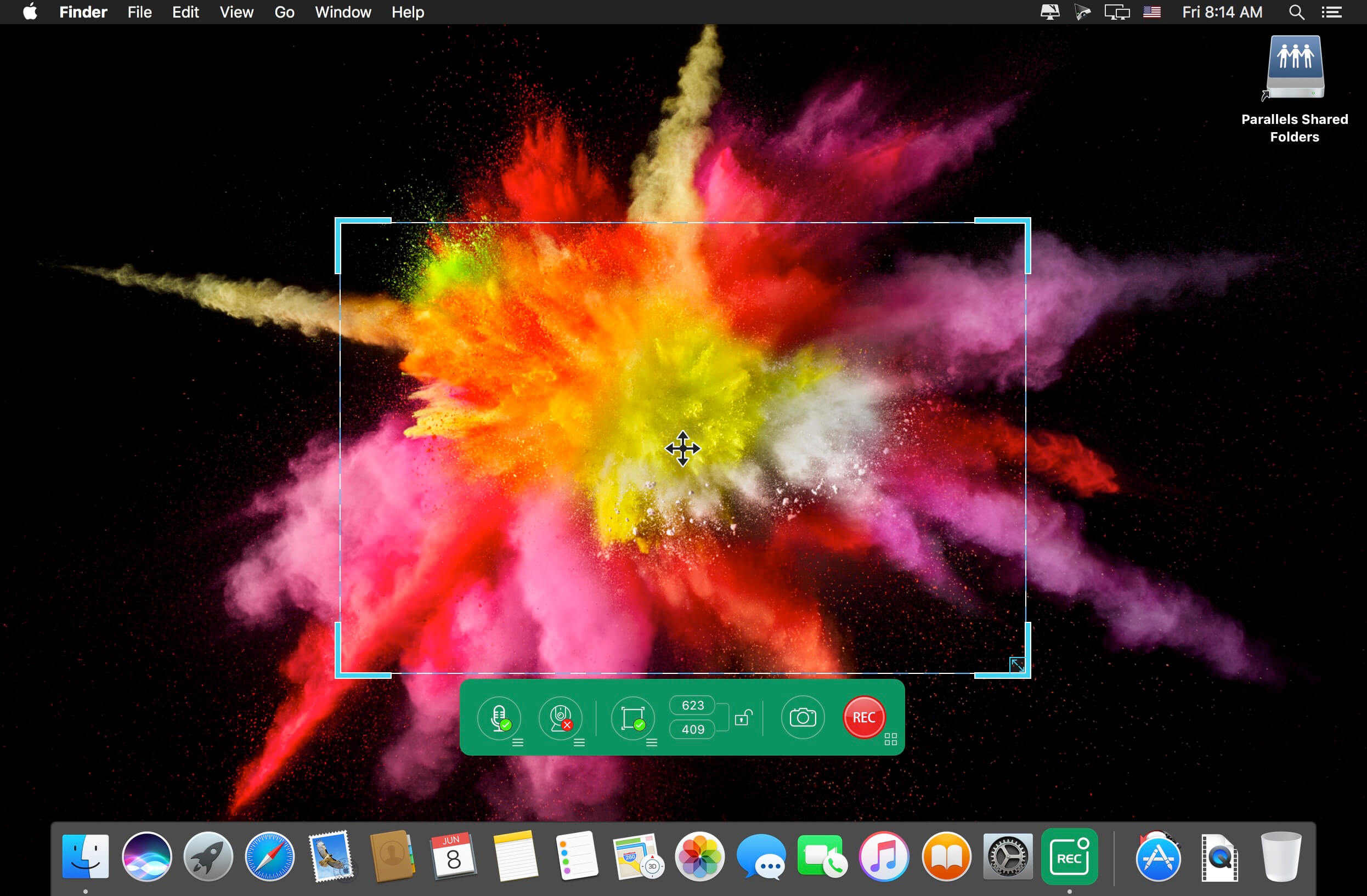
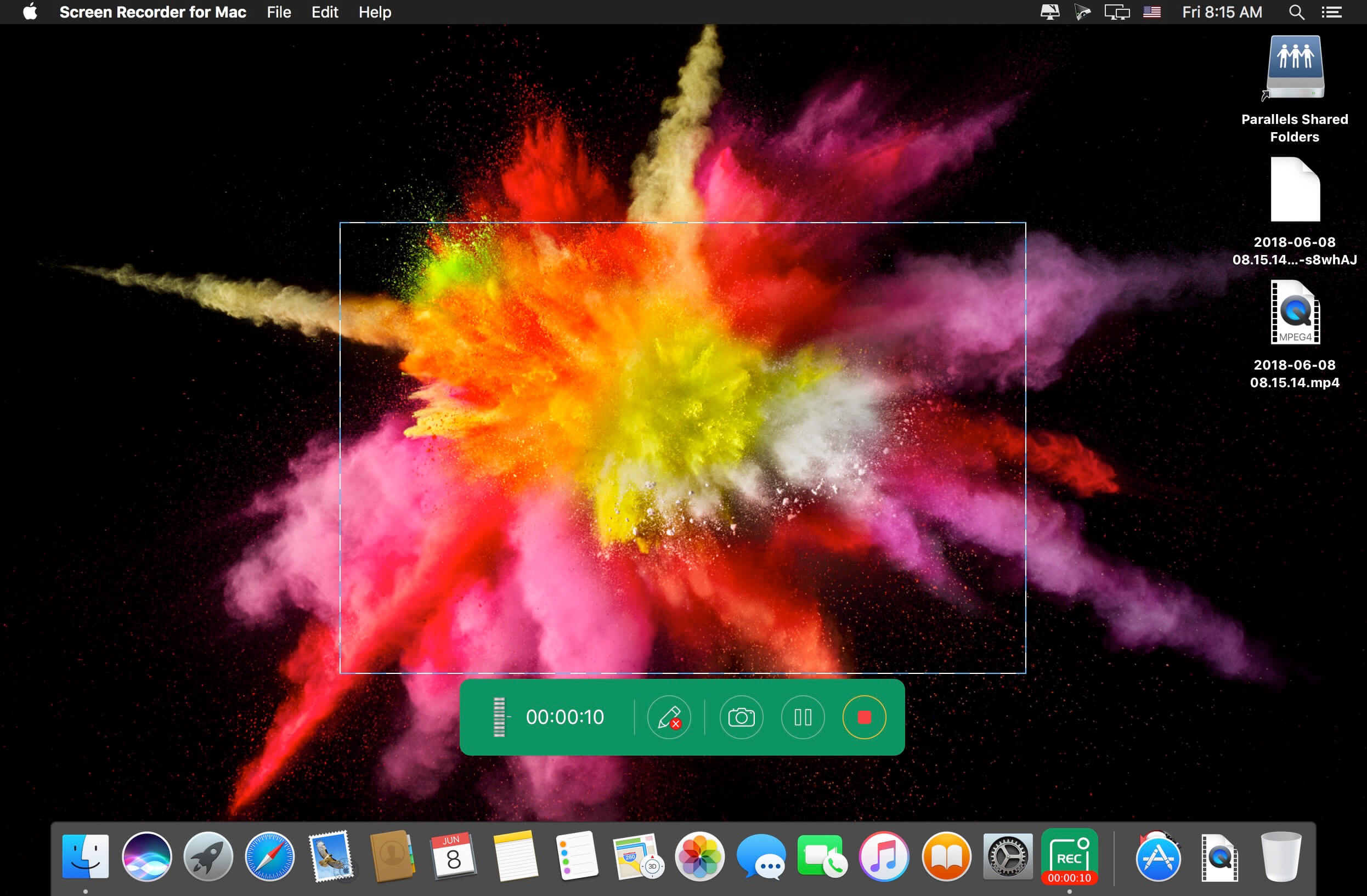
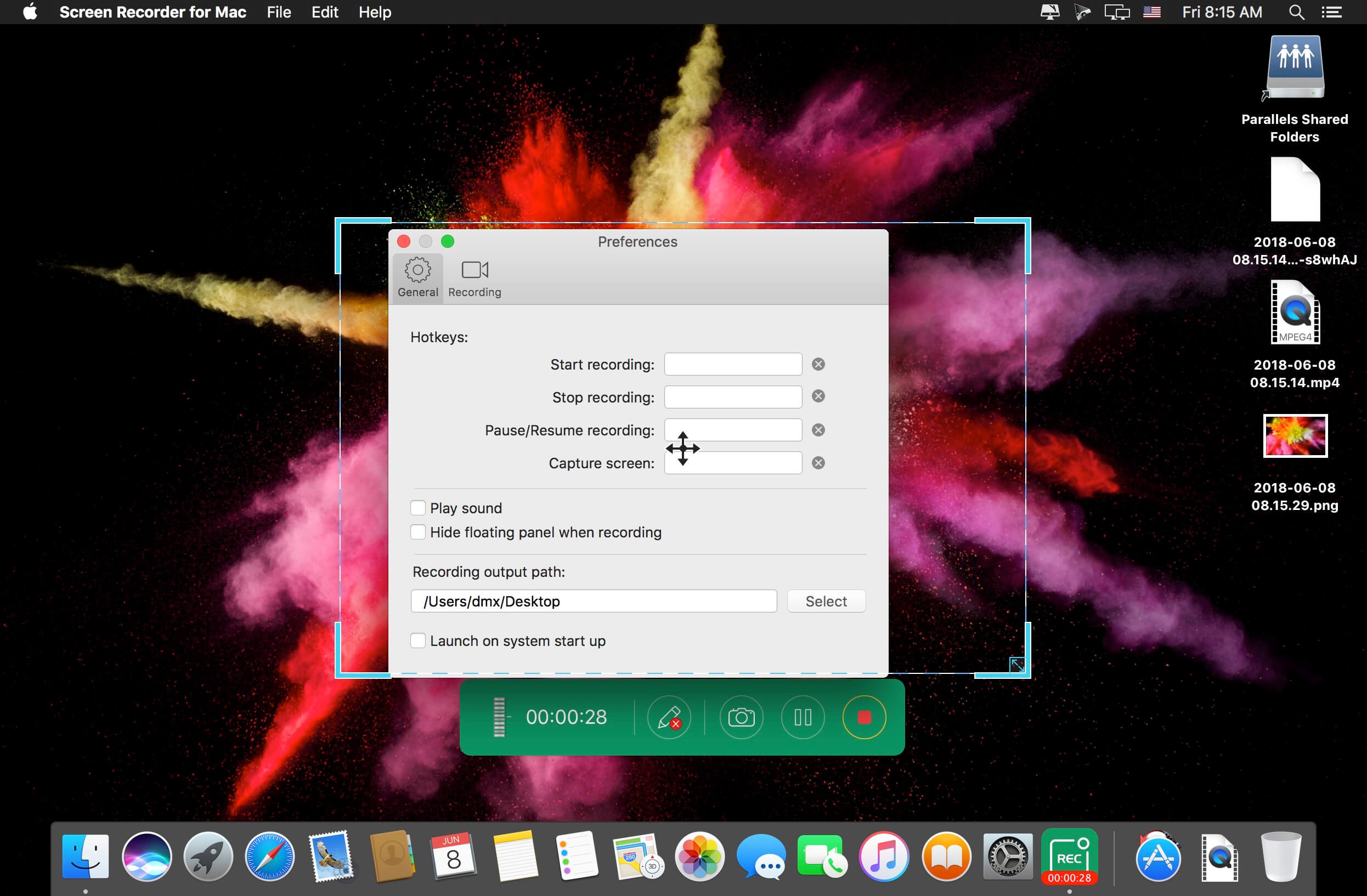
Apeaksoft Screen Recorder is a professional tool to record any video/audio and capture screen on your Mac computer. This excellent video screen recording software can help you easily get online movies and radio, record games, make video tutorials, capture webcam videos, take screenshot, etc. on your computer. Also, you are able to annotate your recording with a text box, arrow, highlight and more. What's more, this powerful Screen Recorder enables you to make the settings you prefer in advance, and then you are able to record video using these settings next time. It is pretty convenient if you have lots of on-screen activities to record in the same demand. Screen Recorder enables you to record lock window as well.
Version 2.1.38:
- Release notes were unavailable when this listing was updated.
Frequently asked questions
How do I install the app?
Mount the image, drag the app into the "Applications" folder and launch it. If the system blocks the launch, allow it in "System Settings → Privacy & Security".
The app is damaged or won't launch
Reinstalling from a fresh image usually helps. Make sure your macOS version matches the one listed in the compatibility specs.
How do I update?
Download the new version from the site and install it over the current one — your settings will be preserved.
The download link doesn't work
Try a mirror or a download manager. For large files the browser often drops the connection.
How do I completely remove the app?
Use an uninstaller utility — it cleans up the service files that remain after moving the app to the trash.





Choose a download source
Apeaksoft Screen Recorder 2.2.16 · 34.78 MB
Previous versions
Apeaksoft Screen Recorder 2.2.16
Previous versions are available to registered users.