SwitchResX 4.14.1
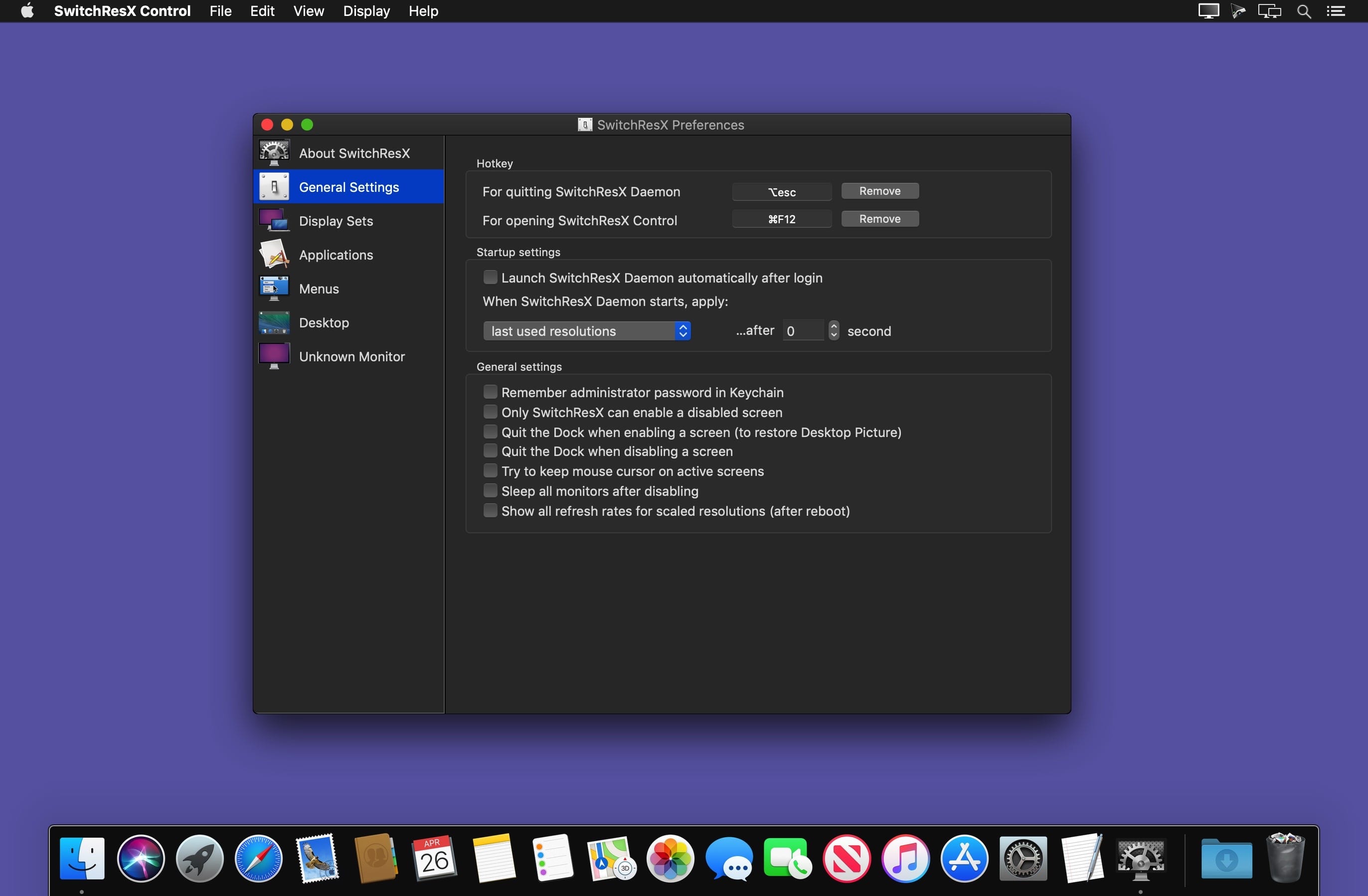
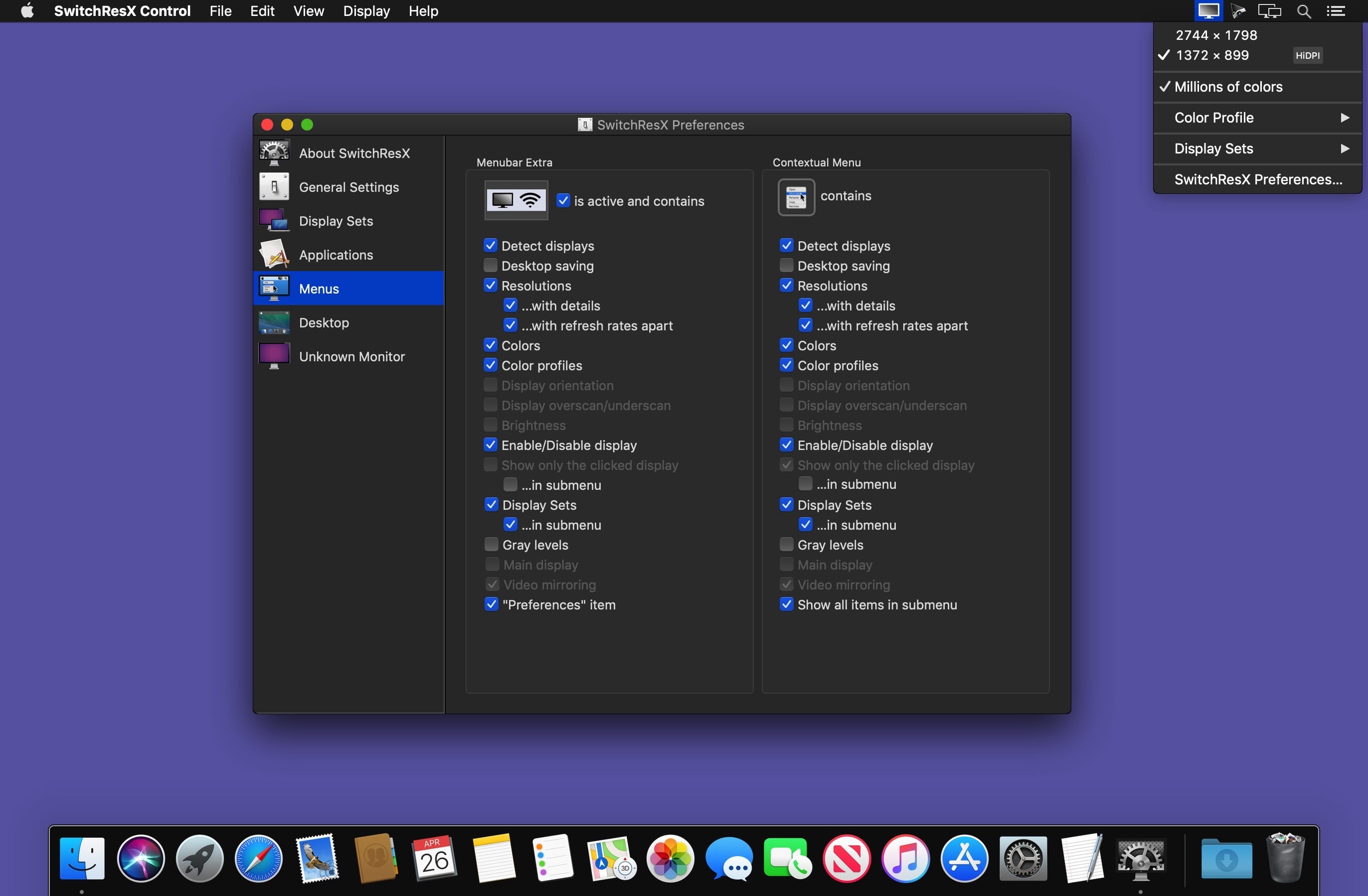
SwitchResX gives you unparalleled control over your monitor's resolution.
Resolution Management
Whether you prefer to use the menu bar or nested contextual menus, SwitchResX gives you constant, simplified access to the resolution management options you need.
Controls include:
- Monitor Resolution
- Color Depth
- Video Mirroring
- Display Rotation
- Display Overscan
Bountiful Features
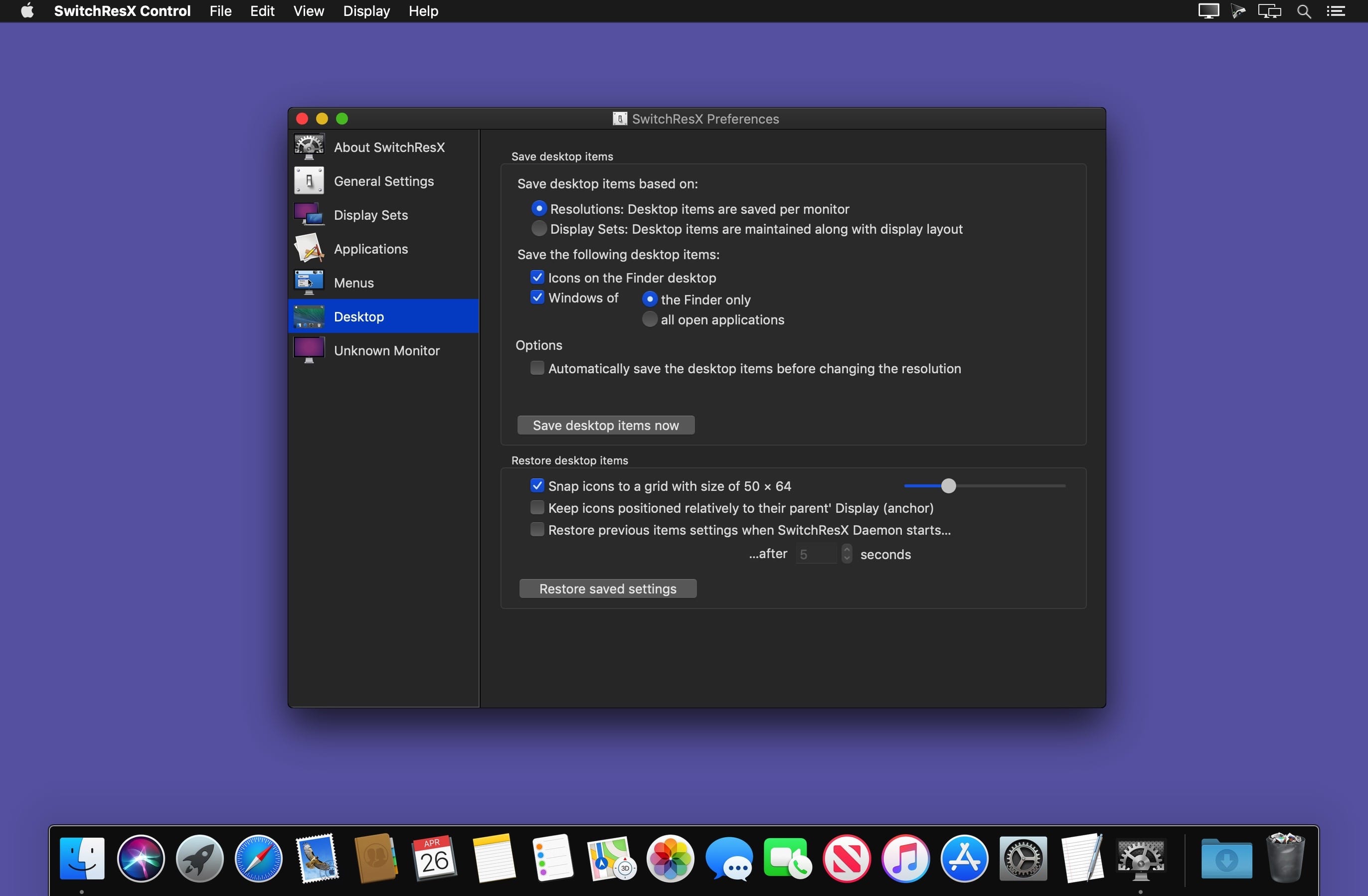
- Save your desktop layout, locking and maintaining icon and window positions for all of your open applications every time you start up your Mac. SwitchResX lets you instantly restore your desktop even after resolution-altering events like connecting or disconnecting your external monitor.
- Disable or deactivate a monitor without physically unplugging it, allowing you to use your MacBook in clamshell mode with an external monitor, keyboard and mouse.
Link your monitor settings with system events: Key shortcuts, Apple Scripts, Application launches and more. - Take complete control over your display resolution: Advanced features let you create and enable new resolutions for your monitor, HDTV, Plasma or LCD screen or Video Projector.
Version 4.14.1:
- Solves an issue where version 4.14 was not able to show all resolutions on some monitors
- Solves an issue where current resolution couldn't be found and marked in the menu, in case the current color profile couldn't be retrieved
- Solves an issue with Matrox TripleHead2Go
Frequently asked questions
How do I install the app?
Mount the image, drag the app into the "Applications" folder and launch it. If the system blocks the launch, allow it in "System Settings → Privacy & Security".
The app is damaged or won't launch
Reinstalling from a fresh image usually helps. Make sure your macOS version matches the one listed in the compatibility specs.
How do I update?
Download the new version from the site and install it over the current one — your settings will be preserved.
The download link doesn't work
Try a mirror or a download manager. For large files the browser often drops the connection.
How do I completely remove the app?
Use an uninstaller utility — it cleans up the service files that remain after moving the app to the trash.


Choose a download source
SwitchResX 4.14.1 · 7.12 MB
Previous versions
SwitchResX 4.14.1
Previous versions are available to registered users.
Comments 2