Stay 1.4
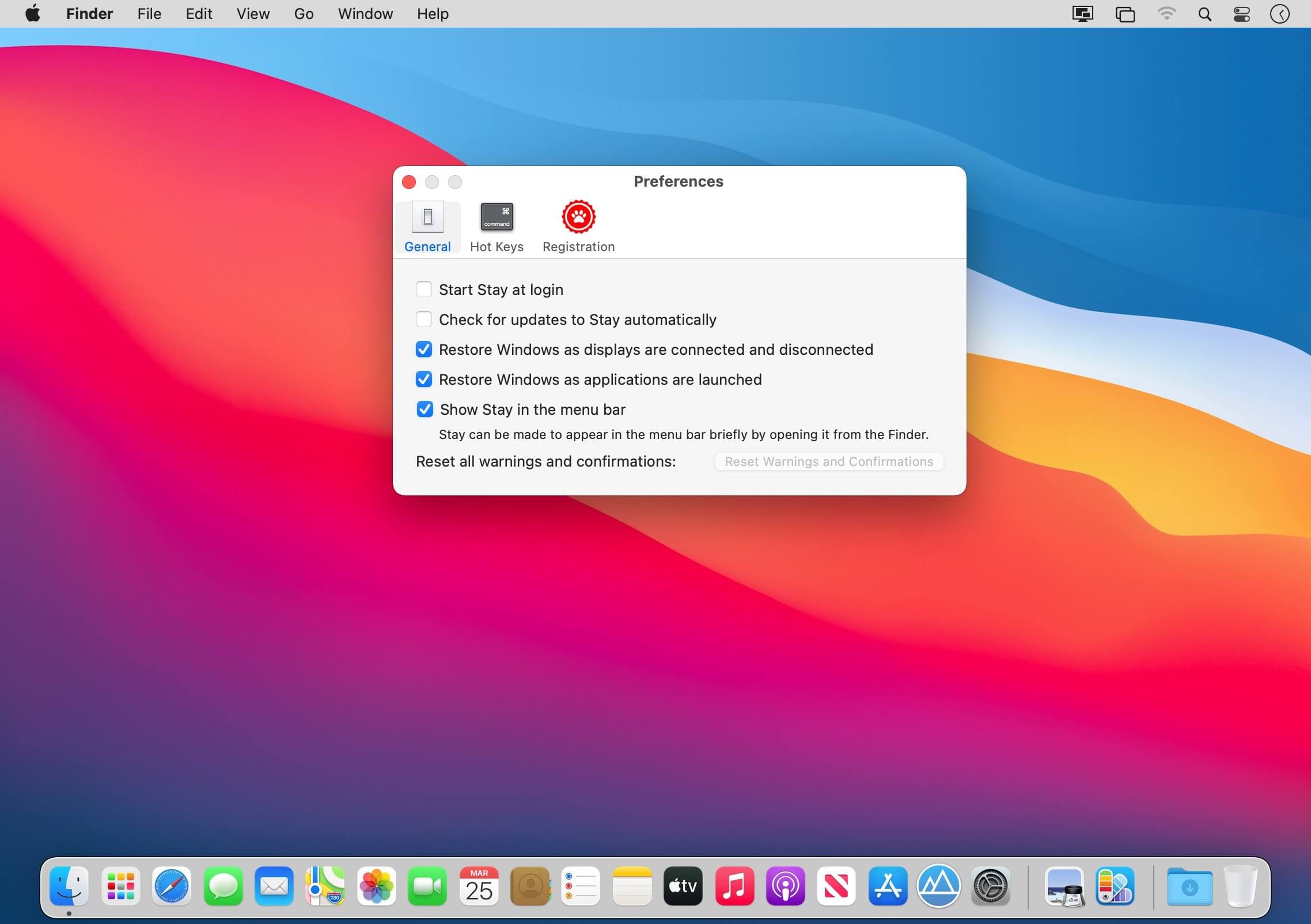
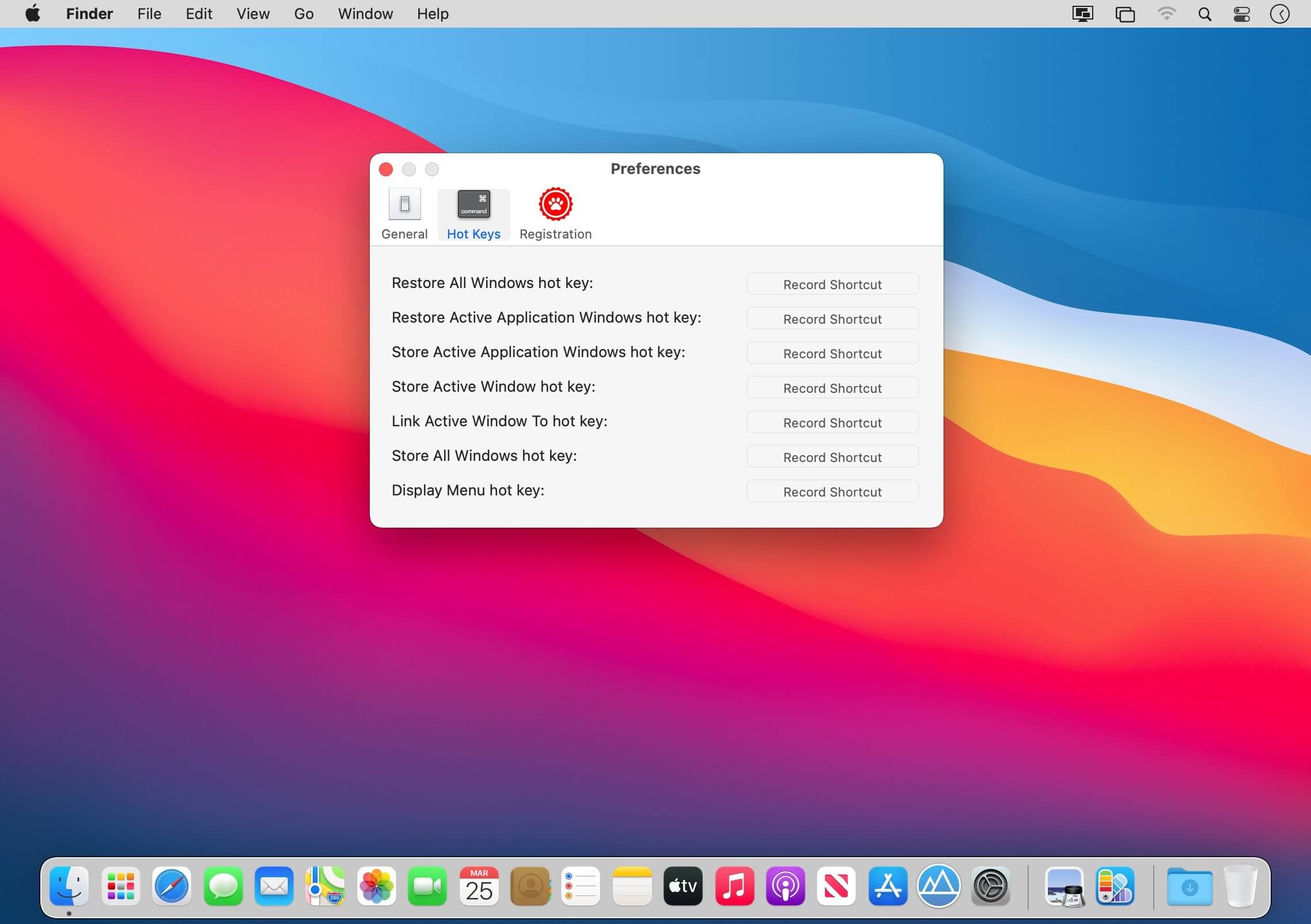
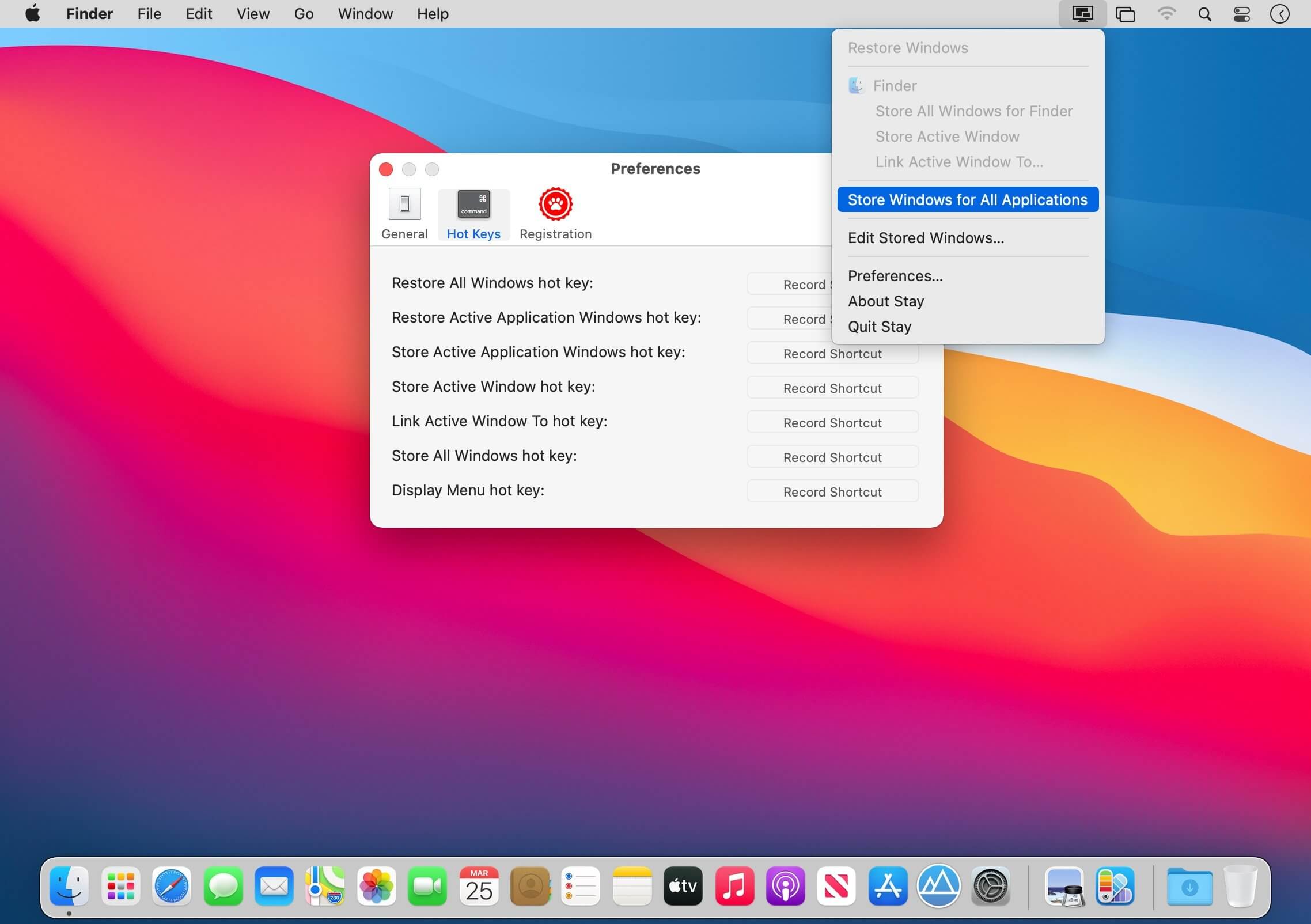
Stay is for those who are fastidious about keeping their windows tidy. Stay ensures that your windows are always where you want them to be, even as you connect and disconnect displays. Move your windows to where you want them, then have Stay store them. Once stored, windows can be returned to their stored state at any time by having Stay restore them.
What is Stay?
If you’re fastidious about keeping your windows tidy, Stay is for you. Stay ensures that your windows are where you want them, even as you connect and disconnect displays
How Does Stay Work?
Move your windows to where you want them, then have Stay store them. Once stored, windows can be returned to their stored state at any time by having Stay restore them.
Features
Stay can store a set of windows for every combination of displays that you use with your computer. Stay can also be configured to automatically restore windows as displays are connected and disconnected.
Version 1.4
Features:
- Native support for Apple Silicon Macs.
- Compatibility fixes for macOS 11 Big Sur.
Bug Fixes:
- Compatibility fixes for Tweetbot, Stickies, and Skim.
Frequently asked questions
How do I install the app?
Mount the image, drag the app into the "Applications" folder and launch it. If the system blocks the launch, allow it in "System Settings → Privacy & Security".
The app is damaged or won't launch
Reinstalling from a fresh image usually helps. Make sure your macOS version matches the one listed in the compatibility specs.
How do I update?
Download the new version from the site and install it over the current one — your settings will be preserved.
The download link doesn't work
Try a mirror or a download manager. For large files the browser often drops the connection.
How do I completely remove the app?
Use an uninstaller utility — it cleans up the service files that remain after moving the app to the trash.




Choose a download source
Stay 1.4 · 6.56 MB