
Large Files Finder 1.5.1 fix

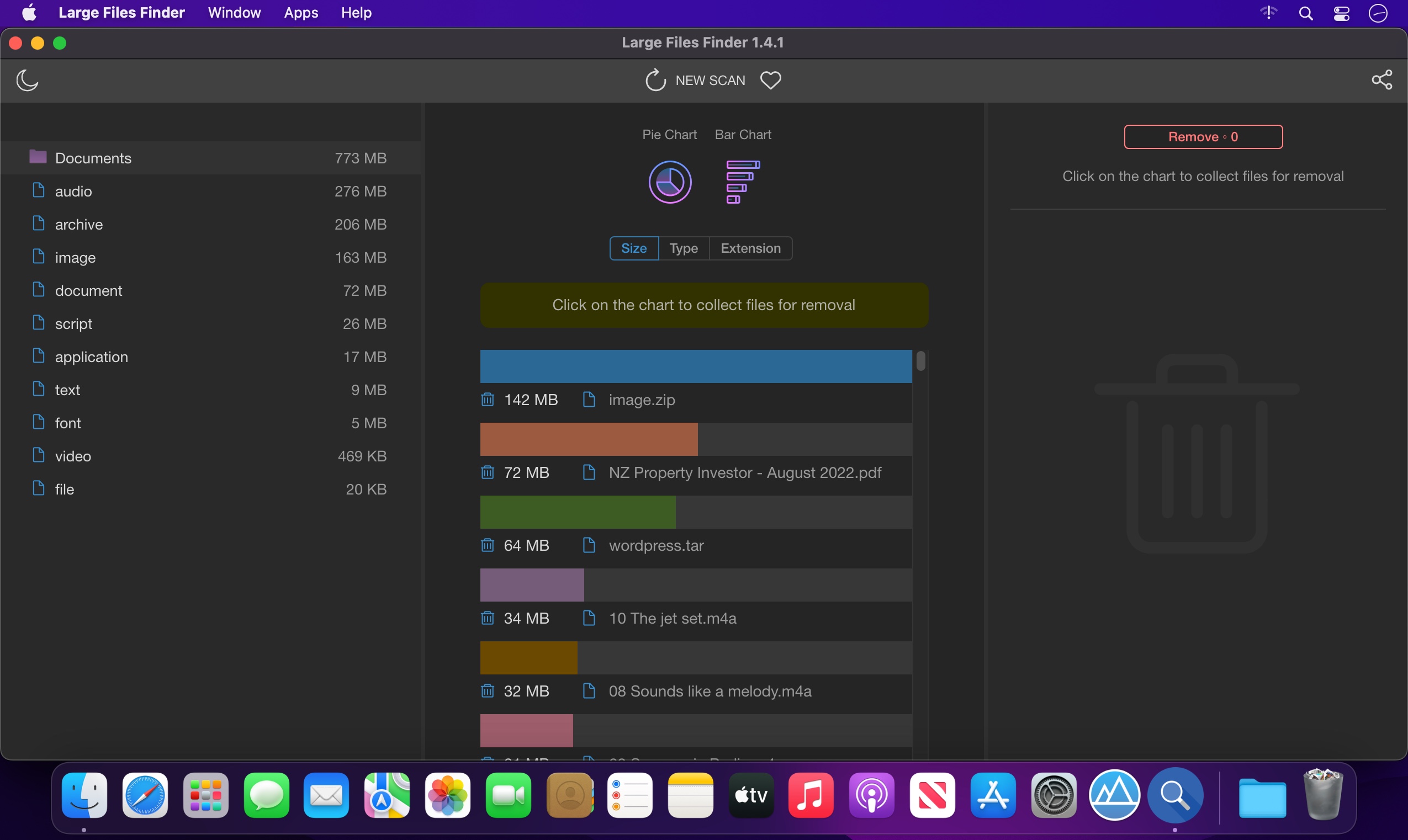
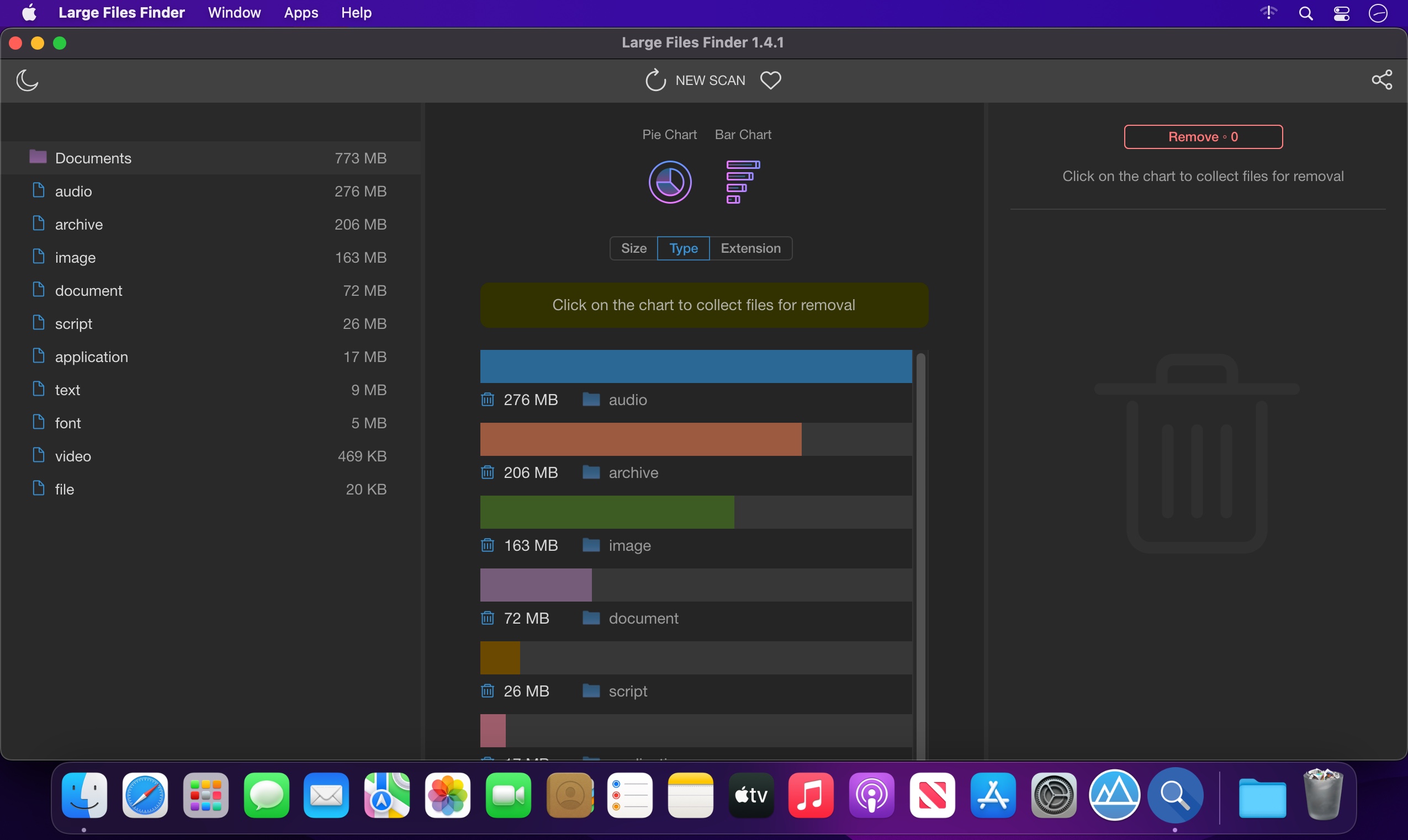
Large Files Finder will help you instantly find and delete large files that occupy your hard drive. This tiny, flexible, hard-working tool free ups gigabytes of wasted disk space with a simple click. The software is blazingly fast and intuitively simple.
All Features:
- Blazingly Fast
Scanning 1,000,000 files takes less than a minute! - Intuitively Simple
It is so simple as 1 2 3. For all ages and for all users. - Large Files Deleting
Discover all missing releases in your music collection - Smart Filters
Easily filter large files by Kind, Extension, Date or Size - Multiple Charts
Supports multiple charts for better large files representation - Large Groups Deleting
Find and delete large group of files in a click! - Simple Categories
You can search for specific category of large files - Get & Go
Doesn't require installation! Good to go as soon as downloaded!
Version 1.5.1:
- Release notes were unavailable when this listing was updated.
Frequently asked questions
How do I install the app?
Mount the image, drag the app into the "Applications" folder and launch it. If the system blocks the launch, allow it in "System Settings → Privacy & Security".
The app is damaged or won't launch
Reinstalling from a fresh image usually helps. Make sure your macOS version matches the one listed in the compatibility specs.
How do I update?
Download the new version from the site and install it over the current one — your settings will be preserved.
The download link doesn't work
Try a mirror or a download manager. For large files the browser often drops the connection.
How do I completely remove the app?
Use an uninstaller utility — it cleans up the service files that remain after moving the app to the trash.





Choose a download source
Large Files Finder 1.5.1 fix · 135.97 MB