
Any Video Converter Pro 7.1.10
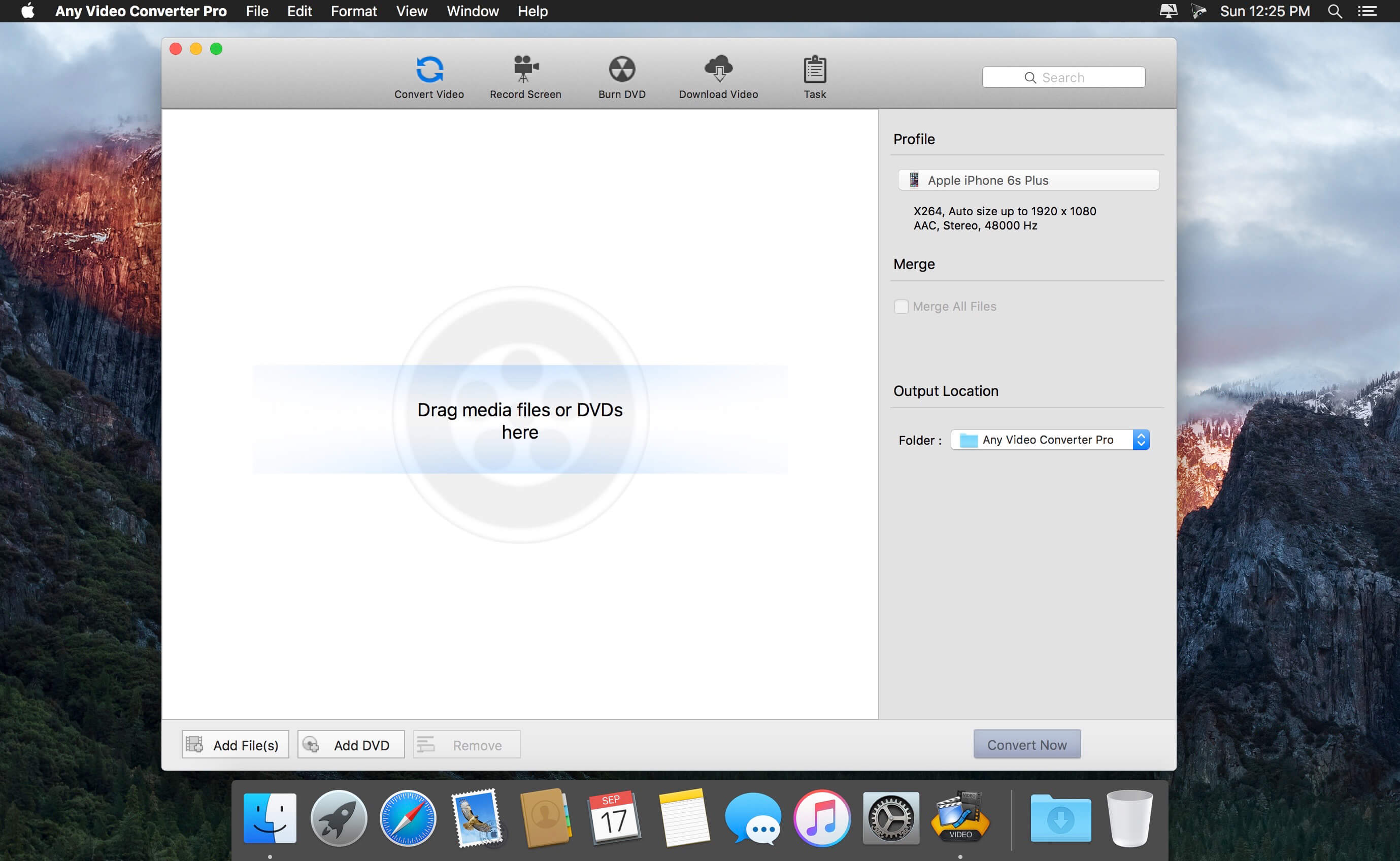
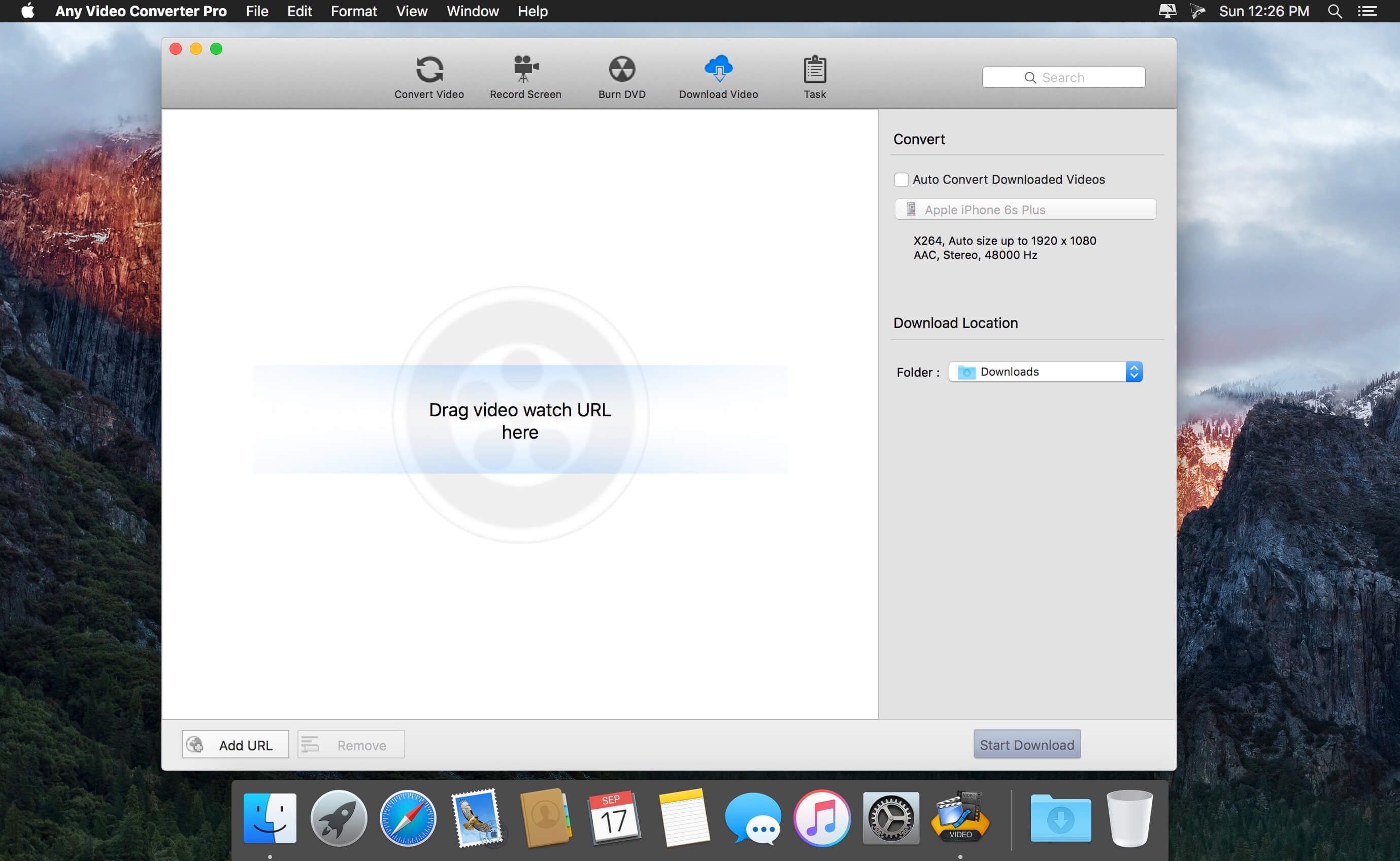
AVCLabs Any Video Converter for Mac is an excellent Mac video converter software program which can convert video with perfect output quality and high conversion speed for Mac OS X users.
This Mac Video Converter supports all popular video formats including AVI, MP4, WMV, MPEG, FLV, YouTube, Limewire, Realplayer, Quicktime, MKV, MOD, ASF, MPEG1, MPEG2, 3GP, 3G2, MOV, M2TS, MPEG TS/TP (for HD Video), etc.
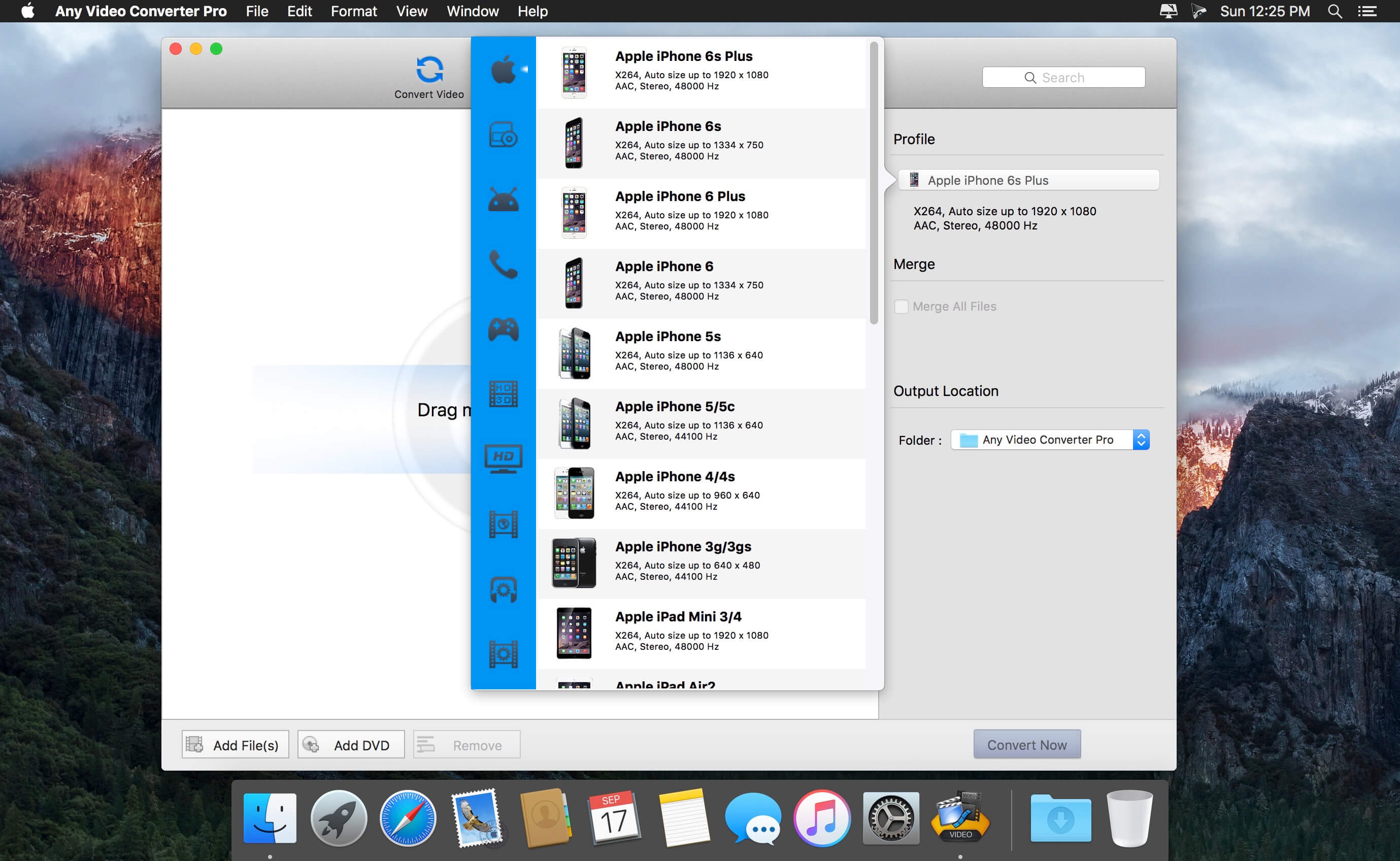
AVCLabs Any Video Converter for Mac works perfectly for almost all popular MP4/MP3 players like iPad, iPod touch, iPod classic, iPod nano, iPhone, iPhone 3GS, Apple TV, PSP, PS3, Creative Zen, iRiver PMP, Archos, various video mobile phones and many other digital video and audio players.
Support various formats
AVCLabs Any Video Converter is a powerful and professional Mac Video Converter that comes with both Power PC and Intel processors. It supports MP4, MOV, M4V, AVI, MPEG-1, MKV, MOD, WMV, FLV, 3GP, 3GPP, MPEG-2, VOB, DV, F4V, HD video (TS、TP、TRP、M2TS), etc.
Support all popular portable playersconvert video to portable devices
This Mac Video Converter can help you customize videos and convert any videos for all portable players including iPod Touch, iPad, iPod Nano, iPod Classic, iPod Video, iPhone, Apple TV, PSP, PS3, Xbox 360, Zune, Archos, Sandisk, iRiver, Creative Zen, PMP, MP4/MP3 Player, Smart Phone, Pocket PC, PDA, Mobile Phone, etc. Enjoy movie on your trip easily.
Support batch conversion; convert multiple videos at one time.
Include functions of MP4 Video Converter, iPod Video Converter, iPhone Video Converter, PSP Video Converter, Zune Video Converter, AVI MPEG Converter, 3GP Video Converter, WMV Converter etc.
Version 7.1.10:
- various fixes and improvements
Frequently asked questions
How do I install the app?
Mount the image, drag the app into the "Applications" folder and launch it. If the system blocks the launch, allow it in "System Settings → Privacy & Security".
The app is damaged or won't launch
Reinstalling from a fresh image usually helps. Make sure your macOS version matches the one listed in the compatibility specs.
How do I update?
Download the new version from the site and install it over the current one — your settings will be preserved.
The download link doesn't work
Try a mirror or a download manager. For large files the browser often drops the connection.
How do I completely remove the app?
Use an uninstaller utility — it cleans up the service files that remain after moving the app to the trash.
VersionAny Video Converter Pro 7.1.10
DeveloperAnvsoft Inc
CompatibilityOS X 10.8 or later
LanguageEnglish
IncludesK'ed by TNT


Choose a download source
Any Video Converter Pro 7.1.10 · 45.09 MB
Previous versions
Any Video Converter Pro 7.1.10
Previous versions are available to registered users.
Comments 1