
Mini Media Player 2.1.3
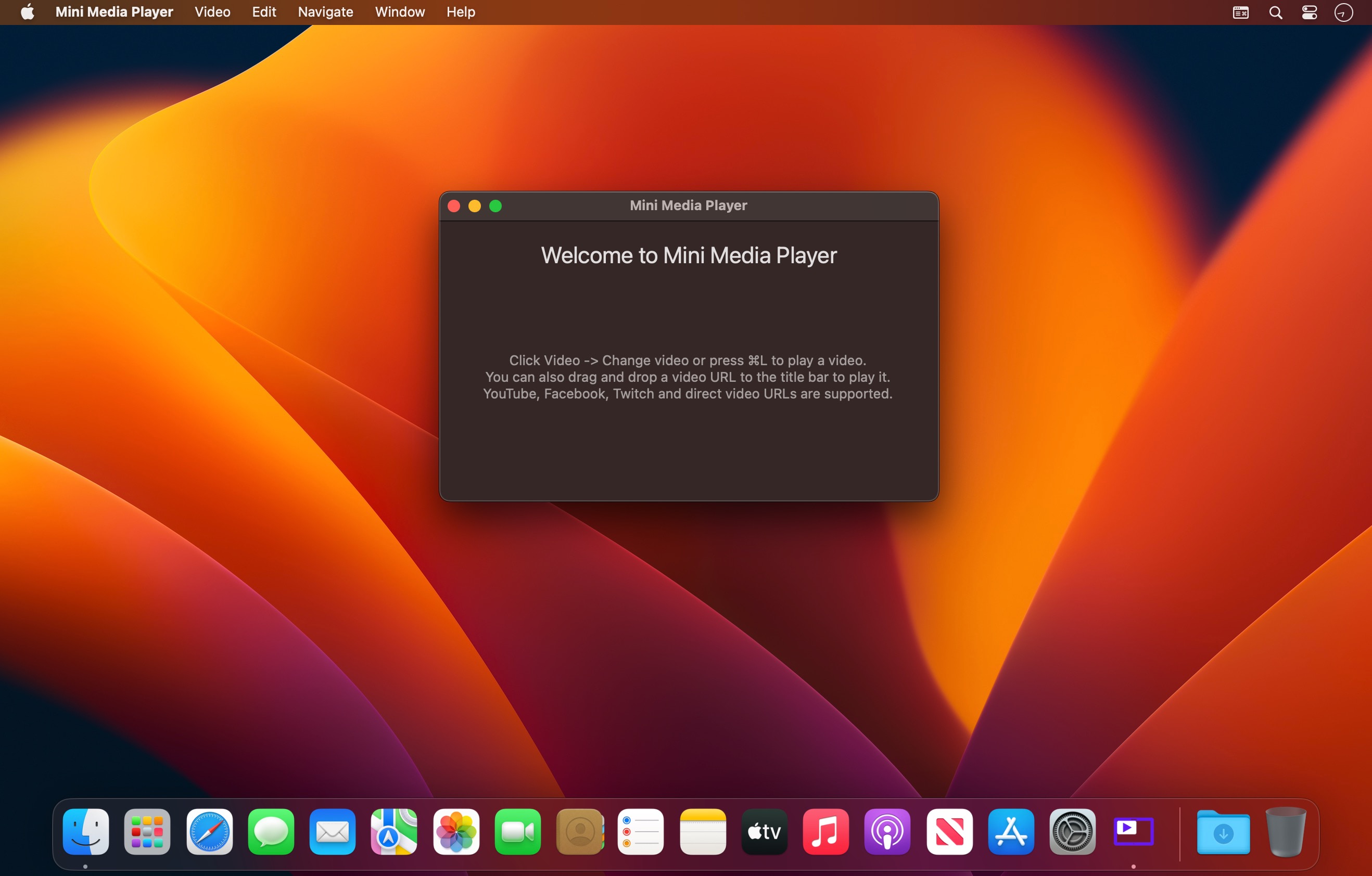

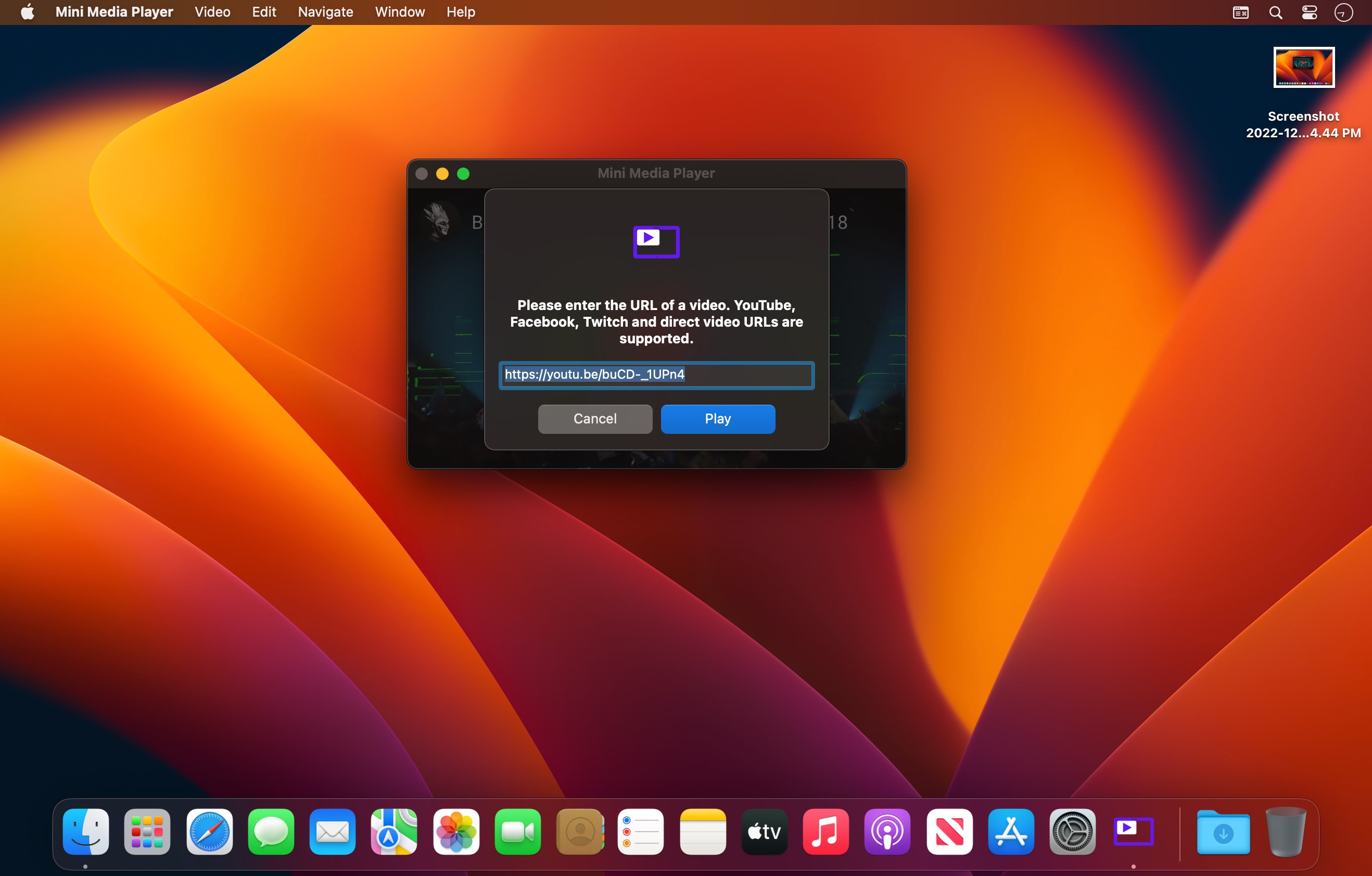
Busy doing work with lots of windows open and want to watch a video at the same time to keep yourself entertained? Get Mini Media Player! Mini Media Player works like the picture-in-picture/compact overlay mode you might've seen on some apps or even TVs. Simply drag in an online video thumbnail or URL or copy and paste the link into Mini Media Player to watch them in picture-in-picture mode.
Note: Mini Media Player was previously known as 'Mini Player for YouTube' and 'YouTube Mini Player'. It's now been renamed to Mini Media Player as it can now play more than just YouTube videos.
Mini Media Player currently supports playing from YouTube, Facebook, Twitch and direct URLs.
Mini Media Player is designed for ease of use - want to control a video? Just use the media hotkeys on your keyboard or on the taskbar preview for Mini Media Player. Mini Media Player also supports having multiple videos open at once.
Mini Media Player offers a great way to play online videos in a picture-in-picture mode, which takes up far less room than a browser window and stays on top of all other windows.
Frequently asked questions
How do I install the app?
Mount the image, drag the app into the "Applications" folder and launch it. If the system blocks the launch, allow it in "System Settings → Privacy & Security".
The app is damaged or won't launch
Reinstalling from a fresh image usually helps. Make sure your macOS version matches the one listed in the compatibility specs.
How do I update?
Download the new version from the site and install it over the current one — your settings will be preserved.
The download link doesn't work
Try a mirror or a download manager. For large files the browser often drops the connection.
How do I completely remove the app?
Use an uninstaller utility — it cleans up the service files that remain after moving the app to the trash.





Choose a download source
Mini Media Player 2.1.3 · 1.86 MB