
Silent Video 1.0.0
Screenshots
Click to enlarge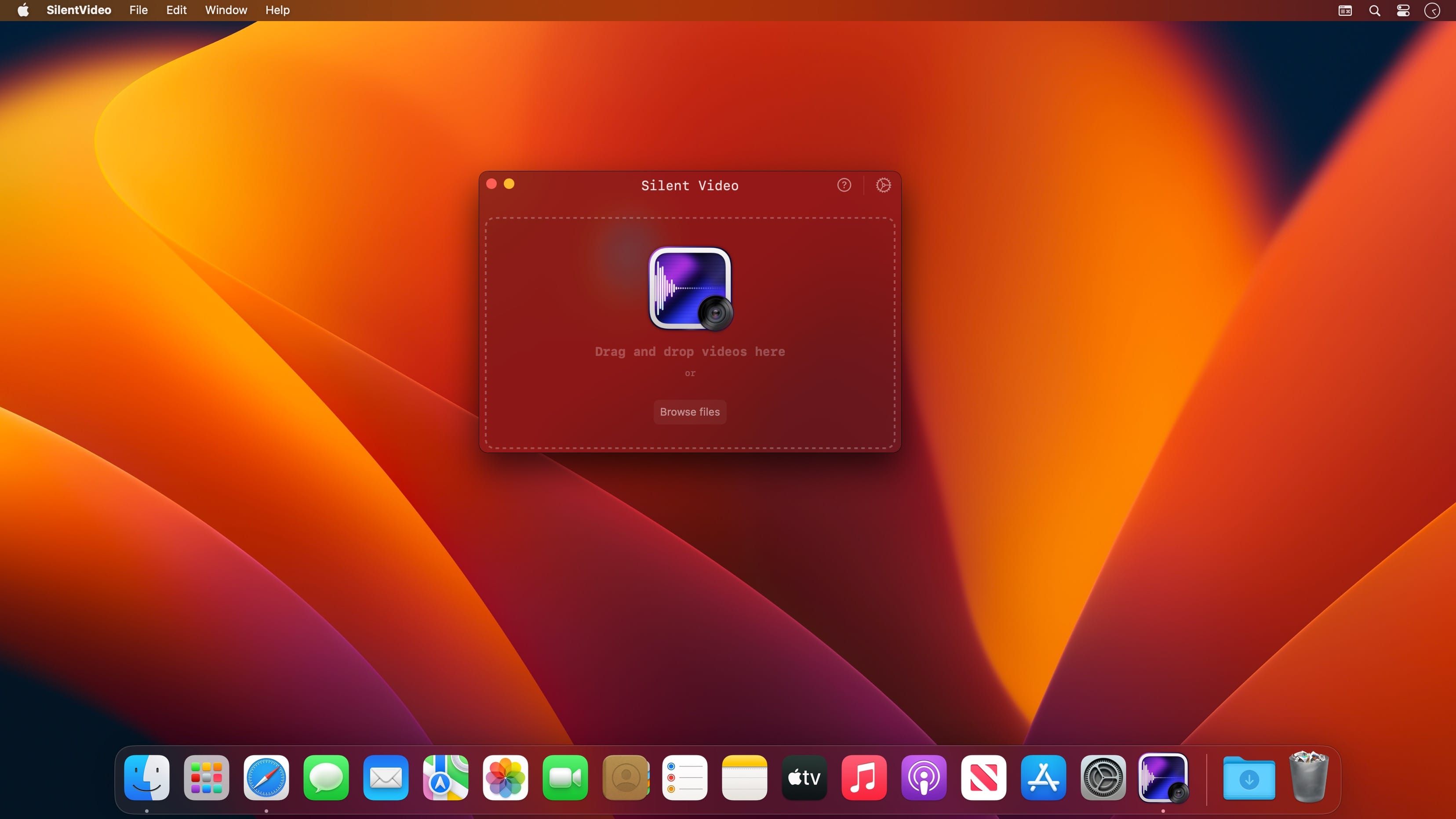
Description
Introducing Silent Video Maker for macOS.
Are you tired of unwanted sounds ruining your video files?
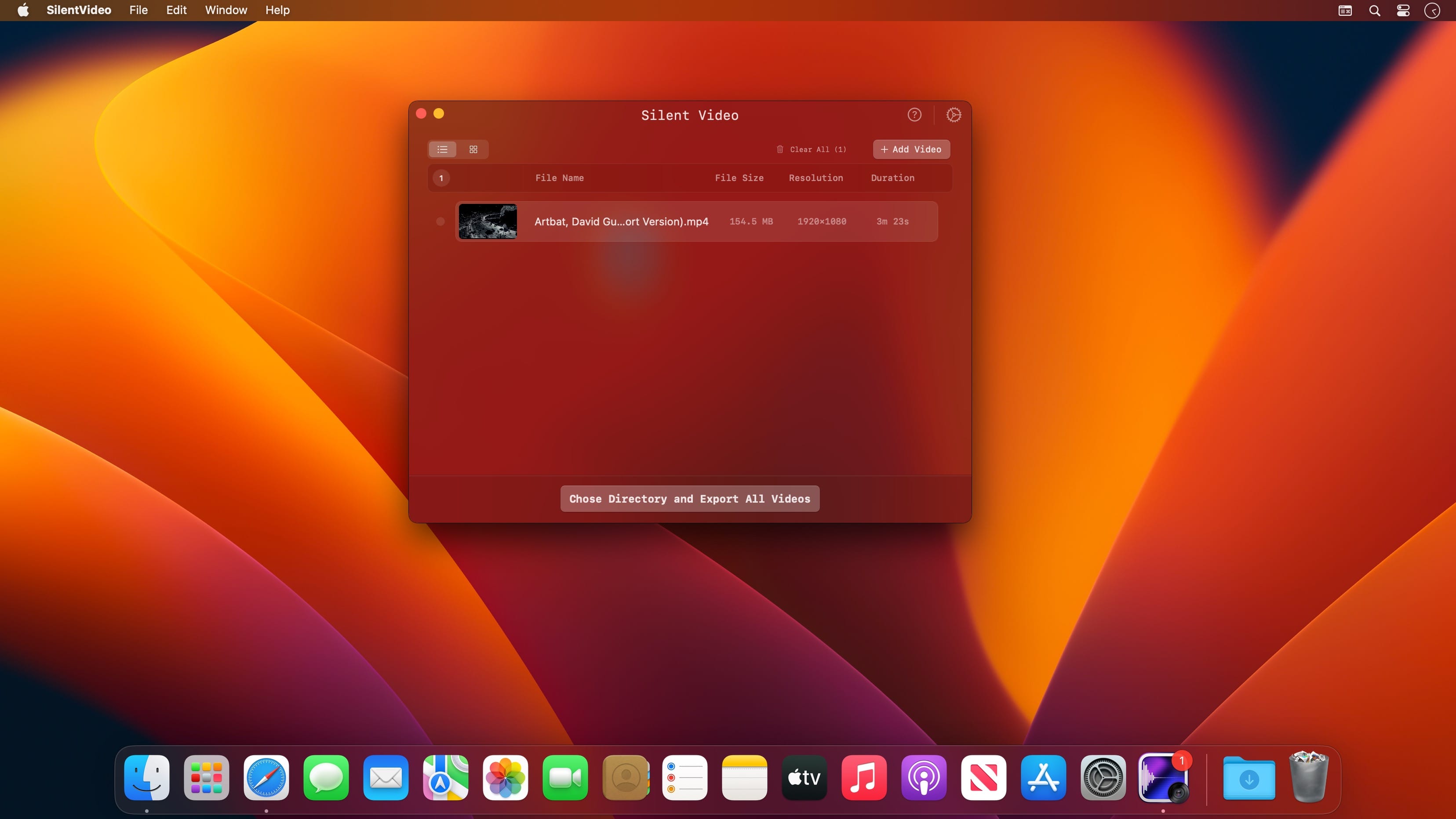
The powerful and easy-to-use application that allows you to quickly and easily remove audio from your videos. With just a few clicks, you can import hundreds of videos and remove the audio, leaving you with a silent video file that allows you to focus on the visuals.
Our program is blazingly fast, making it easy to quickly process large numbers of files in a short amount of time. Plus, you don't have to worry about sacrificing the quality of your original video files. Try Silent Video Maker today and never let unwanted audio ruin your videos again!
Comments
No comments yet. Be the first.
Information
Visitors in the group Guests cannot leave comments on this publication.