
Eassiy Android Data Recovery 5.1.22
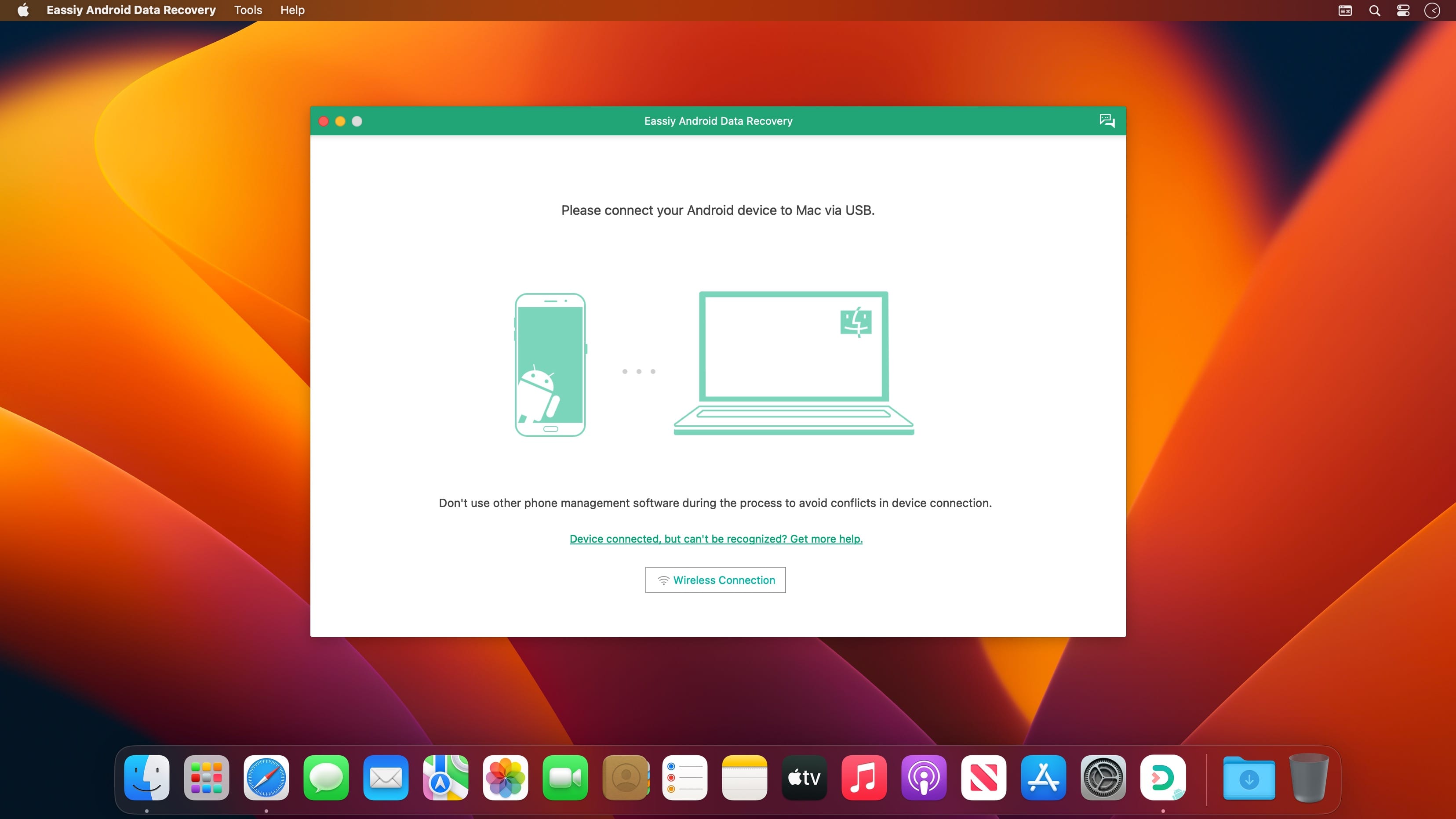
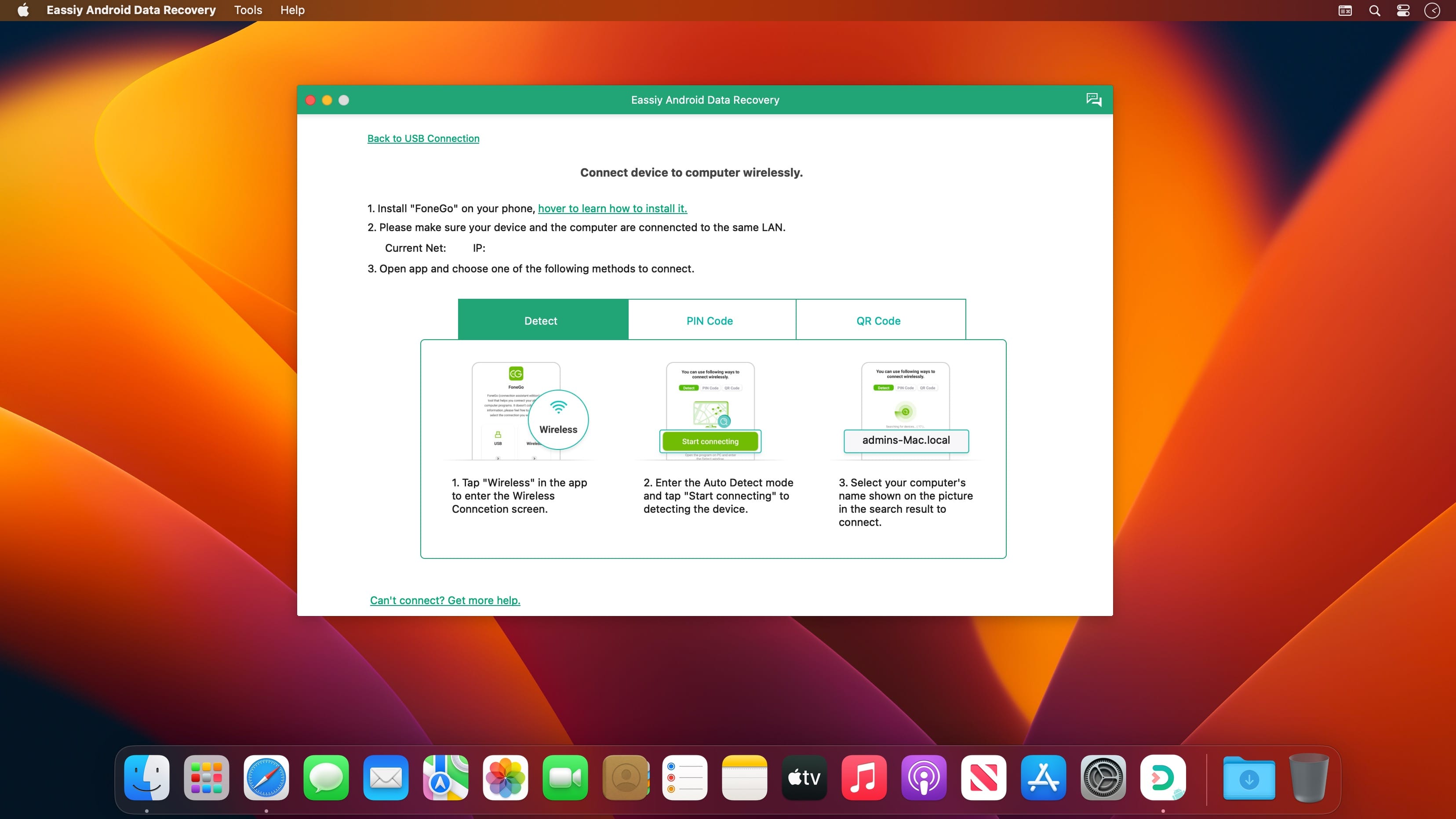
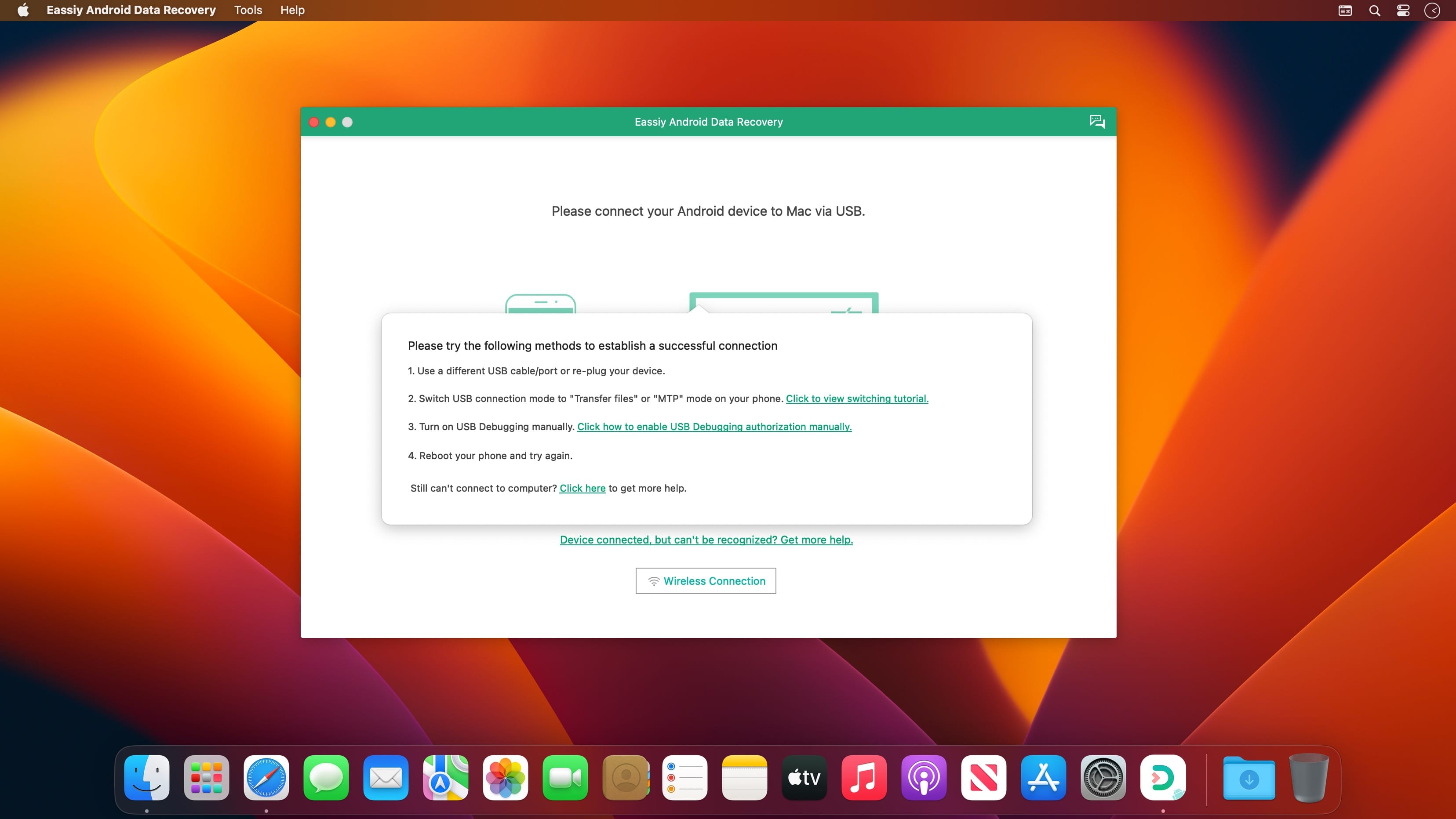
Eassiy Android Data Recovery has the industry's highest recovery success rate for photos and videos. So whether your Android phone is jailbreaked or not, and whether you lost data in any of the following situations, Eassiy Android Data Recovery will help you get them back effortlessly.
Features:
- Highest Android data recovery rate for photo and video in the industry.
- Restore deleted WhatsApp messages and WhatsApp attachments on Android.
- 3 recovery modes: Recover directly from Android devices, Android SD card and SIM card.
- Support 16+ file types, industry-leading in the supported file types.
- Faster scan: Scan 1000+ deleted files in seconds
- Support with 6000+ Android devices including Samsung, Huawei, HTC, Google, LG, Sony, etc.
3 Modes to Restore Android Data without Any Loss
- Recover Data from Android Device Directly
- Scan and recover your lost/deleted data directly from your Android smartphone without a backup.
Recover from Android SD Card
- Scan then recover the lost data from the SD card inserted into the Android phone.
Recover from SIM Card
- Scan the inserted SIM card to get back your contacts in the SIM card without any loss.
Recover WhatsApp Data on Android Without Backup
- Recovery of WhatsApp messages and WhatsApp attachments, including videos, photos, voice, stickers, and documents without backup
Frequently asked questions
How do I install the app?
Mount the image, drag the app into the "Applications" folder and launch it. If the system blocks the launch, allow it in "System Settings → Privacy & Security".
The app is damaged or won't launch
Reinstalling from a fresh image usually helps. Make sure your macOS version matches the one listed in the compatibility specs.
How do I update?
Download the new version from the site and install it over the current one — your settings will be preserved.
The download link doesn't work
Try a mirror or a download manager. For large files the browser often drops the connection.
How do I completely remove the app?
Use an uninstaller utility — it cleans up the service files that remain after moving the app to the trash.





Choose a download source
Eassiy Android Data Recovery 5.1.22 · 57.61 MB