
Android Data Recovery 5.2.0.0
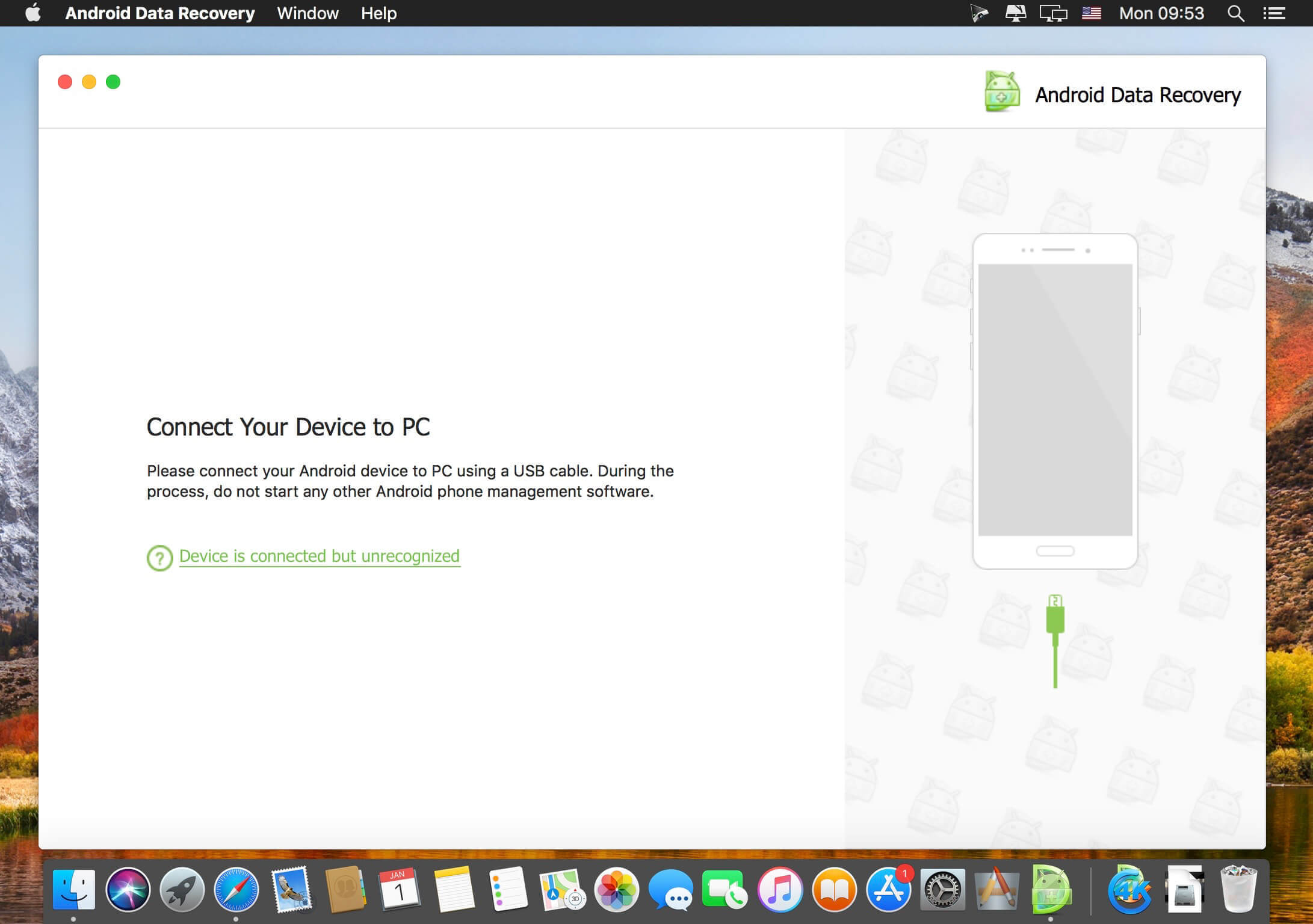
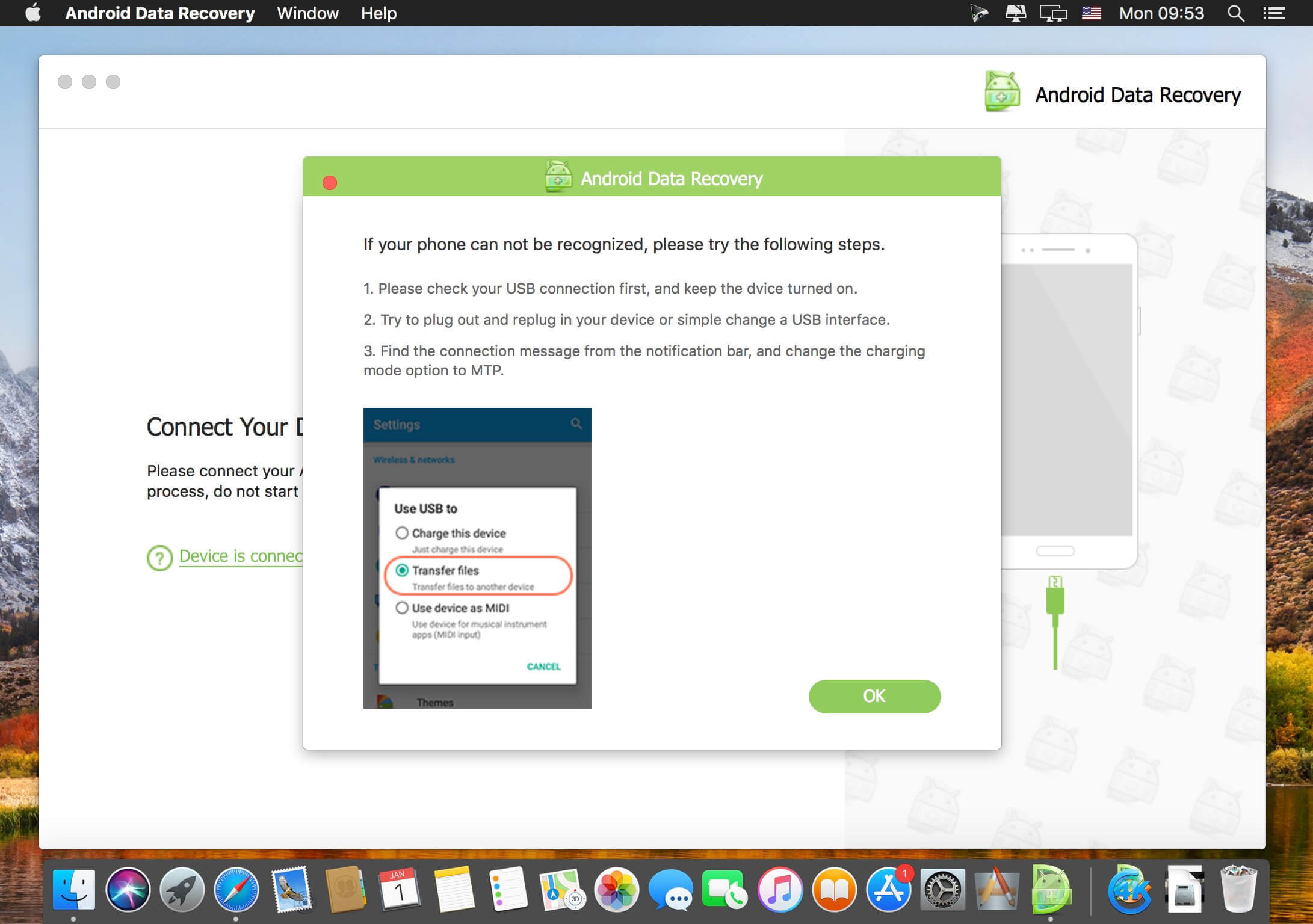
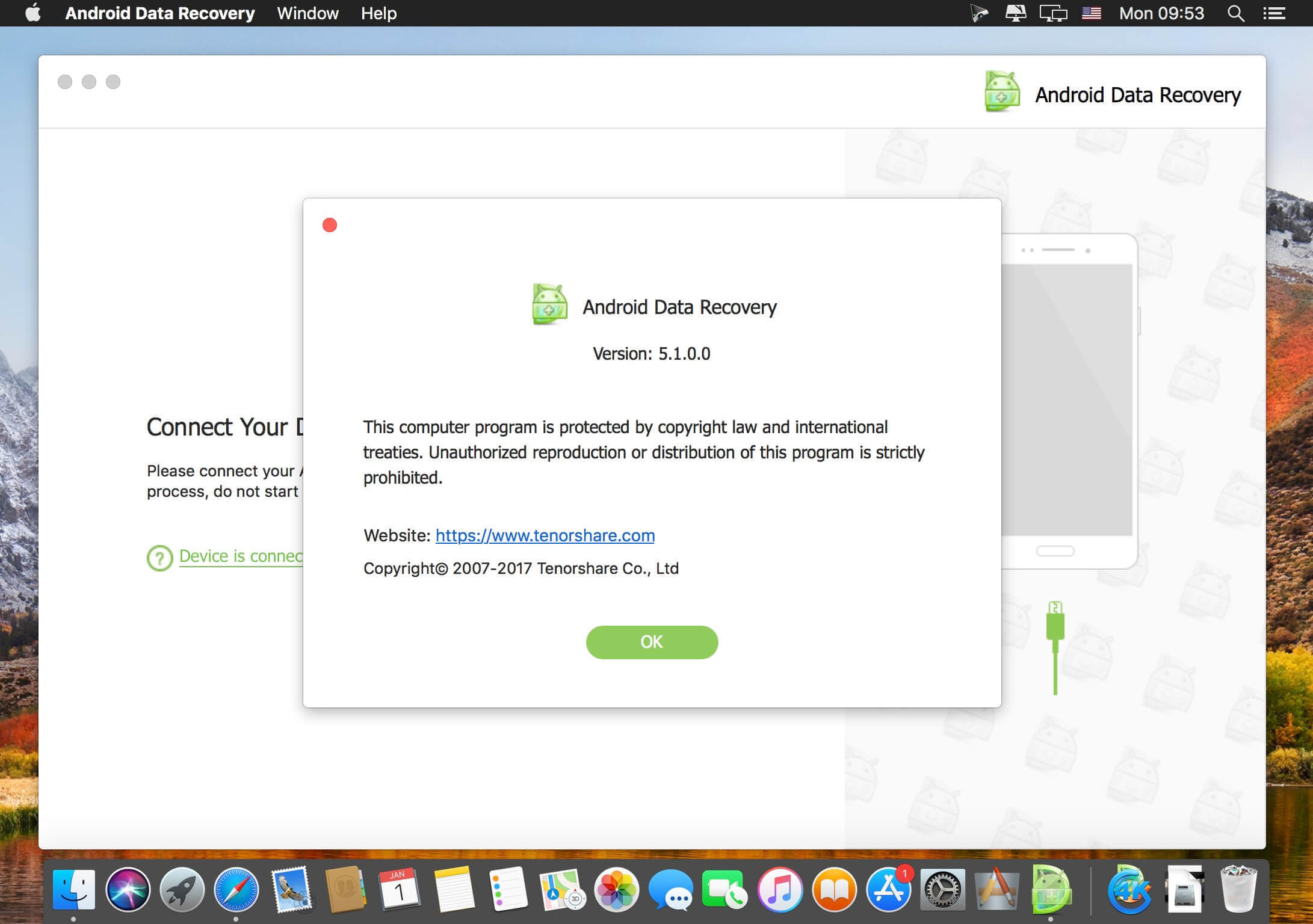
Android Data Recovery is designed to deal with a range of data loss situations happened to your Android smartphone/tablet. Such as mistaken deletion, water damage, improper operation, system corruption, virus attack, factory settings restore, rooting, software update and so forth.
As a professional data recovery tool, Android Data Recovery for Mac works well to retrieve up to 8 types of lost files, undoubtedly. And the beautiful preview window allows you to read contents in threads before recovery. At the same time, those recoverable files can be exported in various popular formats to your Mac.
Android Data Recovery for Mac works perfectly with all Android smartphones and tablets prevailing on the market such as Samsung, Motorala, HTC, Sony, LG, Google and so on. So long as you are Android users, definitely, the program can help you a lot.
Frequently asked questions
How do I install the app?
Mount the image, drag the app into the "Applications" folder and launch it. If the system blocks the launch, allow it in "System Settings → Privacy & Security".
The app is damaged or won't launch
Reinstalling from a fresh image usually helps. Make sure your macOS version matches the one listed in the compatibility specs.
How do I update?
Download the new version from the site and install it over the current one — your settings will be preserved.
The download link doesn't work
Try a mirror or a download manager. For large files the browser often drops the connection.
How do I completely remove the app?
Use an uninstaller utility — it cleans up the service files that remain after moving the app to the trash.
VersionAndroid Data Recovery 5.2.0.0
DeveloperTenorshare Co., Ltd.
CompatibilityOS X 10.10 or later, 64-bit processor
LanguageEnglish
IncludesK'ed by TNT





Information
Visitors in the group Guests cannot leave comments on this publication.
Choose a download source
Android Data Recovery 5.2.0.0 · 21.23 MB