
AnyMP4 Android Data Recovery 2.1.26
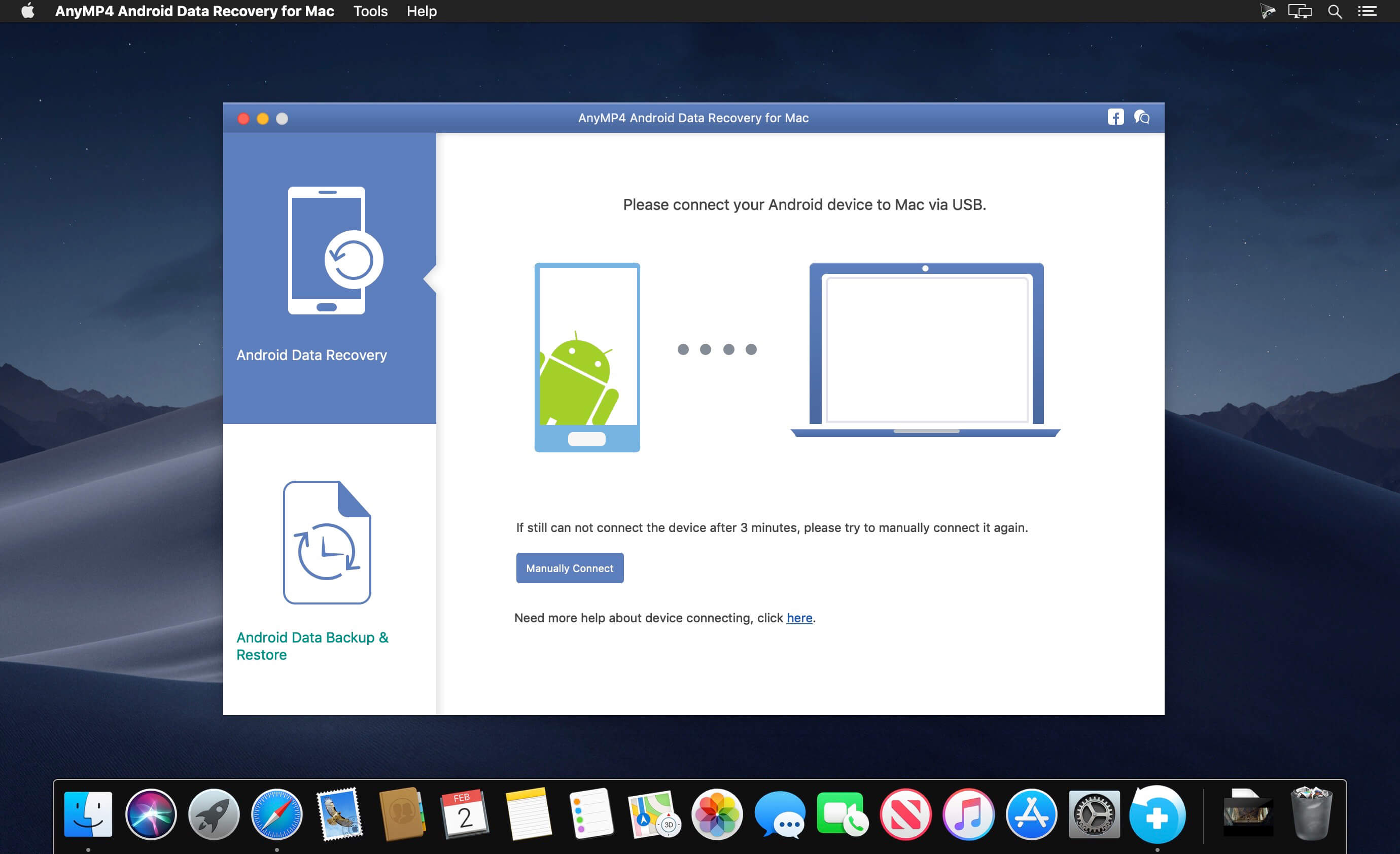
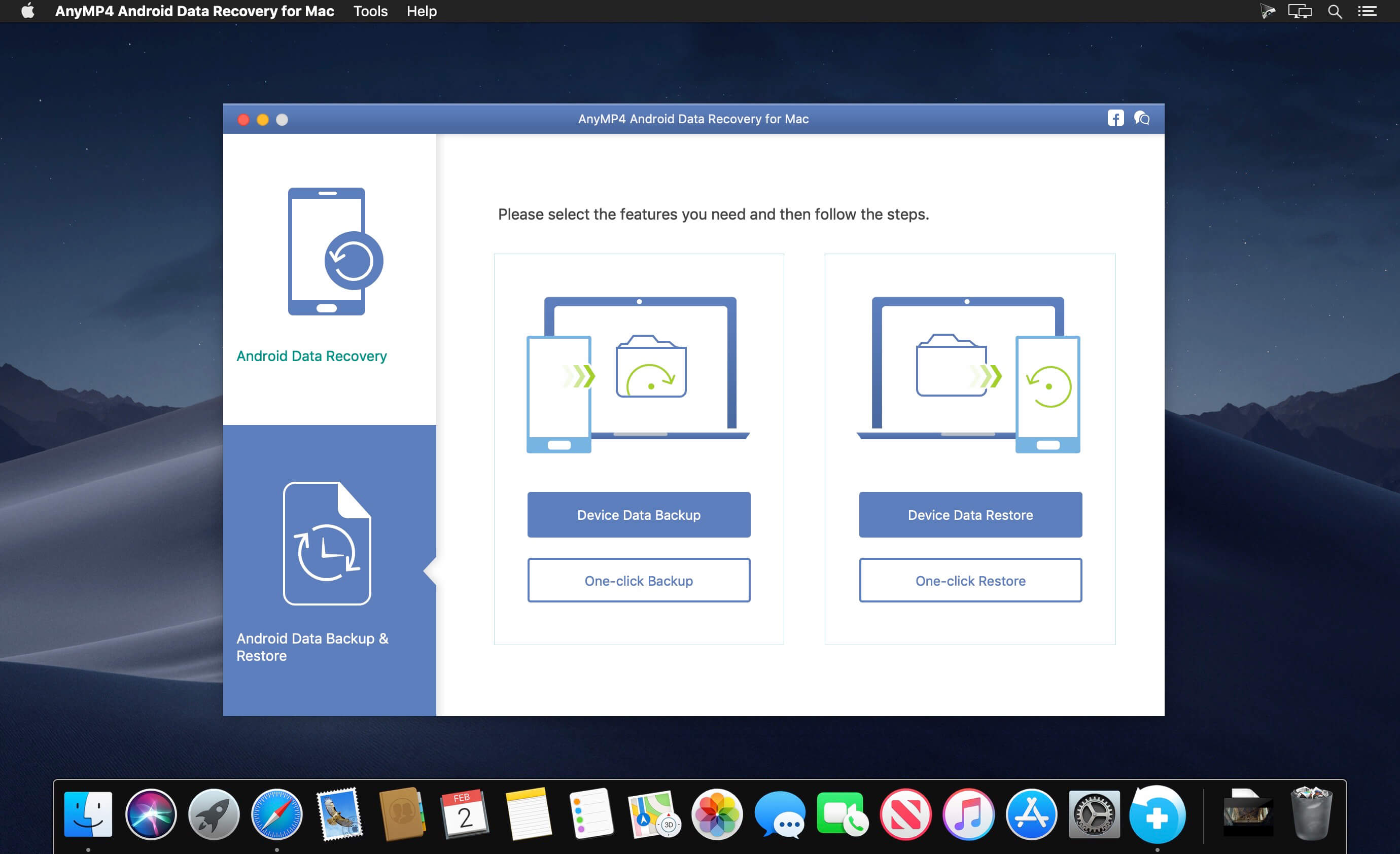
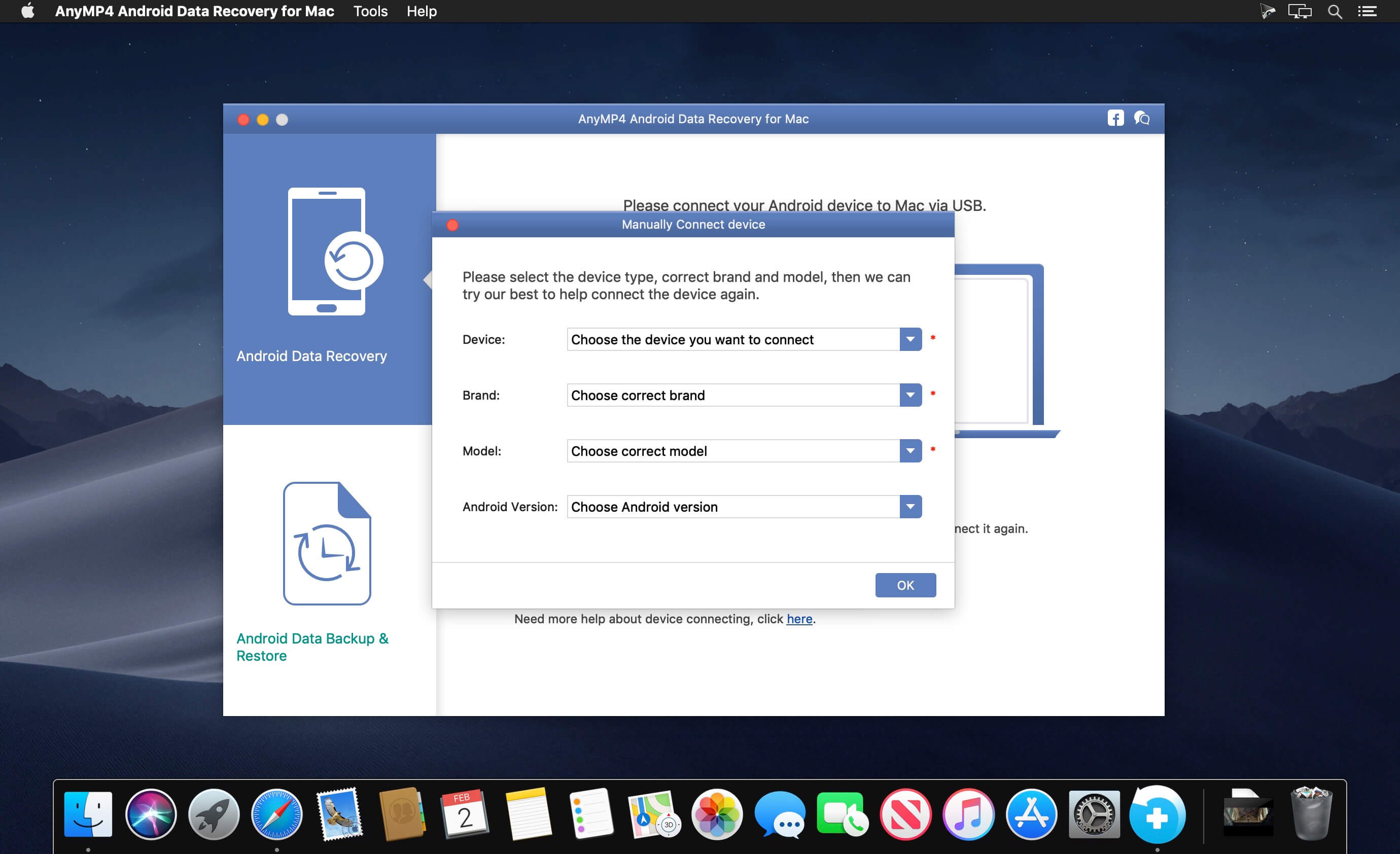
The best Android Data Recovery software provides you with powerful data recovery features for Android phones and tablets. AnyMP4 Android Data Recovery can recover deleted and lost text content such as contacts, SMS, text messages, call history, notes, WhatsApp chats, and more from Android device. And the exported contacts will be saved as VCF, CSV or HTML for your use. Whether you have accidentally deleted Android data or lost data after factory restore, OS update or rooting, device stuck or not responding, device locked, forgotten password, and ROM flashing, etc., the software can help you retrieve any important data on Android device.
Data like contacts/SMS/photos/WhatsApp/videos/music/call history/documents are easily deleted, and the phone's limited storage space is something demanded endlessly. Things always happened when you need some deleted data like contacts/SMS/photos, but finally end with searching failure. Don't get into panic when you lost some important Android data which still count very much to you, whether the data are accidentally deleted text content like contacts, messages, call history, message attachments, or lost media files like photos, pictures, videos, music, even app data like WhatsApp chat messages and attachments, and documents in TXT, DOC, ZIP, etc. AnyMP4 Android Data Recovery for Mac has a powerful function to recover Android data on Mac (macOS Catalina supported), which will help you retrieve the lost or deleted data from Android device to Mac.
Version 2.1.26
- Release notes were unavailable when this listing was updated.
Frequently asked questions
How do I install the app?
Mount the image, drag the app into the "Applications" folder and launch it. If the system blocks the launch, allow it in "System Settings → Privacy & Security".
The app is damaged or won't launch
Reinstalling from a fresh image usually helps. Make sure your macOS version matches the one listed in the compatibility specs.
How do I update?
Download the new version from the site and install it over the current one — your settings will be preserved.
The download link doesn't work
Try a mirror or a download manager. For large files the browser often drops the connection.
How do I completely remove the app?
Use an uninstaller utility — it cleans up the service files that remain after moving the app to the trash.




Choose a download source
AnyMP4 Android Data Recovery 2.1.26 · 58.51 MB