Mac CD DVD Label Maker 2.6.2
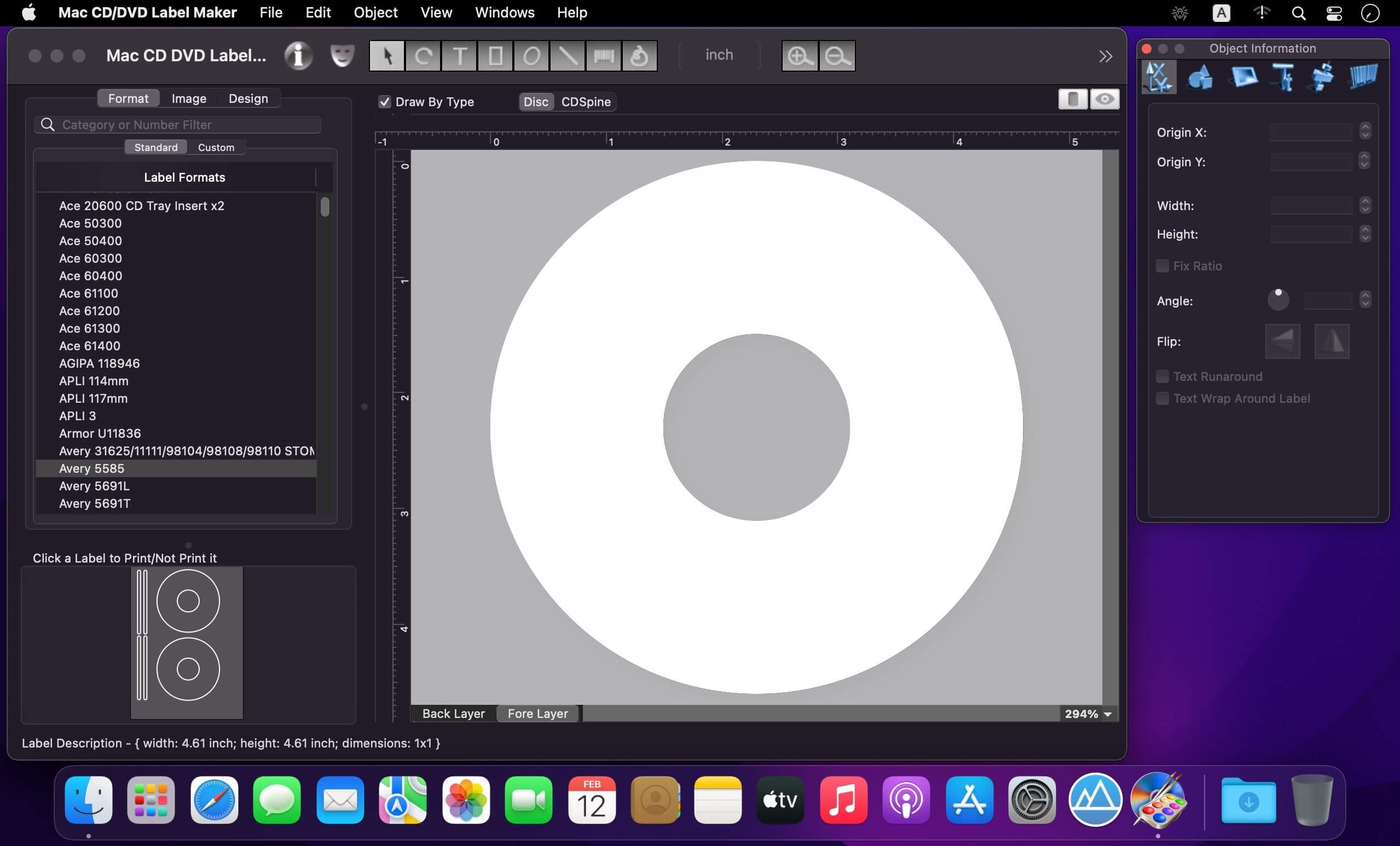
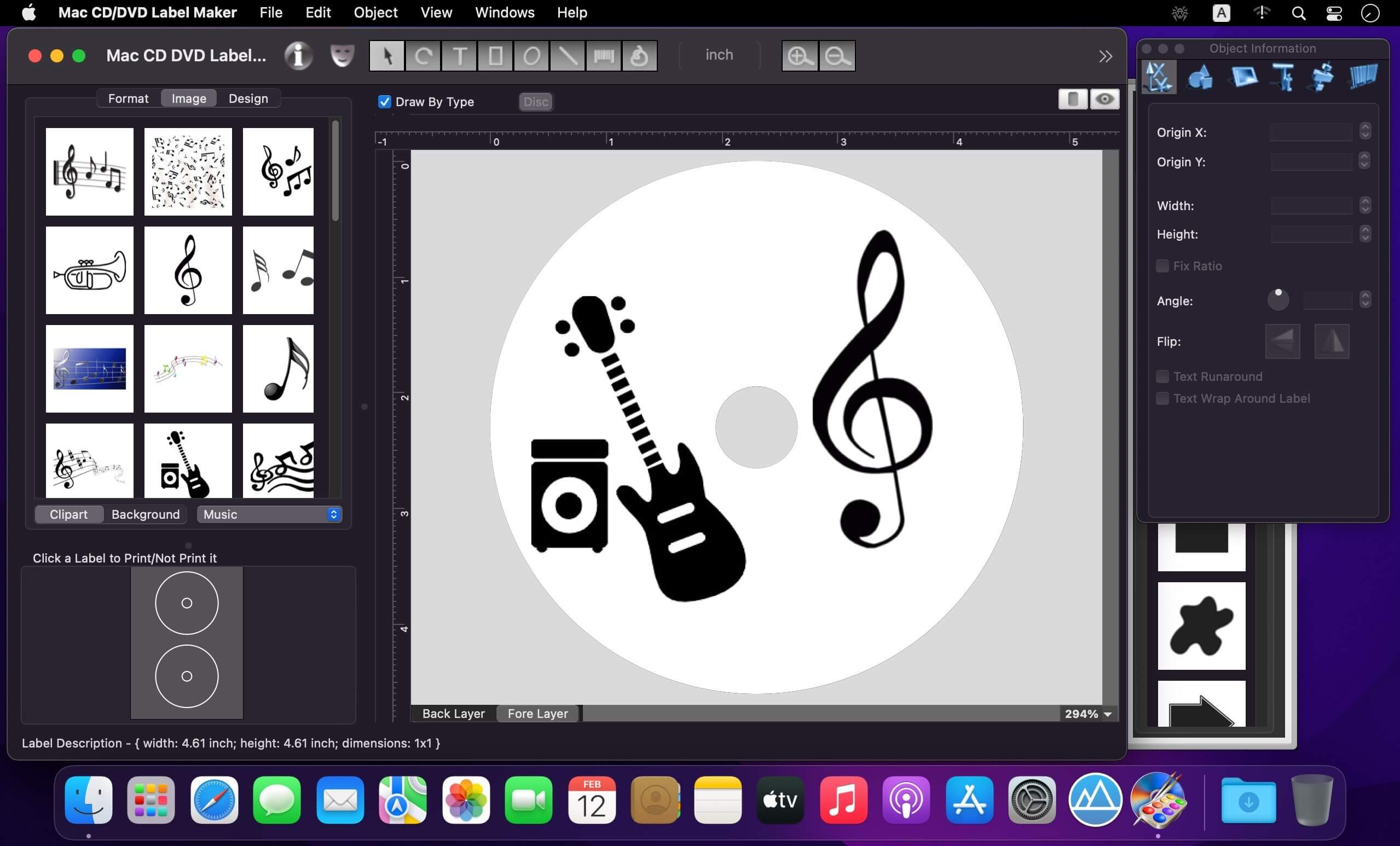

CD/DVD Label Maker is a professional-standard CD/DVD cover designer. If you want to make your own CD, DVD cover, double cover labels, jewel cases, case inserts, spines, and more, or you need custom video and MP3 collections, have a lot of family photos and data for backups, or you would like to create unique gifts, then you have entered the right place.
With our software you'll forget about the tip pen for quick labeling your CDs. The Mac CD/DVD Label Maker is a CD/DVD disc cover designer and dvd label maker that helps you to create mac CD, DVD labels etc., using various built-in disc label formats, clipart, background images, and ready made templates provided.
Features
- Intuitive interface: - Text, graphics, images, backgrounds and templates, can be easily added to your disc label design, as well as various shapes containing color gradients and mac images. Link text between multiple text objects, wrap text around overlapping objects. Import playlists from iTunes, Finder, or text files.
- Image libraries and pre-made templates - Hundreds of disc, cover, inserts, double cover templates are supplied with the Mac CD/DVD Label Maker. More then a thousand images for backgrounds and clipart in a variety of formats, including JPEG, TIFF, PDF, GIF, etc., are in the product image libraries.
- Paper formats - You can print your disc covers, etc., on papers from Avery, APLI, A-One, Canon, Data Becker, Decadry, Epson, Fellowes, Herma, Memorex, Neato, etc.
- Powerful printing features - Print any number of labels starting at any position on the sheet, exclude certain labels from printing, control bleeds, printing offsets, crop and trim marks. Print your disc cover on mac printers and achieve excellent results, or export your design as JPEG, TIFF, PDF, BMP, PNG, etc. image files for outside printing. These files can be sent to a printing company or used as a labels preview.
Version 2.6.2:
- Apple Silicon support added
Frequently asked questions
How do I install the app?
Mount the image, drag the app into the "Applications" folder and launch it. If the system blocks the launch, allow it in "System Settings → Privacy & Security".
The app is damaged or won't launch
Reinstalling from a fresh image usually helps. Make sure your macOS version matches the one listed in the compatibility specs.
How do I update?
Download the new version from the site and install it over the current one — your settings will be preserved.
The download link doesn't work
Try a mirror or a download manager. For large files the browser often drops the connection.
How do I completely remove the app?
Use an uninstaller utility — it cleans up the service files that remain after moving the app to the trash.

Choose a download source
Mac CD DVD Label Maker 2.6.2 · 132.4 MB