
Push Express 1.2

Powerful Push Notifications testing tool for developers. Supports all signing identity formats (p8, p12, pem, keychain). Good looking UI so you want to use it every day.
Supports all of known signing identity configurations
- Newest P8 with JWT token
- P12 exported certificate
- PEM
- Keychain-loaded from your keychain
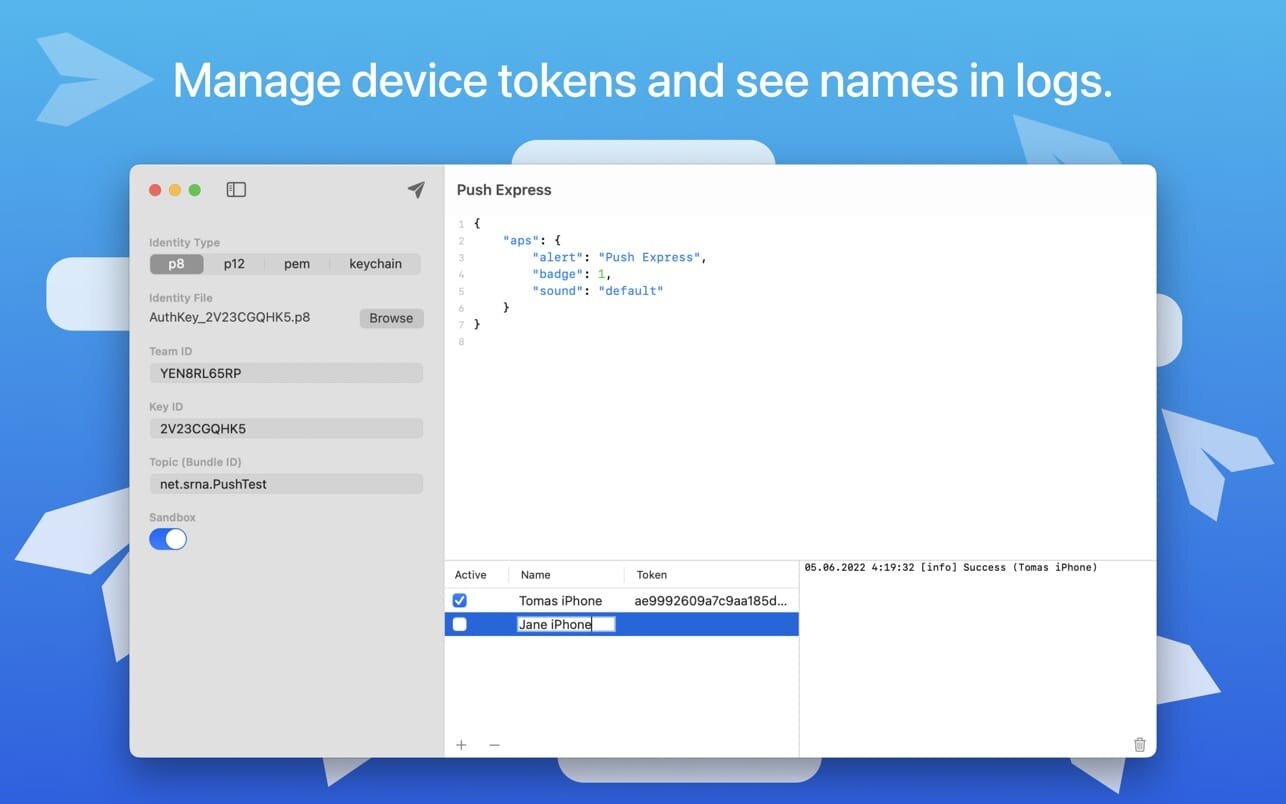
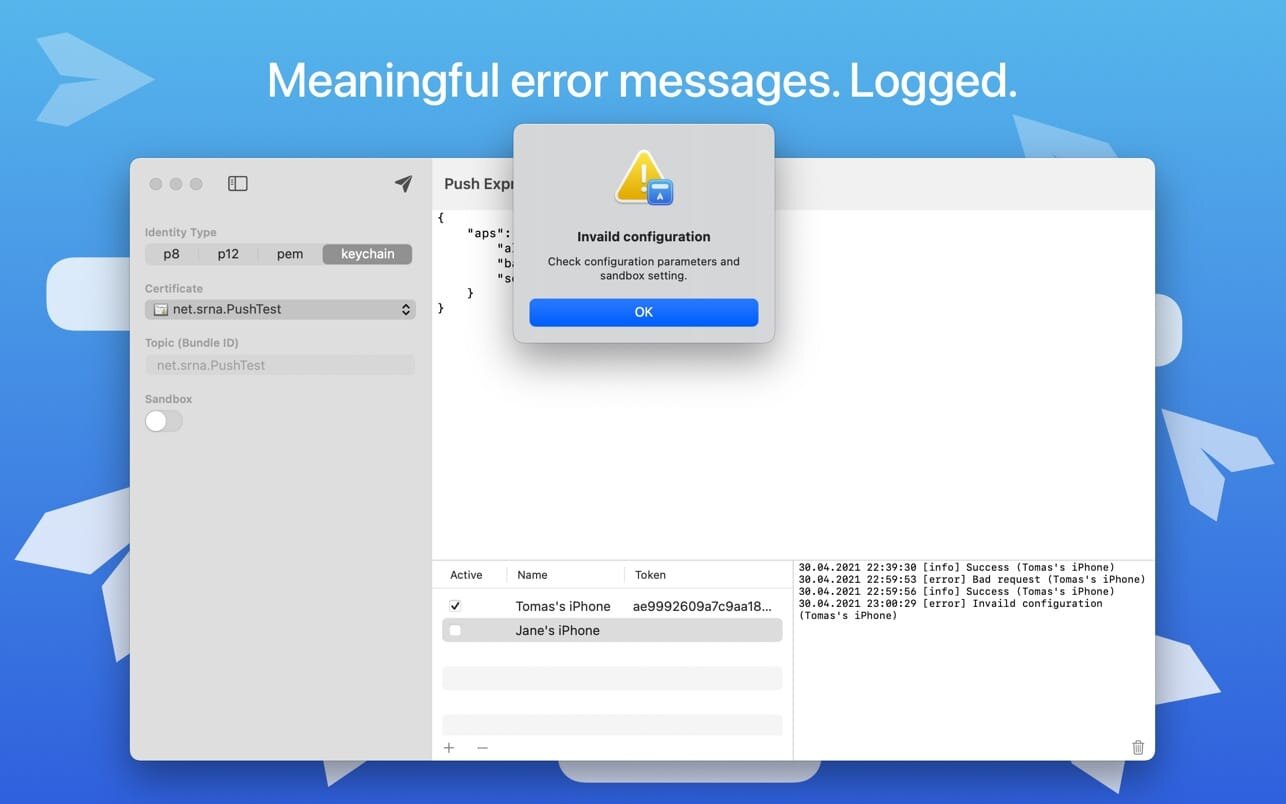
Well-designed device token management with device names and a request log using these names, so you have a good overview of which device received the notification successfully and which not. You can also activate/deactivate a device in the list, so you don't have to reenter any previous token after it was removed from testing.
A good amount of work was put in into creating understandable error messages in case the notification cannot be sent, so even beginners know quickly what's happened.
User's session is persistent, so you don't have to worry about re-entering all the data upon new run or creating a list of devices
Version 1.2
- In this version we start to kindly ask you to rate and review Push Express. Just once per version and maximum of 3 times a year.
Frequently asked questions
How do I install the app?
Mount the image, drag the app into the "Applications" folder and launch it. If the system blocks the launch, allow it in "System Settings → Privacy & Security".
The app is damaged or won't launch
Reinstalling from a fresh image usually helps. Make sure your macOS version matches the one listed in the compatibility specs.
How do I update?
Download the new version from the site and install it over the current one — your settings will be preserved.
The download link doesn't work
Try a mirror or a download manager. For large files the browser often drops the connection.
How do I completely remove the app?
Use an uninstaller utility — it cleans up the service files that remain after moving the app to the trash.


Choose a download source
Push Express 1.2 · 2.5 MB