
Navicat Premium 15.0.36
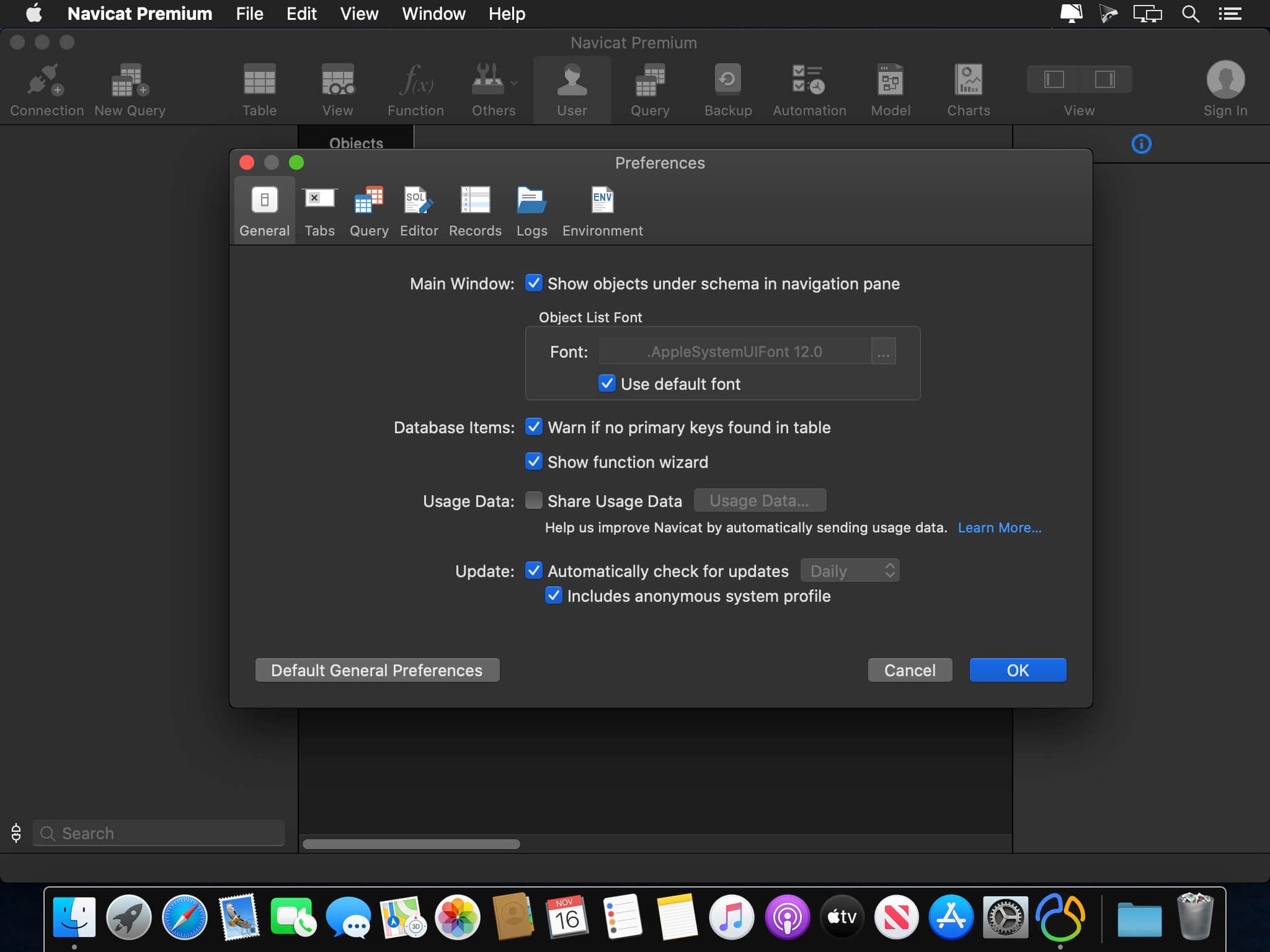
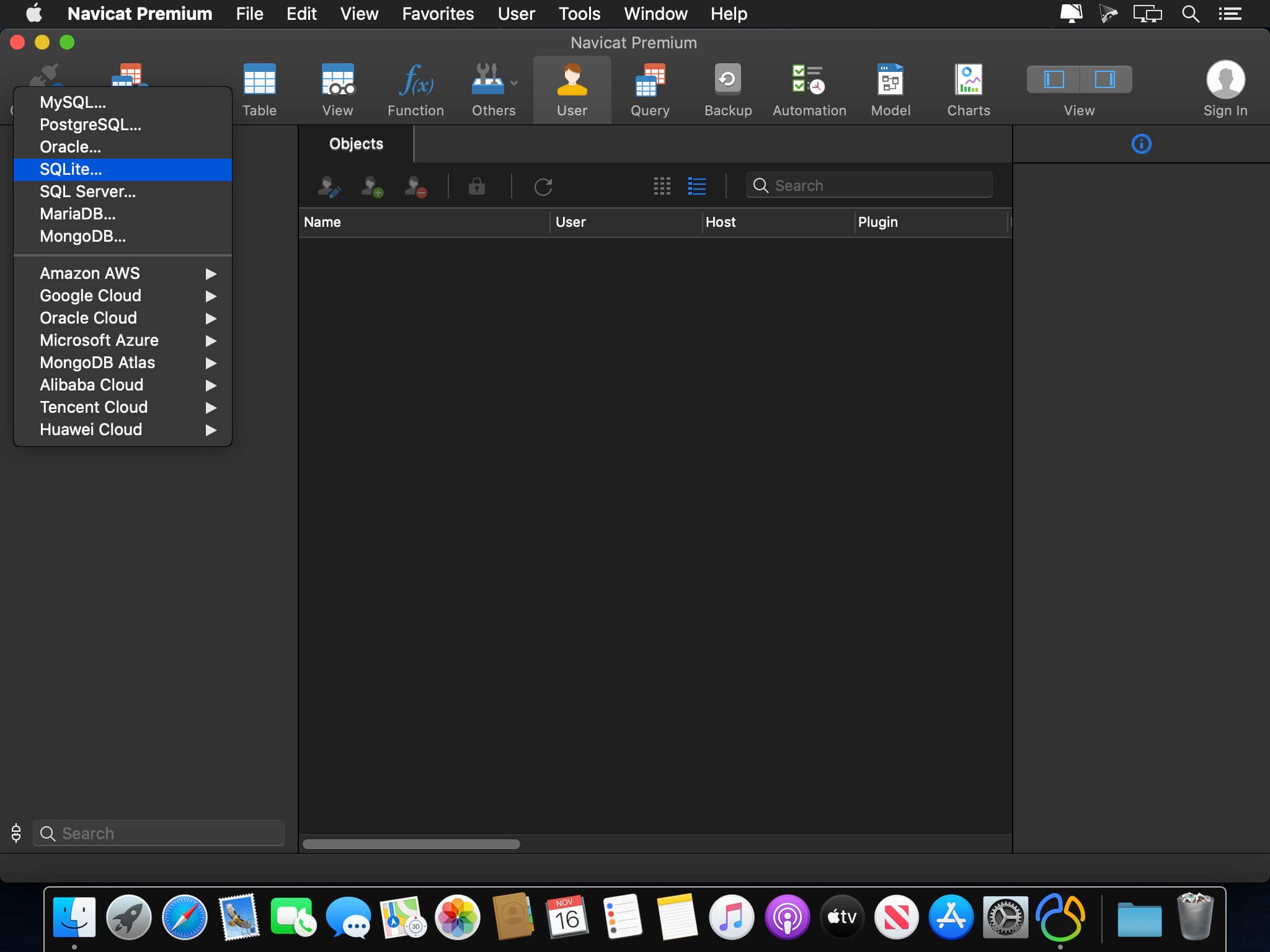
Navicat Premium is a database development tool that allows you to simultaneously connect to MySQL, MariaDB, MongoDB, SQL Server, Oracle, PostgreSQL, and SQLite databases from a single application. Compatible with cloud databases like Amazon RDS, Amazon Aurora, Amazon Redshift, Microsoft Azure, Oracle Cloud, Google Cloud and MongoDB Atlas. You can quickly and easily build, manage and maintain your databases.
New features and improvements:
Chart
Turn your database data into visuals to have clear insights through charts and graphs.
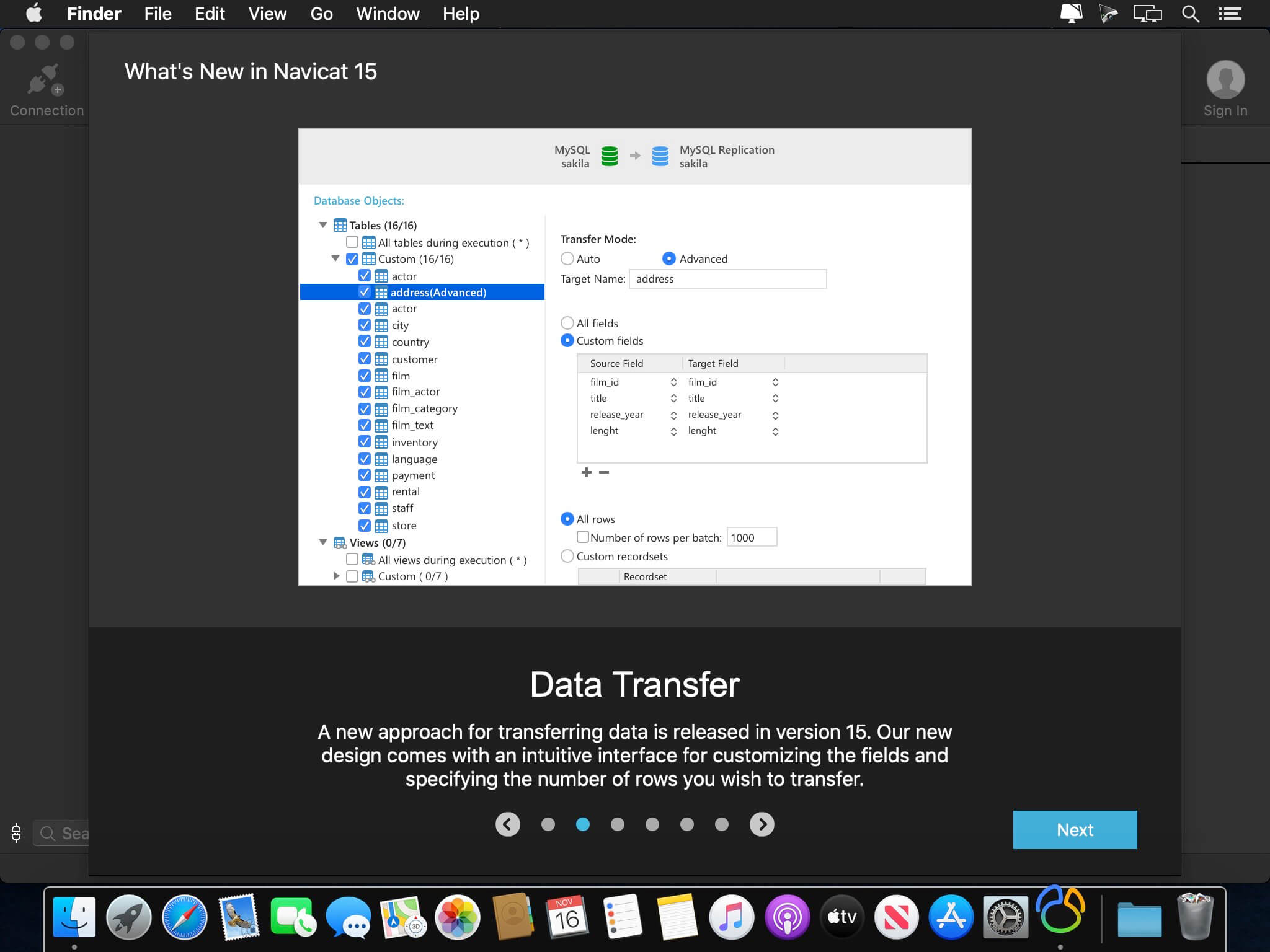
Data Transfer
A new approach for transferring data is released in version 15. Our new design comes with an intuitive interface for customizing the fields and specifying the number of rows you wish to transfer.
SQL Builder
We engineered an entirely new mechanism to improve our SQL Builder in term of user experience, and the overall efficiency of your query writing.
Modeling
Deliver a full picture of differences between model and database, and generate scripts to update the destination database.
Dark Mode
Dark mode support has arrived in our 15 update. Set dark theme to protect your eyes from the traditionally blinding whiteness of computer.
Native Linux
Native Linux support is now added into our Navicat family. You can enjoy a UI that better matches with user experiences of the Linux system.
Version 15.0.30:
Bug-fixes:
- Unable to dump databases from MongoDB Atlas using MongoDump.
- Unable to show the cursor when editing TEXT data using Form View in Dark Mode.
- Minor bug fixes and improvements.
Frequently asked questions
How do I install the app?
Mount the image, drag the app into the "Applications" folder and launch it. If the system blocks the launch, allow it in "System Settings → Privacy & Security".
The app is damaged or won't launch
Reinstalling from a fresh image usually helps. Make sure your macOS version matches the one listed in the compatibility specs.
How do I update?
Download the new version from the site and install it over the current one — your settings will be preserved.
The download link doesn't work
Try a mirror or a download manager. For large files the browser often drops the connection.
How do I completely remove the app?
Use an uninstaller utility — it cleans up the service files that remain after moving the app to the trash.


Choose a download source
Navicat Premium 15.0.36 · 162.86 MB
Previous versions
Navicat Premium 15.0.36
Previous versions are available to registered users.