AssetsGen 4.0.1

Developers who are not involved in application design often have difficulty preparing the necessary graphics in projects.
Our application can help overcome the difficulties of preparing various resources in projects.
We collect all your emails and put its in the backlog, gradually adding the required functionality.
So this time, we have implemented the requested options for our app.
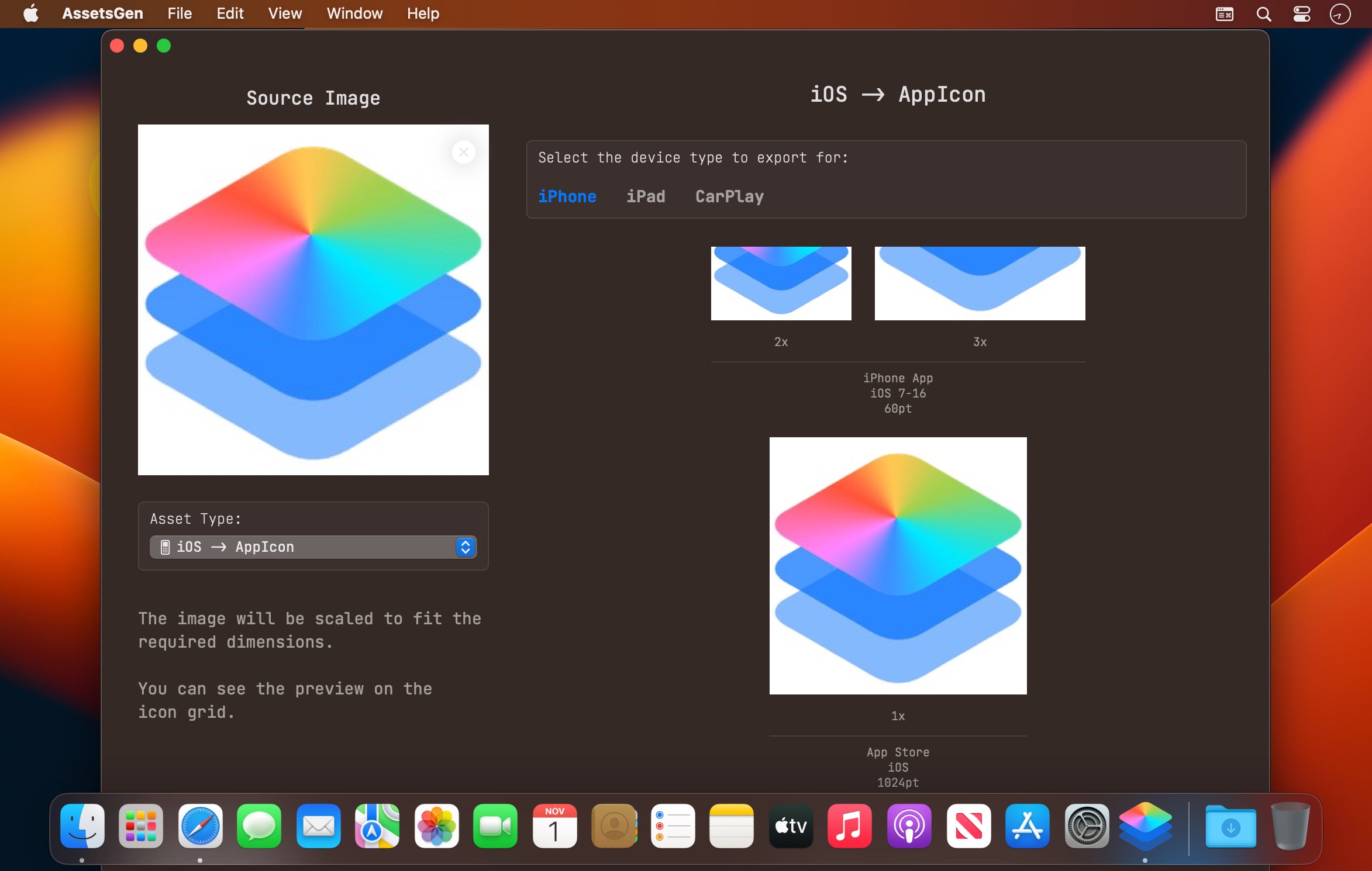
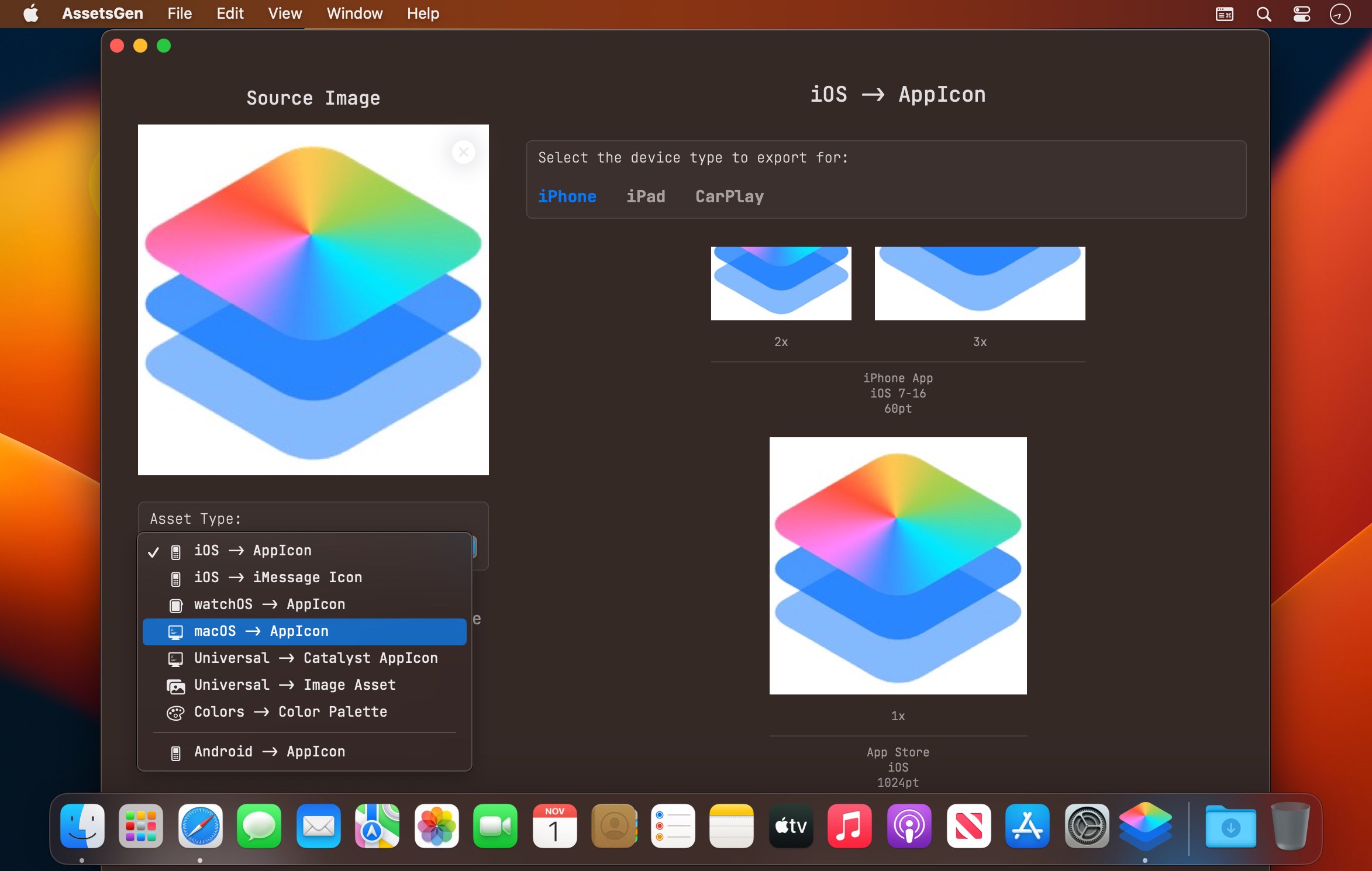
At the moment, you can
- Generate application icons for iPhone, iPad and CarPlay
- Geenerate icons for iMessage
- Geenerate icons for Apple Watch
- Geenerate icons for Mac, including in a newer style
- Geenerate icons for MacCatalyst
- Prepare universal and device-specific sets of graphics, using templates or using the parameters you set
- Geenerate android icons
- Geenerate colors for projects
- Choosing how to load the previously used image at app restart
Created by developers for developers!
Version 4.0
Bugs fixed:
- fixed some minor bugs
Frequently asked questions
How do I install the app?
Mount the image, drag the app into the "Applications" folder and launch it. If the system blocks the launch, allow it in "System Settings → Privacy & Security".
The app is damaged or won't launch
Reinstalling from a fresh image usually helps. Make sure your macOS version matches the one listed in the compatibility specs.
How do I update?
Download the new version from the site and install it over the current one — your settings will be preserved.
The download link doesn't work
Try a mirror or a download manager. For large files the browser often drops the connection.
How do I completely remove the app?
Use an uninstaller utility — it cleans up the service files that remain after moving the app to the trash.




Choose a download source
AssetsGen 4.0.1 · 9.42 MB