
Vidmore Player 1.0.68
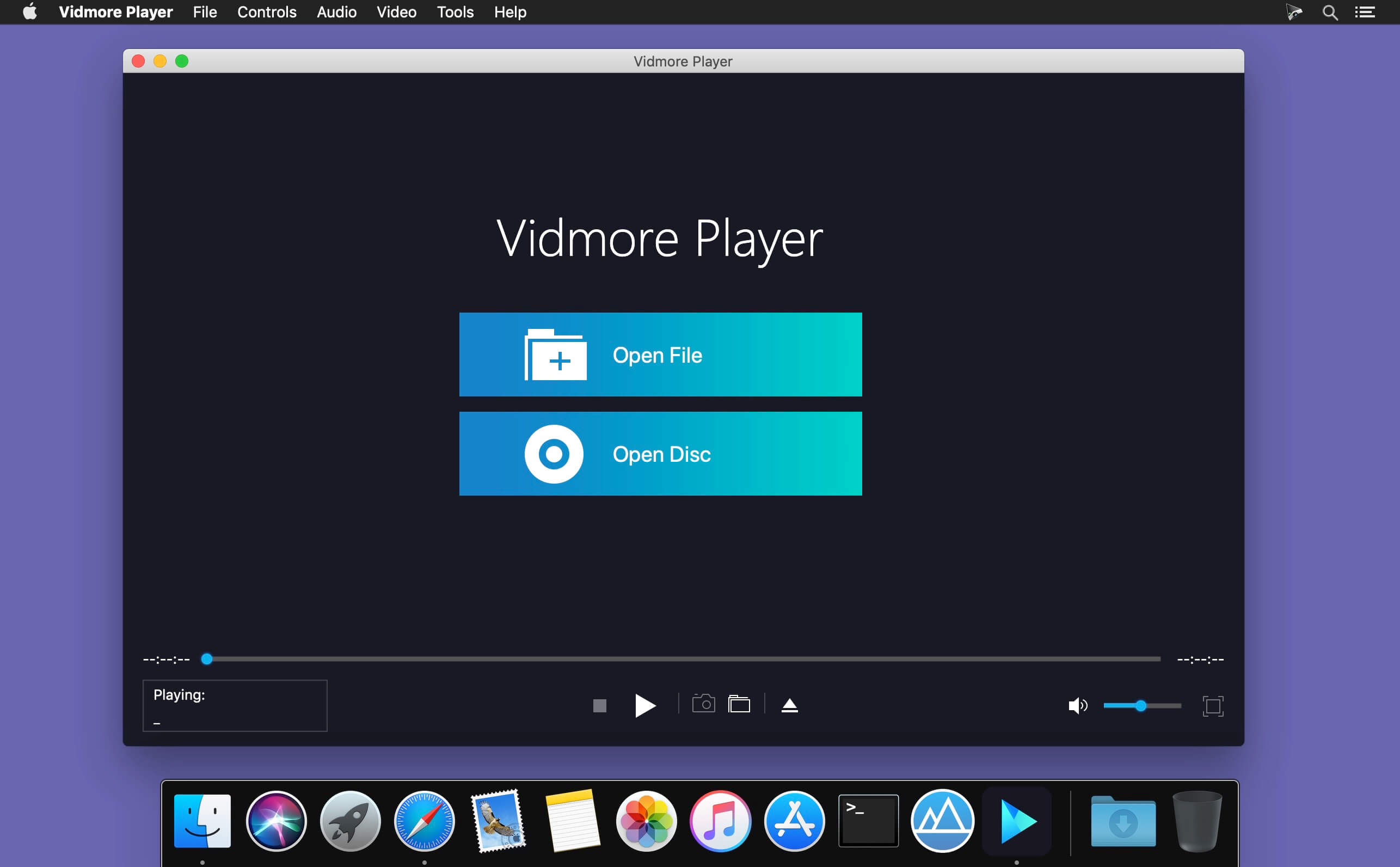
Do you have trouble in playing your Blu-ray disc/folder/ISO files and DVD disc/folder/ISO files? Are you looking for a powerful media player? Vidmore Player is your top choice. With it, you could play your Blu-rays and DVDs without any hassle.
Key functions:
- Play Blu-ray disc/folder/ISO files With Vidmore Player, you could play your Blu-ray disc/folder/ISO files with the lossless sound effect as well as HD image quality. It supports various Blu-ray disc types, such as BD-5, BD-9, BD-25, BD-50, etc. It provides the function to customize video effects like adjusting the hue/brightness/contrast/saturation and Gamma.
- Play DVD disc/folder/ISO files Do you want to play old DVD discs which you collected before? Do you want to play DVD folders? Do you want to play ISO files? Vidmore Player could accomplish this for you. It is able to play DVD disc/folder/ISO files and also lets you change the subtitle track/audio track.
- Play any common videos If you want to play any popular video and audio files, you could have a consideration of Vidmore Player. It could not only play Blu-ray disc/folder/ISO files and DVD disc/folder/ISO files, but also play other common videos like MP4, MPG, M4V, TS, MTS, M2TS, MXF, WMV, ASF, MKV, F4V, FLV, VOB, etc. In addition, you can enjoy the 4K UHD and 1080p/720 HD videos as well.
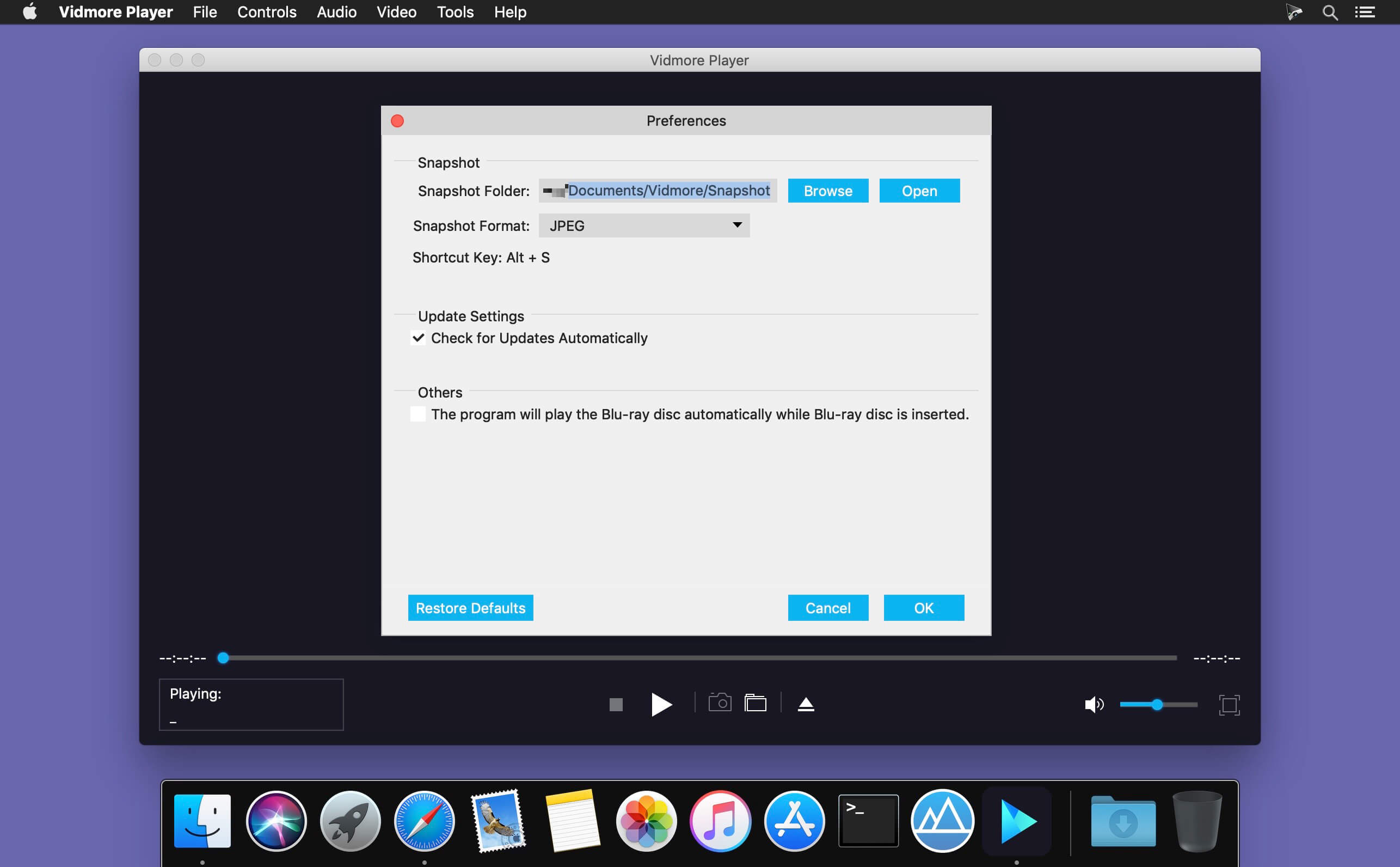
- High output quality With advanced audio decoding technologies like Dolby, DTS, AAC, TrueHD and more, you could enjoy the high quality of your media files. You could also click the Snapshot icon or use the shortcut key to take a screen shot when you play your movies.
Version 1.0.68:
- Release notes were unavailable when this listing was updated.
Frequently asked questions
How do I install the app?
Mount the image, drag the app into the "Applications" folder and launch it. If the system blocks the launch, allow it in "System Settings → Privacy & Security".
The app is damaged or won't launch
Reinstalling from a fresh image usually helps. Make sure your macOS version matches the one listed in the compatibility specs.
How do I update?
Download the new version from the site and install it over the current one — your settings will be preserved.
The download link doesn't work
Try a mirror or a download manager. For large files the browser often drops the connection.
How do I completely remove the app?
Use an uninstaller utility — it cleans up the service files that remain after moving the app to the trash.





Choose a download source
Vidmore Player 1.0.68 · 44.22 MB
Previous versions
Vidmore Player 1.0.68
Previous versions are available to registered users.