
Express Invoice Plus 10.03
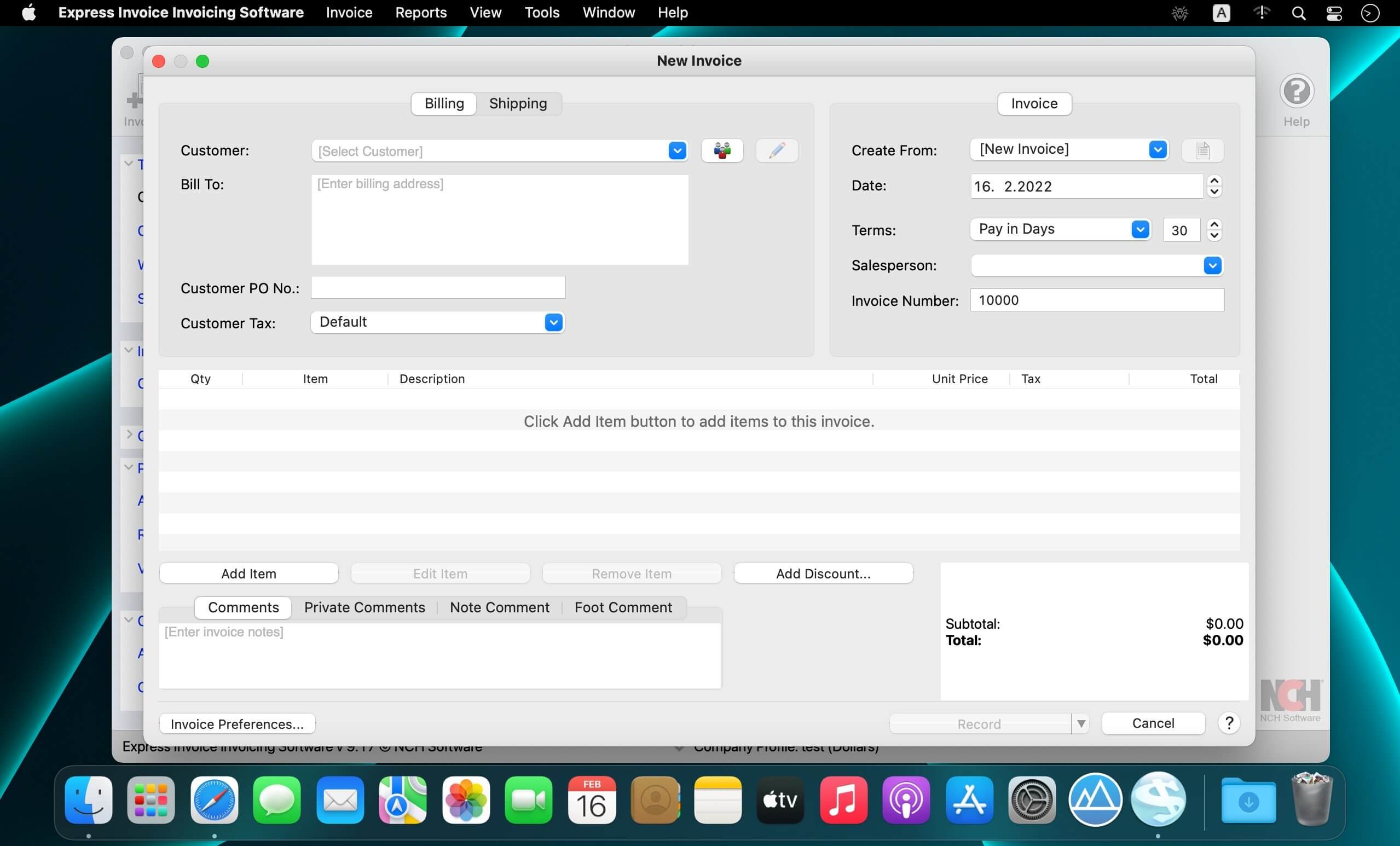
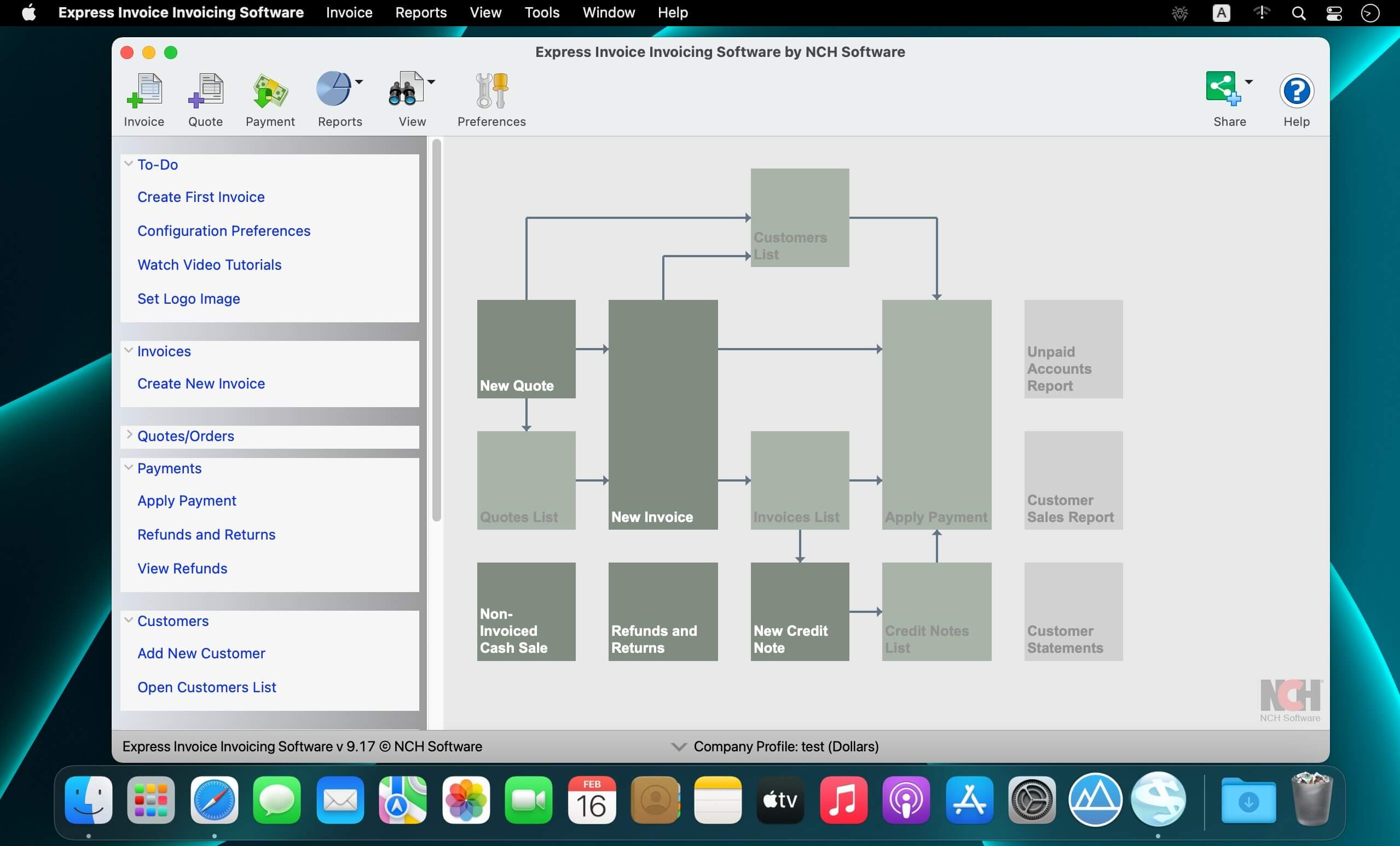
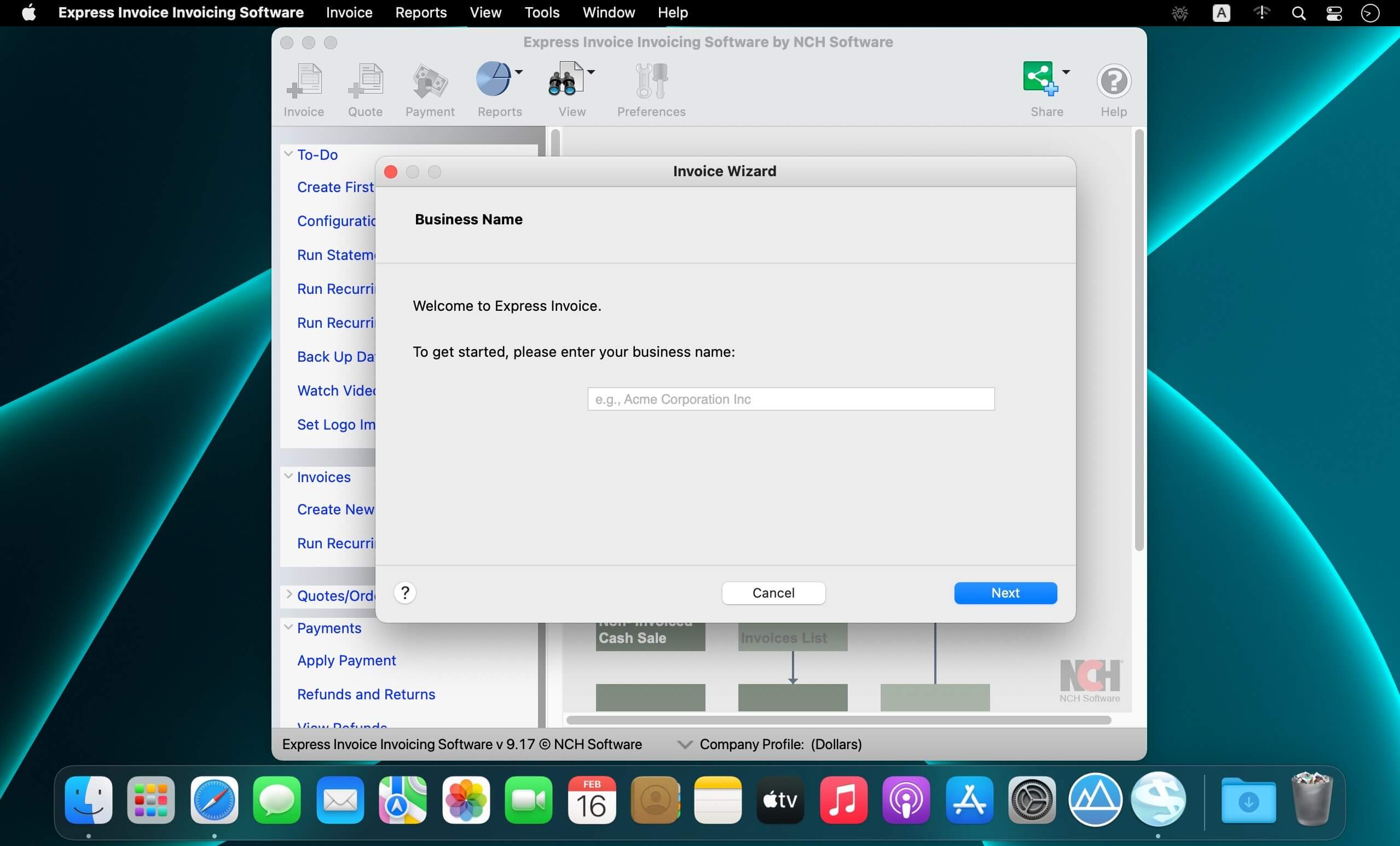
Express Invoice simplifies all of your business invoicing needs. Managing client accounts, quotes, orders, billing, and more has never been easier. This easy to use program lets you create invoices that you can print, e-mail, or fax directly to clients for faster payments. Keep track of your customers with up-to-date records on their payment and sales history. Get reports on your accounts, salesperson performance, unpaid voices, and much more. Streamline your billing processes today.
Invoice Software Features:
- Easily design invoices or start fresh with a template
- Schedule invoices for customers with recurring payments
- Customize invoice design with your logo, heading text, notes and more
- Save and send invoices in PDF file format
- Supports multiple currencies, such as the dollar, euro, pound, and more
- Send statements to customers that have overdue payments automatically
- Supports invoicing for multiple businesses
- Email, Print, or Fax statements to customers
Version 10.03
- Bug Fixes
Frequently asked questions
How do I install the app?
Mount the image, drag the app into the "Applications" folder and launch it. If the system blocks the launch, allow it in "System Settings → Privacy & Security".
The app is damaged or won't launch
Reinstalling from a fresh image usually helps. Make sure your macOS version matches the one listed in the compatibility specs.
How do I update?
Download the new version from the site and install it over the current one — your settings will be preserved.
The download link doesn't work
Try a mirror or a download manager. For large files the browser often drops the connection.
How do I completely remove the app?
Use an uninstaller utility — it cleans up the service files that remain after moving the app to the trash.




Choose a download source
Express Invoice Plus 10.03 · 7.46 MB
Previous versions
Express Invoice Plus 10.03
Previous versions are available to registered users.