Flyingbee Reader - PDF Reader Pro 3.2.6
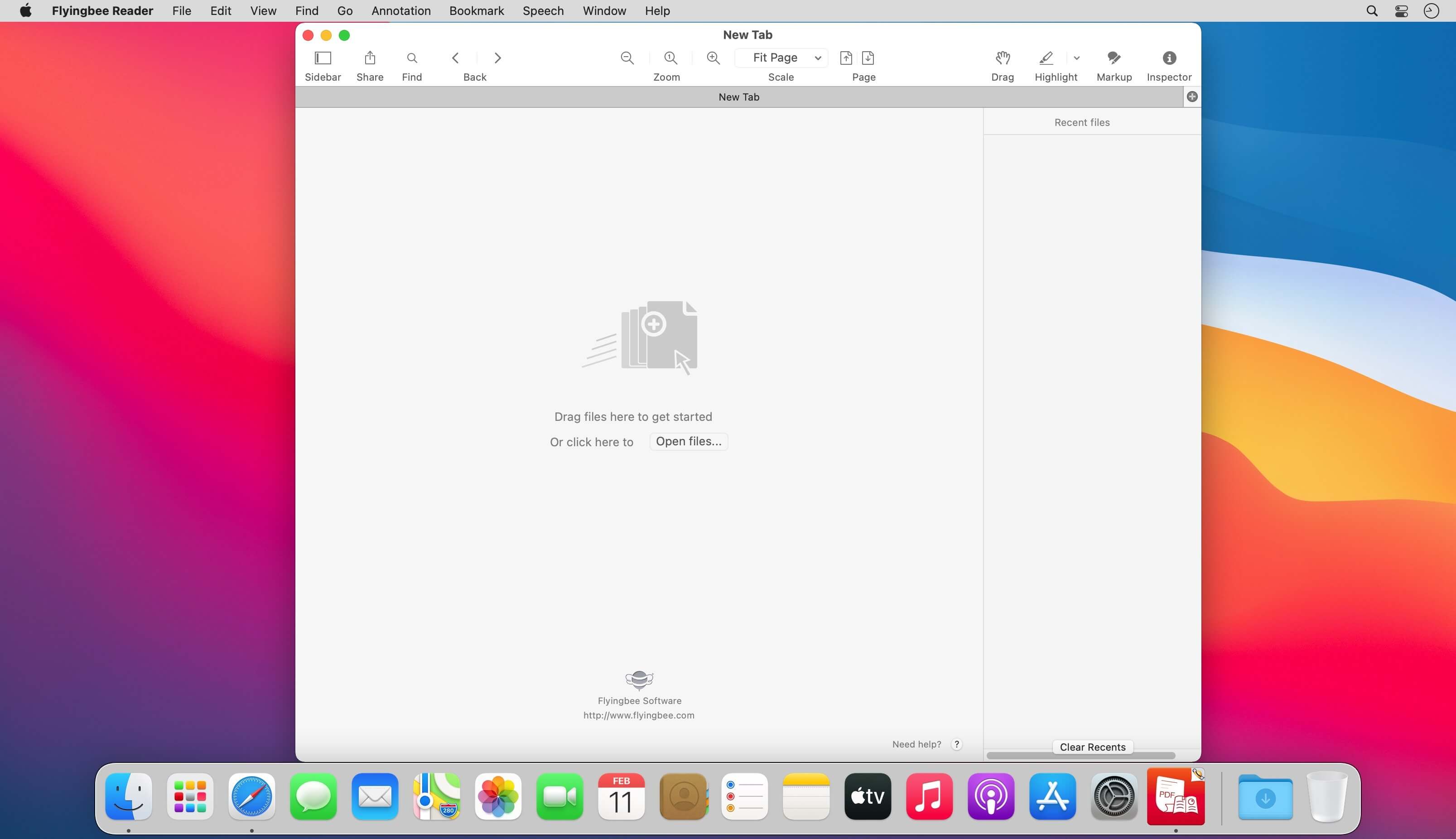
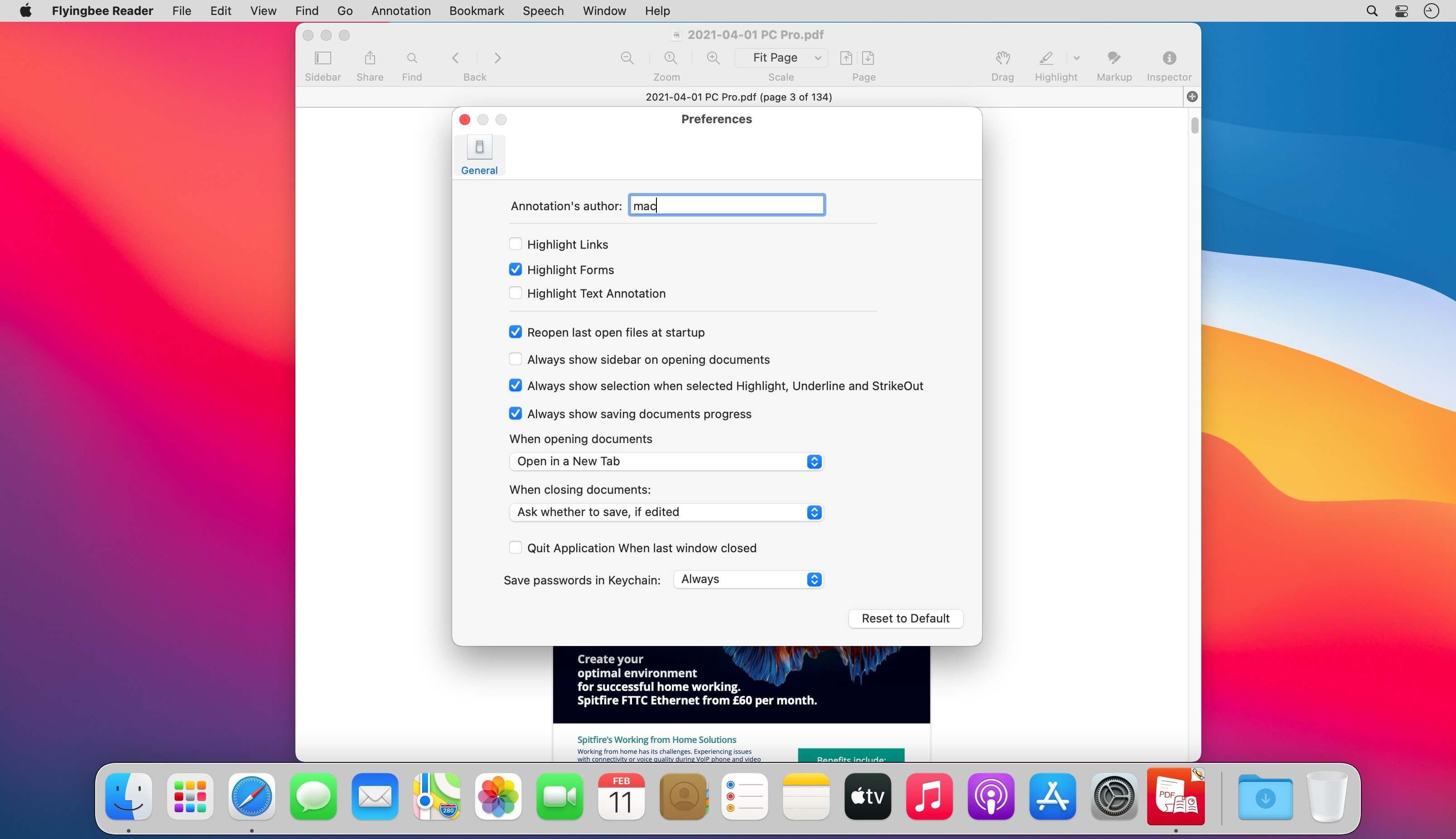
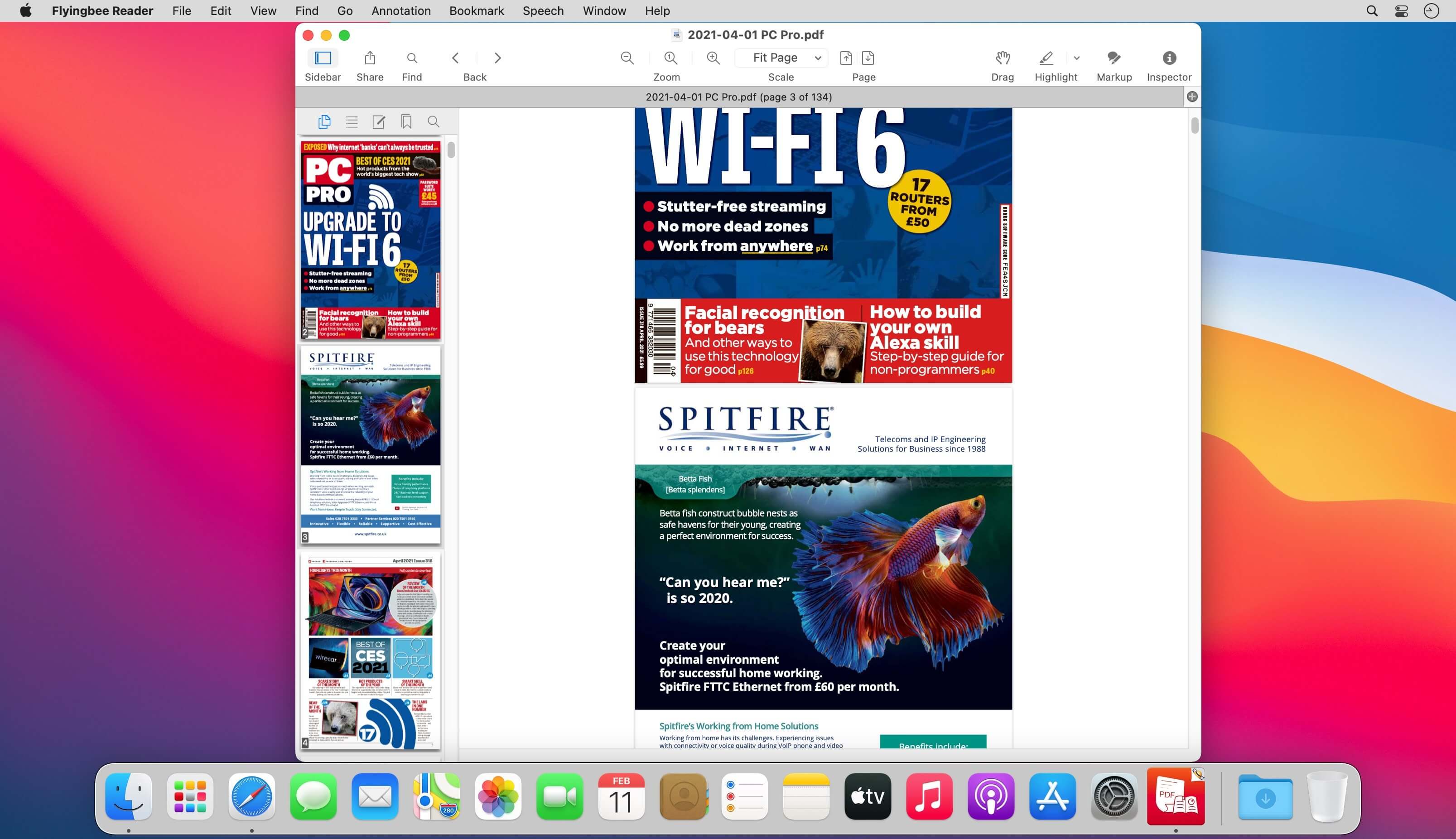
Flyingbee Reader makes working with pdf easier on Mac than ever before due to the simplicity of its interface and feature-rich functions. Flyingbee Reader is more than a pdf viewer, technology makes it become an advanced pdf annotation marker and editor.
Flyingbee Reader is a better replacement compared with Preview, Preview lacked several functions of Flyingbee Reader, not good at editing pdfs and it is a best alternative pdf reader for replacing Preview because of the following excellent features.
Main features:
- Lightweight, less memory, Easy to use like Safari, Chorme browser.
- Open pdf files in seconds with high quality of rendering
- View and read multiple pdf files in multi-tab simultaneously within a window
- Add comments and annotations with a full set of feature-rich tools
- Check and arrange annotations more easily and conveniently
- Flattening, copying and pasting annotations supported
- Optimise the functions of bookmark, signature and form filling
- Print pdf files with custom settings
Version 3.2.6:
- Release notes were unavailable when this listing was updated.
Frequently asked questions
How do I install the app?
Mount the image, drag the app into the "Applications" folder and launch it. If the system blocks the launch, allow it in "System Settings → Privacy & Security".
The app is damaged or won't launch
Reinstalling from a fresh image usually helps. Make sure your macOS version matches the one listed in the compatibility specs.
How do I update?
Download the new version from the site and install it over the current one — your settings will be preserved.
The download link doesn't work
Try a mirror or a download manager. For large files the browser often drops the connection.
How do I completely remove the app?
Use an uninstaller utility — it cleans up the service files that remain after moving the app to the trash.




Choose a download source
Flyingbee Reader - PDF Reader Pro 3.2.6 · 13.14 MB