Print to PDF Pro 6.7.8
Print to PDF — Mac virtual printer for local PDF conversion and print-to-PDF workflow
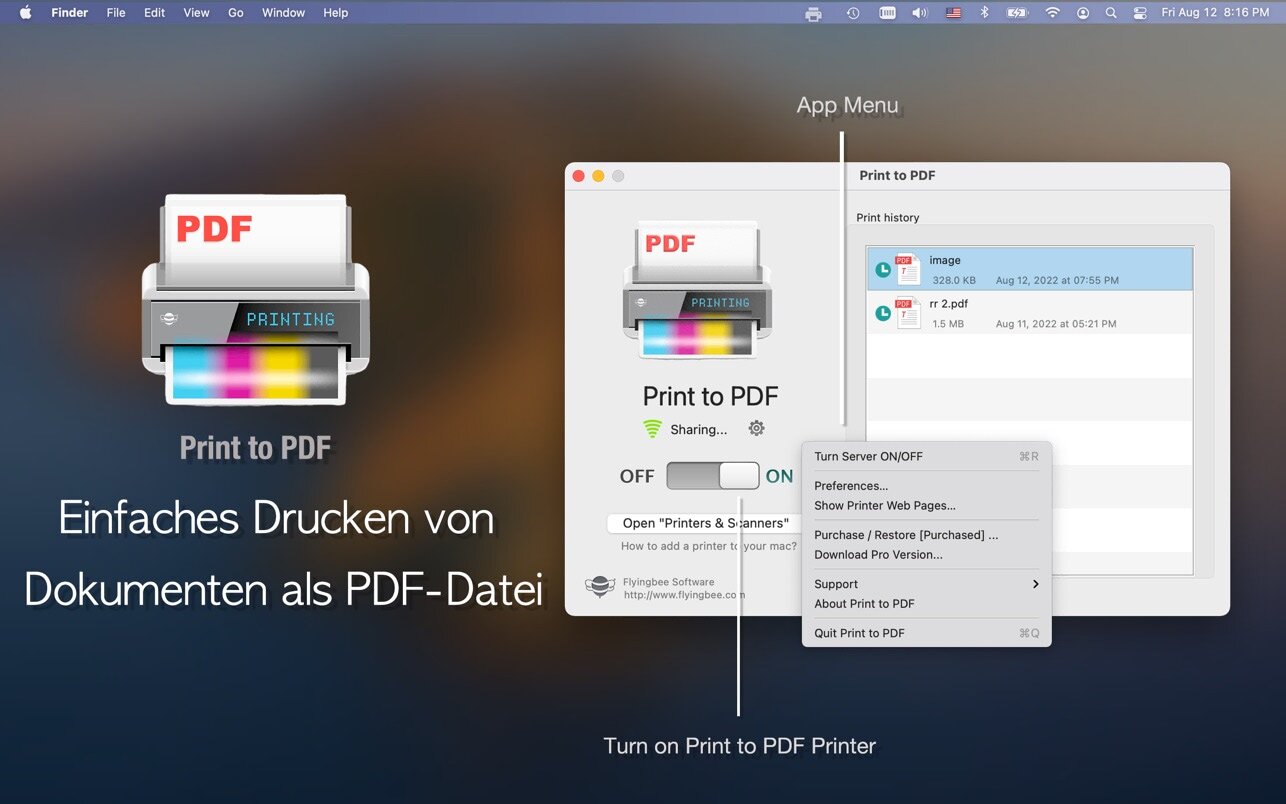
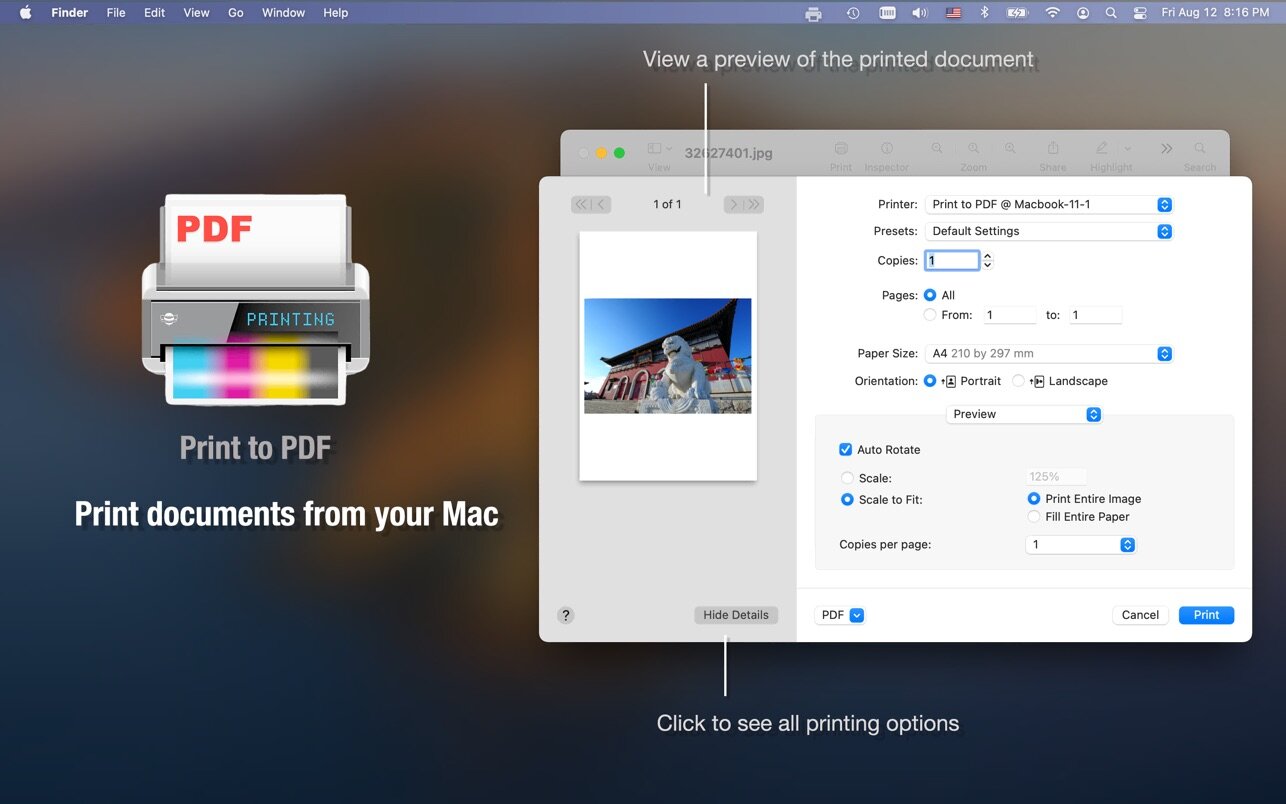
Turn your Mac into a wireless virtual printer and save any document as a PDF directly from the print menu.
The app converts files locally on your Mac, so your documents stay on your device and no internet connection is required. It also helps you organize PDFs into folders and automatically sorts printouts such as emails, web pages, and other documents.
You can print PDFs from:
- Email attachments
- iWork and Microsoft Office documents
- Web pages
- Images and photos
- Files from Dropbox, Google Drive, and other cloud storage services
How to use it:
- Launch the app. Its window will appear in the center of your screen.
- If you close the window, the app remains available from the menu bar at the top of the screen.
- To quit, click the printer icon in the menu bar and choose “Quit Print to PDF.”
How to print to PDF:
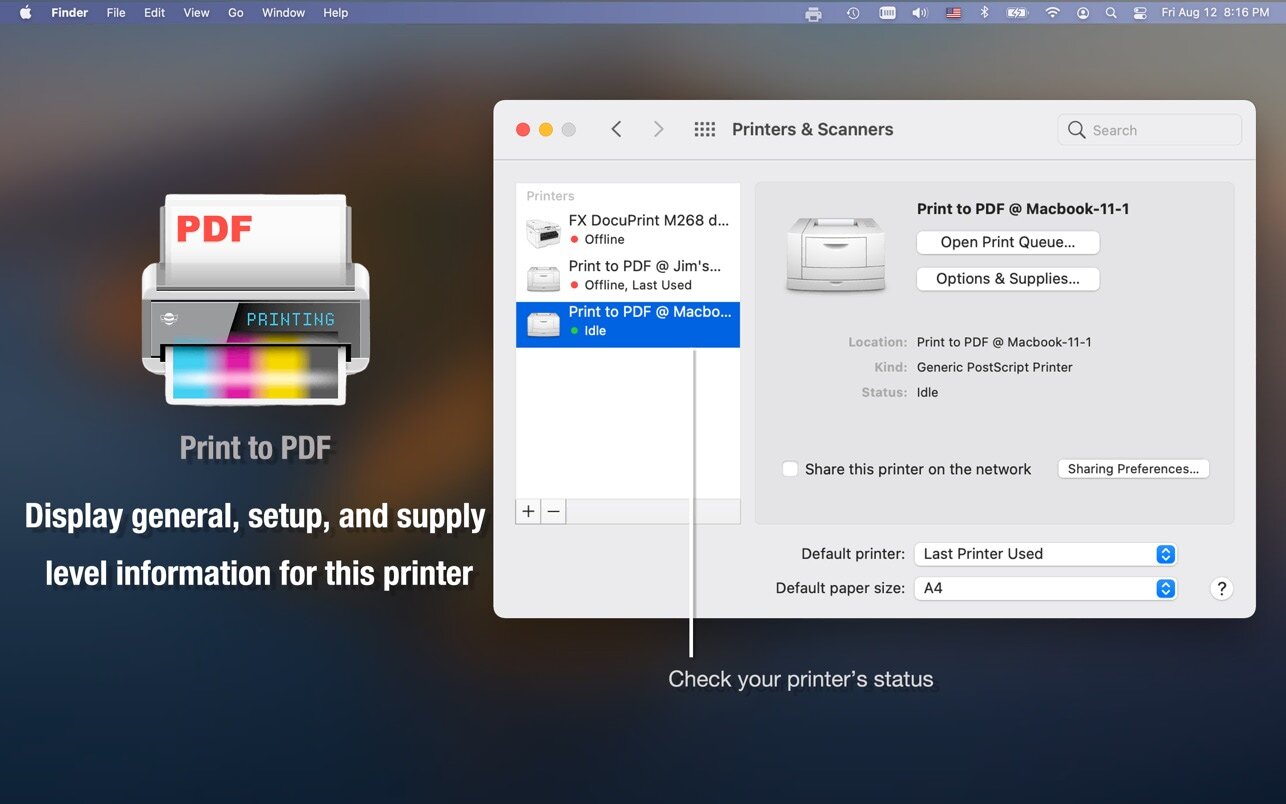
- Open System Preferences > Printers & Scanners and add the “Print to PDF” printer.
You can also install and use it directly from the print dialog. - Print any document on your Mac and select the app’s printer.
- The app will process the job and automatically open the generated PDF.
You can also share the printer on a home or company network, archive documents as PDF files, and streamline your workflow.
Upgrade to Professional Edition to unlock additional features. The free version lets you create black-and-white PDFs from the first few pages.
Version 6.7.8
- Compatible with the latest macOS 27.x
- Known bug fixes and performance improvements
Frequently asked questions
How do I install the app?
Mount the image, drag the app into the "Applications" folder and launch it. If the system blocks the launch, allow it in "System Settings → Privacy & Security".
The app is damaged or won't launch
Reinstalling from a fresh image usually helps. Make sure your macOS version matches the one listed in the compatibility specs.
How do I update?
Download the new version from the site and install it over the current one — your settings will be preserved.
The download link doesn't work
Try a mirror or a download manager. For large files the browser often drops the connection.
How do I completely remove the app?
Use an uninstaller utility — it cleans up the service files that remain after moving the app to the trash.

Choose a download source
Print to PDF Pro 6.7.8 · 44.76 MB
Previous versions
Print to PDF Pro 6.7.8
Previous versions are available to registered users.