
Wondershare PDFelement Pro 12.1.28 (OCR)
PDFelement — PDF editor and converter with OCR and digital signatures
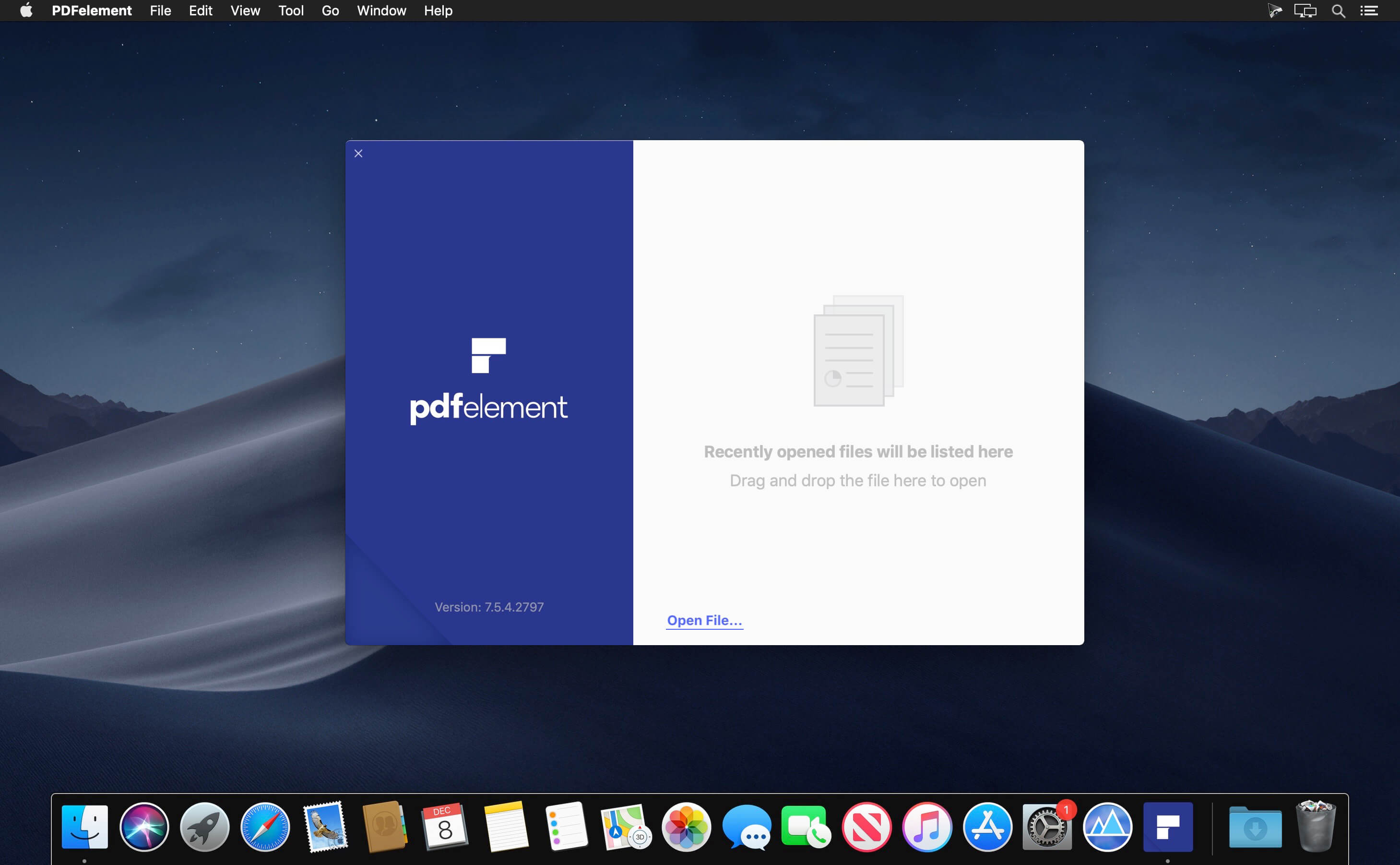
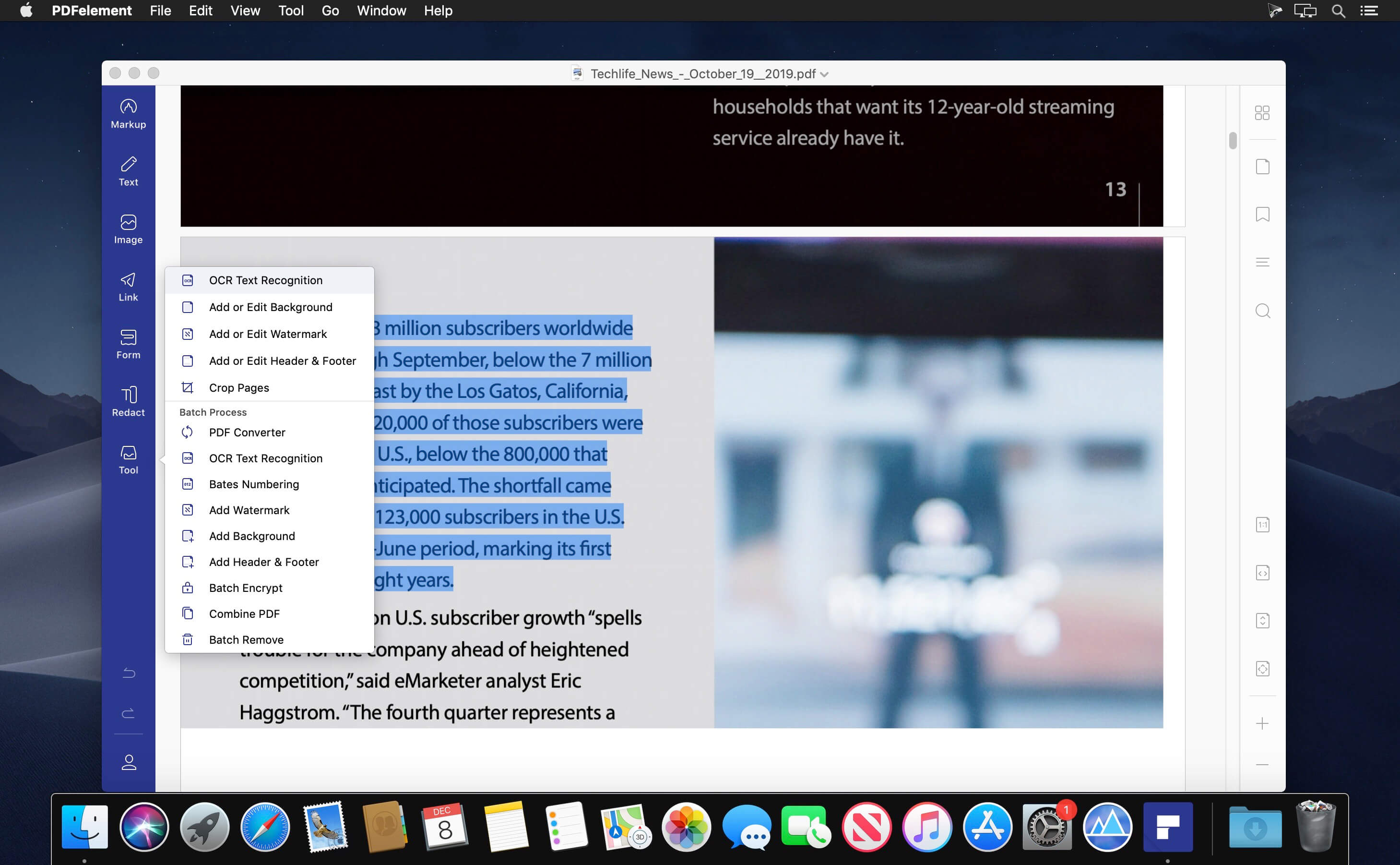
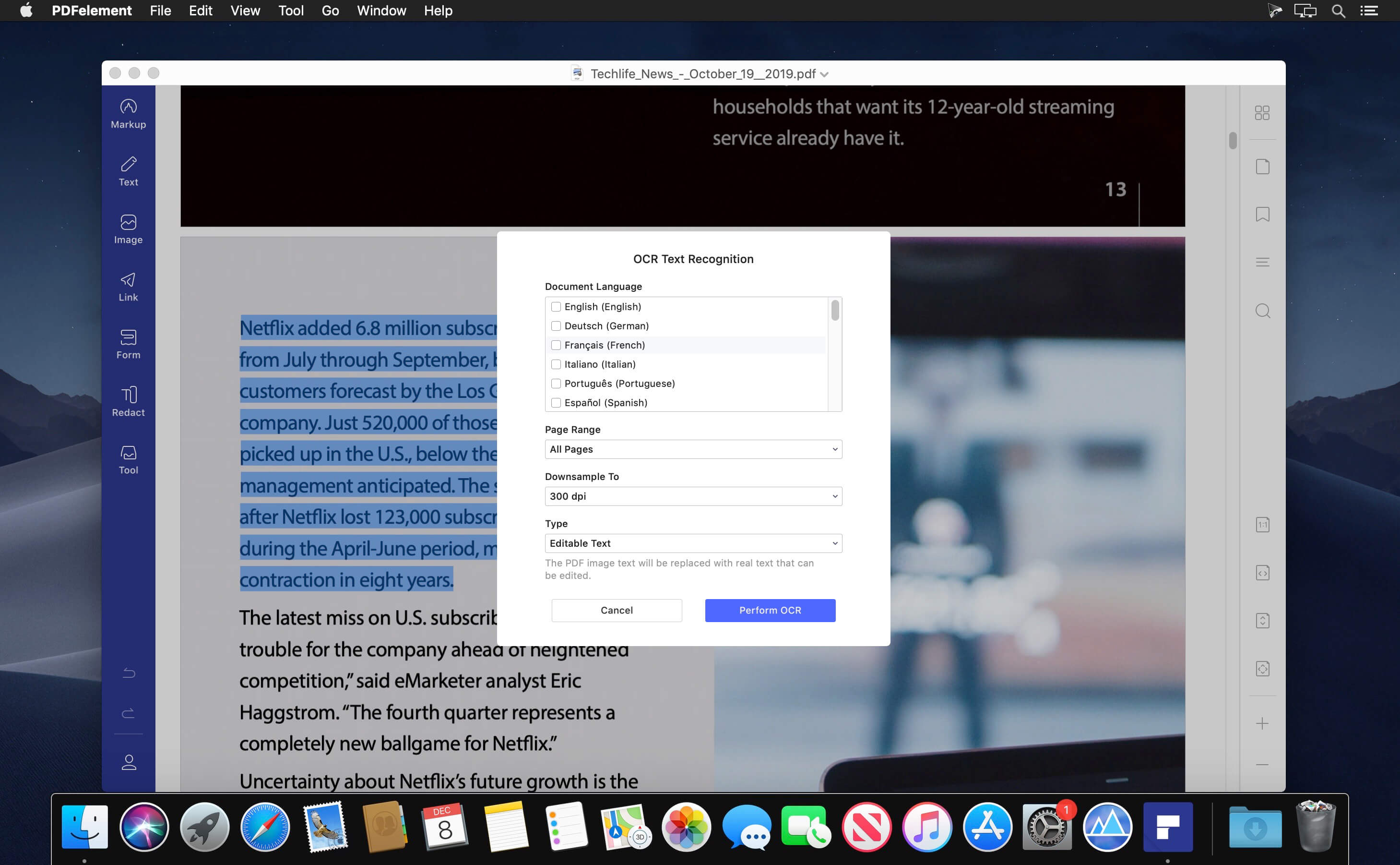
PDFelement - The easiest way to create, edit, convert, and sign PDF documents. We’re now introducing the all-new PDFelement, which includes a redesigned UI, more advanced writing tools, improved team collaboration features, more powerful conversion tools, a user management console, and more.
PDFelement Pro
OCR (Exclusive in Pro version)
- OCR (Optical Character Recognition)enables you to edit and convert characters in scanned PDF files or pictures
- Supports recognition of 29 languages
Create & Sign Forms (Exclusive in Pro version)
- Create fillable PDF Forms from interactive field objects, such as buttons, check boxes, radio buttons, list boxes, and drop-down lists
- Support adding digital signatures to forms
Merge PDF (Exclusive in Pro version)
- Combine different format files into a new PDF
Convert PDF (Exclusive in Pro version)
- Supports converting PDF file to a greater number of output formats like EPUB, HTML, Text, RTF
PDF/A (Exclusive in Pro version)
- Support PDF/A as an available output format with ISO Standard for long term archiving
Batch Processing of PDF Files (Exclusive in Pro version)
- Process PDFs in batches
- Add backgrounds, watermarks, headers and footers in batches
Bates Numbering (Exclusive in Pro version)
- Apply Bates Numbering with advanced formatting
Redact PDF (Exclusive in Pro version)
- Redact sensitive text and images in PDFs
Version 12.1.28:
- Release notes were unavailable when this listing was updated.
Frequently asked questions
How do I install the app?
Mount the image, drag the app into the "Applications" folder and launch it. If the system blocks the launch, allow it in "System Settings → Privacy & Security".
The app is damaged or won't launch
Reinstalling from a fresh image usually helps. Make sure your macOS version matches the one listed in the compatibility specs.
How do I update?
Download the new version from the site and install it over the current one — your settings will be preserved.
The download link doesn't work
Try a mirror or a download manager. For large files the browser often drops the connection.
How do I completely remove the app?
Use an uninstaller utility — it cleans up the service files that remain after moving the app to the trash.



Choose a download source
Wondershare PDFelement Pro 12.1.28 (OCR) · 804.43 MB
Previous versions
Wondershare PDFelement Pro 12.1.28 (OCR)
Previous versions are available to registered users.
Comments 2