
SopoTube for YouTube + AdBlock 1.0
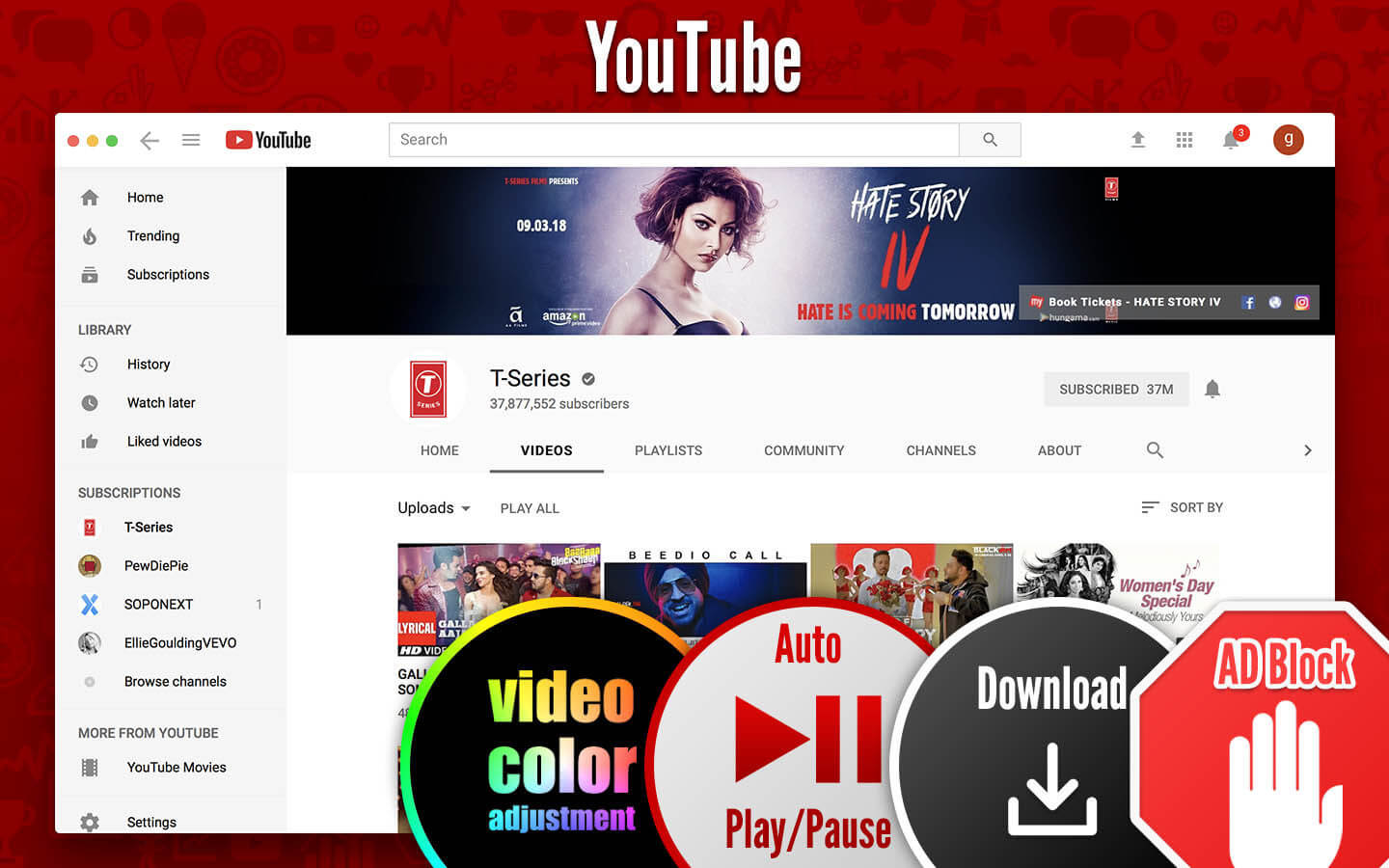
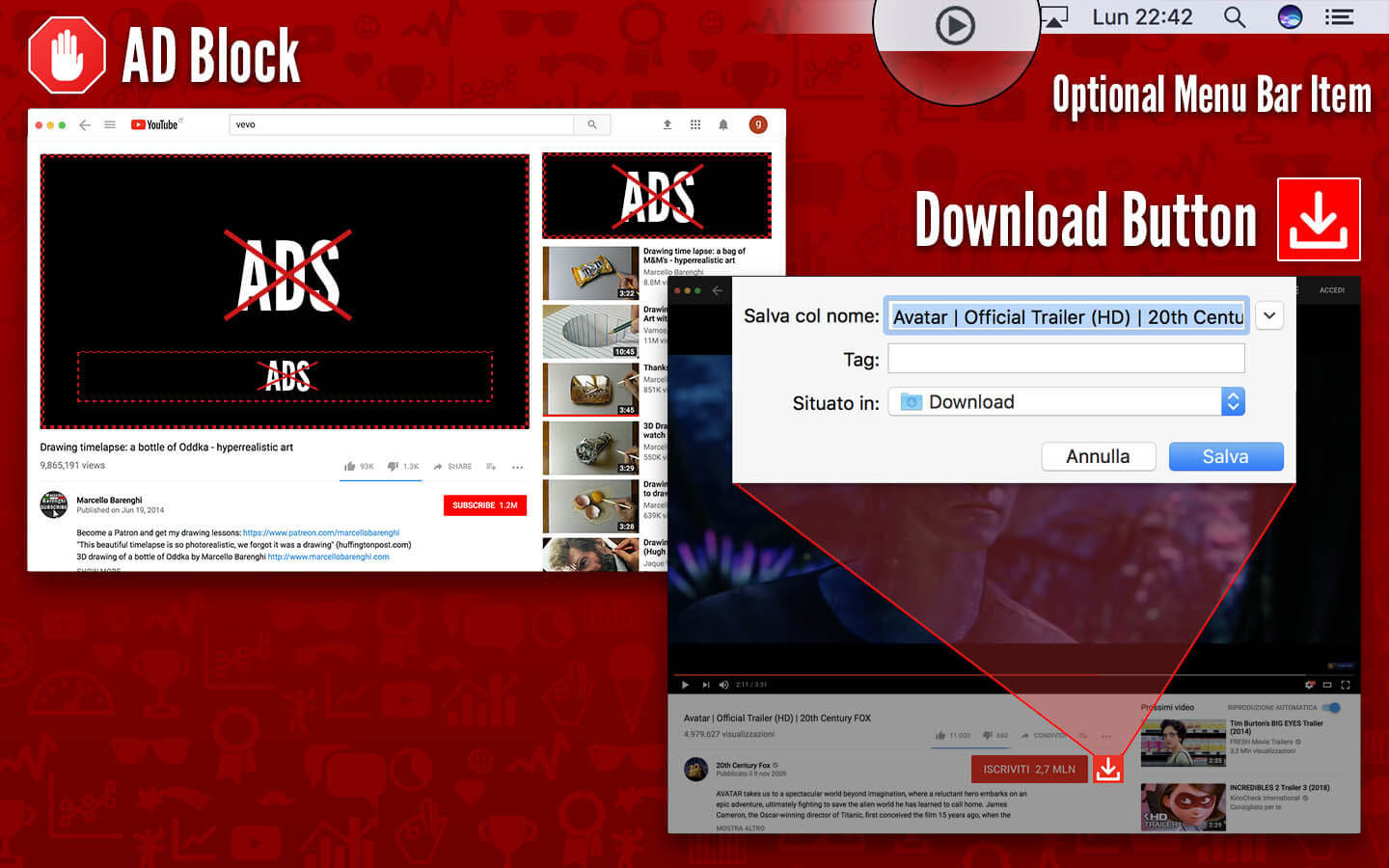

The best App to watch YouTube on Mac and unique app with the download feature! + AdBlock …
Features:
- Search.
- Fullscreen supported.
- Splitscreen supported.
- No Silverlight plugin required.
- Optional: Automatic opening at login.
- Optional: MenuBar mini icon.
- Optional: Hide Dock Icon.
- Optional: Keep Window on Top.
- Customizable HotKey to show/hide the app.
- TouchBar Supported!
- No useless titlebar over the window.
- No annoying advertising messages at the start.
- No in-app purchases!
- No full version available through another app. This is the full version.
- BEST AdBlocker!
- DOWNLOAD action!
- Customizable video Brightness!
- Customizable video Saturation!
- Customizable video Contrast!
- Selectable Black&White video filter and other effects.
- Automatic play/pause based on focus.
- Badge number on dock for notifications.
- Optional: Dark Theme.
- Checkable time spent on Tube for YouTube.
- Password.
- Space: Play/Pause.
- M: Mute/Unmute.
- Left arrow: go Back on the video.
- Right arrow: go Forward on the video.
- Ctrl+Cmd+F: enter/exit Fullscreen.
Frequently asked questions
How do I install the app?
Mount the image, drag the app into the "Applications" folder and launch it. If the system blocks the launch, allow it in "System Settings → Privacy & Security".
The app is damaged or won't launch
Reinstalling from a fresh image usually helps. Make sure your macOS version matches the one listed in the compatibility specs.
How do I update?
Download the new version from the site and install it over the current one — your settings will be preserved.
The download link doesn't work
Try a mirror or a download manager. For large files the browser often drops the connection.
How do I completely remove the app?
Use an uninstaller utility — it cleans up the service files that remain after moving the app to the trash.
VersionSopoTube for YouTube + AdBlock 1.0
DeveloperAndrea Nicoli
CompatibilityOS X 10.11 or later, 64-bit processor
LanguageEnglish, German, Italian
IncludesK'ed by TNT





Choose a download source
SopoTube for YouTube + AdBlock 1.0 · 15.33 MB
Comments 1