
Player for YouTube Pro 1.2

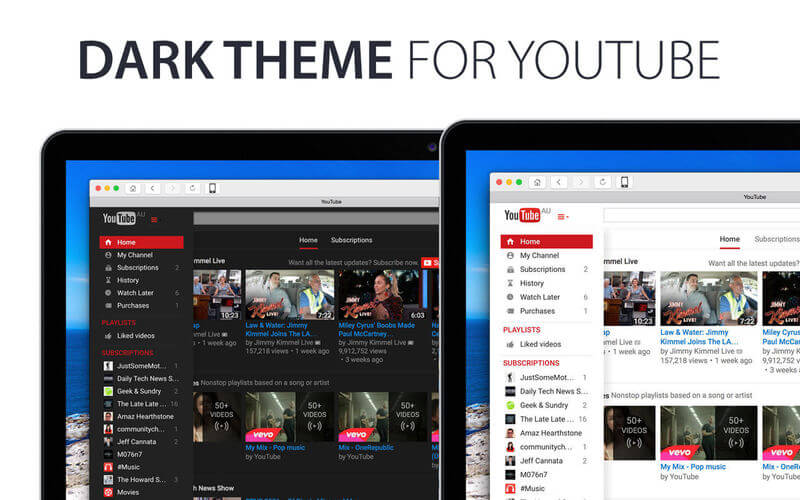
Introducing the Best YouTube Client. Built for YouTube Addicts and Power Users!
Guaranteed to enhance your YouTube watching experience with;
- Set default video quality
- Block all YouTube adverts
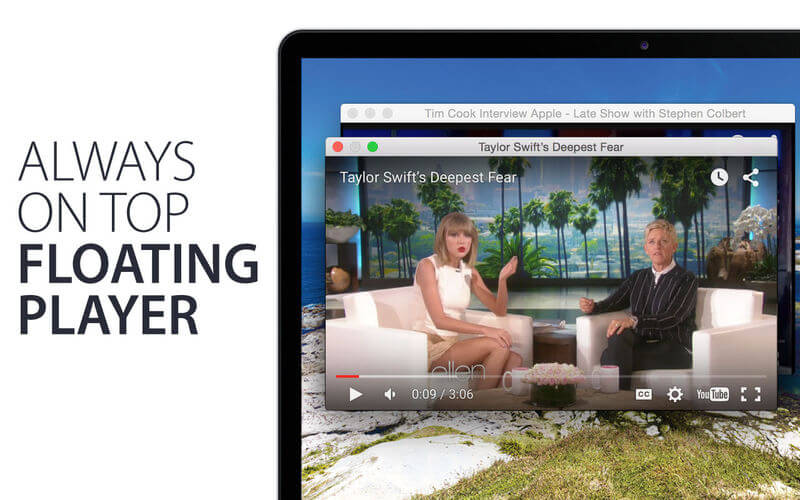
- Pop-out YouTube video player
- Set video auto playback
- Hide YouTube comments and related videos
- Hide annotations by default
- Receive subscriber notifications
- Subscriber Video Deck
- Set global shortcut keys
- And many other features
With Player for YouTube you can expect all normal YouTube functions and features to work as expected.
Version 1.2
- Bug fixes and improvements
Frequently asked questions
How do I install the app?
Mount the image, drag the app into the "Applications" folder and launch it. If the system blocks the launch, allow it in "System Settings → Privacy & Security".
The app is damaged or won't launch
Reinstalling from a fresh image usually helps. Make sure your macOS version matches the one listed in the compatibility specs.
How do I update?
Download the new version from the site and install it over the current one — your settings will be preserved.
The download link doesn't work
Try a mirror or a download manager. For large files the browser often drops the connection.
How do I completely remove the app?
Use an uninstaller utility — it cleans up the service files that remain after moving the app to the trash.
VersionPlayer for YouTube Pro 1.2
DeveloperMaker Labs
CompatibilityOS X 10.9 or later, 64-bit processor
LanguageEnglish
IncludesK'ed by TNT





Information
Visitors in the group Guests cannot leave comments on this publication.
Choose a download source
Player for YouTube Pro 1.2 · 5.85 MB