DxO FilmPack 5.5.27.605 ELITE Edition
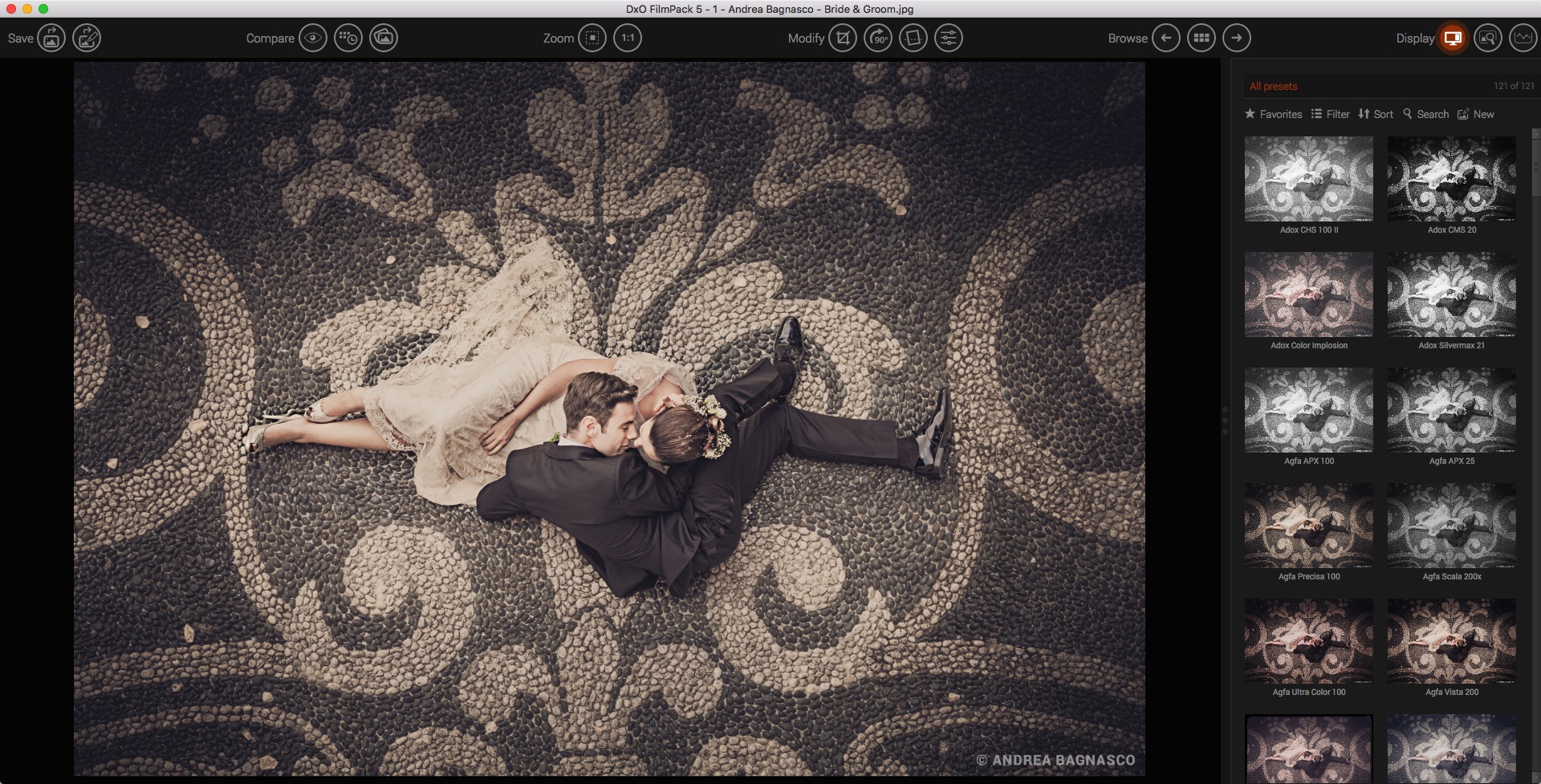
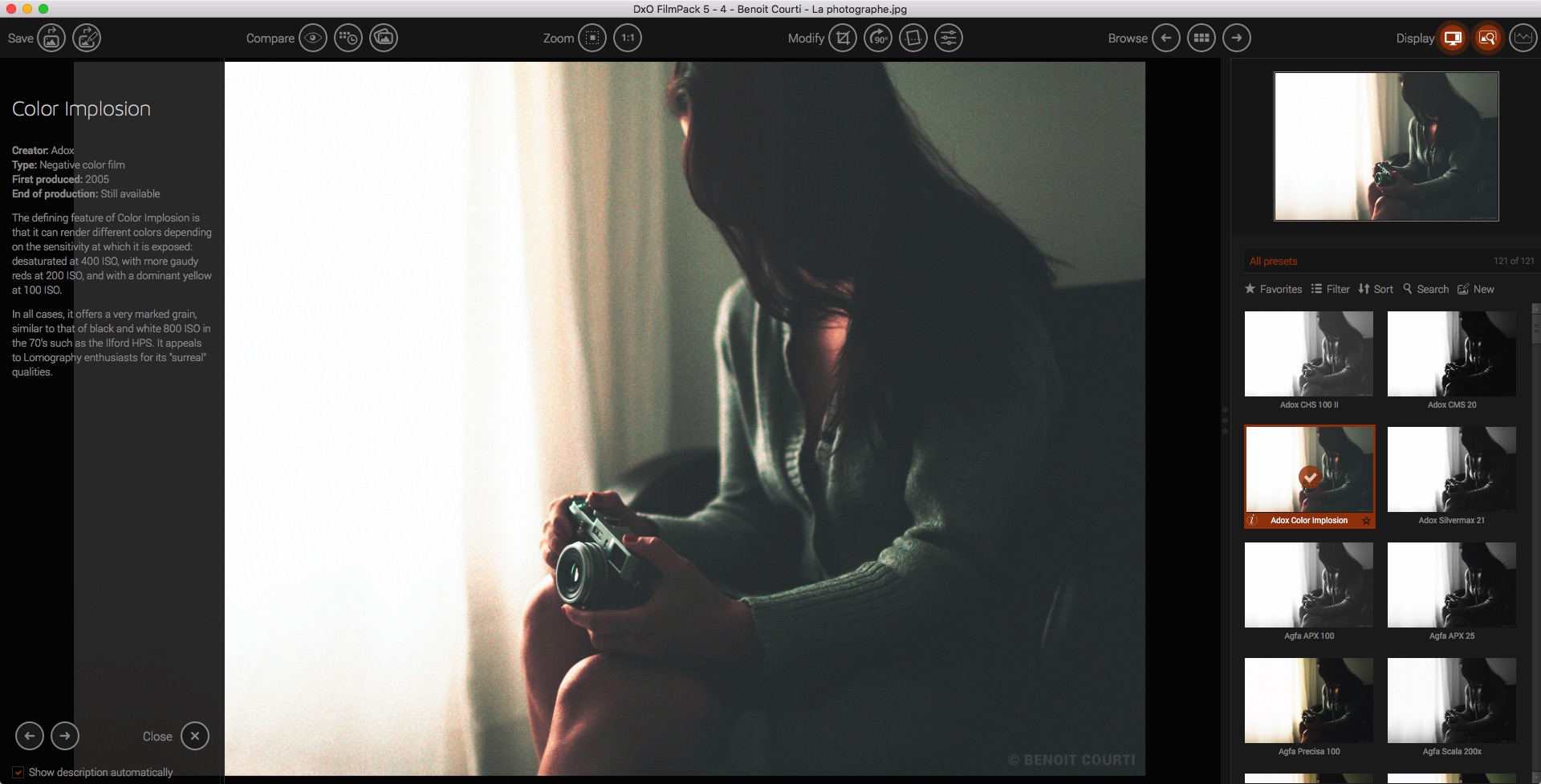
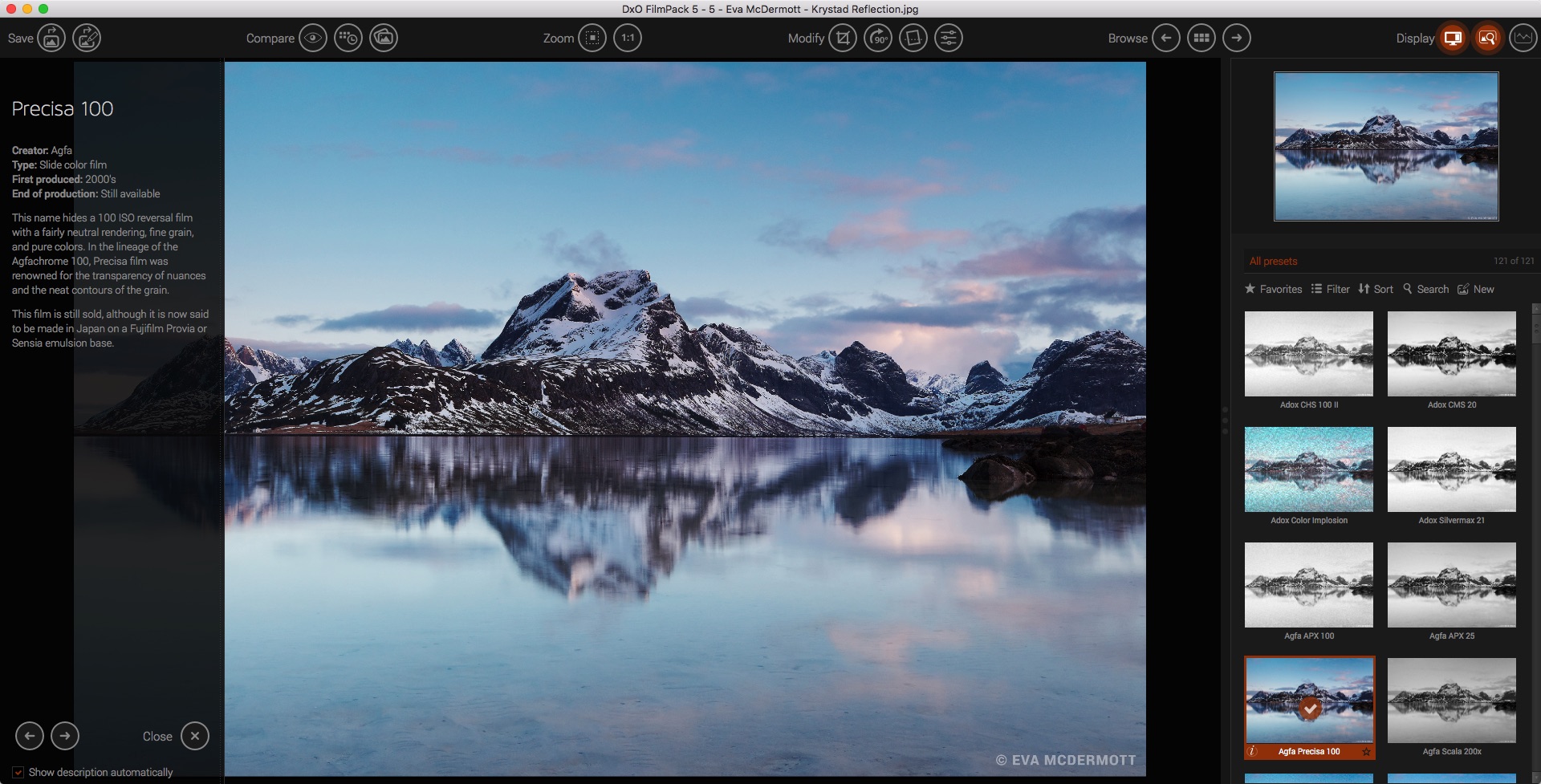
DxO Film Pack lets you rediscover the magic of analog film. Give your digital photos greater emotional impact with this creative image-processing software.
Rediscover the style, the colors, and the grain of more than 80 legendary analog films, faithfully reconstituted thanks to DxO's exclusive calibration process. Combine many original renderings with filter, vignetting, blur, texture, frame, or light-leak effects to give your photos a unique look. It even allows you to preserve the quality of your digital images thanks to support for RAW format, benefitting from DxO's unsurpassed powerful processing.
Features
More than 120 styles, 80 of which are legendary
Creative styles such as frames, textures, light leaks, creative vignetting, and blur
Exceptional black-and-white conversion
Support for RAW, JPEG, and TIFF formats
Designer presets: a touch of madness for your images
Compatible host applications
DxO OpticsPro 10 or higher
Adobe® Photoshop® CS3, CS4, CS5, CS6, CC, CC 2014, CC 2015 CC2018
Adobe® Photoshop® Elements® 9, 10, 11, 12, 13, 14
Adobe® Photoshop® Lightroom® 3, 4, 5, 6, CC 2015
Apple Aperture® 3
Version 5.5:
- 8 new cameras supported:
- iPhone 7, iPhone 7 Plus (JPG and DNG)
- Canon EOS 77D / 9000D
- Canon EOS 800D / Rebel T7i / Kiss X9i
- Nikon D7500
- Panasonic Lumix DMC GH-5
- Pentax K-P
- Sony Alpha 9
- Minor bug fixes
Frequently asked questions
How do I install the app?
Mount the image, drag the app into the "Applications" folder and launch it. If the system blocks the launch, allow it in "System Settings → Privacy & Security".
The app is damaged or won't launch
Reinstalling from a fresh image usually helps. Make sure your macOS version matches the one listed in the compatibility specs.
How do I update?
Download the new version from the site and install it over the current one — your settings will be preserved.
The download link doesn't work
Try a mirror or a download manager. For large files the browser often drops the connection.
How do I completely remove the app?
Use an uninstaller utility — it cleans up the service files that remain after moving the app to the trash.




Choose a download source
DxO FilmPack 5.5.27.605 ELITE Edition · 303.48 MB
Comments 1