
Multi Rename Tool 2.5.2
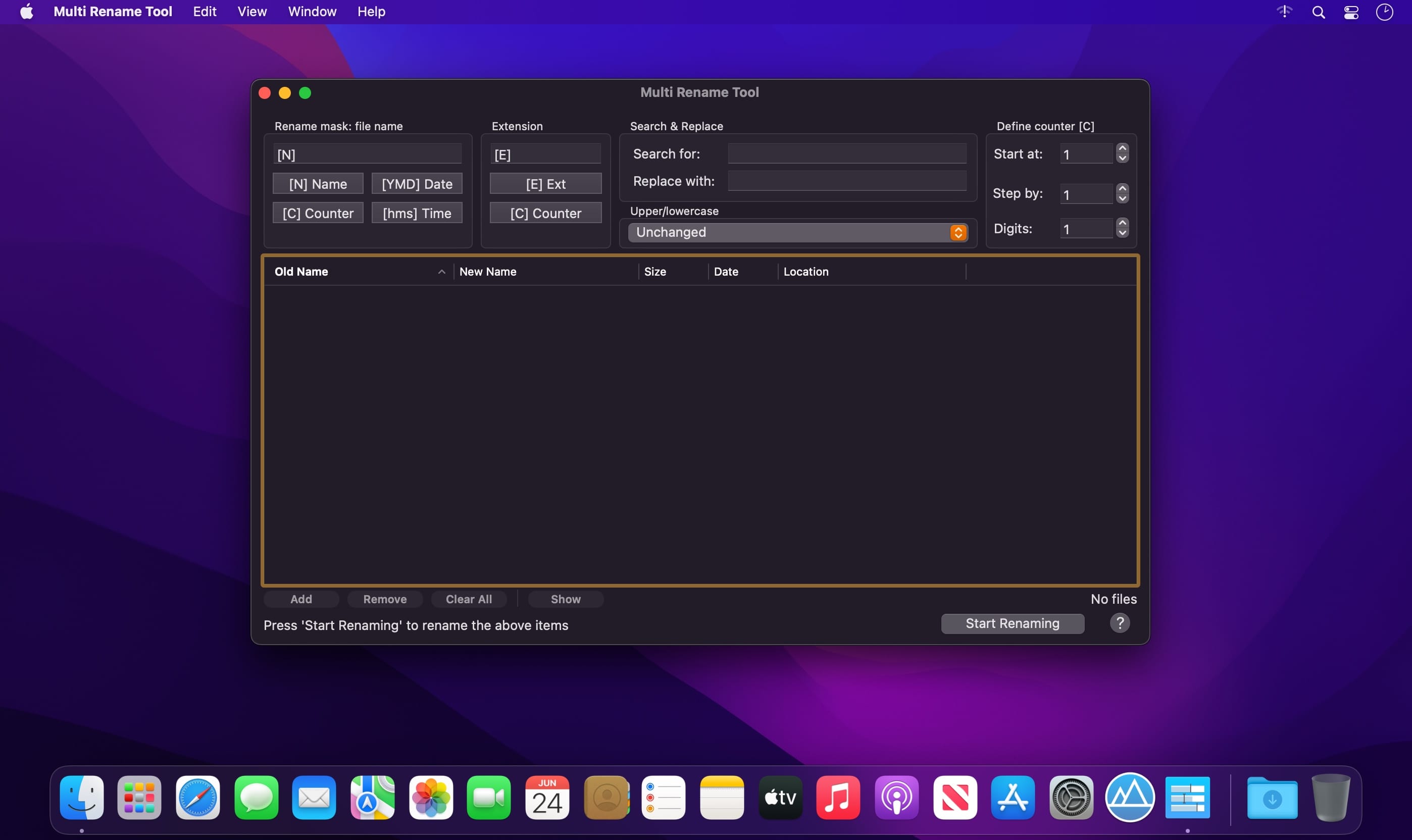
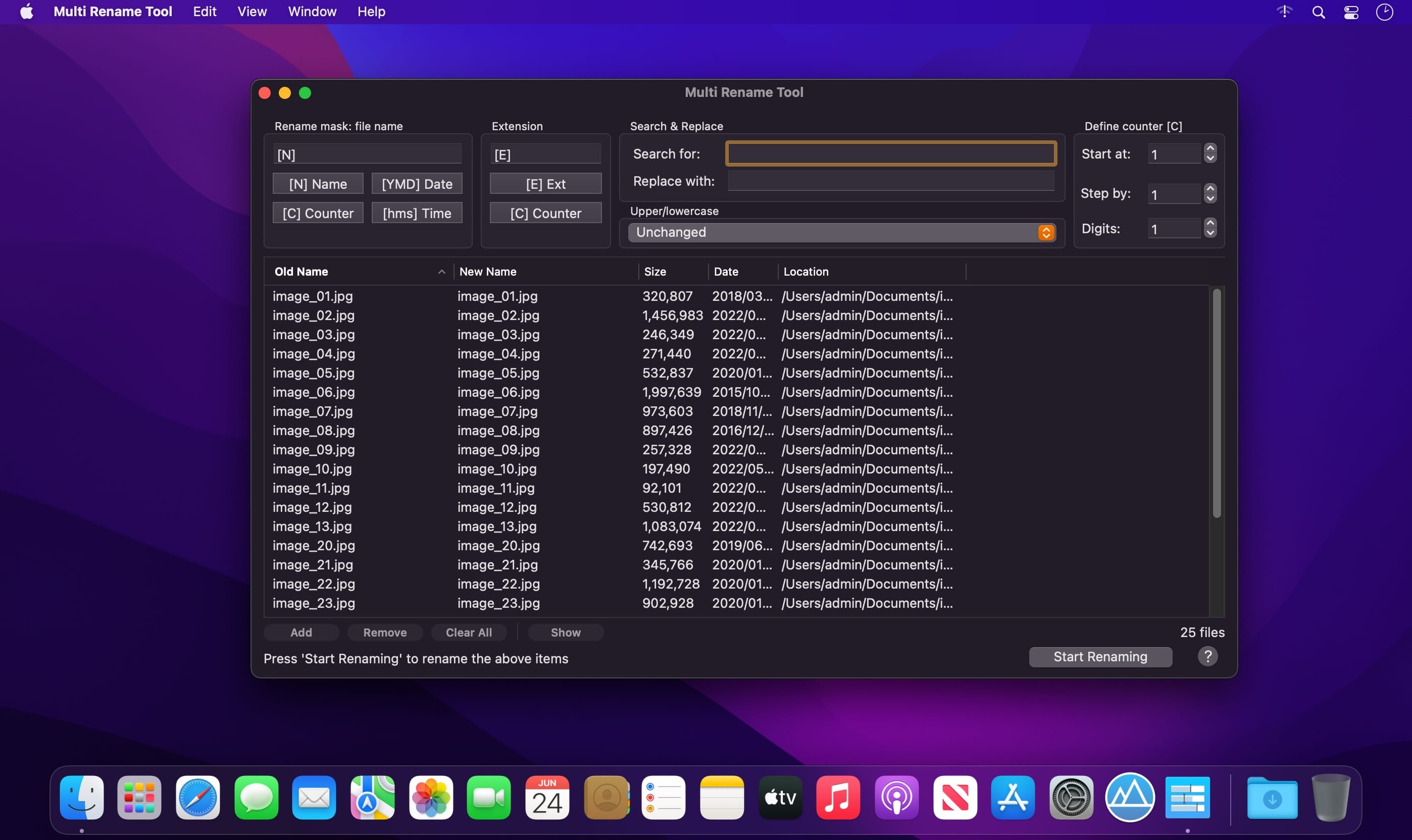
Multi Rename Tool is a powerful batch renaming software. It provides many functionalities you need to quickly rename thousands of local and remote files at once. It does everything you need and it does it FAST.
Renaming multiple files usually takes a lot of time if it's done manually. You can do it in almost no time with the smart Multi Rename Tool. Imagine 1000 files that you can rename almost instantly to a name that has a counter or date, or any prefix, suffix, or even changed certain characters.
Features
- Easy to use interface
- Realtime preview
- Use tokens to insert dynamic text such as dates or counters
- Partial name tokens to insert partial name strings, for example typing[N3-7] will insert the 4 characters of the name;[N2,5] will insert 5 characters starting from the 2nd character position,[N1] will insert only the first character of the name,[N2-] will insert all characters starting from the second character up to the end of the file name.
- Partial tokens work the same with file extensions as well[E1-3],[E2-],[E2,1],[E3]
- Adjustable counter parameters including start number, step number and minimum digits
- Search and replace text in file names
- Change file extensions
- Ability to convert all file names to upper or lowercase entirely
- Rename thousands of files at once, even if they are from different folders
- Sort results by clicking on the column headers for Old Name, Size, Date and Location. Ascending/descending sort by clicking on the same column header again.
- Drag&drop files or folders on the main Multi Rename Tool window or on the dock icon
- On-screen tutorial when first starting the app
- And much more!
Version 2.5
- added additional error handling
- added support for latest macOS
- improved rename speed
- fixed "successfully renamed" message when file permissions prevented some files to be renamed
Frequently asked questions
How do I install the app?
Mount the image, drag the app into the "Applications" folder and launch it. If the system blocks the launch, allow it in "System Settings → Privacy & Security".
The app is damaged or won't launch
Reinstalling from a fresh image usually helps. Make sure your macOS version matches the one listed in the compatibility specs.
How do I update?
Download the new version from the site and install it over the current one — your settings will be preserved.
The download link doesn't work
Try a mirror or a download manager. For large files the browser often drops the connection.
How do I completely remove the app?
Use an uninstaller utility — it cleans up the service files that remain after moving the app to the trash.





Choose a download source
Multi Rename Tool 2.5.2 · 4.33 MB