
DFind 2.2
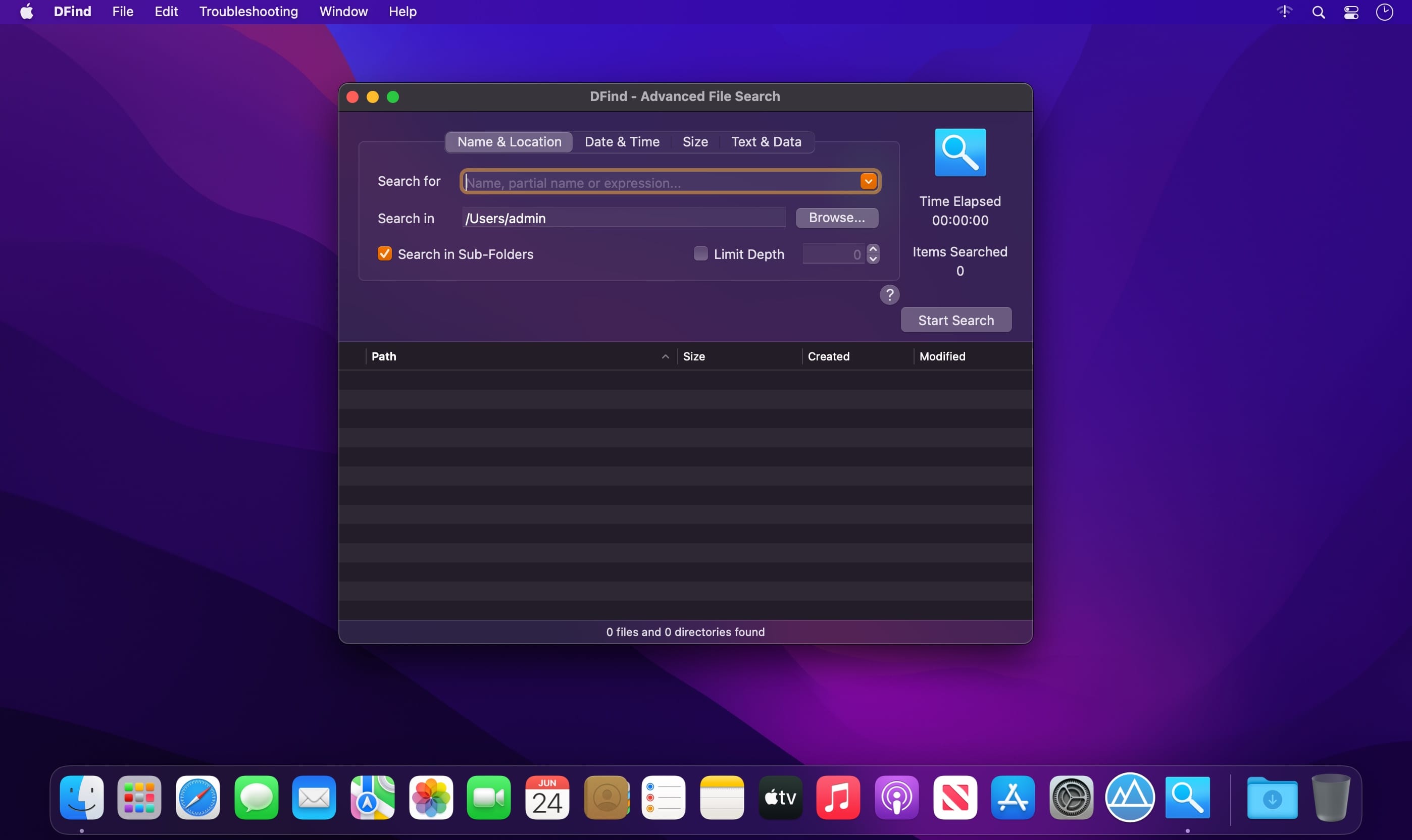


DFind lets you perform advanced file and folder searches on your Mac. Need to find all files containing a certain text? Need to find files created in the last hour? Need to find large files that take up all your disk space? Only remember the partial name of a file and don't know where it's located? Then DFind is for you!
Features include
- Full disk search that does not use the OSX spotlight index
- Fast search algorithm
- Integrated app usage guide
- Search by name or partial name
- Search for files containing a certain text
- Search in specific locations
- Search in sub-folders with the ability to limit depth
- Search for hidden and system files
- Filter searches by creation and modification date
- Filter searches by minimum and maximum size
- Search for date ranges
- Search for size ranges
- Sort results by path, size, created date and modified date
- QuickLook integration
- Realtime search results display
- Open items directly from DFind search results list
- Ability to Copy and Move to Trash selected items
- Ability to Copy Paths for selected items, resulting in a formatted text
- Retina display support
- Fast load time
- Low CPU usage
- And much more!
Version 2.2:
- Release notes were unavailable when this listing was updated.
Frequently asked questions
How do I install the app?
Mount the image, drag the app into the "Applications" folder and launch it. If the system blocks the launch, allow it in "System Settings → Privacy & Security".
The app is damaged or won't launch
Reinstalling from a fresh image usually helps. Make sure your macOS version matches the one listed in the compatibility specs.
How do I update?
Download the new version from the site and install it over the current one — your settings will be preserved.
The download link doesn't work
Try a mirror or a download manager. For large files the browser often drops the connection.
How do I completely remove the app?
Use an uninstaller utility — it cleans up the service files that remain after moving the app to the trash.




Choose a download source
DFind 2.2 · 3.1 MB