
OnlySwitch 3.5.0
Customizable macOS menu bar app for everyday Mac controls
Screenshots
Click to enlarge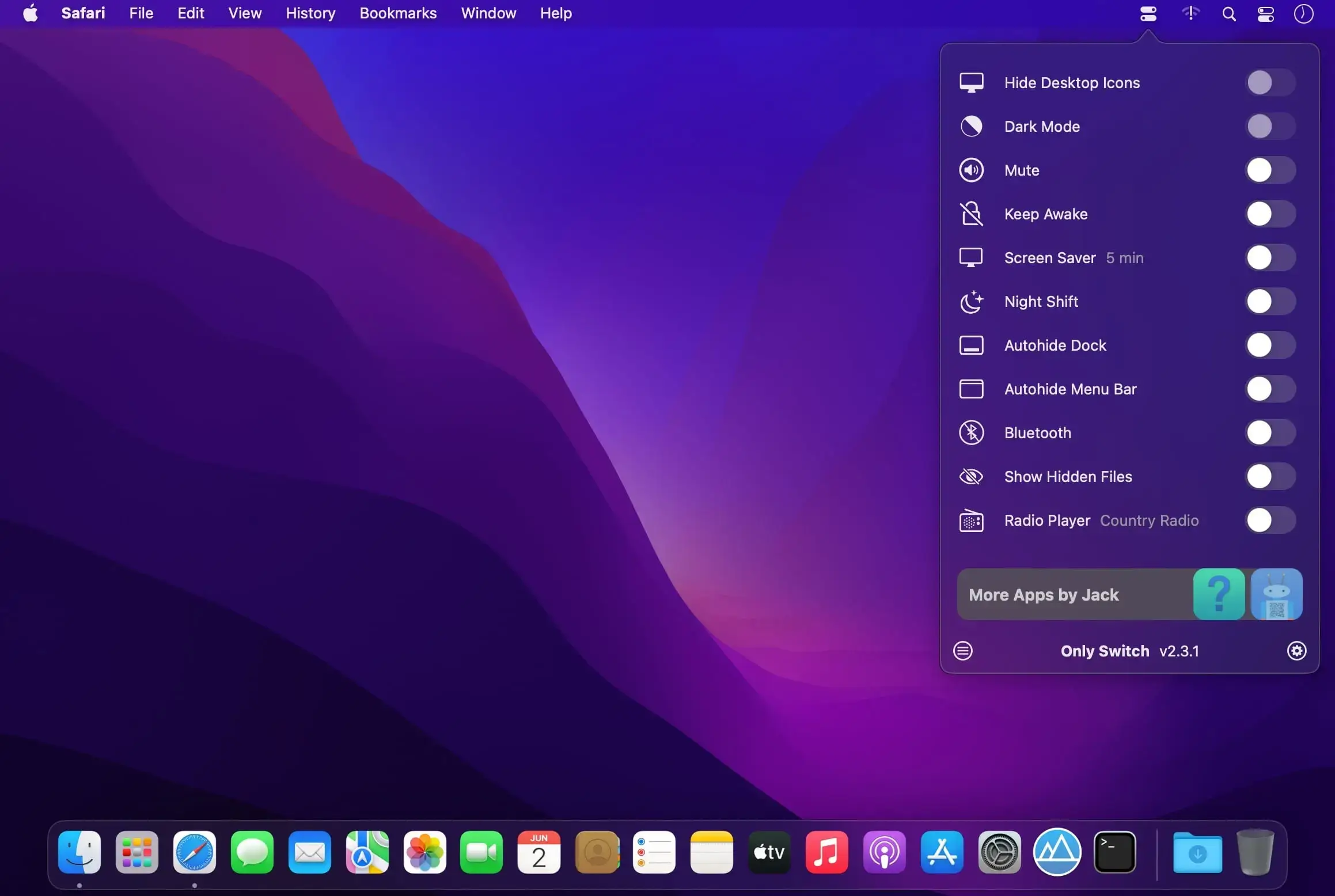
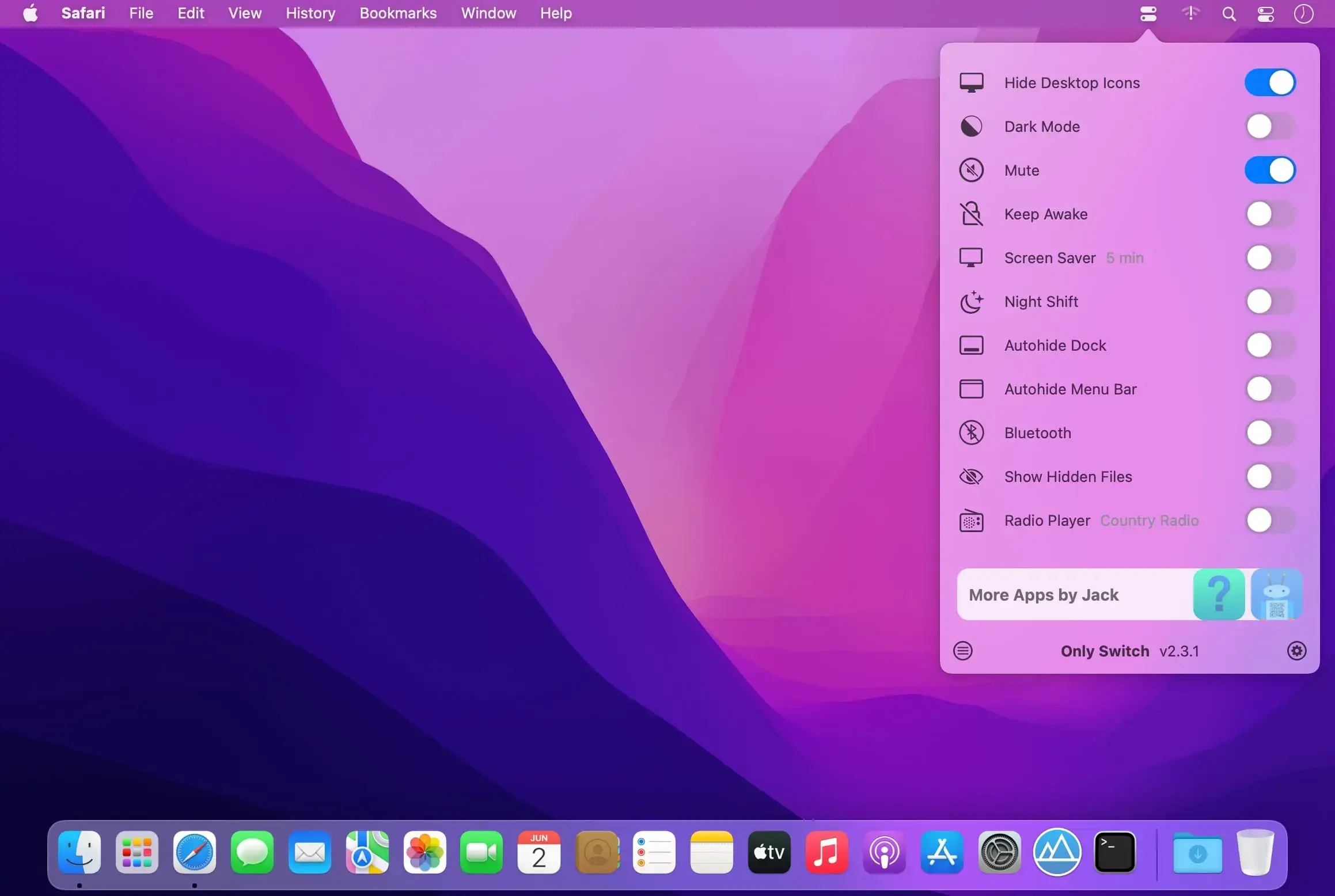
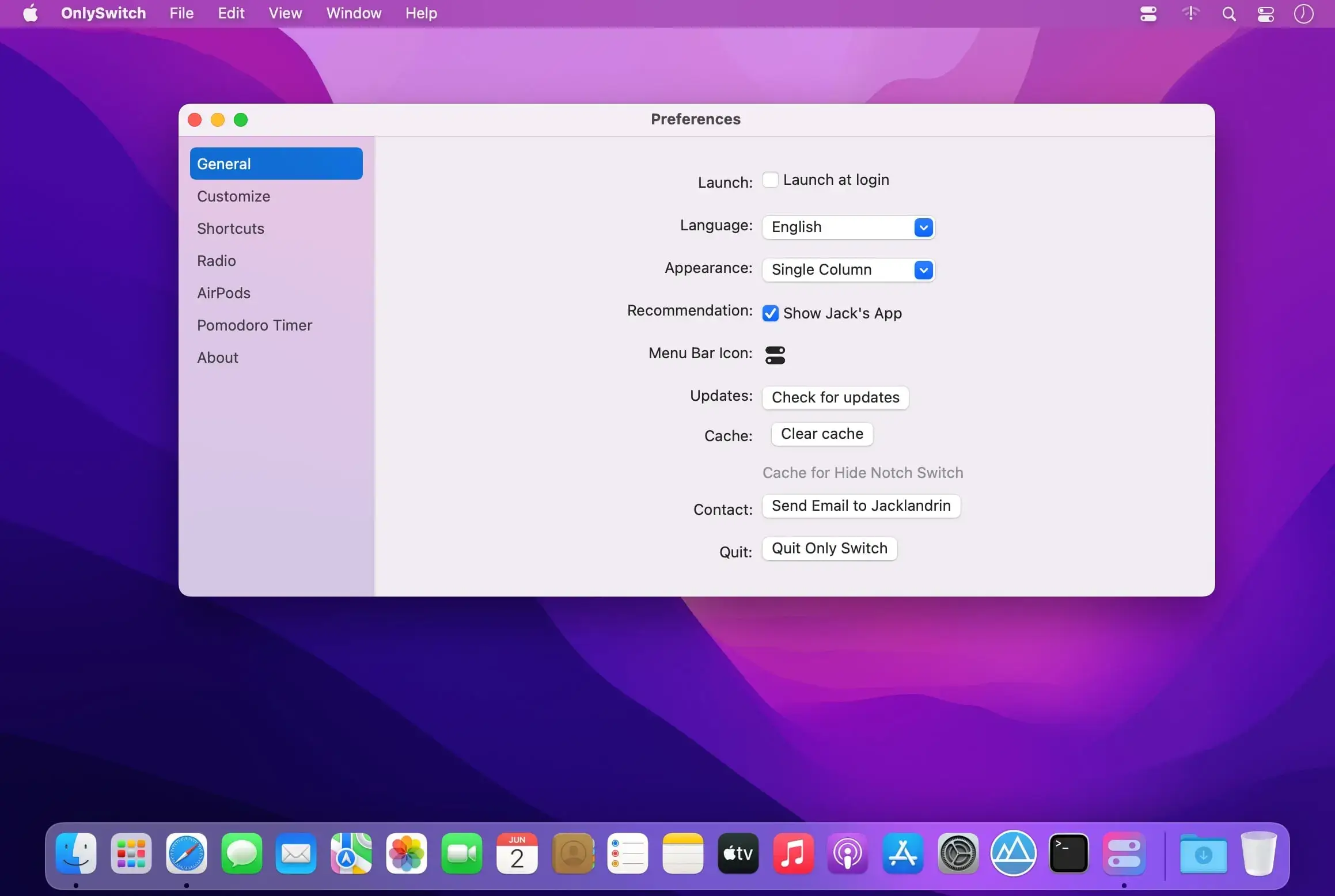
OnlySwitch brings everyday macOS controls into one customizable menu-bar app, so a single icon can take the place of several. Hide desktop icons, change the appearance, keep your Mac awake, or manage the notch, all from one place in the menu bar.
Your controls, your way
Add, remove, and reorder switches and Shortcuts so the list shows only what you actually use. Built-in switches are grouped by category and can be searched by name, so the control you need is easy to find.
Key features
- Customizable switch list: choose which controls appear and arrange them to fit your workflow.
- Shortcuts import: bring your macOS Shortcuts into OnlySwitch and keep them next to built-in switches.
- Keyboard shortcuts: trigger switches and Shortcuts with your own key combinations.
- Desktop widgets: place controls on the desktop, with Apple Widgets and Evolution controls on macOS Sonoma and later.
- Only Control: open a compact interface that works as a focused control panel.
- Tab management: show or hide tabs in the menu-bar list and Only Control from OnlySwitch Settings → Tabs.
- Turn off after sleep: Keep Awake switches itself off when you manually put your Mac to sleep.
- Desktop Pet: an optional companion you can drag anywhere, click to show or dismiss Only Control, and use to skip to the next track or radio station, with playback animations for Apple Music, Spotify, and Radio.
A smaller menu bar
Instead of a row of single-purpose icons, OnlySwitch gives you one switch that holds the controls you rely on every day. Download OnlySwitch and set up your menu bar the way you like it.
Version 3.5.0:
New features:
- Added Schedule mode
- Supported sync built-in screen's brightness to external displays
- Brightness supported to manually input value
- Redesigned settings screen
- Desk pet supported to open Apple Music and Spotify
- Tabs is sortable
Bugfixes:
- When closing Apple Music, app crashed
- Desk pet couldn't recognize Spotify
- Brightness sync mode didn't work
- Memory process value was wrong
- Memory occupation issue