

Finder Windows 1.8.0
Switch Finder Windows on Mac from One Floating Panel
Screenshots
Click to enlarge
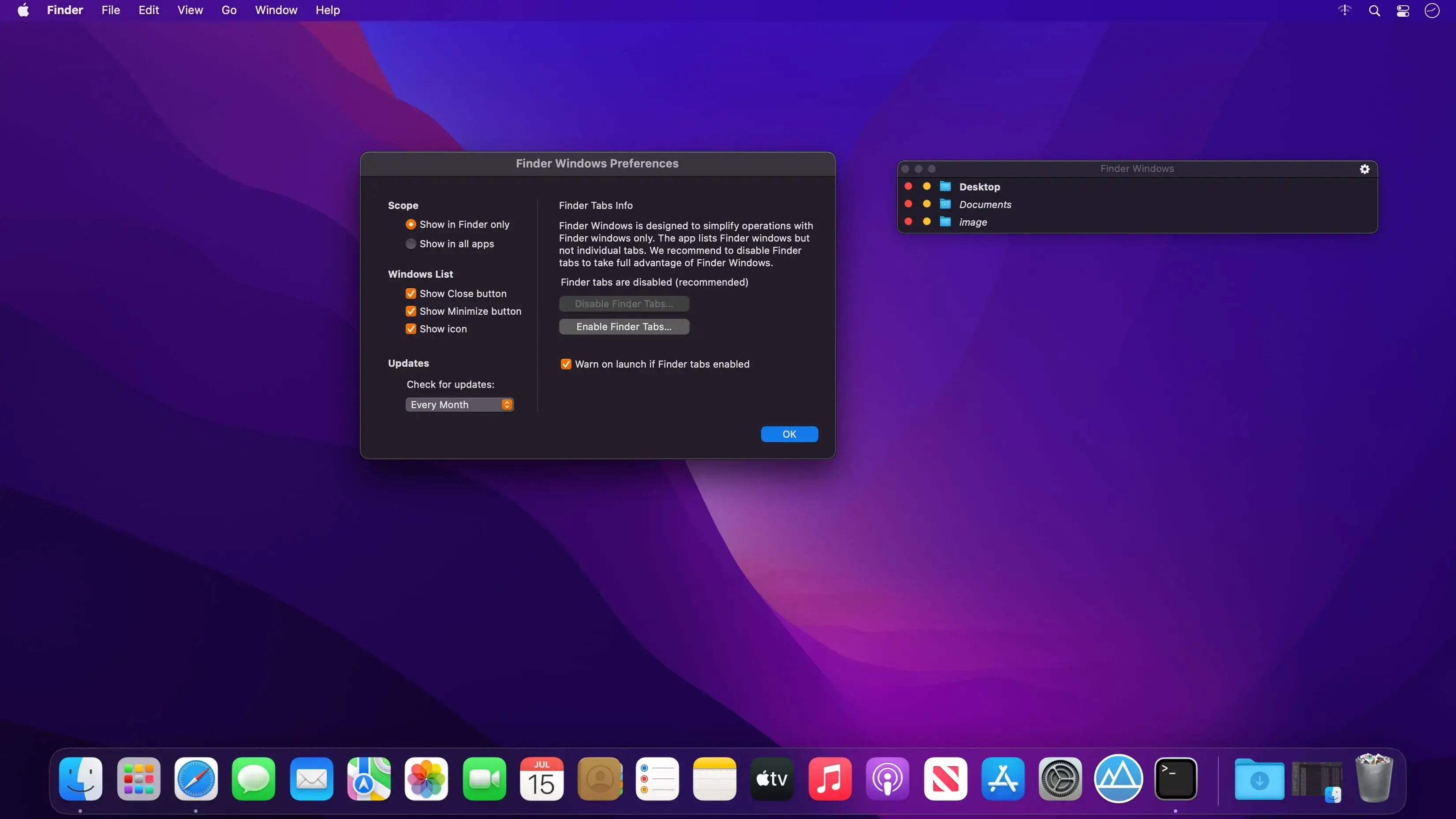
Finder Windows is a floating panel for macOS that gives you instant access to the list of open Finder windows at any time. Instead of hunting for the right folder among a constantly changing mess of windows, you can glance at the list and select the one you need.
What you can do
Keep your open folders in view and get to the right one without searching through the Finder's Windows menu.
- Floating panel: access the list of open Finder windows at any time
- Open windows list: see all your open Finder windows in one place
- Instant selection: pick the window you want straight from the list
- Quick closing: close the windows you don't need anymore
Who it's for
Finder Windows is a good fit if you:
- Use the Finder on a regular basis
- Always have several, or tons of, Finder windows open
- Don't use Finder tabs because you find them inconvenient or useless for file management
- Keep reaching for the Finder's Windows menu and wish it could be easier
Try Finder Windows and see how it simplifies your everyday Finder operations.
Version 1.8.0
- Hold ⌘ while clicking a window name to bring only that window to the front.
Comments
No comments yet. Be the first.
Information
Visitors in the group Guests cannot leave comments on this publication.