
Tampermonkey 5.3.6220
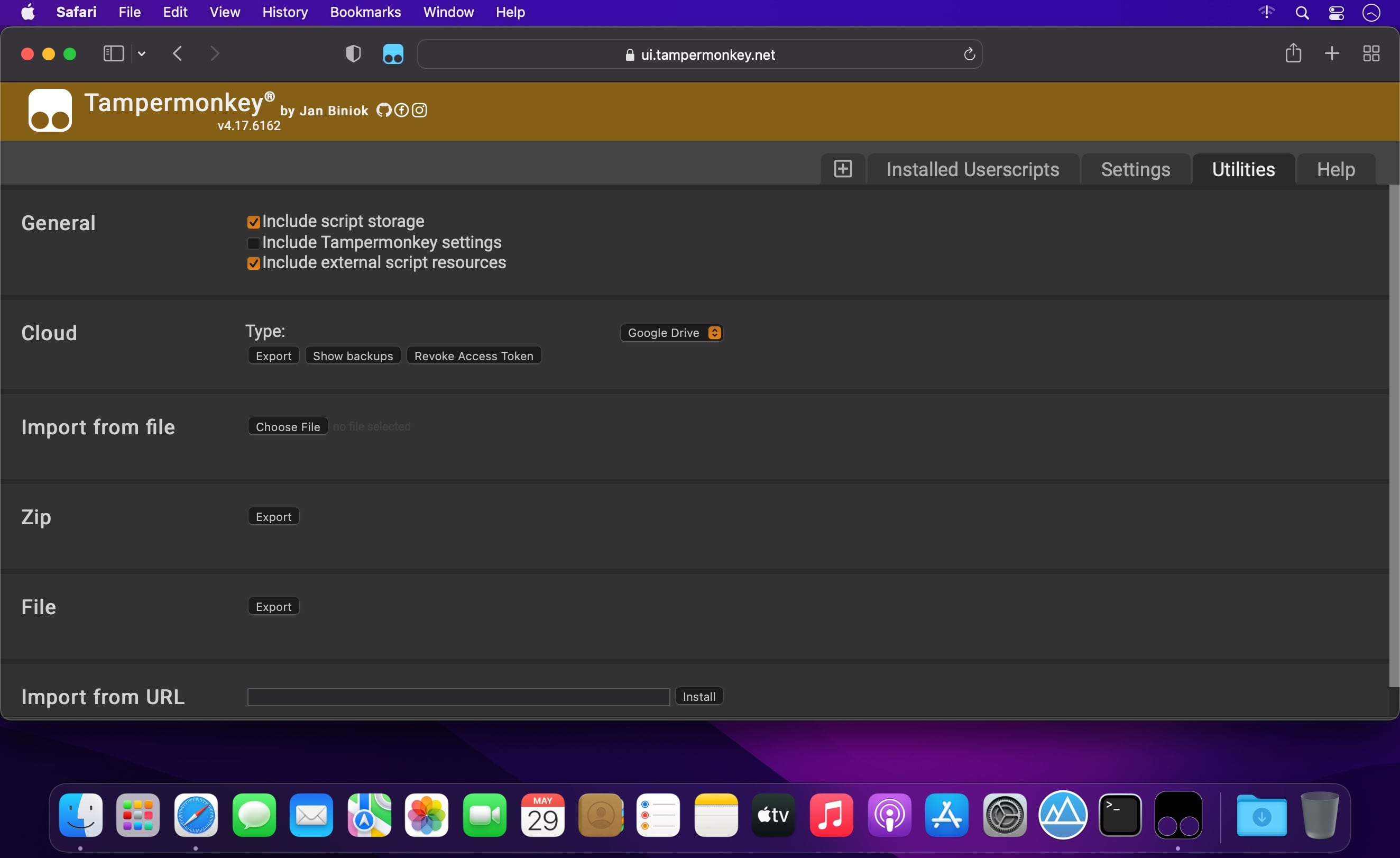
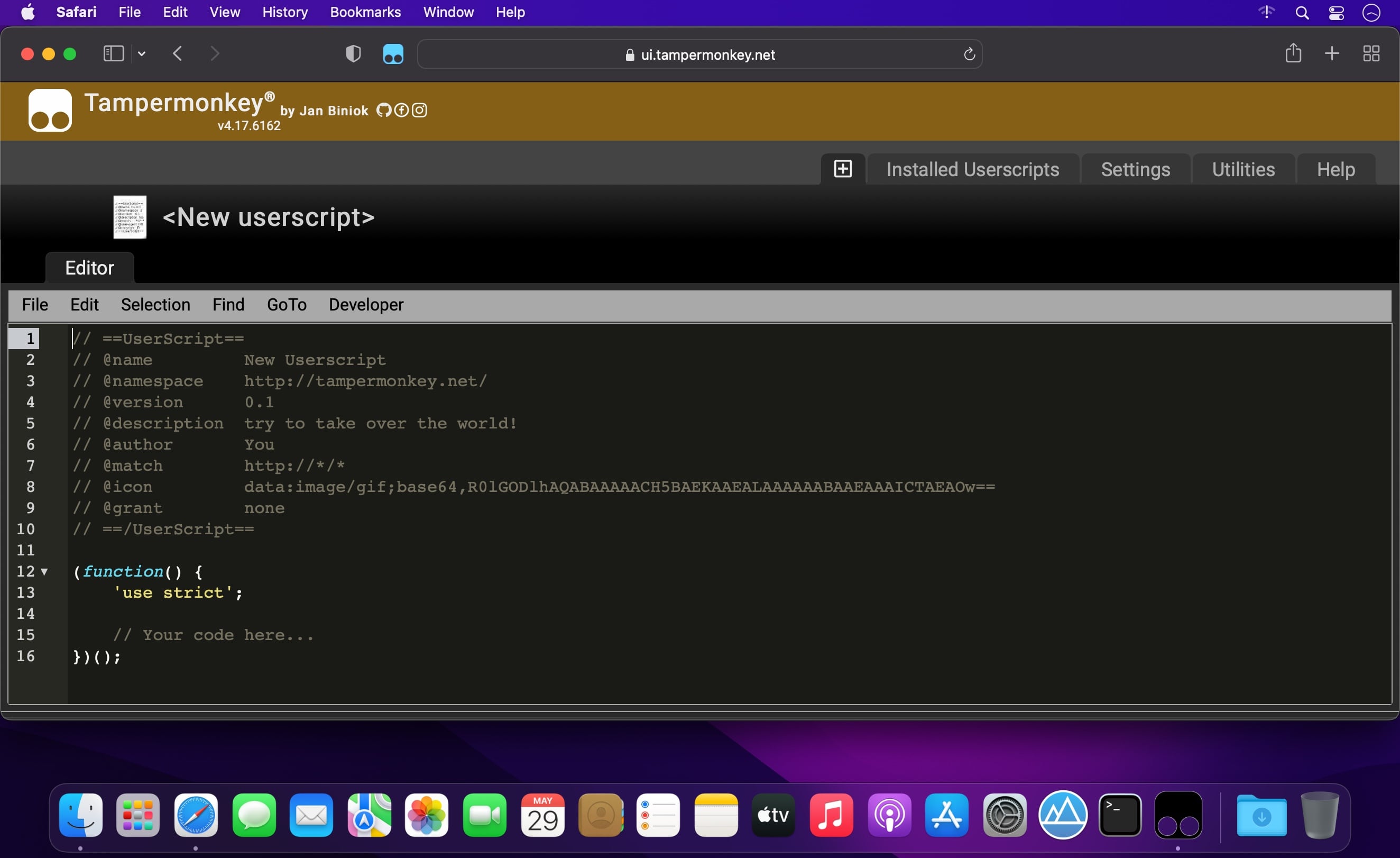
Tampermonkey is the most popular userscript manager, with over 10 million users. It's available for Safari, Chrome, Microsoft Edge, Opera Next and Firefox.
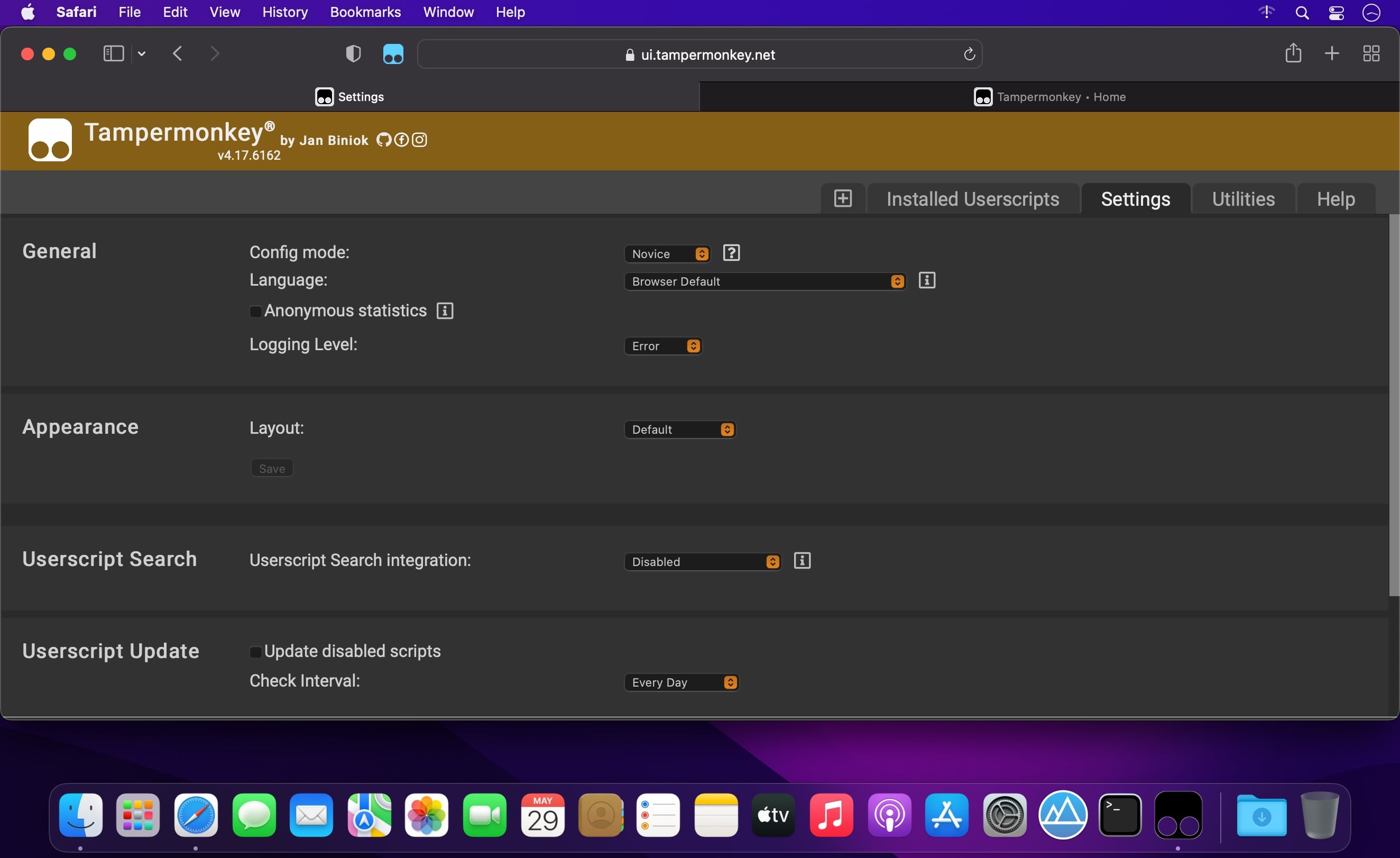
Tampermonkey makes it very easy to manage your userscripts and provides features like a clear overview over the running scripts, a built-in editor, ZIP-based import and export, automatic update checks and browser and cloud storage based synchronization.
This extension is installed in just a minute, so give it a try!
Version 5.3.6218
- Renamed the extension to Tampermonkey Classic
- Fixed the configuration of script positions via drop down menu
Frequently asked questions
How do I install the app?
Mount the image, drag the app into the "Applications" folder and launch it. If the system blocks the launch, allow it in "System Settings → Privacy & Security".
The app is damaged or won't launch
Reinstalling from a fresh image usually helps. Make sure your macOS version matches the one listed in the compatibility specs.
How do I update?
Download the new version from the site and install it over the current one — your settings will be preserved.
The download link doesn't work
Try a mirror or a download manager. For large files the browser often drops the connection.
How do I completely remove the app?
Use an uninstaller utility — it cleans up the service files that remain after moving the app to the trash.




Choose a download source
Tampermonkey 5.3.6220 · 2.8 MB
Previous versions
Tampermonkey 5.3.6220
Previous versions are available to registered users.