
Duplicate Finder - File Clean 1.4.3
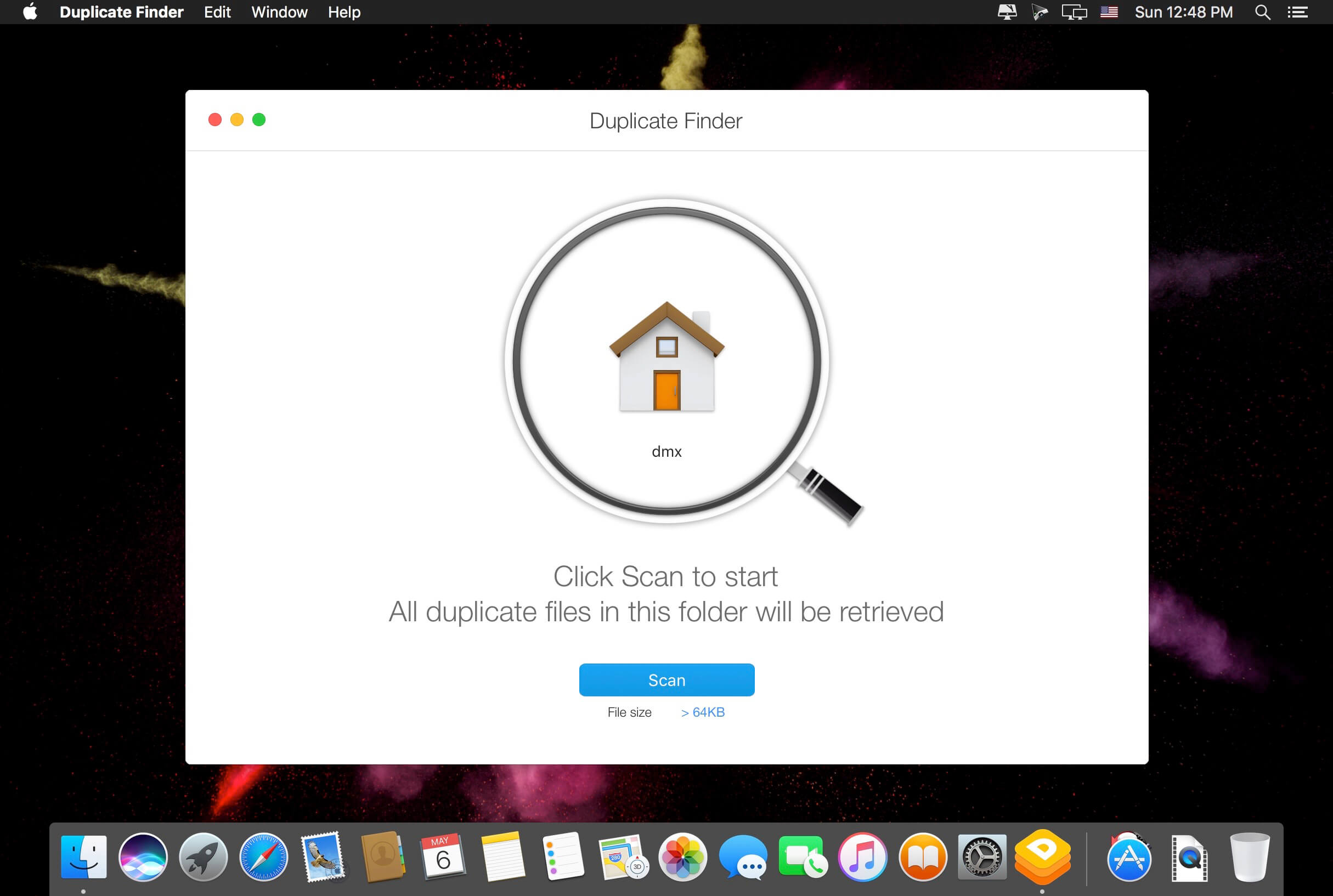
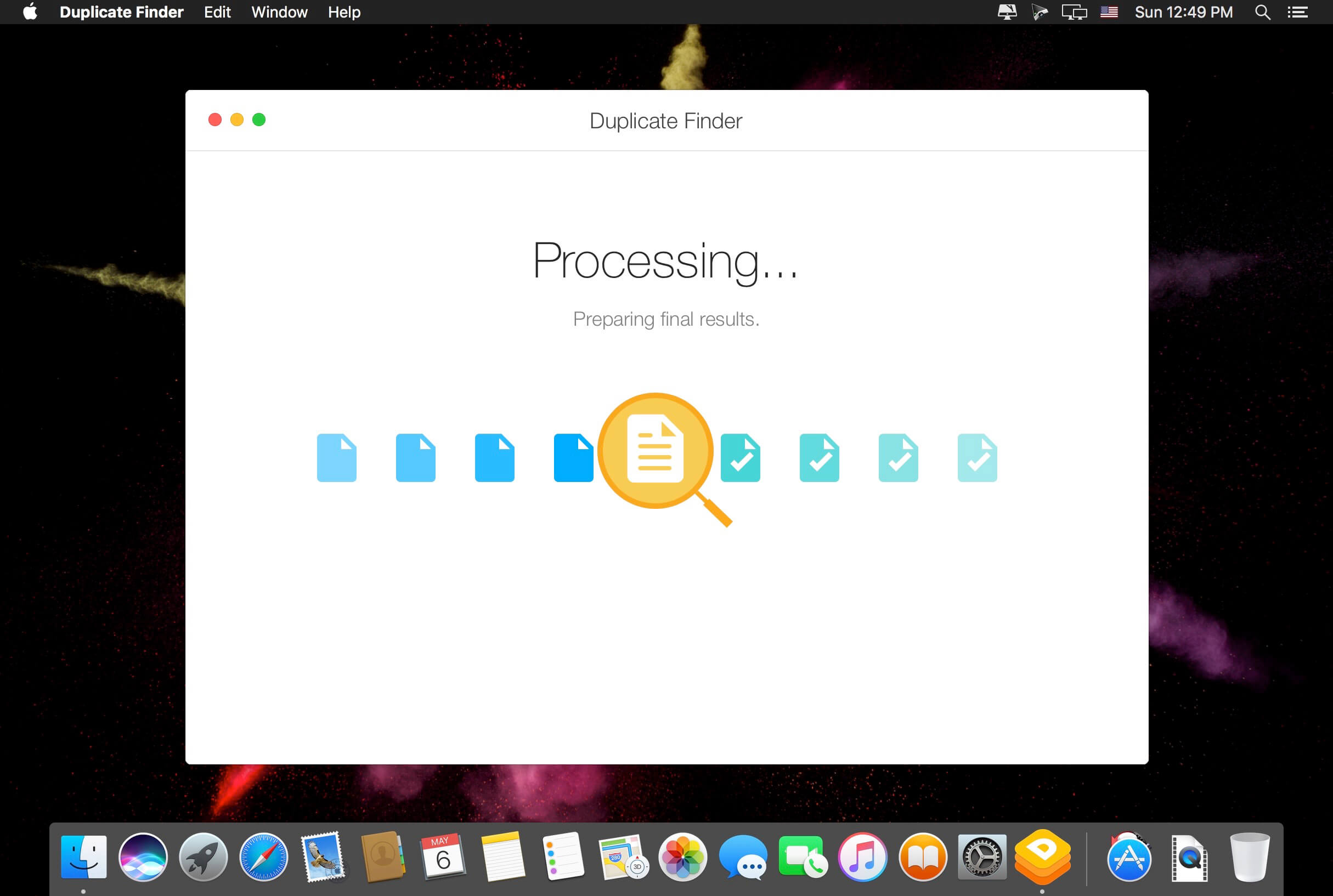
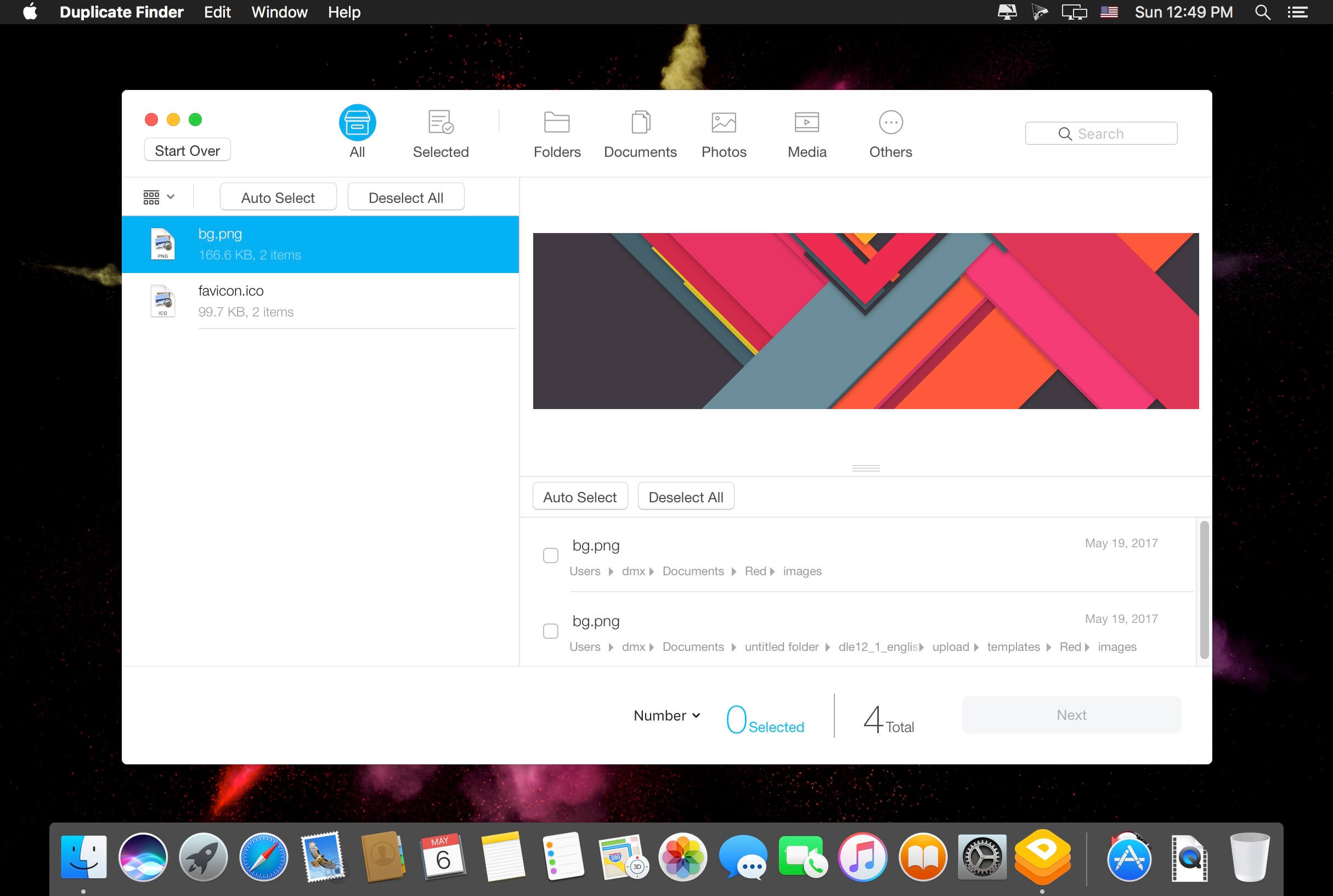
Stop cluttering your disk space with meaningless copies of files. With just one click, Duplicate Finder finds all duplicate files on your hard disk. It quickly scans your disk and clearly presents all the duplicates so you can selectively choose which to delete.
A newly added feature, "Photo Clean", helps you clean duplicate photos in the Photos Library!
Duplicate Finder is brought to you by the same team that created Dr. Cleaner. It features an easy-to-use drag and drop user interface and includes the following functions to keep your disk clean and organized:
- Thorough and selective scan — utilizes a fast and accurate scanning technique that scans your entire Mac. You can choose to scan your entire home folder or some specific folder(s).
- Smart and accurate selection — duplicate files are selected not only by file names, but also by their contents. Files are shown in detailed previews. You can also choose the "Auto Select" feature that recommends which copy to delete.
- Easy and safe decision — duplicates can be sorted by file type and listed with their full path for you to track to the original location. You can decide if they should be sent to Trash or permanently deleted.
Version 1.4.3
- Various bugs fixed
Frequently asked questions
How do I install the app?
Mount the image, drag the app into the "Applications" folder and launch it. If the system blocks the launch, allow it in "System Settings → Privacy & Security".
The app is damaged or won't launch
Reinstalling from a fresh image usually helps. Make sure your macOS version matches the one listed in the compatibility specs.
How do I update?
Download the new version from the site and install it over the current one — your settings will be preserved.
The download link doesn't work
Try a mirror or a download manager. For large files the browser often drops the connection.
How do I completely remove the app?
Use an uninstaller utility — it cleans up the service files that remain after moving the app to the trash.
VersionDuplicate Finder - File Clean 1.4.3
DeveloperTrend Micro Inc.
CompatibilityOS X 10.10 or later, 64-bit processor
LanguageMultilangual
IncludesK'ed by TNT




Information
Visitors in the group Guests cannot leave comments on this publication.
Choose a download source
Duplicate Finder - File Clean 1.4.3 · 15.7 MB