New File Menu 1.6

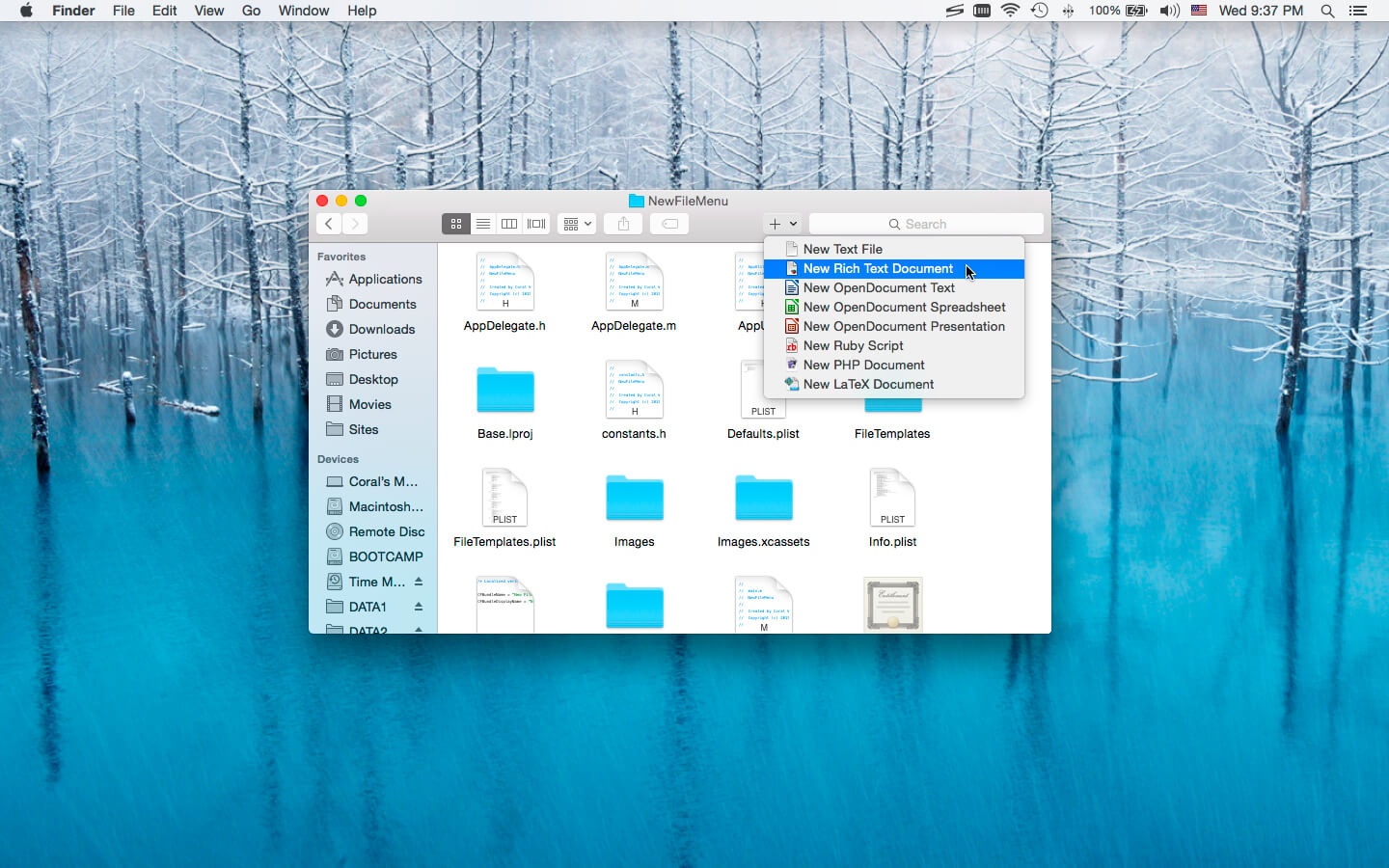
New File Menu allows you to create new files quickly via the Finder context menu.
New File Menu is simply the coolest way to create a new file on the macOS platform, you can right click in any Finder window to create a new file! You can even right click on the desktop to create your files!
Important: New File Menu is implemented as a Finder extension, you need to enable "New File Menu Extension" in "System Preferences » Extensions" to make the context menu appear.
Features
- Right click in any Finder window to create a new file
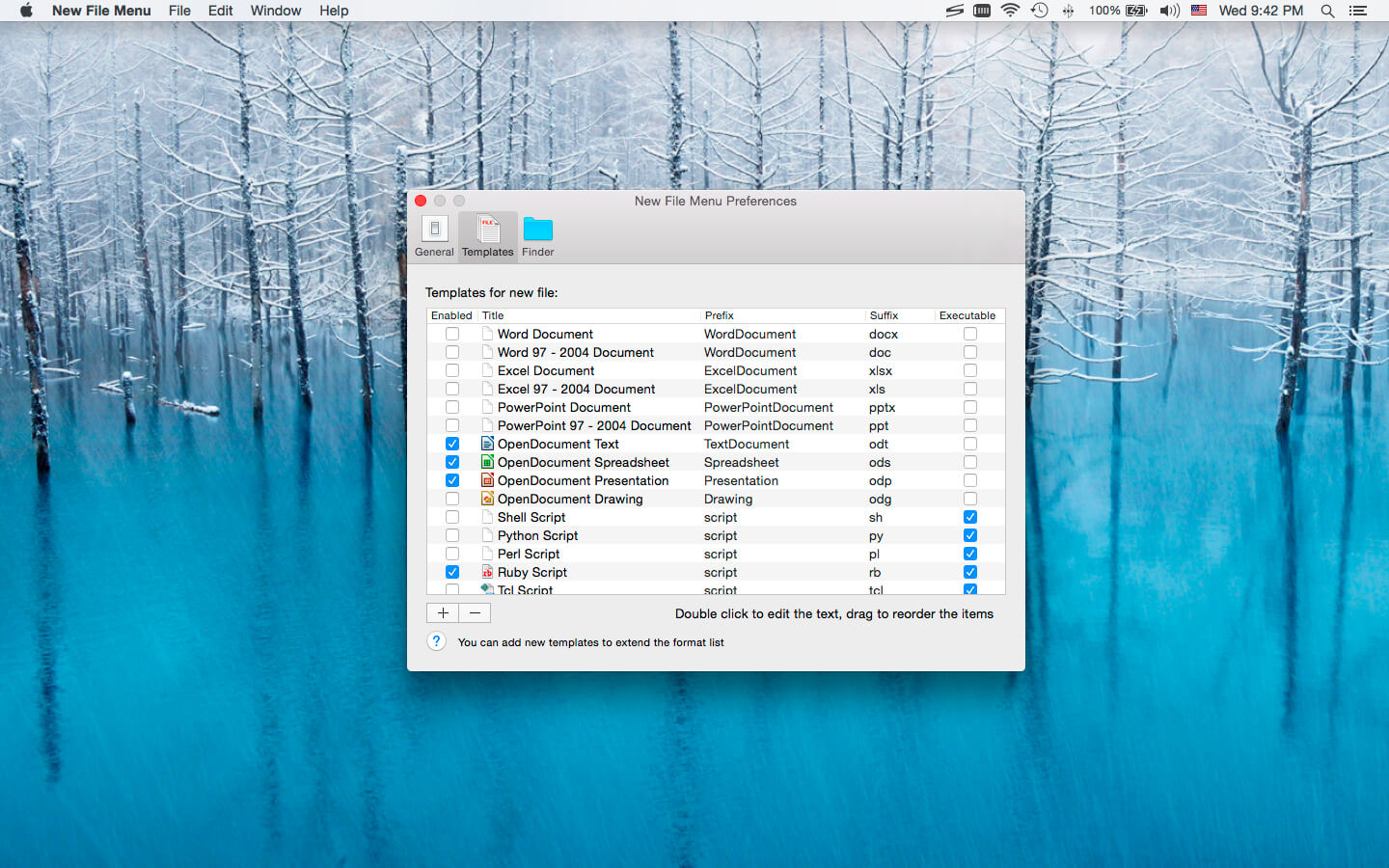
- Over 30 built-in file templates (please enable the templates you need in the New File Menu Preferences)
- Custom templates are supported, New File Menu is able to create virtually any kind of document
- Path extension is appended automatically
- A sound is played on file creation finish
- The newly created file is revealed in Finder
- You can chose to open the newly created file automatically by enabling the "Open file on creation finish" option in the preferences
Built-in File Types
- Plain text document
- Rich text document
- MS Office documents (Word, Excel, PowerPoint)
- Work '08 / iWork '09 (Pages, Numbers, Keynote)
- OpenOffice / LibreOffice documents (Text, Spreadsheet, Presentation, Drawing)
- Scripts (Shell, Python, Perl, Ruby, etc.)
- Many other kinds of documents
Version 1.6
- Add the "New File Menu" share menu (System Preferences » Extensions » Share Menu)
- Add an option to add the "New File" menu to external drives (New File Menu Preferences » Finder)
- Support changing the file format in the save dialog
Frequently asked questions
How do I install the app?
Mount the image, drag the app into the "Applications" folder and launch it. If the system blocks the launch, allow it in "System Settings → Privacy & Security".
The app is damaged or won't launch
Reinstalling from a fresh image usually helps. Make sure your macOS version matches the one listed in the compatibility specs.
How do I update?
Download the new version from the site and install it over the current one — your settings will be preserved.
The download link doesn't work
Try a mirror or a download manager. For large files the browser often drops the connection.
How do I completely remove the app?
Use an uninstaller utility — it cleans up the service files that remain after moving the app to the trash.


Choose a download source
New File Menu 1.6 · 8.61 MB