
ePublr 1.2.2
Screenshots
Click to enlarge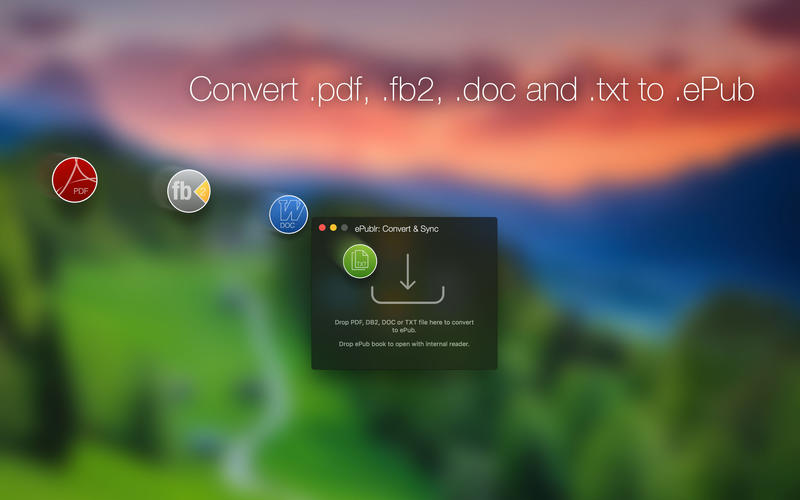
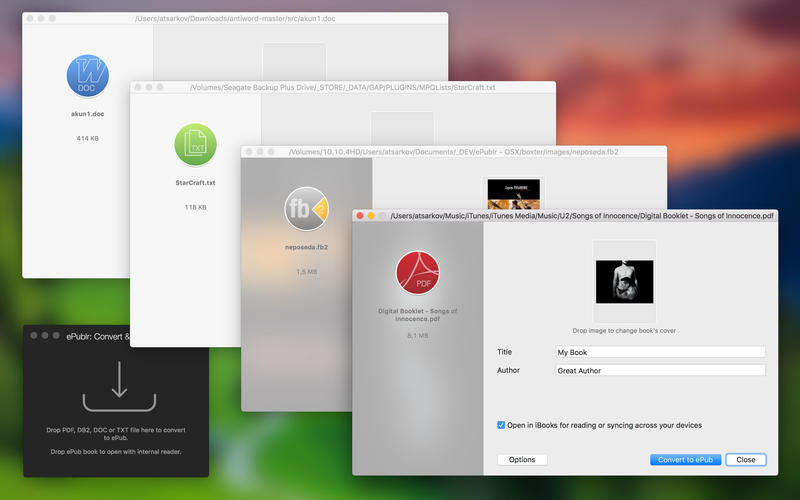

ePublr converts books or documents into epubs for comfortable reading. It not just creates copies of your books in different format, but optimizes layout, text and images.
All converted books can be easily opened with iBooks for syncing and reading.
ePublr icludes epub-reader with 7 color schemes.
Supported formats:
- Adobe PDF (.pdf)
- FictionBook (.fb2)
- Microsoft Word Document (97-2004, .doc)
- Simple Text file (.txt)
Although almost all documents can be converted to epub, please note that ePublr is not designed to work with scanned documents.
Coming soon:
- iCloud support
- DOCX support
- CHM support
- Support for non-unicode documents
Version 1.2.2
- fb2 compatibility issues
Comments
No comments yet. Be the first.
Information
Visitors in the group Guests cannot leave comments on this publication.