NCH Doxillion Document Converter Plus 7.22
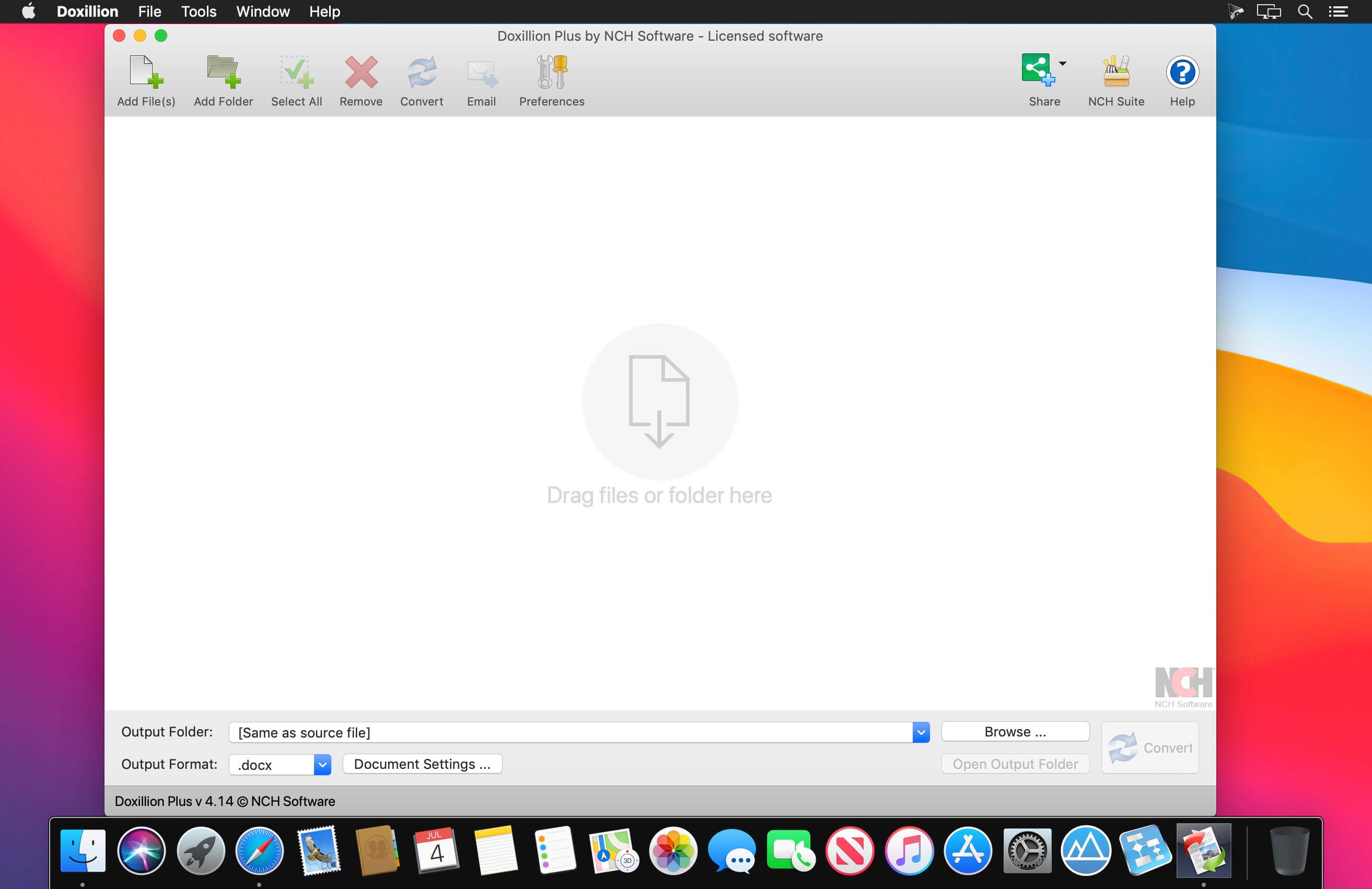
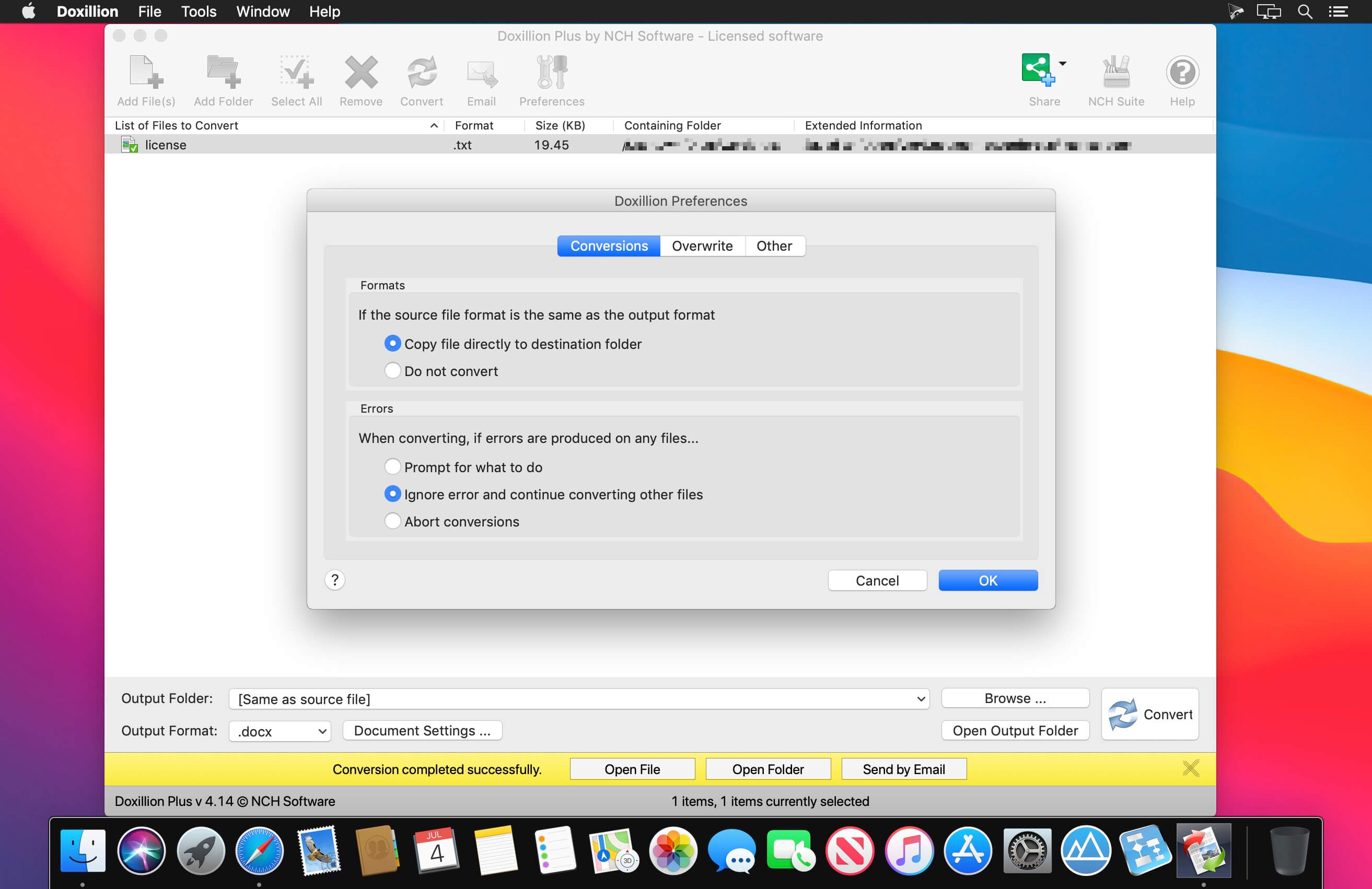
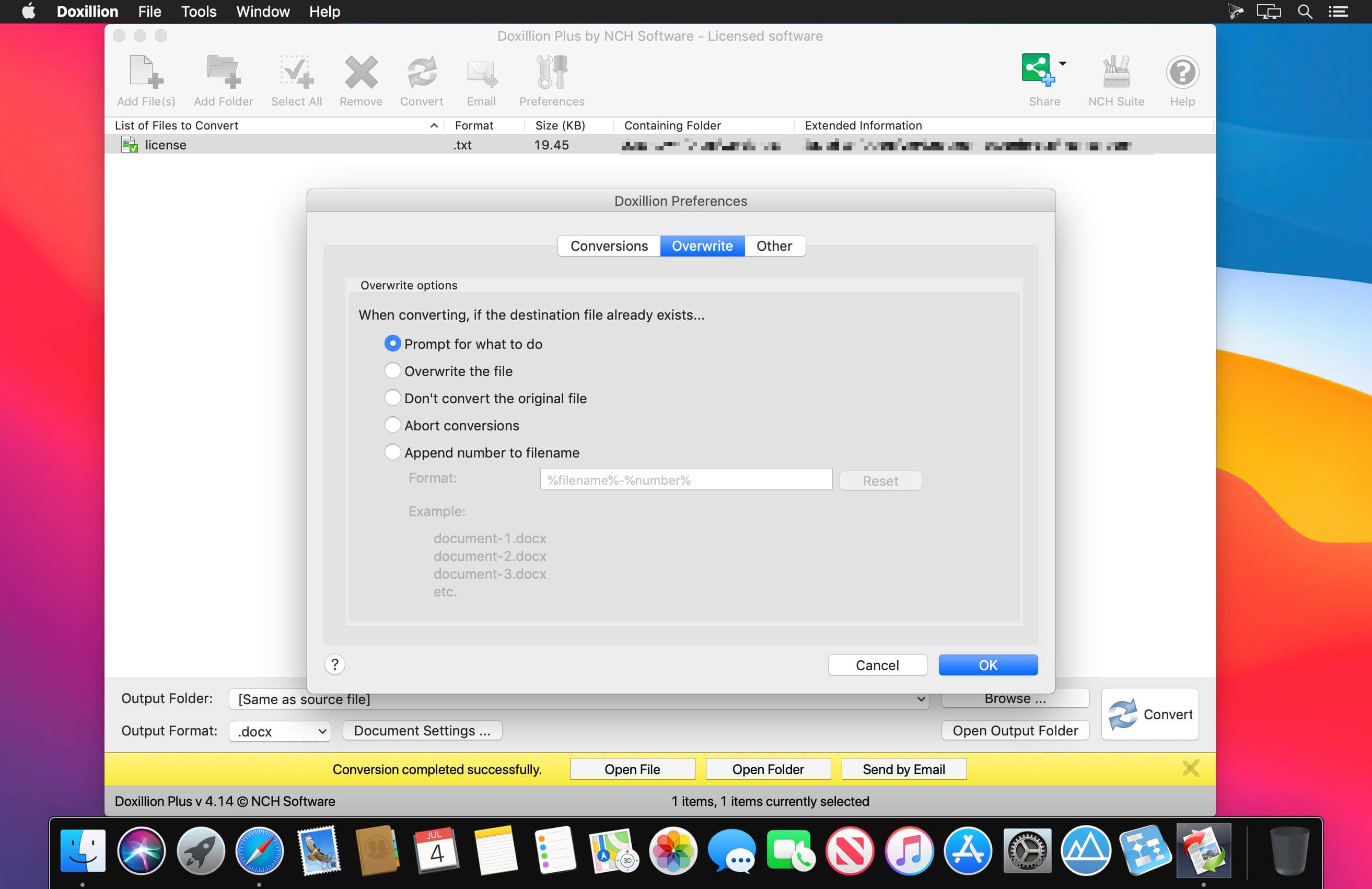
Doxillion is one of the most stable, easy-to-use, and comprehensive multi-format document file converters available.
Document Converter Features
- Convert between many different text document formats
- Supports converting between or from Microsoft Office files such as DOC, DOCX, XLS and XLSX
- Microsoft Works converter lets you convert wps to word
- Supports conversions from WordPerfect, TXT, Open Office, ODT and more to PDF, DOCX and more
- Converts images to text as needed with OCR
- Convert e-books from file types such as EPUB or MOBI to DOCX, PDF, HTML, and more
- Batch convert thousands of files at once
- Convert PDF to Word, TXT, DOCX and more
- Use your right click menu to convert documents from outside the program
- Drag and drop documents to be converted into Doxillion document converter software
- Share documents with friends and clients who use different word processing software
- Easily combine multiple PDF files with PDF merge
Version 7.22:
- Bug Fixes
Frequently asked questions
How do I install the app?
Mount the image, drag the app into the "Applications" folder and launch it. If the system blocks the launch, allow it in "System Settings → Privacy & Security".
The app is damaged or won't launch
Reinstalling from a fresh image usually helps. Make sure your macOS version matches the one listed in the compatibility specs.
How do I update?
Download the new version from the site and install it over the current one — your settings will be preserved.
The download link doesn't work
Try a mirror or a download manager. For large files the browser often drops the connection.
How do I completely remove the app?
Use an uninstaller utility — it cleans up the service files that remain after moving the app to the trash.
Choose a download source
NCH Doxillion Document Converter Plus 7.22 · 6.43 MB
Previous versions
NCH Doxillion Document Converter Plus 7.22
Previous versions are available to registered users.