Cocktail Monterey Edition 15.3.1
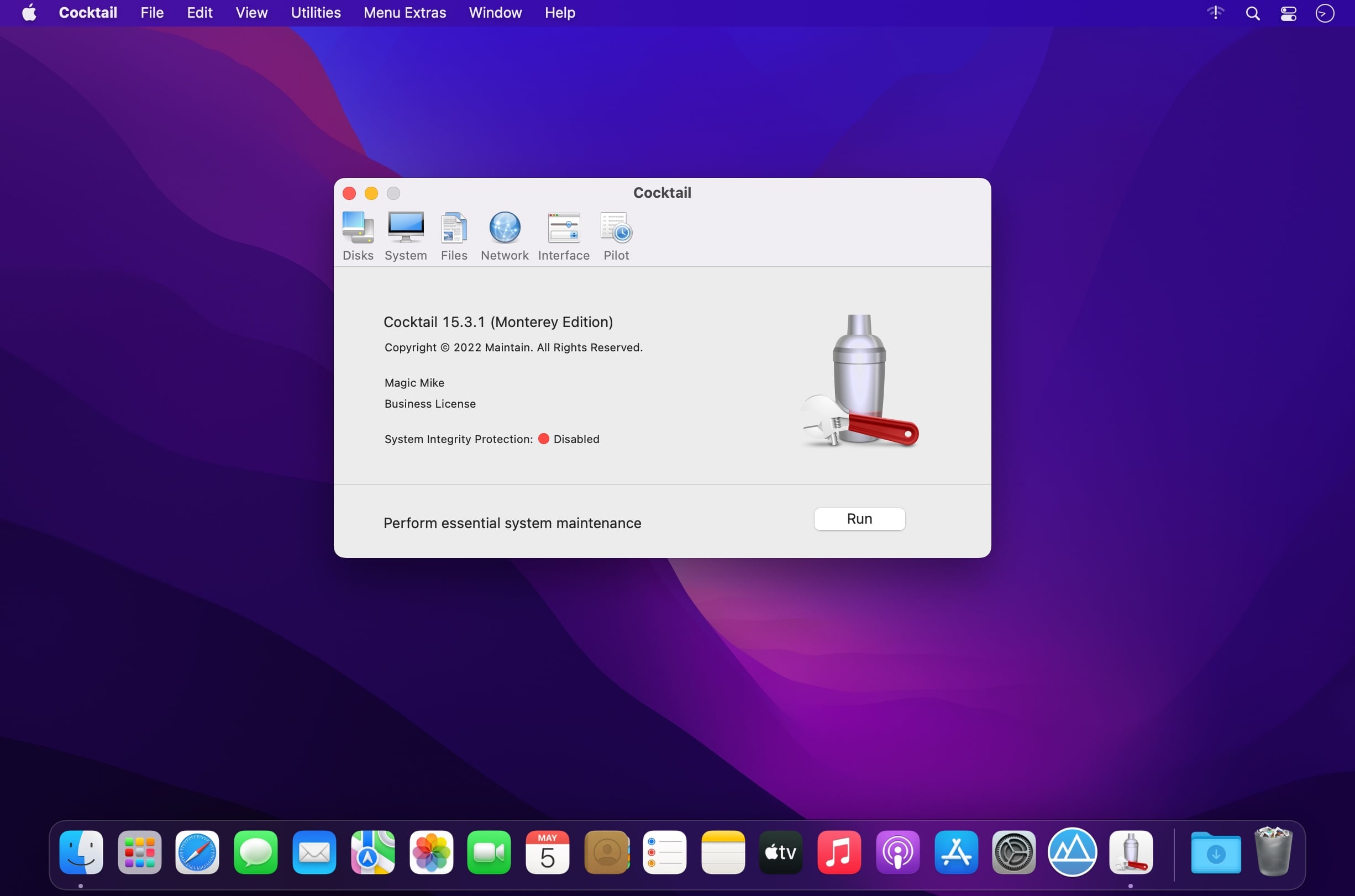
Cocktail is a powerful and full-featured macOS utility designed to provide you with all the tools and features required to repair, clean and optimize your Mac.
Mac optimizer and cleaner
From Cocktail’s user-friendly and clean interface you have instant access to numerous maintenance tools and tweaks that are grouped into five different categories, which can help you take care of various aspects of your Mac.
In addition, Cocktail features an automatic Pilot mode that enables you to sit back and relax while Cocktail does the hard work. The Disks tab helps you check the S.M.A.R.T. status of your drives, set disk sleep/spindown time, repair disk permissions, enable or disable journaling and Sudden Motions Sensor or reset the home directory permissions and Access Control Lists.
System maintenance
By accessing the System tab, you can enable or disable virtual memory swapping, disable startup sound, change startup mode, set startup delay, run periodic maintenance scripts, erase Spotlight indexes and rebuild Launch Services database.
Moreover, you can manage Spotlight indexing, purge inactive memory and optimize virtual memory usage, update locate and whatis databases, disable the Notification Center, personalize the Time Machine settings, force empty the Trash and manage the Spotlight indexing.
Cache cleaner
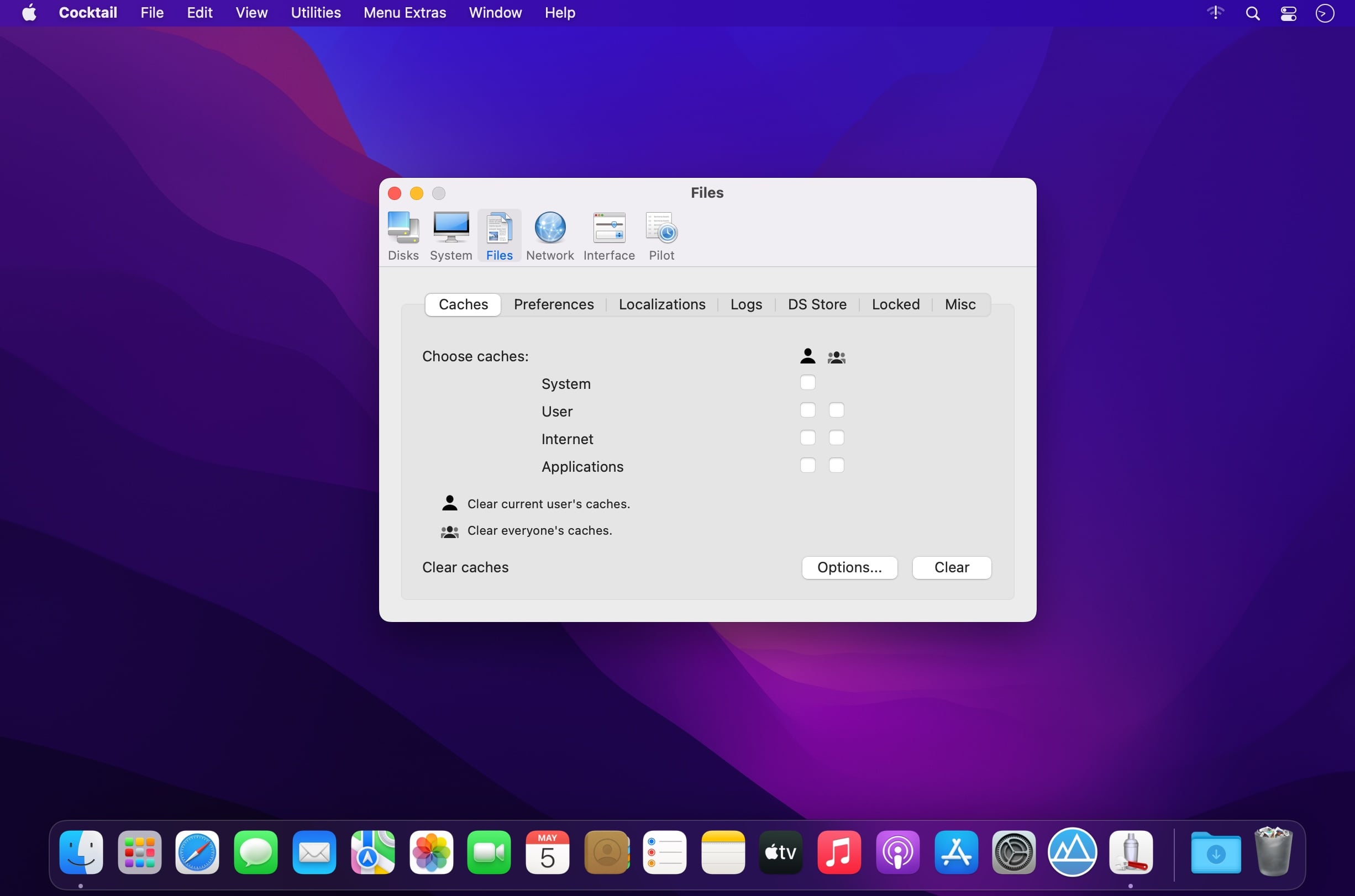
The Files tab helps you clear system caches, user caches, font caches, Internet caches, virtual memory swap files, cookies, download lists, history files, form values, Adobe Flash Player caches and cookies, DNS cache and more. You can also search and find corrupted preference files, delete hidden DS Store files, unneeded localization files, locked or inaccessible items.
Cocktail also offers you a series of tools that allow you to change the speed, duplex and MTU of network cards, optimize network settings, configure the built-in macOS file server and change your IP configuration parameters.
Easy to use system optimization and cleaning app for the Mac
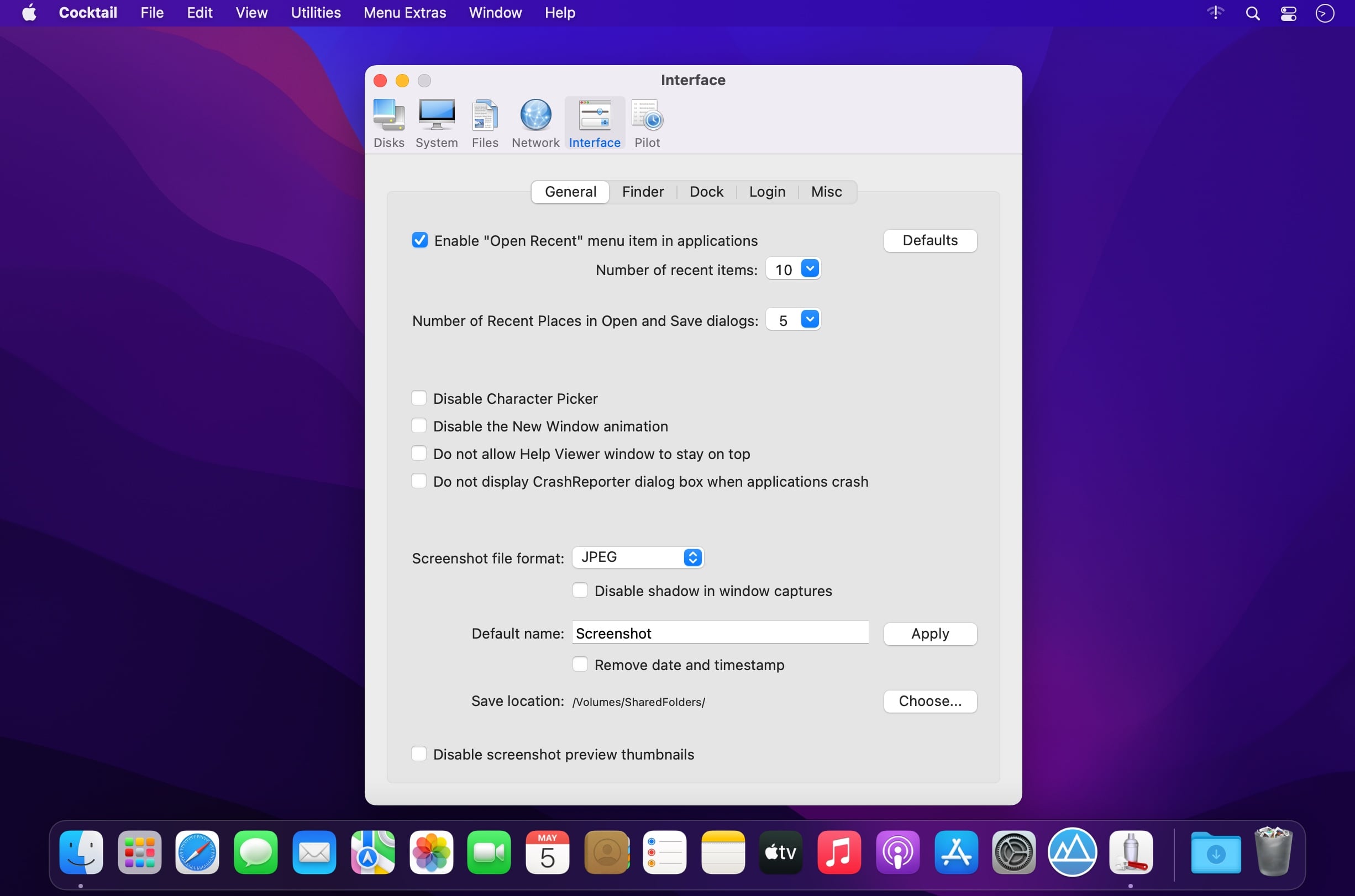
What is more, you can personalize your Finder, Dock looks and features, customize the login window, disable the leather skin in Calendar and Contacts, change hidden settings of Mail, iTunes, Safari, and QuickTime.
As mentioned earlier, the Pilot feature can help you schedule the clearing of caches and log files, repair disk permissions and run periodic maintenance scripts. Hence, you can clean, optimize and fix your system with just a few clicks of a mouse button.
Version 15.3.1
- Addresses an issue in which clearing of the kernel caches may cause kernel panic
- Added compatibility with macOS Monterey 12.4
Frequently asked questions
How do I install the app?
Mount the image, drag the app into the "Applications" folder and launch it. If the system blocks the launch, allow it in "System Settings → Privacy & Security".
The app is damaged or won't launch
Reinstalling from a fresh image usually helps. Make sure your macOS version matches the one listed in the compatibility specs.
How do I update?
Download the new version from the site and install it over the current one — your settings will be preserved.
The download link doesn't work
Try a mirror or a download manager. For large files the browser often drops the connection.
How do I completely remove the app?
Use an uninstaller utility — it cleans up the service files that remain after moving the app to the trash.



Choose a download source
Cocktail Monterey Edition 15.3.1 · 2.83 MB