Cocktail High Sierra Edition 11.5.1
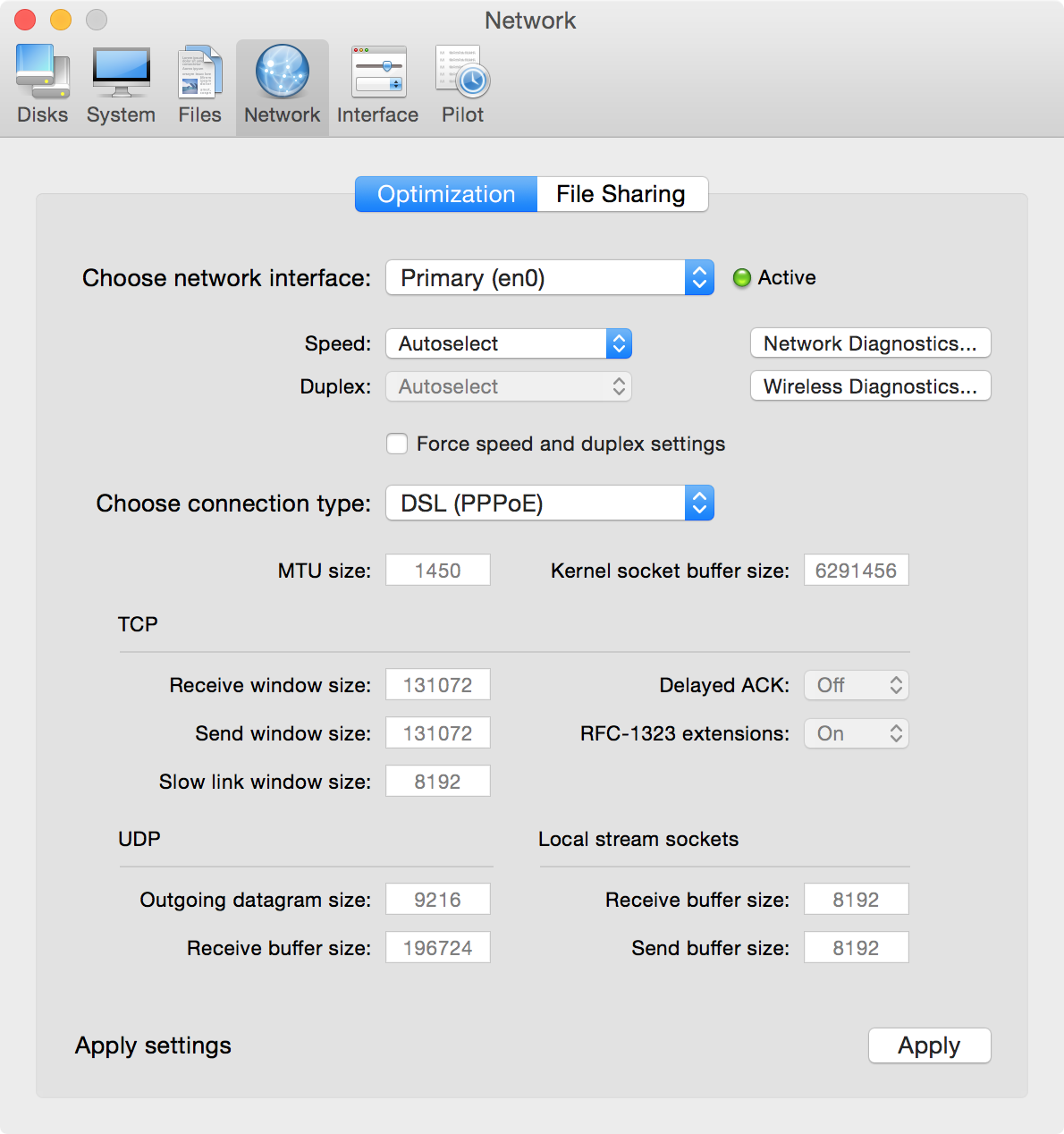
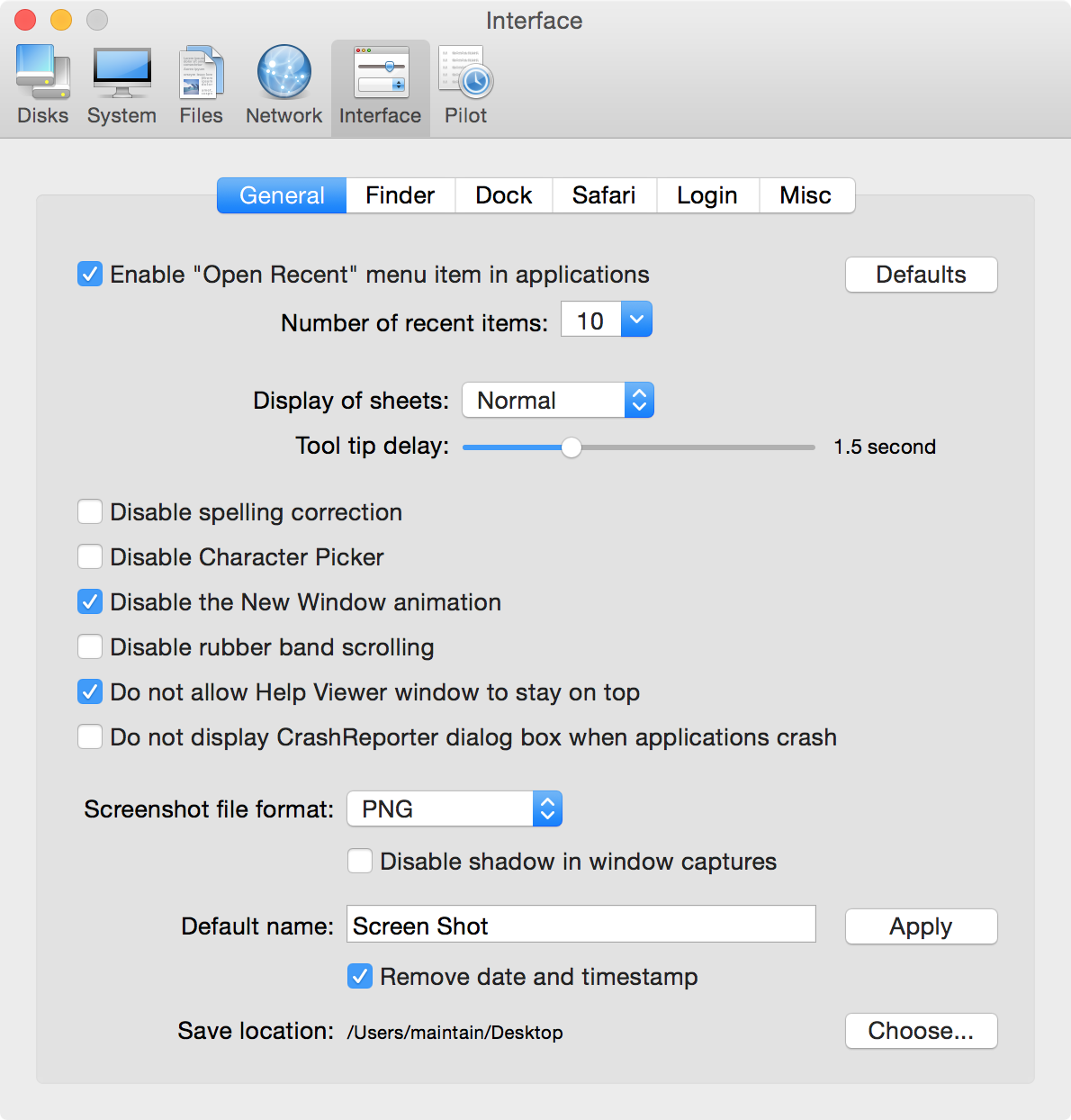
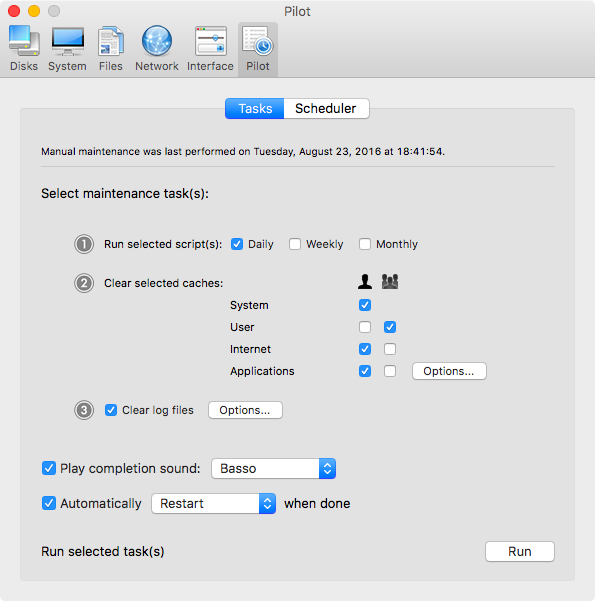
Cocktail is a general purpose utility for macOS that lets you clean, repair and optimize your Mac. It is a powerful digital toolset that helps hundreds of thousands of Mac users around the world get the most out of their computers every day.
The application serves up a perfect mix of maintenance tools and tweaks, all accessible through a clean and easy to use interface. Cocktail's features are arranged into five categories that helps you manage various aspects of your computer. It also comes with an automatic Pilot-mode that allows you to simply press a button and relax, knowing that Cocktail will take care of the rest.
Version 11.5:
Note: Cocktail (High Sierra Edition) requires macOS 10.13 or later
- Added ability to clear iOS backups and software updates
- Improvements on the "Clear User caches" procedure
- Addresses compatibility issues with Apple File System (APFS) volumes
- Added macOS High Sierra 10.13.4 compatibility
- Updated Automator actions
- Updated Help files
Frequently asked questions
How do I install the app?
Mount the image, drag the app into the "Applications" folder and launch it. If the system blocks the launch, allow it in "System Settings → Privacy & Security".
The app is damaged or won't launch
Reinstalling from a fresh image usually helps. Make sure your macOS version matches the one listed in the compatibility specs.
How do I update?
Download the new version from the site and install it over the current one — your settings will be preserved.
The download link doesn't work
Try a mirror or a download manager. For large files the browser often drops the connection.
How do I completely remove the app?
Use an uninstaller utility — it cleans up the service files that remain after moving the app to the trash.
Choose a download source
Cocktail High Sierra Edition 11.5.1 · 2.91 MB