
Cocktail Mojave Edition 12.5
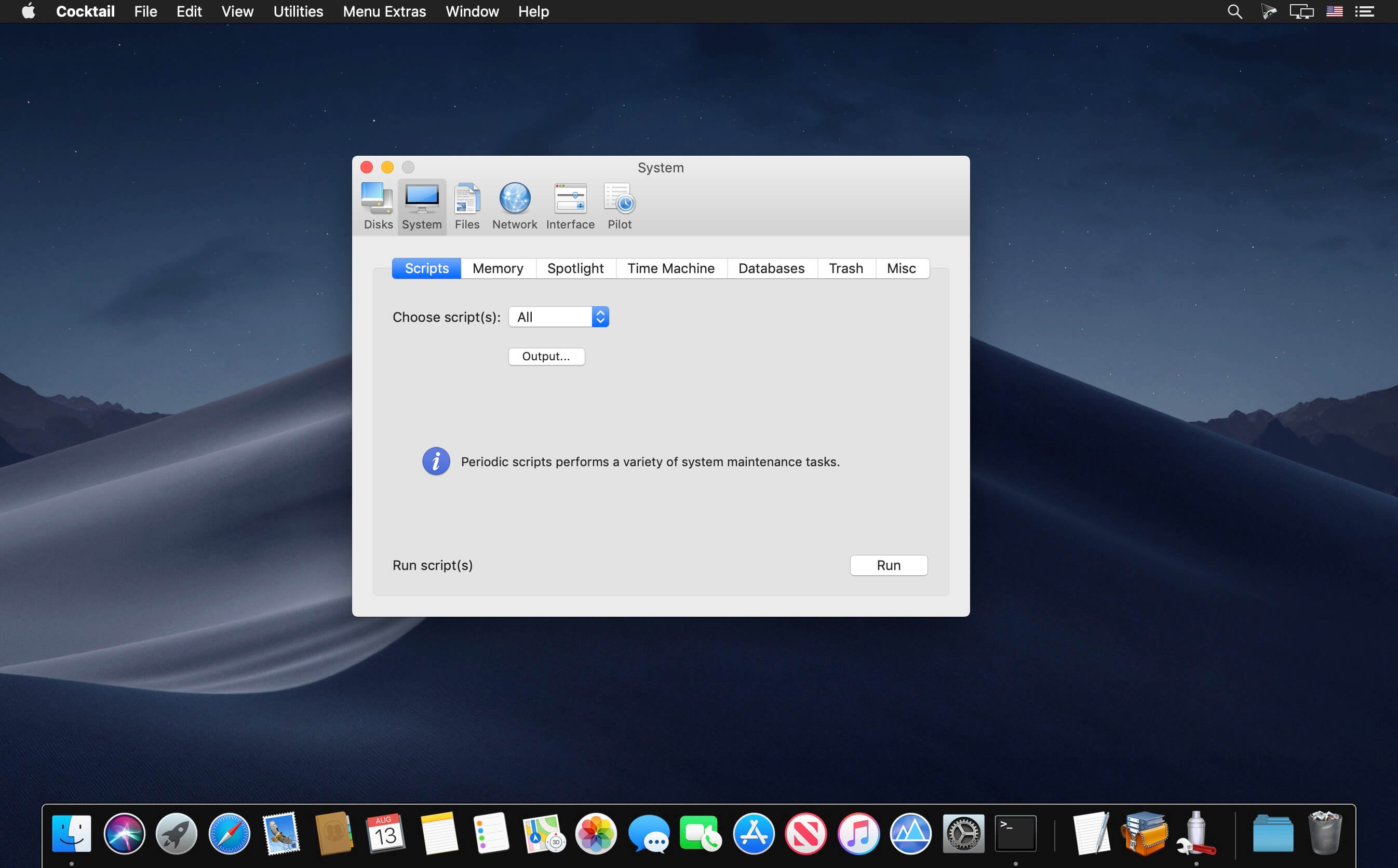
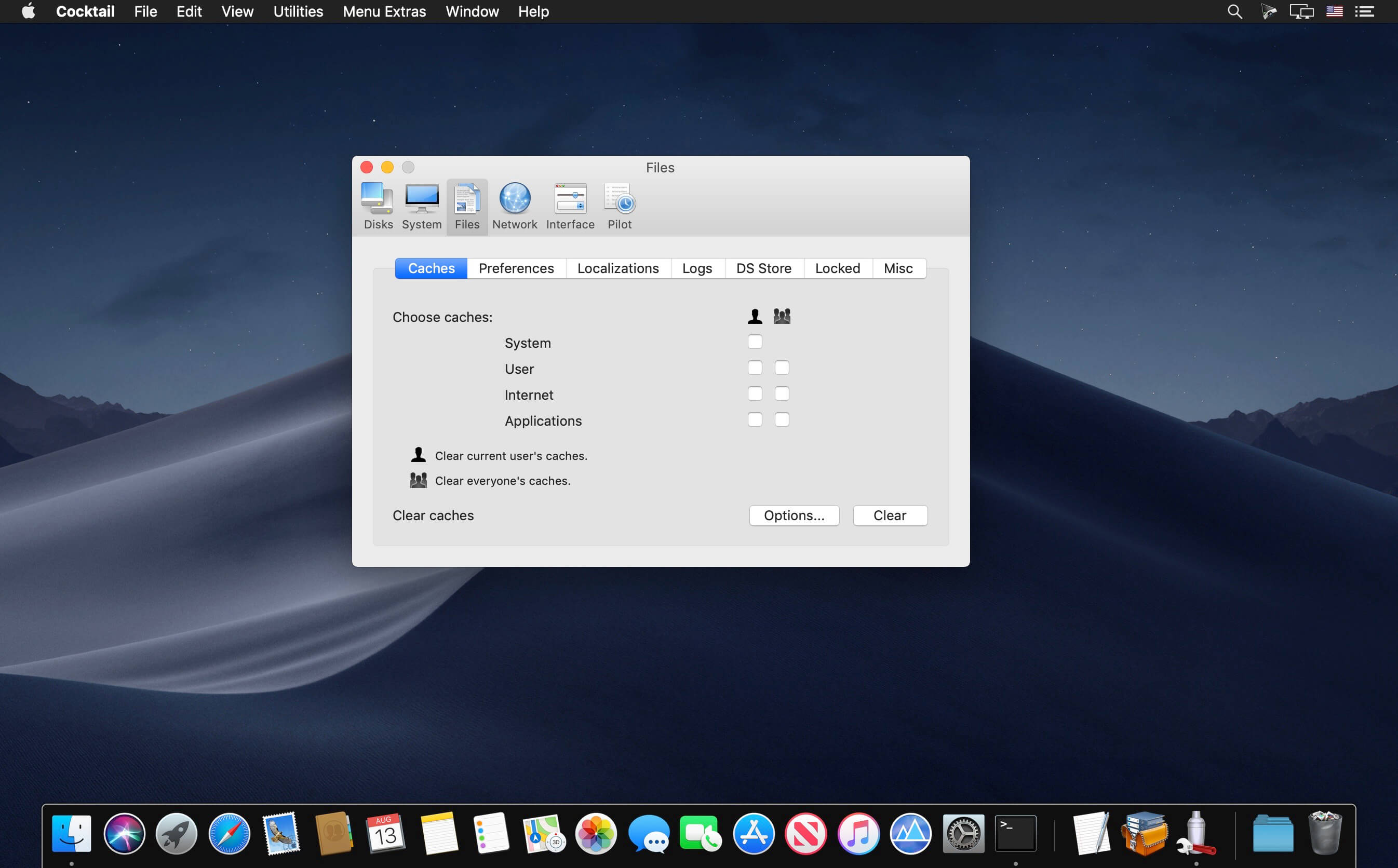
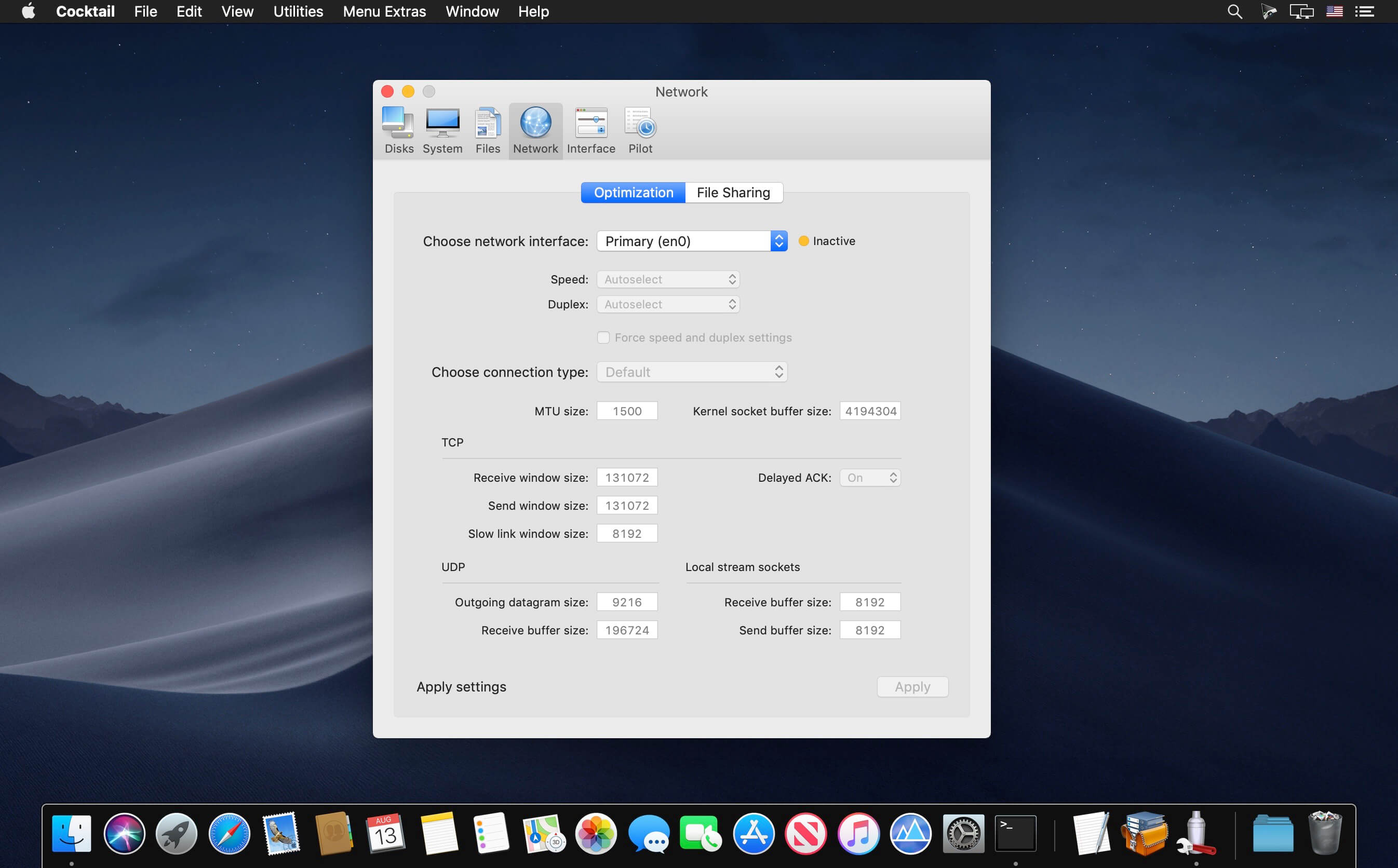
Cocktail is a general purpose utility for macOS that lets you clean, repair and optimize your Mac. It is a powerful digital toolset that helps hundreds of thousands of Mac users around the world get the most out of their computers every day.
Disks
- Automatically check SMART disk health status
- Enable or disable logging
- Repair disk permissions
- Reset permissions on the home directory and access control lists
- Set the sleep drive (spindown)
- Enable or disable the Sudden Motion Sensor
- Run the periodic maintenance scripts
- Cleaning inactive memory and optimize the use of virtual memory
- Enable or disable virtual memory swapping
- Management Spotlight indexing
- Erase codes Spotlight
- Change Time Machine preferences
- Rebuild Launch Services database
- Change the startup mode, or set the start-up delay
- The strength of the empty basket
- Mute start
- Disable Notification Center
- Clear the cache system
- Clear cache user
- Clear cache fonts
- Clear virtual memory pagefile
- Clear temporary files
- Clear Internet cache
- Сlear Cookies, download lists, form values and history files
- Clear cache Adobe Flash Player and cookies
- Search corrupted file settings
- Delete unnecessary localization
- Clean and manage (view, print and save) the log files
- Clear the DNS cache
- Delete files invisible DS Store
- Delete locked or inaccessible items
- Changing the speed, duplex, and MTU network cards
- It is easy to optimize the network settings for common types of connection
- Change the IP configuration settings
- Configure built (File Sharing) OS X file server
- Customize the appearance and the possibility of Finder, Dock, a login window, and other system services
- Change hidden settings Safari, Mail, Itunes, and QuickTime X
- Setting the default file save location in the allowed application ICloud
Version 12.5:
- Release notes were unavailable when this listing was updated.
Frequently asked questions
How do I install the app?
Mount the image, drag the app into the "Applications" folder and launch it. If the system blocks the launch, allow it in "System Settings → Privacy & Security".
The app is damaged or won't launch
Reinstalling from a fresh image usually helps. Make sure your macOS version matches the one listed in the compatibility specs.
How do I update?
Download the new version from the site and install it over the current one — your settings will be preserved.
The download link doesn't work
Try a mirror or a download manager. For large files the browser often drops the connection.
How do I completely remove the app?
Use an uninstaller utility — it cleans up the service files that remain after moving the app to the trash.
VersionCocktail Mojave Edition 12.5
DeveloperMaintain
CompatibilitymacOS 10.14 or later, 64-bit processor
LanguageEnglish
IncludesSerial (block outbound connections)




Information
Visitors in the group Guests cannot leave comments on this publication.
Choose a download source
Cocktail Mojave Edition 12.5 · 8.43 MB