1Click Duplicate Finder 2.4.0
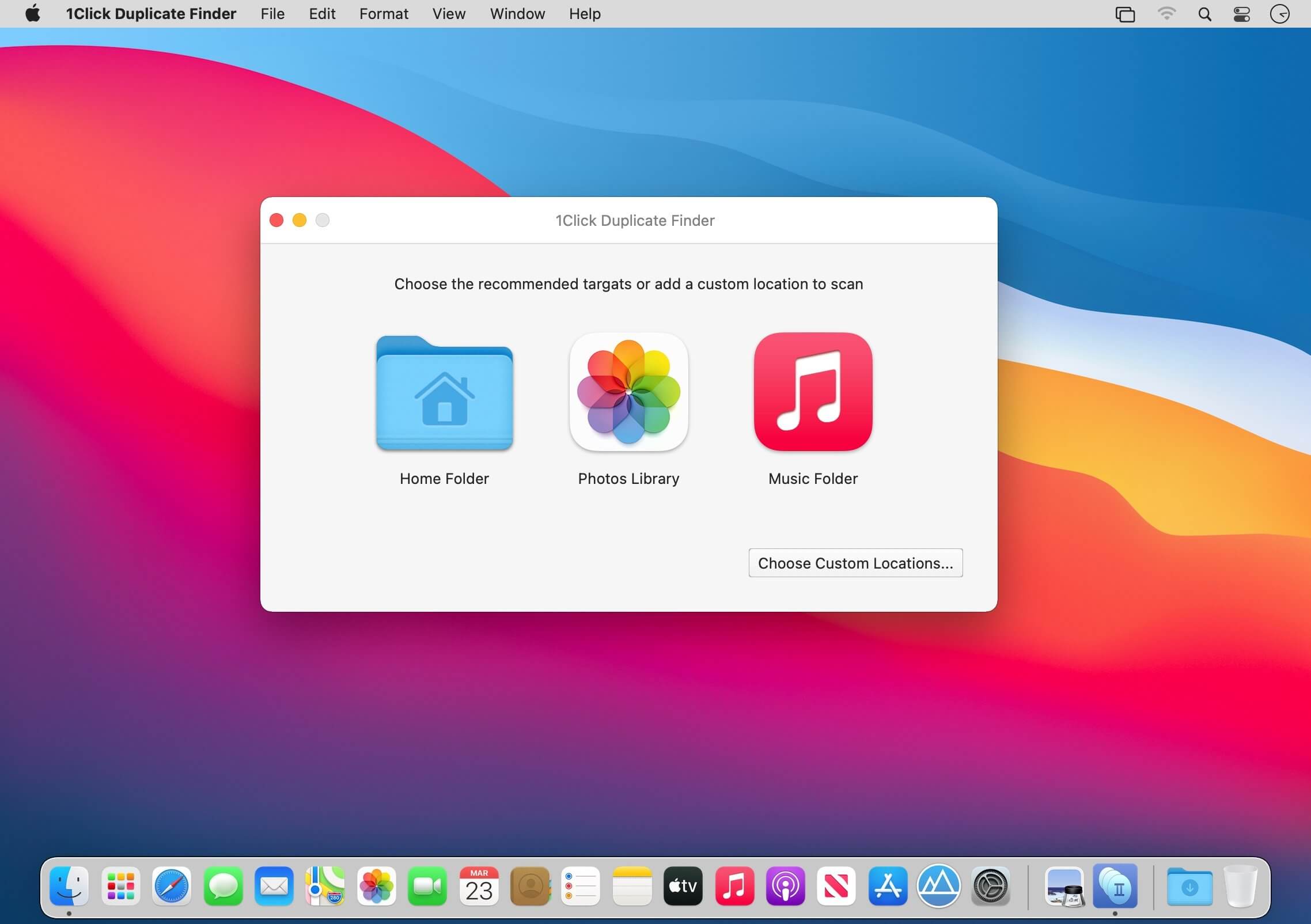
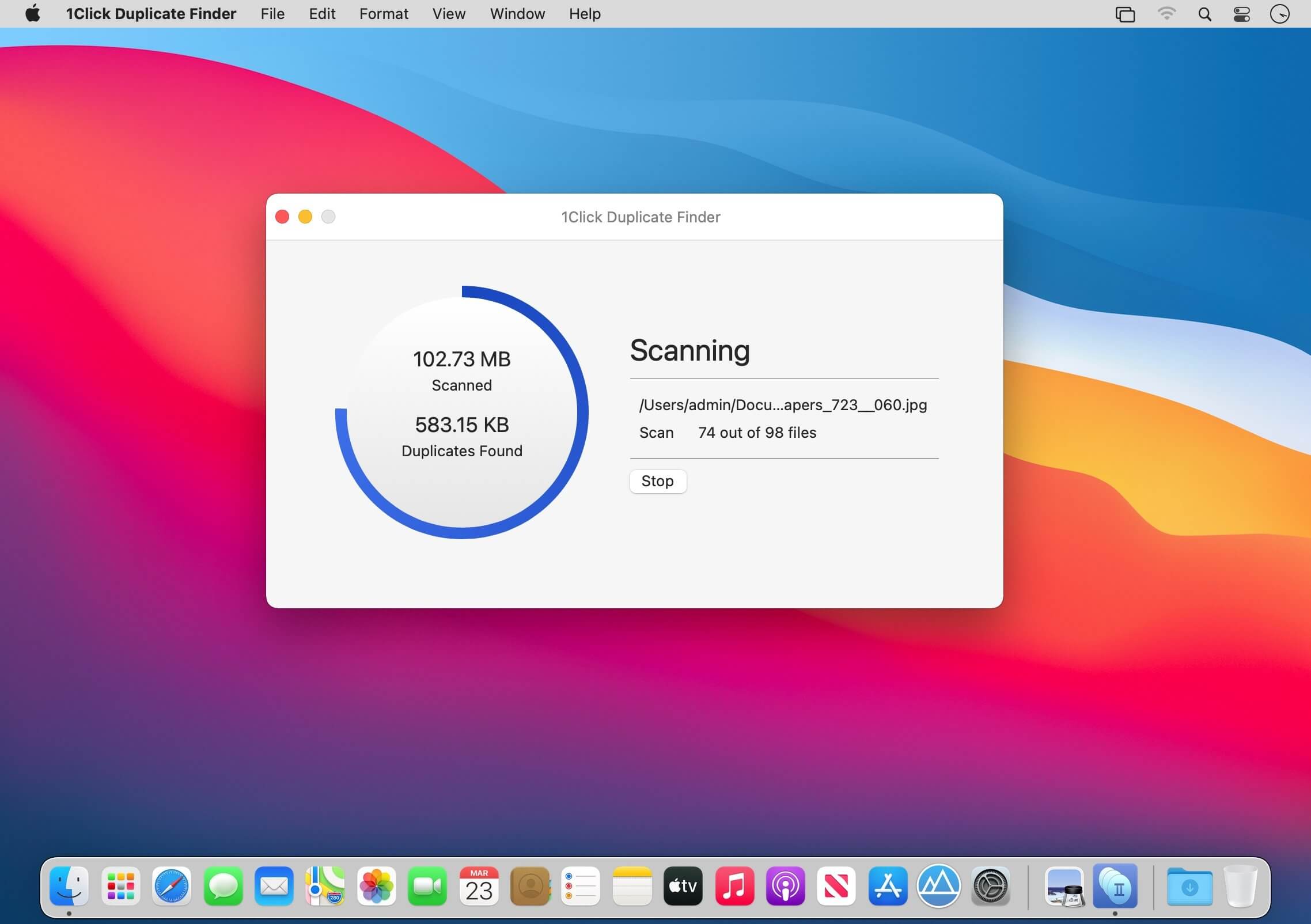

1Click Duplicate Finder helps you to free up gigabytes of storage space through finding duplicates, similar and large files. It can detect duplicate, similar and large files anywhere in Mac, including photos, music, and even external drives, and delete them safely and quickly free up disk.
Fastest Scanning
- Scan thousands of files in one second
- Use the fastest scanning algorithm
- Use GPU to accelerate duplicate matching
- Scan multiple folders and drives simultaneously
Clean Photos Library
- Find duplicates in Photos Library, as well similar, large files
- Safely remove duplicates in Photos library
- Not only find duplicate photos, but also videos and bursts
- Finding all removed photos in Photos Recently Deleted, don't worry about losing them.
Duplicate, Similar and Large Files Finder
- Find files of any type, even unknown types
- The fast and efficient duplicate algorithm can identify any content, even folders
- Using a similar file finder, you will get the best option to free up the disk
- Find photos, packages and applications that are similar, but not identical
- Spot large files in anywhere
Intuitive User Interface
- Quickly and easily start scanning folders, Photos Library
- Visual chart report provides an overview of disk usage
- Smart remove duplicates without review
- Duplicate, similar and large files are listed separately
- Rich options such as always choose and never choose make things smoother
- Built-in icon, list and column view mode, including Quick Look
- Sort files by name, size, modification date etc.
- Review all selections in one piece
- Remove all selections with one-click
- Automatically save and restore, never lost the session
Frequently asked questions
How do I install the app?
Mount the image, drag the app into the "Applications" folder and launch it. If the system blocks the launch, allow it in "System Settings → Privacy & Security".
The app is damaged or won't launch
Reinstalling from a fresh image usually helps. Make sure your macOS version matches the one listed in the compatibility specs.
How do I update?
Download the new version from the site and install it over the current one — your settings will be preserved.
The download link doesn't work
Try a mirror or a download manager. For large files the browser often drops the connection.
How do I completely remove the app?
Use an uninstaller utility — it cleans up the service files that remain after moving the app to the trash.



Choose a download source
1Click Duplicate Finder 2.4.0 · 6.75 MB
Previous versions
1Click Duplicate Finder 2.4.0
Previous versions are available to registered users.