Iris 1.7.5

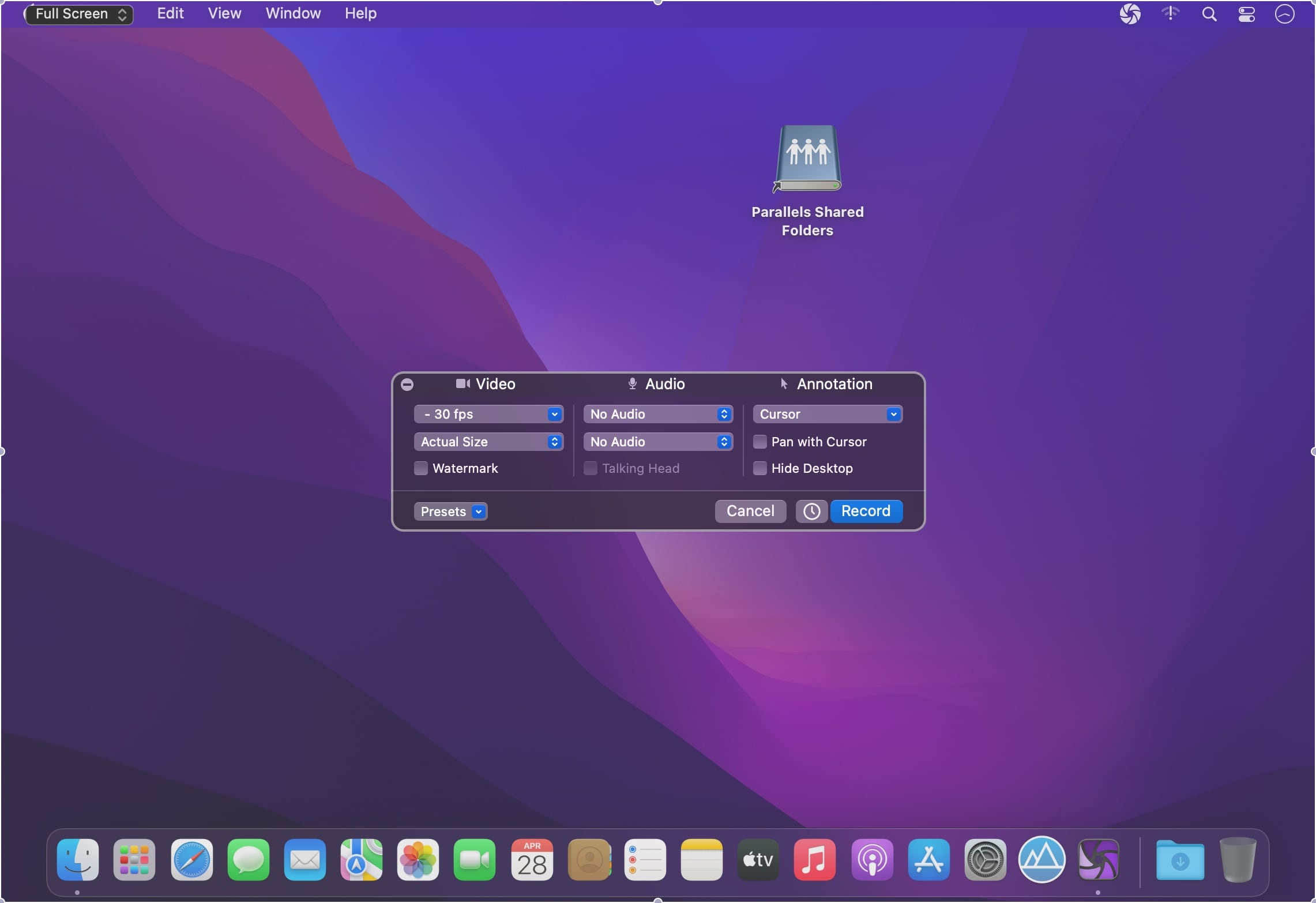

Iris is a high-performance screen recorder that records to h.264. Iris leverages on-board GPU acceleration when available. It can optionally include video from a camera and up to two microphones. Iris is free to try with a watermark embedded in recordings. Use the in-app purchase to remove watermark from new recordings.
Features
- High performance recording directly to h.264, Apple ProRes, or optionally record and encode later.
- Record audio from your Mac, even targeting a specific app.*
- Great color matching.
- Record Retina quality on supported Macs.
- Start and stop timers.
- Full hotkey support.
- Advanced automatic naming and tagging.
Version 1.7.2
- Fixed audio capture that was broken for some configurations.
- Warns user about mismatched sample rates for audio inputs.
Frequently asked questions
How do I install the app?
Mount the image, drag the app into the "Applications" folder and launch it. If the system blocks the launch, allow it in "System Settings → Privacy & Security".
The app is damaged or won't launch
Reinstalling from a fresh image usually helps. Make sure your macOS version matches the one listed in the compatibility specs.
How do I update?
Download the new version from the site and install it over the current one — your settings will be preserved.
The download link doesn't work
Try a mirror or a download manager. For large files the browser often drops the connection.
How do I completely remove the app?
Use an uninstaller utility — it cleans up the service files that remain after moving the app to the trash.





Choose a download source
Iris 1.7.5 · 16.1 MB
Previous versions
Iris 1.7.5
Previous versions are available to registered users.